2-in-1 Laptop Battery Life – What to Expect from Convertible Laptops
Disclosure: This post contains affiliate links. LaptopVoyager.com participates in the Amazon Associates Program and may earn commissions on qualifying purchases, at no extra cost to you.
Last Updated: January 2026
Battery life is one of the biggest question marks for anyone considering a 2-in-1 laptop. Convertible designs promise flexibility and portability, but they also add touchscreens, rotating hinges, and sometimes detachable components—all of which can affect power consumption.
On paper, many 2-in-1 laptops list battery life figures similar to regular laptops. In everyday use, however, how long a charge actually lasts depends heavily on how the device is used and how the hardware is configured.
👉 If you’re still deciding between designs, this overview of the best 2-in-1 laptops explains how convertibles compare across size and form factor.
Let’s break down what influences battery life on 2-in-1 laptops and what you should realistically expect.
🔍 Why Battery Life Can Vary More on 2-in-1 Laptops
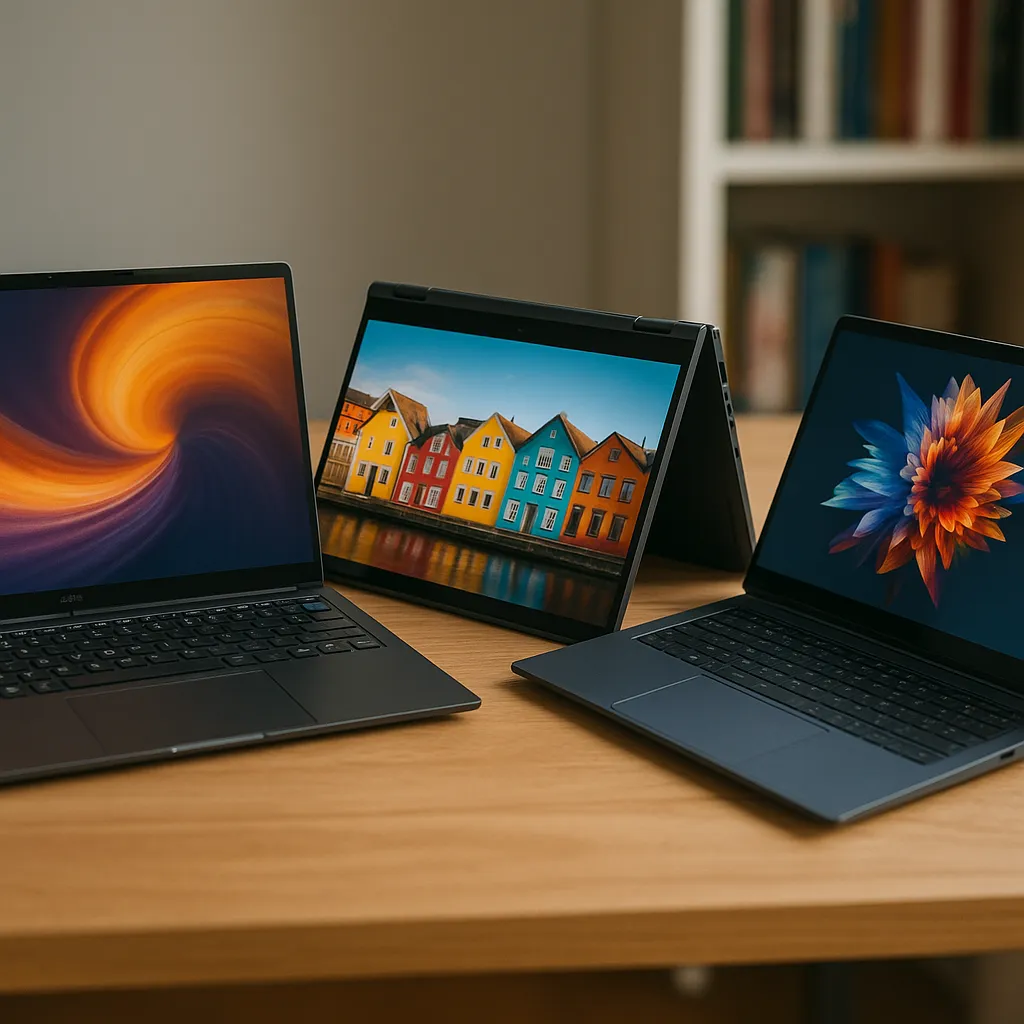
2-in-1 laptops are built to do more than one job.
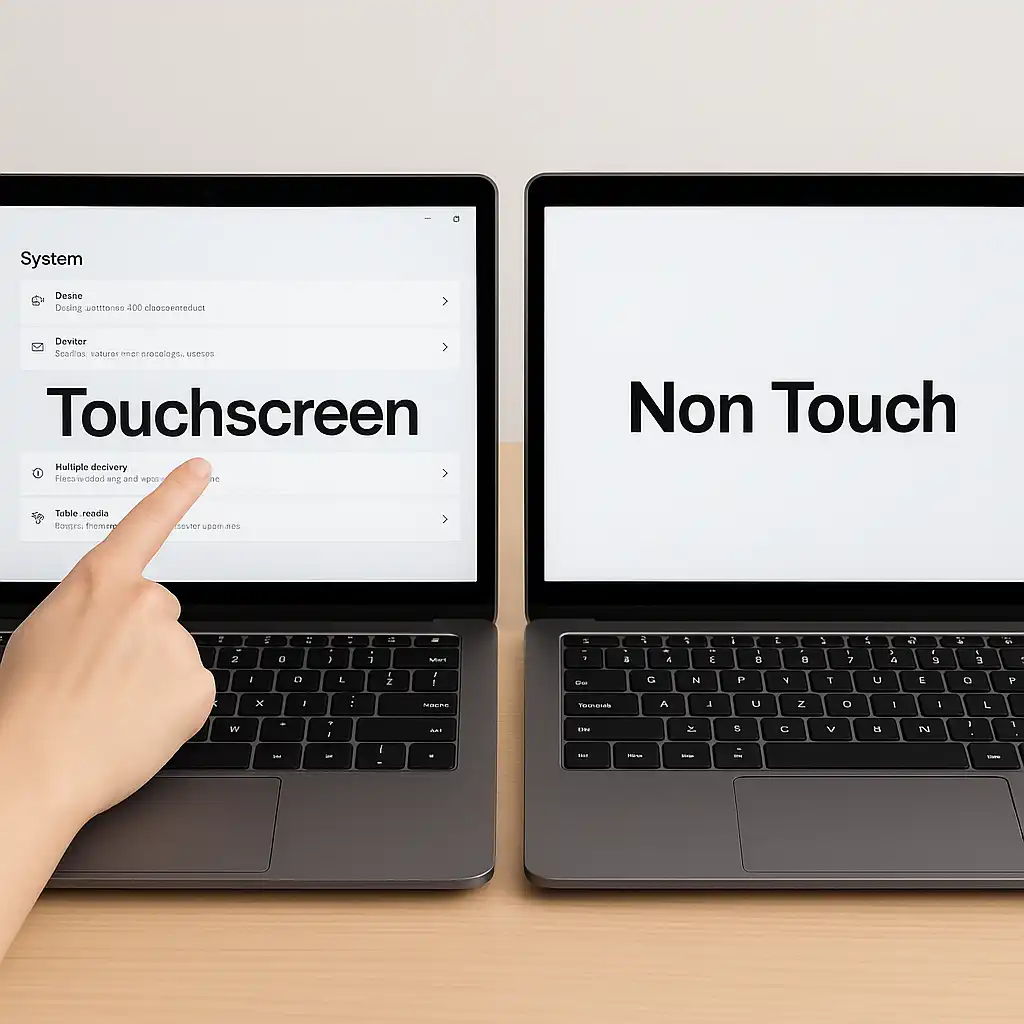
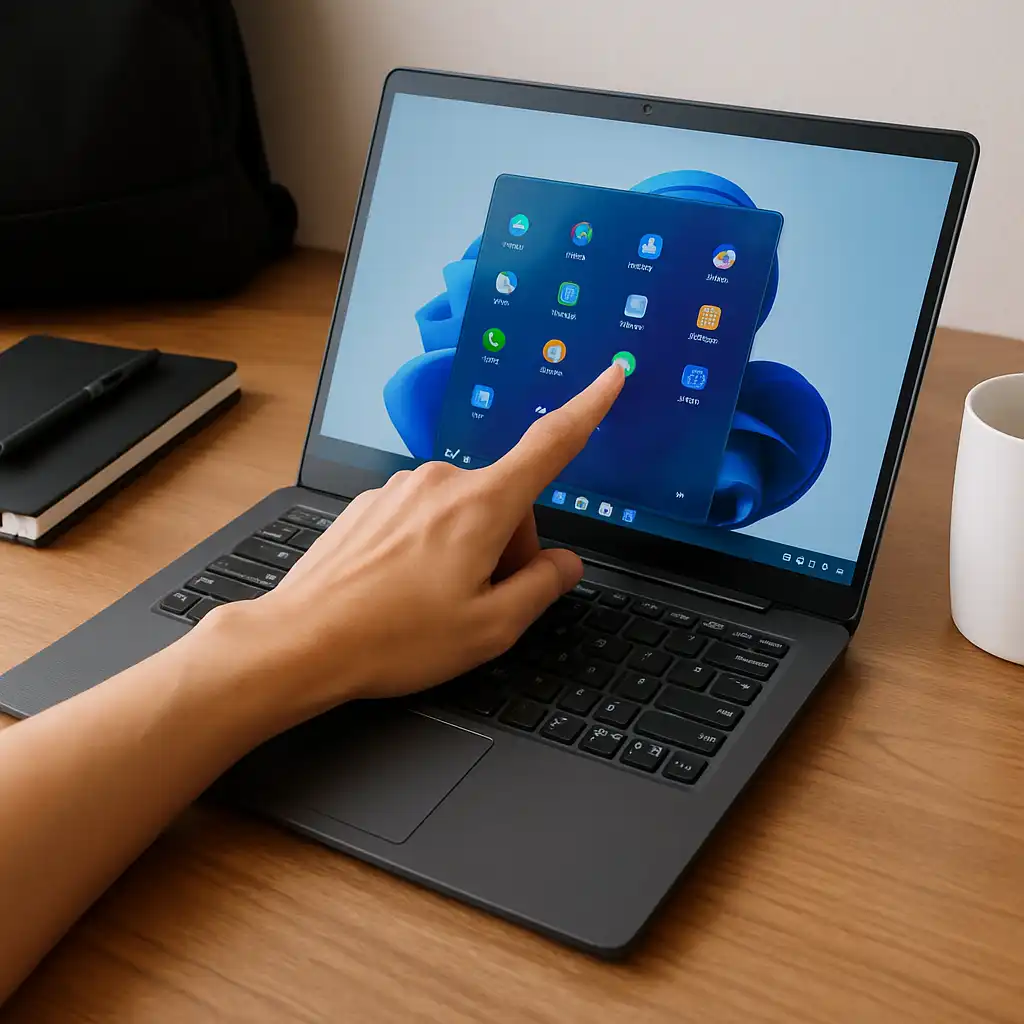
Touchscreens, pen support, and flexible hinges all add components that draw power. When used in tablet mode or with higher screen brightness, power consumption often increases compared to standard laptop use.
This doesn’t mean battery life is poor—it just means usage patterns matter more than on a traditional clamshell laptop.
🔍 Screen Size, Resolution, and Display Type
The display has a major impact on battery life.
Larger screens consume more power, especially when paired with high resolutions or high refresh rates. OLED panels deliver excellent contrast and color but typically draw more power than standard IPS displays, particularly at higher brightness levels.
Smaller 2-in-1 laptops with Full HD IPS screens generally last longer on a charge than larger, higher-resolution models.
🔍 Convertible vs Detachable Battery Behavior
Not all 2-in-1 designs use power the same way.
Convertible 2-in-1 laptops usually house the battery in the main chassis, similar to regular laptops. Battery life tends to be more consistent, especially during typing and desk-based work.
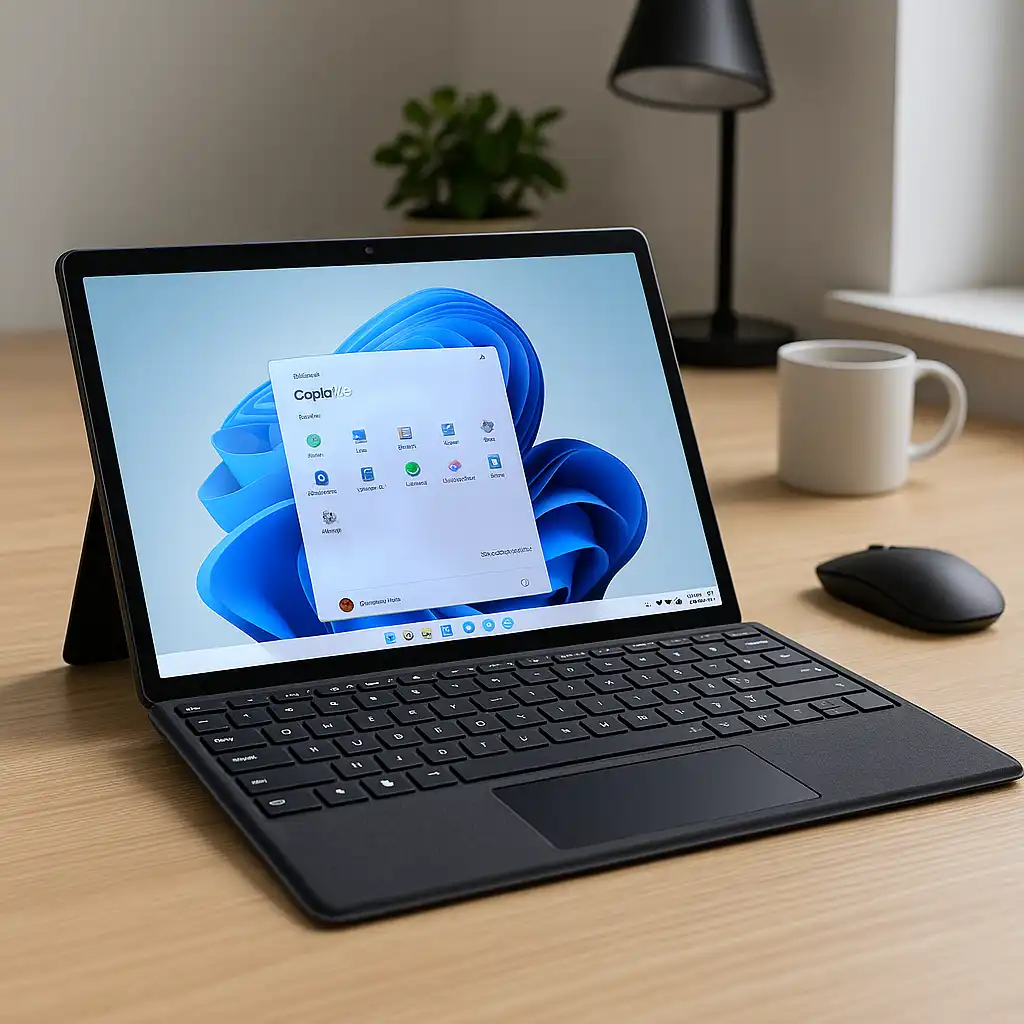
Detachable 2-in-1 laptops place all components inside the screen. When used as tablets, battery drain can increase due to constant touch input and higher display brightness.
🔍 Processor Efficiency and Platform Choice
Processor design plays a big role in battery expectations.
Modern platforms like Intel Core Ultra and ARM-based processors are designed to prioritize efficiency during light workloads. This helps extend battery life during browsing, document work, and media playback.
Higher-performance processors can shorten runtime during demanding tasks, but they also finish work faster, which can balance overall energy use depending on workload.
🔍 Usage Patterns That Drain Battery Faster
How you use a 2-in-1 matters more than the form factor itself.
Battery life tends to drop faster when:
- Using tablet mode frequently
- Keeping screen brightness high
- Running creative or multitasking-heavy workloads
- Using high refresh rate displays
Typing documents, reading, and light browsing typically result in much longer runtimes.
🔍 How 2-in-1 Battery Life Compares to Regular Laptops
In similar configurations, battery life can be comparable.
A 2-in-1 with the same processor, screen size, and battery capacity as a regular laptop often delivers similar runtime during traditional laptop use. Differences appear when touch features, tablet mode, or higher-end displays are used more often.
Regular laptops usually offer more predictable battery behavior, while 2-in-1 laptops trade consistency for flexibility.
📌 Key Takeaways
- 2-in-1 battery life varies more based on how the device is used
- Screen size, resolution, and OLED panels affect runtime significantly
- Convertible designs tend to be more consistent than detachables
- Modern processors help improve efficiency during light tasks
- Battery expectations should match usage patterns, not marketing numbers
🟢 FAQs
Q: Do 2-in-1 laptops have worse battery life than regular laptops?
Not always. With similar hardware and usage, battery life can be very similar.
Q: Does tablet mode drain battery faster?
Often yes, due to higher brightness and continuous touch input.
Q: Are OLED 2-in-1 laptops less efficient?
OLED displays can use more power, especially at higher brightness, but efficiency depends on content and usage.
Q: Can I improve battery life on a 2-in-1 laptop?
Lowering brightness, reducing background apps, and limiting high refresh rates can help extend runtime.
✅ Conclusion
2-in-1 laptops don’t inherently have poor battery life, but they are more sensitive to how they’re used. Screen size, display type, processor efficiency, and usage mode all play a role in how long a charge lasts.
If flexibility and touch features fit your workflow, a 2-in-1 can deliver perfectly practical battery life. Setting realistic expectations based on how you plan to use the device matters far more than headline battery claims.