2-in-1 Laptop vs Regular Laptop – Which One Fits Your Workflow?
Disclosure: This post contains affiliate links. LaptopVoyager.com participates in the Amazon Associates Program and may earn commissions on qualifying purchases, at no extra cost to you.
Last Updated: January 2026
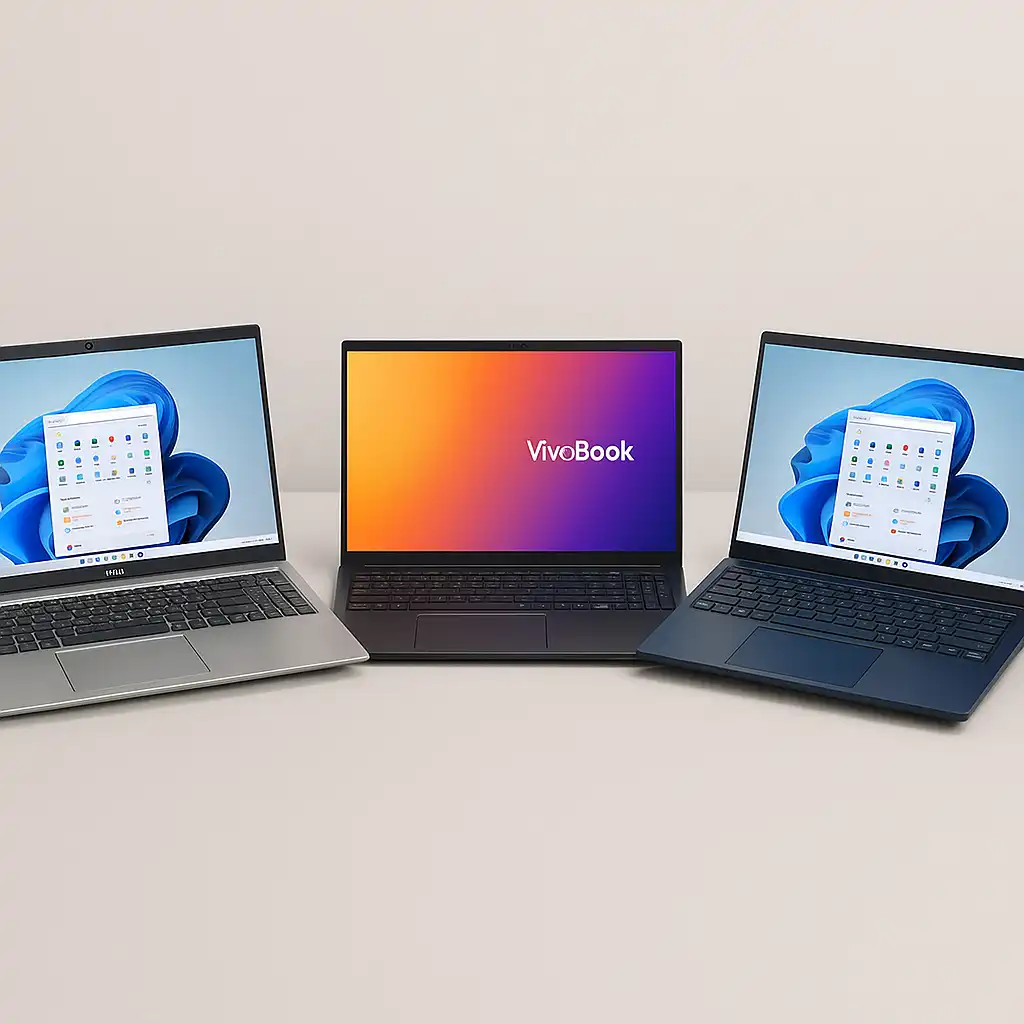
Choosing between a 2-in-1 laptop and a regular laptop often comes down to how you actually use your device day to day. On paper, both can offer similar performance, displays, and pricing—but the experience they deliver can feel very different in real-world use.
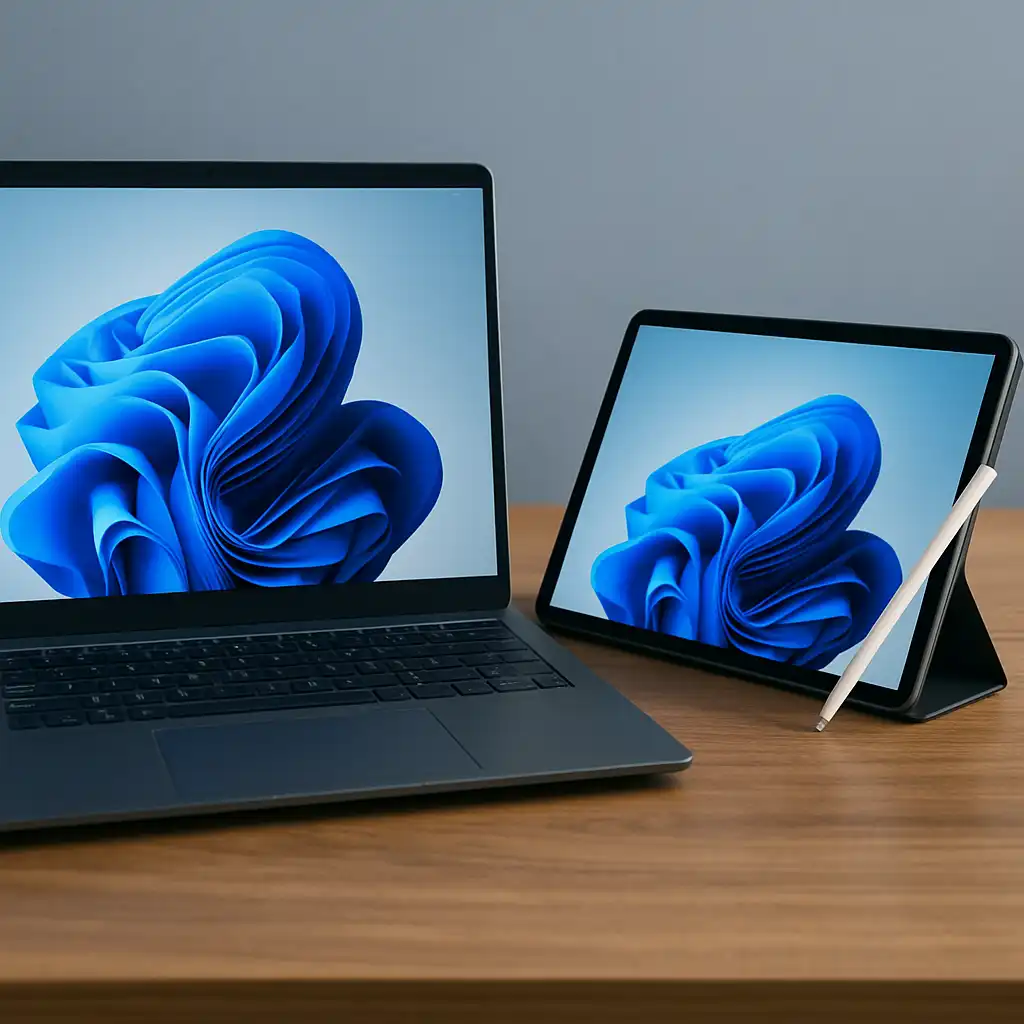
A 2-in-1 adds flexibility through touchscreens and convertible designs, while a traditional laptop focuses on stability and simplicity. Understanding where those differences matter helps avoid paying for features you won’t use—or missing ones you will.
👉 If you’re comparing multiple form factors, our overview of the best 2-in-1 laptops explains how convertibles fit into the wider laptop landscape.
Let’s break down how 2-in-1 laptops and regular laptops differ in everyday use—and which one makes more sense for your setup.
🔍 What a 2-in-1 Laptop Is Designed For
A 2-in-1 laptop is built around flexibility.
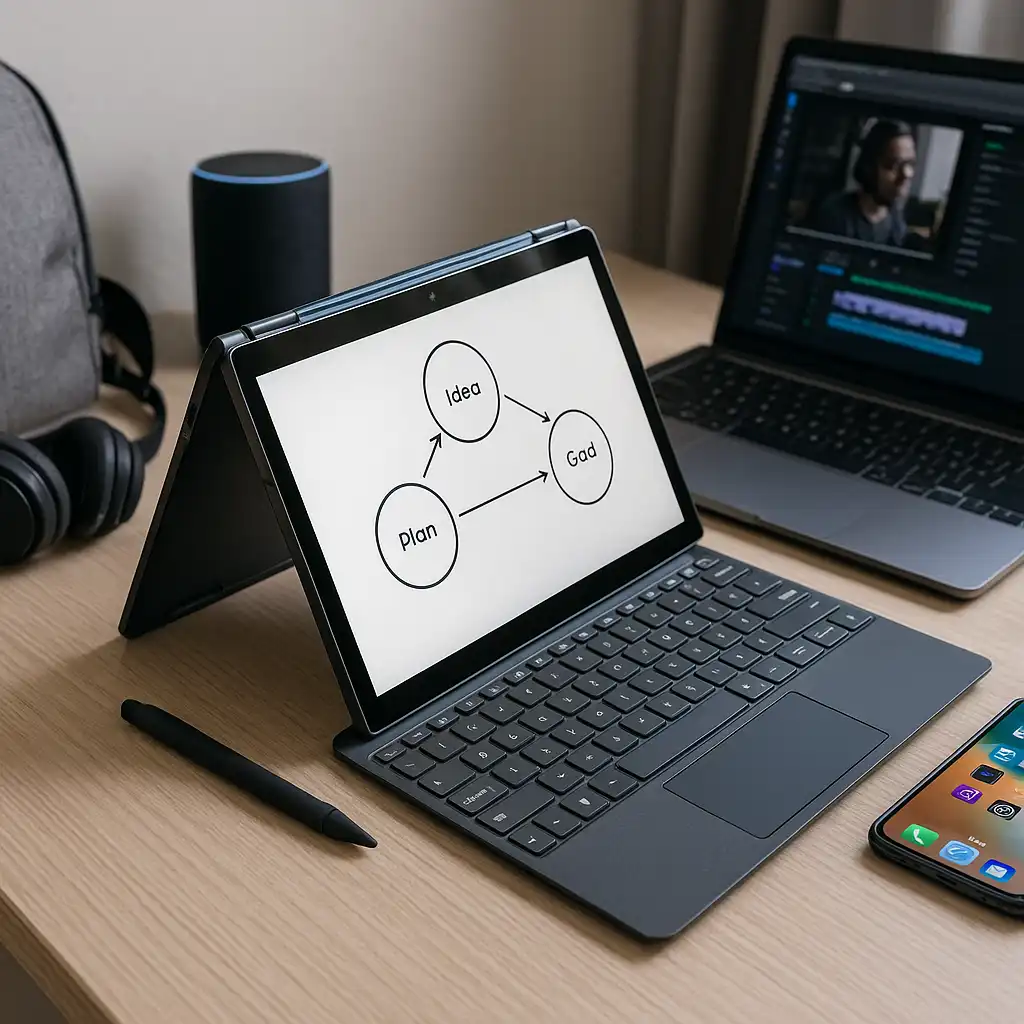
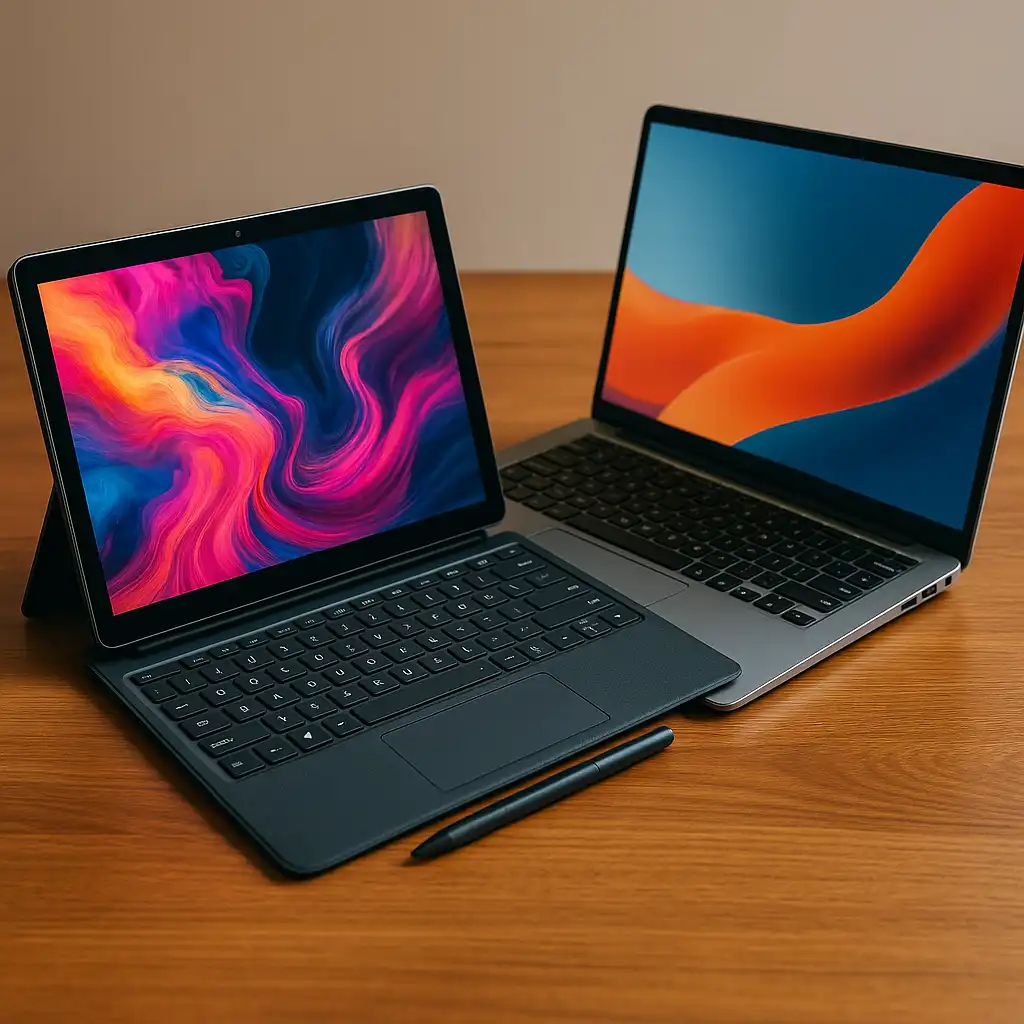
These laptops use either a 360-degree hinge or a detachable keyboard to switch between laptop and tablet-style modes. Touch input and pen support are central to the design, making them useful for note-taking, drawing, presentations, and casual media use.
2-in-1 laptops work best for users who value versatility and like changing how they interact with their device throughout the day.
🔍 What a Regular Laptop Is Designed For
A regular laptop is built for consistency.
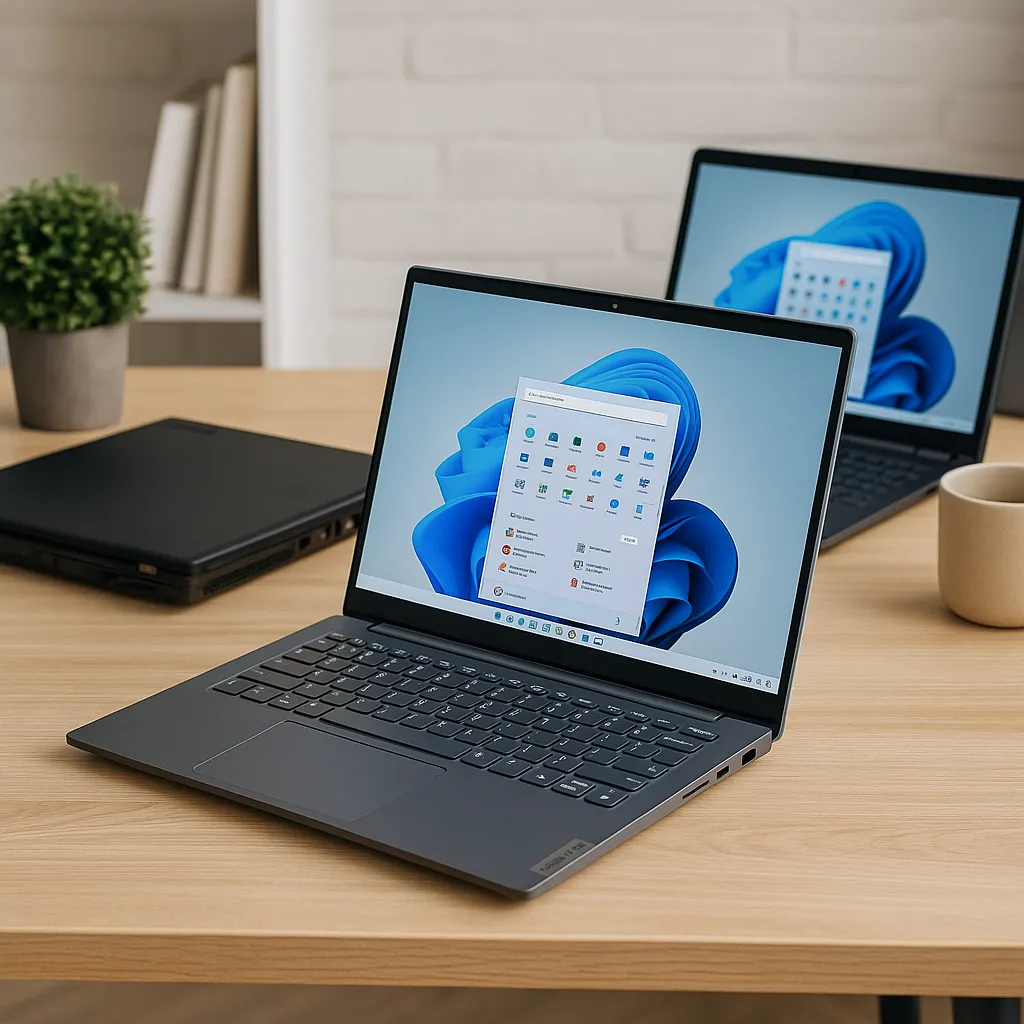
With a fixed clamshell design, it prioritizes typing comfort, structural rigidity, and predictable performance. There’s no tablet mode or touch-focused workflow—just a straightforward laptop experience that works the same way every time you open it.
Regular laptops are ideal for users who primarily type, use external peripherals, or work long hours at a desk.
🔍 Performance and Hardware Differences
In many cases, performance isn’t the deciding factor.
Both 2-in-1 laptops and regular laptops can be configured with similar processors, memory, and storage. However, thinner convertible designs sometimes prioritize efficiency and thermals over sustained high performance.
Regular laptops—especially larger models—often allow for better cooling and higher power limits, which can matter for heavier workloads.
🔍 Portability and Ergonomics
This is where the experiences start to diverge.
2-in-1 laptops tend to be lighter and more compact, especially detachable models. Tablet mode can be useful for travel, reading, or standing presentations.
Regular laptops usually offer better lap stability and typing ergonomics. They’re more comfortable for extended writing or desk-based work without needing accessories.
🔍 Touchscreens, Pens, and Input Styles
Touch input is optional on most regular laptops, but essential on 2-in-1 designs.
If you regularly annotate documents, sketch ideas, or take handwritten notes, a 2-in-1 offers clear advantages. Pen support and touchscreen interaction open up workflows that standard laptops don’t prioritize.
If you rarely touch your screen, those features may add cost without adding value.
🔍 Durability and Long-Term Use
Regular laptops tend to be mechanically simpler.
Fewer moving parts and no rotating hinges generally mean less long-term wear. That doesn’t make 2-in-1 laptops fragile, but convertible hinges and touchscreens add complexity that can matter over several years of use.
Build quality matters more than form factor here, but traditional designs still have an edge in simplicity.
🔍 Which One Is Better for Different Users?
The better choice depends on how you use your laptop.
If you value flexibility, touch input, and changing between work modes, a 2-in-1 makes sense. If your work is mostly typing, multitasking, or desk-based, a regular laptop often feels more comfortable and predictable.
Many users gravitate toward 2-in-1s for school or creative work, and traditional laptops for professional or long-form productivity tasks.
📌 Key Takeaways
- 2-in-1 laptops focus on flexibility and touch-based interaction
- Regular laptops prioritize stability and typing comfort
- Performance can be similar, but cooling and ergonomics differ
- Touch and pen support matter only if you actually use them
- The best choice depends on how you work, not just features
🟢 FAQs
Q: Is a 2-in-1 laptop slower than a regular laptop?
Not necessarily. Many use similar hardware, but thin designs may limit sustained performance.
Q: Are 2-in-1 laptops less durable?
They can have more mechanical complexity, but build quality matters more than form factor alone.
Q: Do regular laptops last longer?
They often experience less mechanical stress, which can help with long-term reliability.
Q: Is a 2-in-1 worth it if I don’t use tablet mode often?
If tablet mode is rarely used, a regular laptop may offer better value.
✅ Conclusion
2-in-1 laptops and regular laptops are built for different priorities. Convertibles focus on flexibility and interaction, while traditional laptops focus on comfort, simplicity, and long-term consistency. Neither is universally better—the right choice depends on how you actually use your device each day.
Choosing the form factor that matches your workflow will matter far more than chasing extra features you may never use.