Dell Inspiron vs Latitude vs XPS: Key Differences Explained
Disclosure: This post contains affiliate links. LaptopVoyager.com participates in the Amazon Associates Program and may earn commissions on qualifying purchases, at no extra cost to you.
Last Updated: September 2026
Dell offers several laptop families designed for different types of users, and Inspiron, Latitude, and XPS are among the most recognizable. While their specifications can sometimes overlap, their priorities are different.
Inspiron laptops generally focus on everyday computing and value, Latitude models are designed primarily around business use, and XPS systems occupy Dell’s more premium consumer and professional segment.
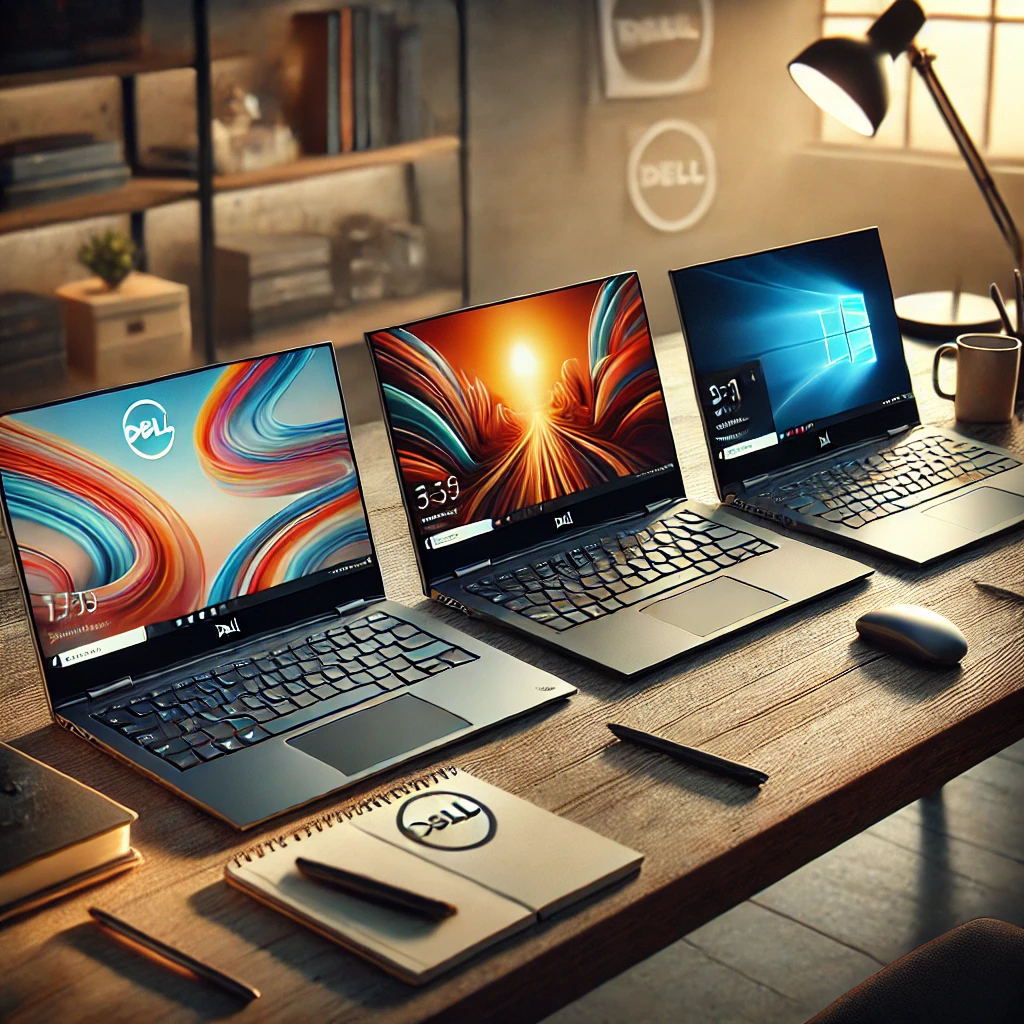
This comparison explains the main differences between Dell Inspiron vs Latitude vs XPS based on their intended use, design, hardware options, portability, and long-term value.
📌 Key Takeaways
- Dell Inspiron laptops are designed primarily for everyday home, student, and general productivity use
- Latitude laptops emphasize business features, manageability, security, and professional deployment
- XPS laptops focus on premium materials, higher-end displays, portability, and performance
- Inspiron usually offers the widest range of mainstream configurations
- Latitude is generally the better fit for organizations and business users
- XPS makes more sense when premium design, display quality, and higher-end hardware are priorities
- The best Dell family depends more on your workload than on the name of the product line
🔍 Dell Inspiron: Designed for Everyday Users
Dell Inspiron is the company’s mainstream consumer laptop family.
The lineup covers a broad range of screen sizes and configurations, making Inspiron laptops suitable for browsing, office applications, studying, streaming, and general productivity. Depending on the model, buyers can find touchscreen displays, larger 16-inch screens, substantial memory and storage configurations, and convertible designs.
This variety is one of Inspiron’s main advantages. Users who don’t require specialized business management features or premium XPS construction can often find an Inspiron configuration suited to their needs.
For example, our Dell Inspiron 16 FHD touchscreen laptop review looks at configurations that combine a large 16-inch display with touch input and productivity-focused hardware.
🔍 Dell Latitude: Built Around Business Use
Dell Latitude laptops are primarily designed for professional and organizational environments.
Compared with mainstream consumer laptops, Latitude models place greater emphasis on business-oriented features such as security, device management, connectivity, serviceability, and deployment across organizations.
The exact features depend on the Latitude series and configuration. Higher-tier models can also include more premium construction and portability features, so Latitude shouldn’t automatically be viewed as simply a more expensive Inspiron.
For individual buyers, Latitude can make sense when business-focused functionality and long-term workplace use are more important than entertainment or consumer-oriented features.
🔍 Dell XPS: The Premium Option
Dell XPS has traditionally occupied the premium end of Dell’s laptop portfolio.
XPS models emphasize compact designs, higher-quality display options, premium materials, and higher-performance hardware configurations. Depending on the model, features can include high-resolution OLED displays, powerful Intel processors, and discrete NVIDIA graphics.
These characteristics make XPS particularly relevant for professionals, creators, and users who want a premium laptop rather than simply a machine for routine computing.
The tradeoff is that many users performing basic office, web, or school tasks may not need the additional hardware or premium design features available in an XPS.
🔍 Dell Inspiron vs Latitude vs XPS: Main Differences
The three families overlap in some areas, but their overall positioning is different.
Inspiron: Mainstream laptops for home, school, general productivity, and everyday use
Latitude: Business laptops emphasizing professional features, security, management, and workplace deployment
XPS: Premium laptops emphasizing design, displays, portability, and higher-end performance
Specifications should still be compared at the individual-model level. A higher-spec Inspiron, for example, can outperform a lower-spec configuration from another Dell family in particular workloads.
The product family tells you what type of user the laptop is designed around; it doesn’t determine performance by itself.
🔍 Performance Differences
Performance depends more on the specific processor, graphics hardware, RAM, storage, and thermal design than on whether a laptop carries the Inspiron, Latitude, or XPS name.
Inspiron configurations cover everything from basic everyday hardware to relatively powerful systems. This gives buyers considerable flexibility depending on workload.
Latitude models typically prioritize dependable productivity performance and efficiency appropriate for business applications. XPS configurations can extend further into demanding creative workloads, particularly when equipped with higher-performance processors and discrete graphics.
When comparing specific models, the processor and GPU configuration should therefore receive more attention than the product-family name alone.
🔍 Display and Touchscreen Options
Display options vary considerably within all three Dell families.
Inspiron laptops can include standard productivity displays as well as touchscreens and convertible configurations. Larger models are particularly useful for users who want additional workspace without moving to a desktop setup.
Latitude models tend to prioritize displays appropriate for professional productivity and portability, although available options depend heavily on the individual series.
XPS models generally place greater emphasis on premium display options. High-resolution and OLED configurations can make the XPS family more appealing for visual work, media consumption, and users who prioritize display quality.
🔍 Design and Build Quality
Design is another area where the differences become more apparent.
Inspiron models generally prioritize practicality and affordability. Construction varies across the range because Inspiron covers numerous price and configuration levels.
Latitude laptops are designed with professional environments in mind. Depending on the series, that can mean an increased emphasis on durability, portability, serviceability, and repeated daily use.
XPS places greater emphasis on premium construction and compact design. Users paying more for an XPS are therefore purchasing more than additional processing power—the chassis, display, and overall form factor are important parts of its positioning.
🔍 Portability and Everyday Use
All three families include portable models, but they approach mobility differently.
Inspiron provides a broad selection, from smaller everyday laptops to larger 16-inch systems. Larger configurations provide more screen space but naturally occupy more room in a bag.
Latitude is particularly relevant to users who frequently move between offices, meetings, and remote workplaces because mobility is an important part of its business-oriented design.
XPS combines portability with premium hardware. Compact bezels and higher-end construction can provide a relatively large display area without making the chassis unnecessarily bulky.
🔍 Business and Professional Features
Latitude has the clearest advantage when business-specific capabilities are a priority.
Dell designs the Latitude family around commercial environments, where security, centralized management, deployment, connectivity, and support considerations can matter as much as raw processor performance.
Inspiron is more consumer-oriented and doesn’t need to provide the same range of enterprise functionality.
XPS can be suitable for individual professionals and demanding workloads, but premium hardware isn’t the same thing as enterprise manageability. Businesses choosing between Latitude and XPS should therefore consider how the laptops will be administered as well as how they perform.
🔍 Which Dell Laptop Is Better for Students?
Inspiron will generally be the most relevant starting point for students.
The range includes configurations suited to document work, research, video calls, browsing, streaming, and multitasking without automatically moving into premium laptop territory.
However, workload matters. Students working with demanding creative applications, engineering software, or other intensive programs may benefit from higher-performance hardware.
Latitude can also be attractive when durability and professional-style productivity are priorities, particularly when considering refurbished business laptops.
🔍 Which Dell Laptop Is Better for Work?
The answer depends on what “work” means.
For standard home-office work, an Inspiron with sufficient memory and a suitable processor may provide everything required. For managed corporate environments, Latitude is purpose-built around business requirements.
XPS becomes more compelling for professionals who need premium displays, stronger performance configurations, or a more compact high-end system for creative and demanding workloads.
Rather than choosing XPS simply because it sits higher in Dell’s range, match the hardware and business features to the applications you actually use.
🔍 Which Dell Family Offers Better Long-Term Value?
Long-term value depends on what you’re paying for and whether those features are useful.
Inspiron can provide strong value when the priority is mainstream computing without paying for enterprise management or premium construction. Latitude can justify its positioning when business features and professional deployment are important.
XPS offers a different type of value. Its premium displays, materials, portability, and higher-end configurations can be worthwhile for users who benefit from those characteristics, but they aren’t necessary for every workload.
A well-matched Inspiron can therefore be a better purchase than an XPS for one user, while a Latitude or XPS may be substantially more appropriate for another.
🔍 Dell Inspiron vs Latitude vs XPS: Which Should You Choose?
Choose based on the role the laptop needs to fill.
Choose Dell Inspiron if: you want a general-purpose laptop for home, school, office applications, entertainment, or everyday productivity.
Choose Dell Latitude if: business security, professional deployment, manageability, and workplace-focused features are priorities.
Choose Dell XPS if: you value premium construction, high-end display options, portability, and stronger performance configurations.
Individual specifications still matter. Always compare the exact processor, graphics hardware, memory, storage, display, ports, and other features before choosing between two specific Dell laptops.
🟢 FAQs
Q: Is Dell Latitude better than Inspiron?
Not universally. Latitude is designed more specifically for business environments, while Inspiron focuses on mainstream consumer and everyday productivity needs.
Q: Is Dell XPS better than Inspiron?
XPS generally occupies a more premium segment, but an Inspiron may provide better value when premium materials, display options, or higher-end hardware aren’t required.
Q: What is the main difference between Dell Latitude and XPS?
Latitude emphasizes business features, security, manageability, and professional deployment. XPS places more emphasis on premium design, displays, portability, and higher-performance configurations.
Q: Is Dell Inspiron good for everyday use?
Yes. The Inspiron family is designed for mainstream tasks such as browsing, document work, studying, streaming, and general productivity.
Q: Which Dell laptop family is best for business?
Latitude is Dell’s business-focused laptop family and is generally the most relevant starting point when enterprise features and device management are priorities.
✅ Conclusion
Dell Inspiron, Latitude, and XPS laptops target different priorities rather than simply representing three levels of performance.
Inspiron focuses on versatile mainstream computing, Latitude emphasizes business functionality and professional deployment, and XPS targets users looking for premium design, display options, and higher-end hardware.
The best approach is to choose the Dell family that matches your use case first, then compare the specifications of individual models within that range.