Microsoft Surface Pro 2-in-1 Review – A Detachable Built for Flexibility and Portability
Disclosure: This post contains affiliate links. LaptopVoyager.com participates in the Amazon Associates Program and may earn commissions on qualifying purchases, at no extra cost to you.
Last Updated: February 2026
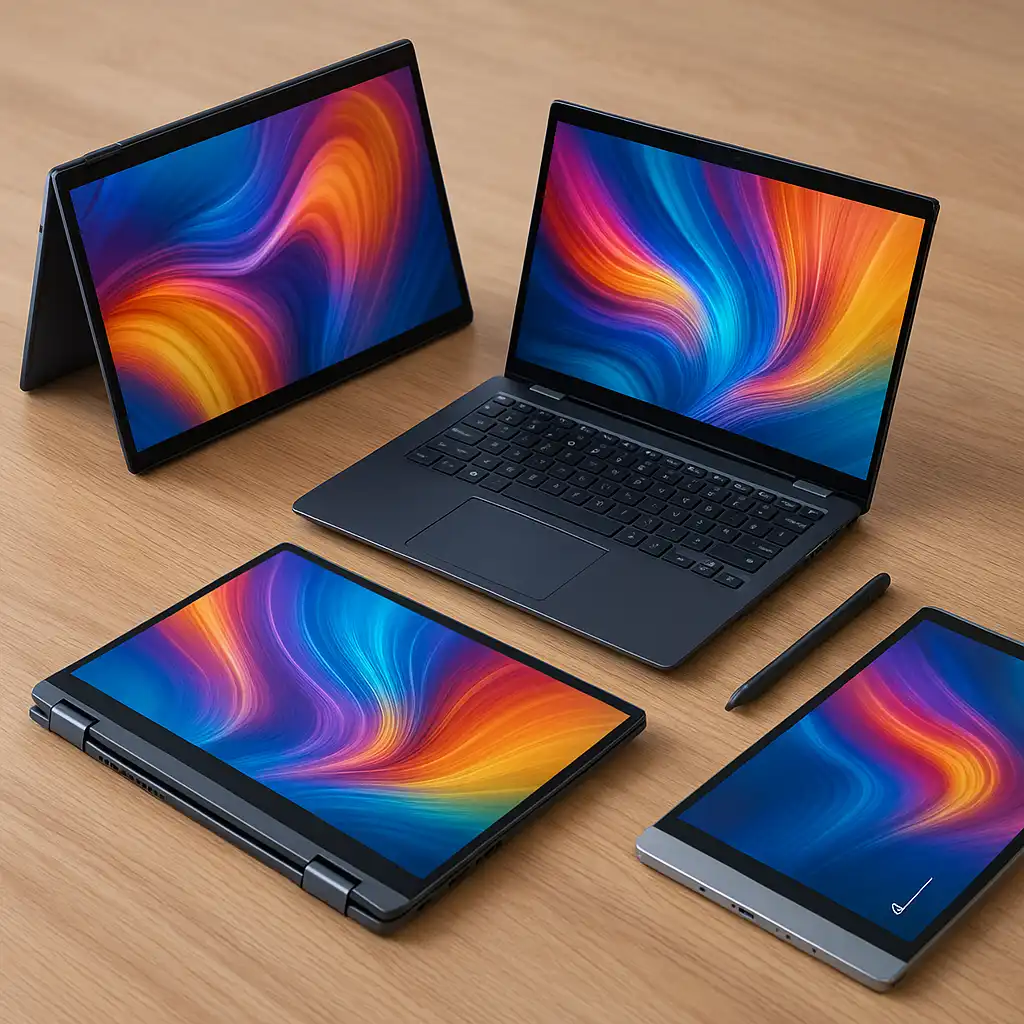
Detachable 2-in-1 laptops sit at the intersection of tablets and traditional notebooks, offering maximum flexibility in a compact form. The Microsoft Surface Pro is designed for users who want a lightweight device that can function as a tablet first, while still supporting laptop-style productivity when paired with a keyboard.
This review looks at the Surface Pro from a specifications and design perspective, explaining how it fits within the broader 2-in-1 category and which users it’s best suited for.
👉 Looking for alternatives? See our full comparison guide to the best 2-in-1 laptops.
💰 Check Price & Availability
View on Amazon – Microsoft Surface Pro 11 2-in-1 Laptop
🔍 Design and Form Factor
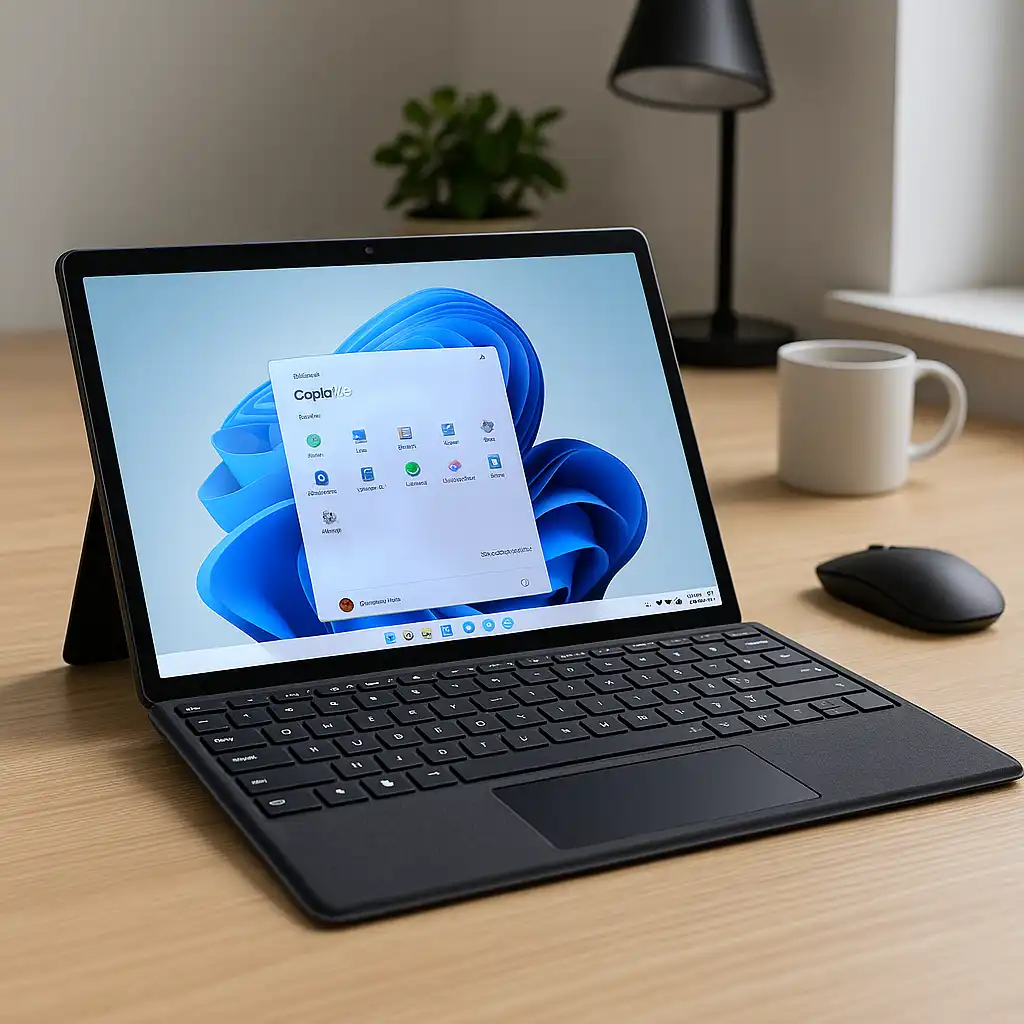
The Surface Pro uses a detachable design rather than a 360-degree hinge. The tablet houses all core components, while the kickstand on the back allows it to prop up at multiple angles on a desk or table.
This approach keeps the device thin and lightweight, making it easy to use as a standalone tablet. When paired with the optional Type Cover keyboard, it functions more like a traditional laptop, though the experience is most comfortable on a flat surface rather than on your lap.
🔍 Display and Touch Experience
Surface Pro models are known for their high-resolution touchscreen displays with a taller aspect ratio than most laptops. This extra vertical space is useful for reading, writing, and document-based work.
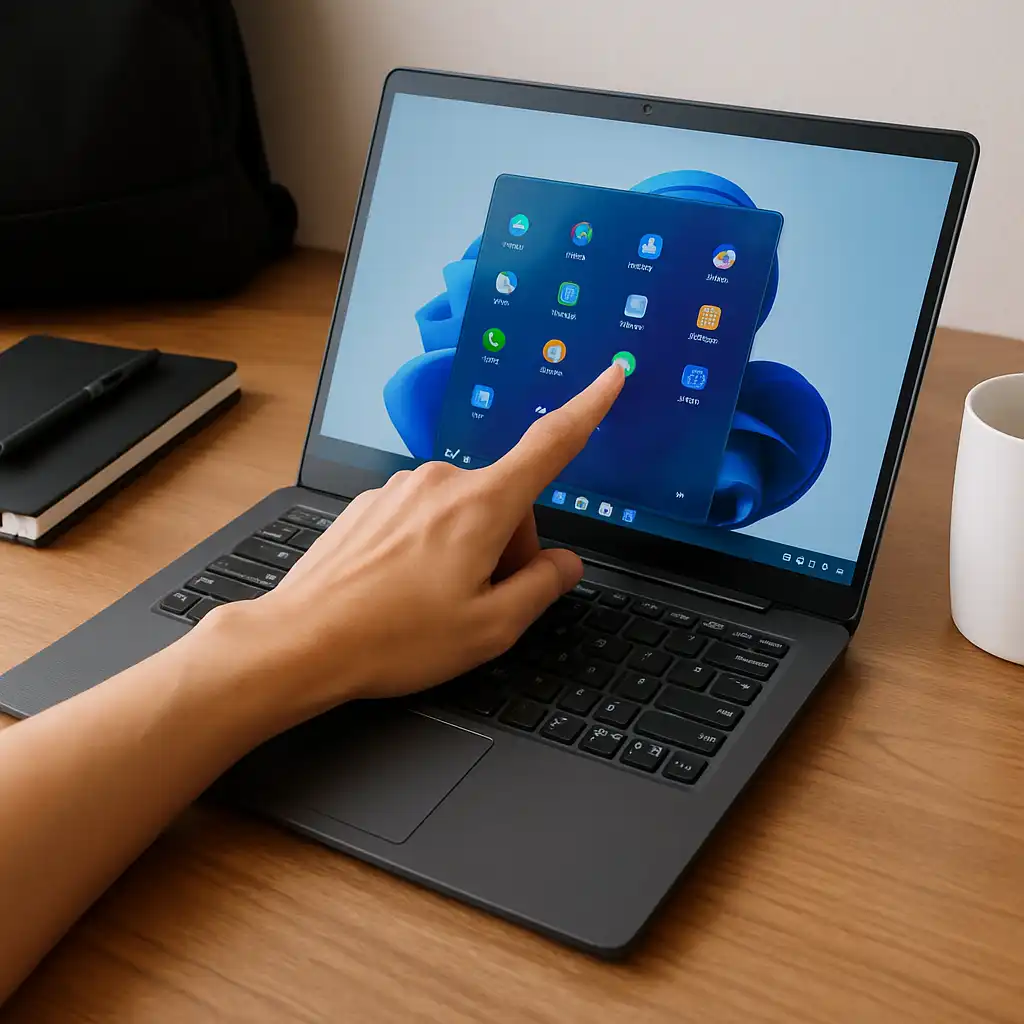
Touch and pen input are central to the Surface Pro experience. The display is designed to support note-taking, drawing, and markup tasks, making it especially appealing to students and professionals who rely on handwritten input.
🔍 Performance and Hardware Overview
Depending on the generation and configuration, the Surface Pro is available with Intel Core processors or ARM-based options. Based on specifications, these configurations are designed for:
- Everyday productivity tasks
- Web-based applications and multitasking
- Media consumption and streaming
- Light creative and note-taking workflows
This device is not intended to replace performance-focused laptops or systems with dedicated graphics, but it aligns well with users who prioritize portability and versatility.
🔍 Battery Life and Connectivity
Battery capacity is designed to support a full workday of mixed use, though actual runtime depends on configuration, display brightness, and workload. Detachable designs often balance efficiency with portability rather than raw endurance.
Port selection is typically minimal compared to larger laptops, usually relying on USB-C and a headphone jack. This makes adapters more common for users who connect multiple peripherals or external displays.
🔍 Who the Microsoft Surface Pro Is Best For
The Surface Pro makes the most sense for users who want:
- A tablet-first 2-in-1 experience
- Strong touch and pen input support
- Lightweight portability for travel or campus use
- Flexibility to switch between tablet and laptop modes
Users who prefer a traditional clamshell laptop feel or need extensive port selection may find hinge-based 2-in-1s more comfortable.
📌 Key Takeaways
- Detachable design prioritizes portability and flexibility
- High-resolution touchscreen suits note-taking and reading
- Configurations support productivity and light creative tasks
- Best used on desks or tables rather than laps
🟢 FAQs
Q: Is the Microsoft Surface Pro a laptop or a tablet?
It’s a detachable 2-in-1 that functions primarily as a tablet, with laptop capabilities added through an optional keyboard.
Q: Can the Surface Pro replace a traditional laptop?
It can for light to moderate productivity tasks, but users who need stronger performance or more ports may prefer a conventional laptop.
Q: Is the Surface Pro good for students?
Yes, especially for students who value portability, note-taking with a pen, and flexible usage modes.
✅ Conclusion
The Microsoft Surface Pro stands out as a tablet-first 2-in-1 designed around flexibility, touch input, and portability. Based on its specifications and design approach, it’s best suited for users who prioritize mobility and versatile input methods over traditional laptop ergonomics.
For students, professionals, and travelers who want a lightweight device that adapts to different workflows, the Surface Pro remains a distinctive option within the 2-in-1 laptop category.