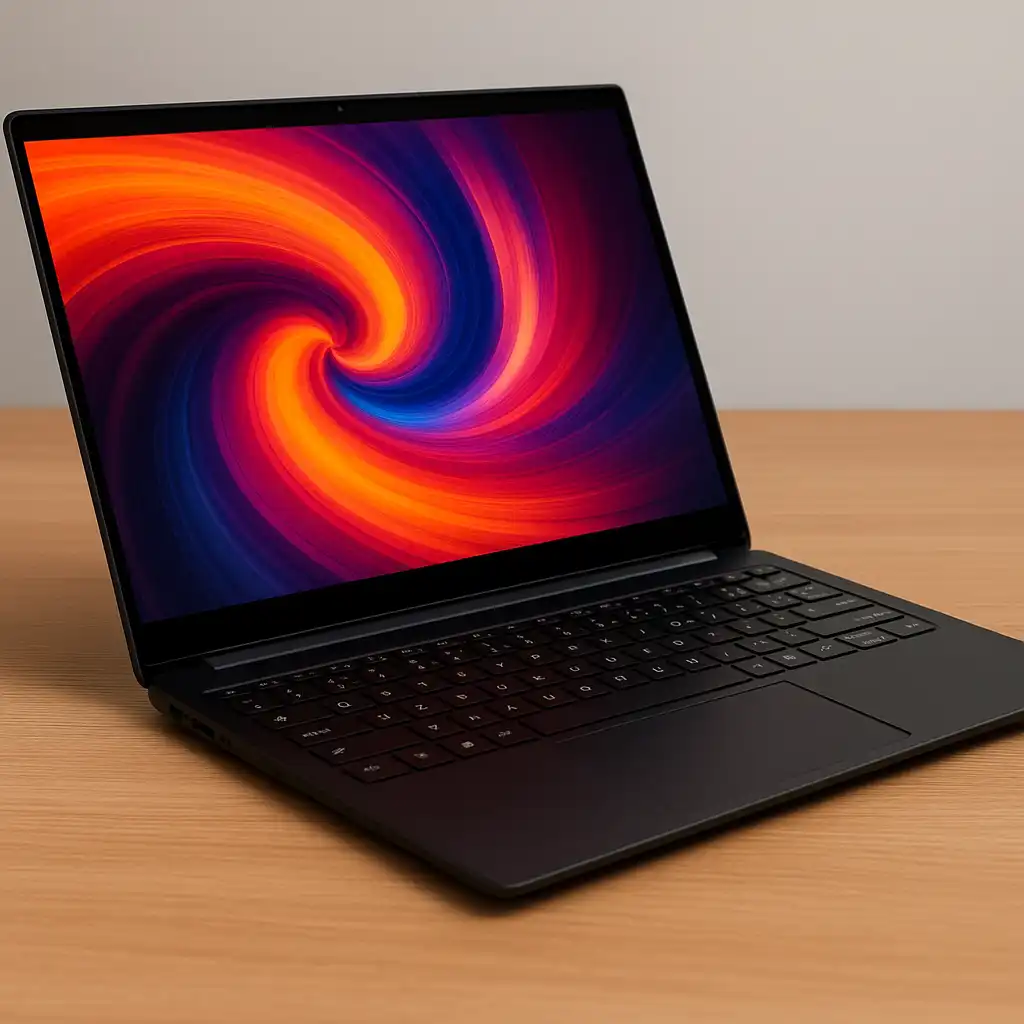
Best Cheap Touch Screen Laptop – Affordable Touch Models That Still Deliver
Disclosure: This post contains affiliate links. LaptopVoyager.com participates in the Amazon Associates Program and may earn commissions on qualifying purchases, at no extra cost to you.
Last Updated: November 2025
Cheap touchscreen laptops are far more capable than they used to be. Based on current manufacturer configurations, you can now get smooth touch support, dependable everyday performance, and solid-state storage without moving into premium price categories.
These three models make sense for students, remote workers, and home users who want touch functionality paired with practical hardware.
👉 For a broader breakdown of sizes and performance tiers, explore our complete guide to the best touchscreen laptops.
💰 Check Price & Availability
View on Amazon – HP 15.6″ Touchscreen Laptop (i3-1215U, 8GB RAM, 256GB SSD)
View on Amazon – HP Pavilion 15.6″ Touchscreen (16GB RAM, 256GB SSD)
View on Amazon – Lenovo IdeaPad 1i 15.6″ FHD Touch (i5-1235U, 16GB RAM, 512GB SSD)
📋 Quick-View Comparison List
Best Everyday Option: HP 15.6″ Touch (i3-1215U, 8GB RAM)
Best for Multitasking: HP Pavilion 15.6″ Touch (16GB RAM)
Best Overall Performance: Lenovo IdeaPad 1i (i5-1235U, 512GB SSD)
🔍 Display Quality & Touch Experience
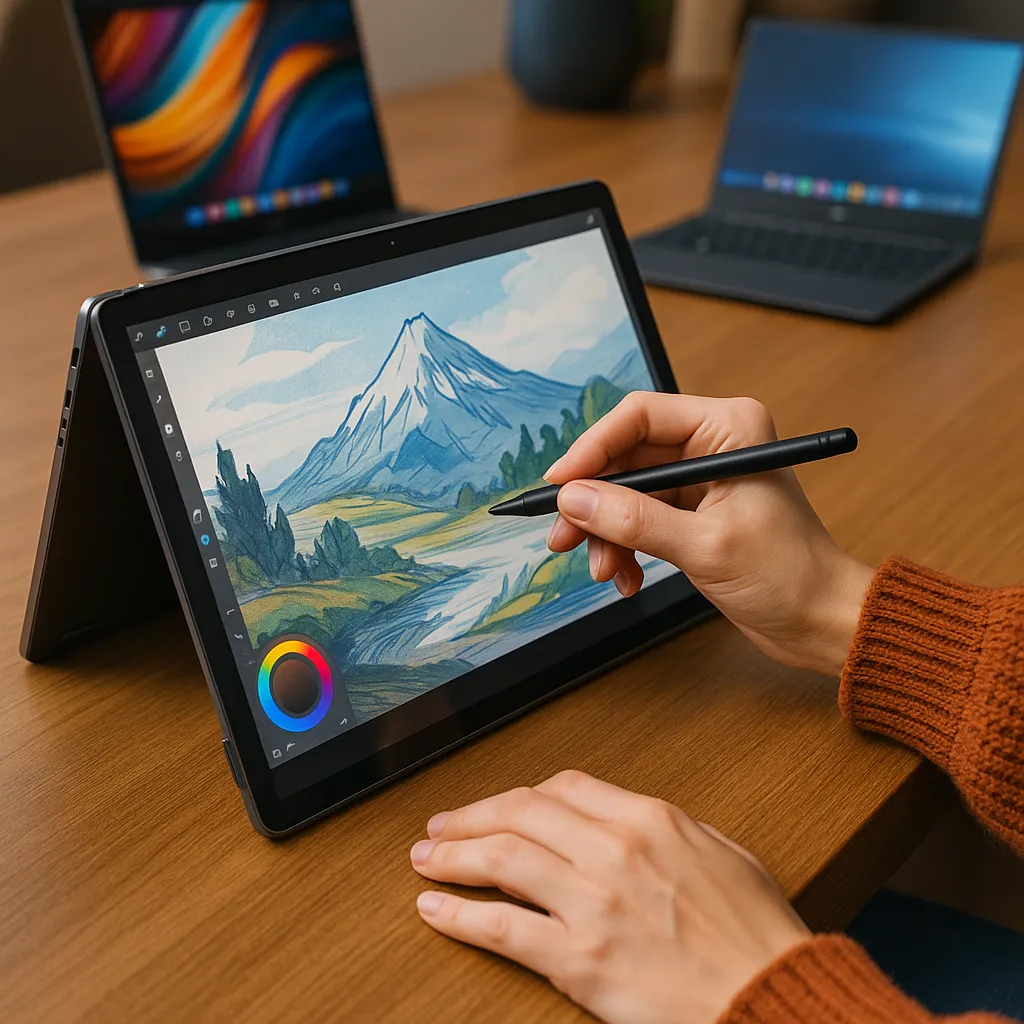
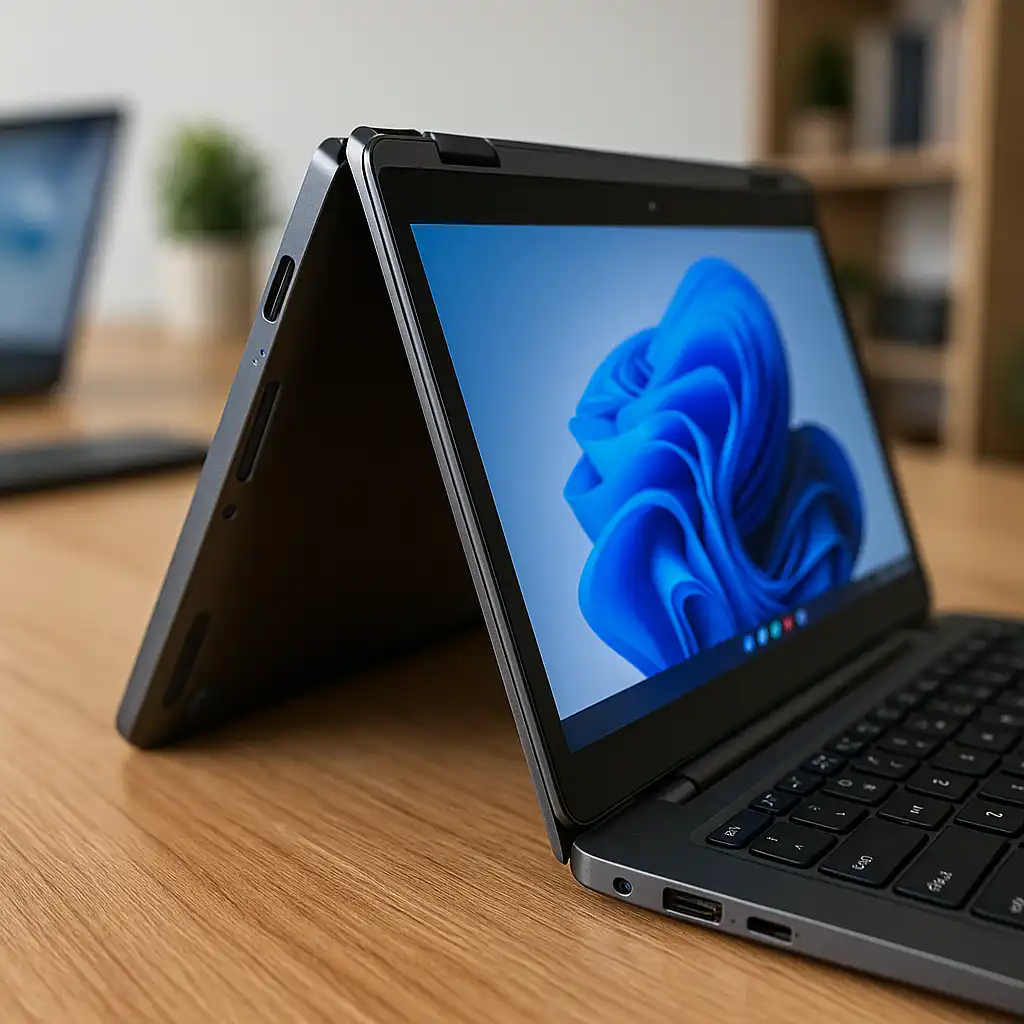
All three laptops include 15.6-inch touch-enabled displays designed for tap, swipe, and gesture navigation in Windows. That makes scrolling through documents, browsing the web, and navigating menus more intuitive.
The Lenovo IdeaPad 1i features a Full HD (1920×1080) display, offering sharper text and clearer visuals compared to standard HD panels. The HP models remain suitable for everyday browsing, media playback, and productivity tasks at typical viewing distances.
Keeping a touchscreen clean helps maintain responsiveness over time. If you’re unsure about proper maintenance, here’s how to clean a touchscreen laptop safely.
🔍 Performance & Everyday Speed
The HP 15.6″ Touch is powered by an Intel Core i3-1215U processor. Based on specifications, this configuration is designed for common tasks such as email, document editing, streaming, and video conferencing.
The HP Pavilion increases memory to 16GB RAM, which supports smoother multitasking when multiple browser tabs or office applications are open. The Lenovo IdeaPad 1i, equipped with an Intel Core i5-1235U and 16GB RAM, delivers stronger overall performance according to processor tier and memory configuration.
🔍 Storage, RAM & Long-Term Practicality
Both HP models include 256GB SSD storage, which is generally sufficient for lighter workloads and users who rely on cloud services. SSD storage also helps with faster boot times and quicker file access.
The Lenovo IdeaPad 1i includes a 512GB SSD, providing additional room for applications, documents, and media files. RAM plays an important role as well—8GB works for basic productivity, while 16GB provides more flexibility for heavier multitasking.
🔍 Battery Life & Portability
All three laptops follow a traditional 15.6-inch clamshell design, balancing screen space with everyday portability. Their size makes them practical for commuting between classes or working from different rooms.
Battery life varies depending on workload and brightness settings. According to manufacturer estimates and processor-class benchmarks, these systems are designed to support several hours of mixed daily use.
Touch functionality can also be adjusted in Windows settings. If needed, here’s how to disable touchscreen on a laptop temporarily.
📦 HP 15.6″ Touchscreen Laptop – Best Everyday Option
This configuration focuses on essential features while maintaining balanced hardware. The Intel Core i3-1215U and 8GB RAM combination is suited for browsing, streaming, writing, and general office work.
For users prioritizing dependable daily performance with touch support, this model covers core needs without unnecessary upgrades.
📦 HP Pavilion 15.6″ Touchscreen – Best for Multitasking
The Pavilion’s 16GB RAM configuration makes it more capable for users who frequently switch between apps or keep many browser tabs open. It also features an anti-glare display that can help reduce reflections in brighter environments.
This option suits students and remote workers who need smoother multitasking while keeping hardware practical and efficient.
📦 Lenovo IdeaPad 1i 15.6″ FHD Touch – Best Overall Performance
The IdeaPad 1i combines an Intel Core i5-1235U processor with 16GB RAM and a 512GB SSD. Based on specifications, this configuration supports heavier multitasking and more demanding productivity tasks compared to the other two options.
The Full HD touchscreen enhances visual clarity, giving it a more refined feel while still remaining within the affordable category.
📌 Key Takeaways
- Cheap touchscreen laptops can handle everyday productivity tasks
- HP 15.6″ Touch covers essential daily use
- HP Pavilion improves multitasking with 16GB RAM
- Lenovo IdeaPad 1i offers stronger performance and larger storage
- All three models include responsive touchscreen functionality
🟢 FAQs
Q: Are cheap touchscreen laptops good for school or remote work?
Yes. Based on their processor and RAM configurations, these models are designed for browsing, writing, video calls, and general productivity.
Q: Is 8GB RAM enough for a cheap touch screen laptop?
8GB supports basic multitasking. However, 16GB provides more flexibility for users running multiple applications simultaneously.
Q: Does Full HD make a difference on a 15.6-inch display?
Yes. A Full HD panel offers sharper text and clearer visuals compared to standard HD resolution.
✅ Conclusion
If you want dependable daily performance with touch capability, the HP 15.6″ Touch covers the essentials. The HP Pavilion adds smoother multitasking thanks to its 16GB RAM configuration. For stronger overall performance and more storage, the Lenovo IdeaPad 1i stands out based on its i5 processor and 512GB SSD.
Each of these models delivers practical touchscreen functionality and balanced hardware for budget-conscious users.