Best Touchscreen Laptop for Students – Reliable, Practical Picks for School
Disclosure: This post contains affiliate links. LaptopVoyager.com participates in the Amazon Associates Program and may earn commissions on qualifying purchases, at no extra cost to you.
Last Updated: February 2026
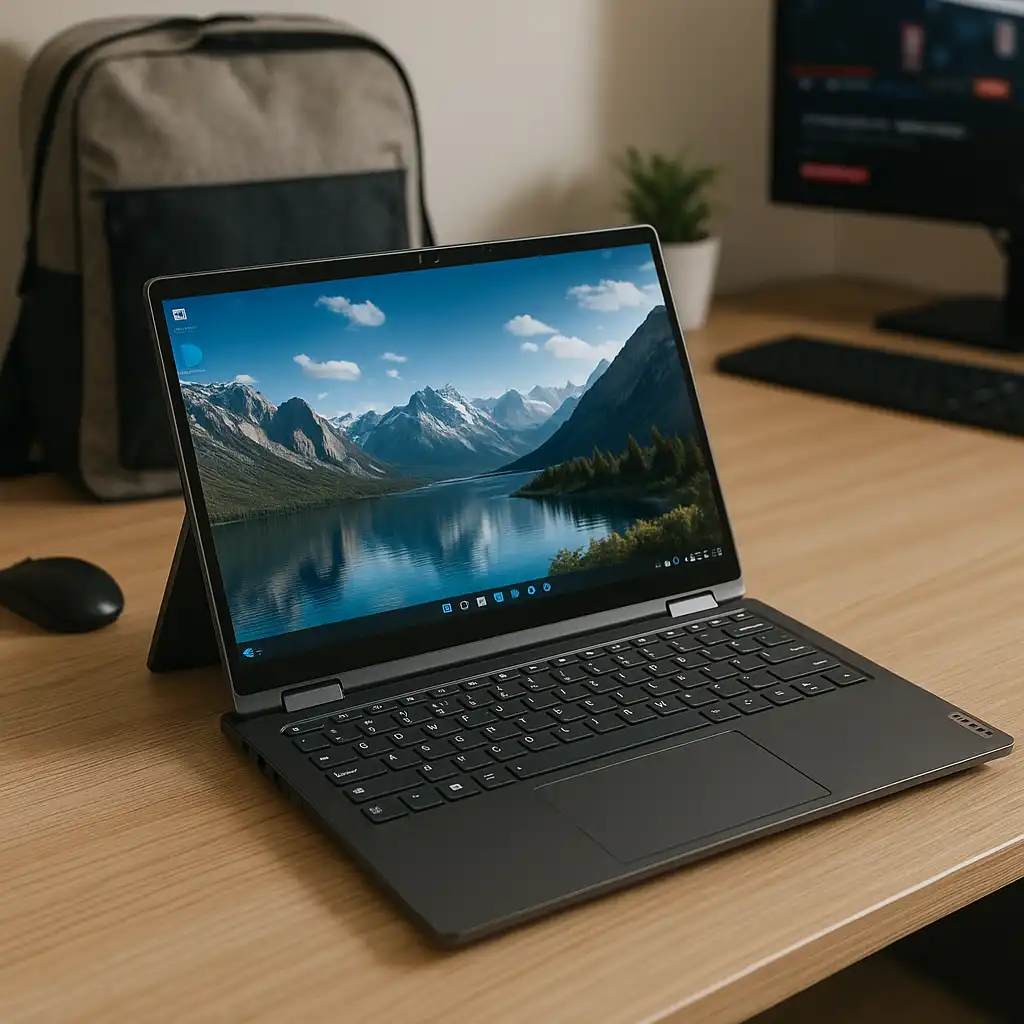
Students need laptops that balance portability, battery life, performance, and display quality. Touchscreen support adds flexibility for scrolling through notes, annotating documents, and navigating quickly between apps during classes.
These three models stand out based on processor tier, memory configuration, storage capacity, and everyday usability for school workloads.
👉 For a broader comparison across all price ranges and sizes, explore our complete guide to the best touchscreen laptops.
💰 Check Price & Availability
View on Amazon – Lenovo IdeaPad 1i – i5-1235U, 16GB RAM, 512GB SSD, 15.6″ FHD Touch
View on Amazon – Dell Inspiron 15 Touch – i5-1155G7, 16GB RAM, 1TB SSD, FHD IPS Touch
View on Amazon – HP Pavilion 15 Touch – Intel Core up to 4.1GHz, 16GB RAM, 1TB SSD, HD Touch
📋 Quick-View Comparison List
Best Overall Balance for Students: Lenovo IdeaPad 1i (i5-1235U, 16GB RAM)
Best Storage Capacity: Dell Inspiron 15 Touch (1TB SSD)
Best Everyday Budget-Friendly Option: HP Pavilion 15 Touch (16GB RAM, 1TB SSD)
🔍 Performance for Schoolwork & Multitasking
School workloads typically include research, writing, video calls, and browser-based platforms. All three laptops include 16GB RAM, which supports smoother multitasking when running multiple tabs and applications.
The Lenovo IdeaPad 1i features an Intel Core i5-1235U processor, positioned for modern productivity tasks and efficient daily use. The Dell Inspiron 15 uses an i5-1155G7, which remains suitable for academic workloads and general productivity.
The HP Pavilion configuration lists Intel Core speeds up to 4.1GHz, indicating a mid-range processor tier designed for everyday school applications.
🔍 Display Quality & Touch Convenience
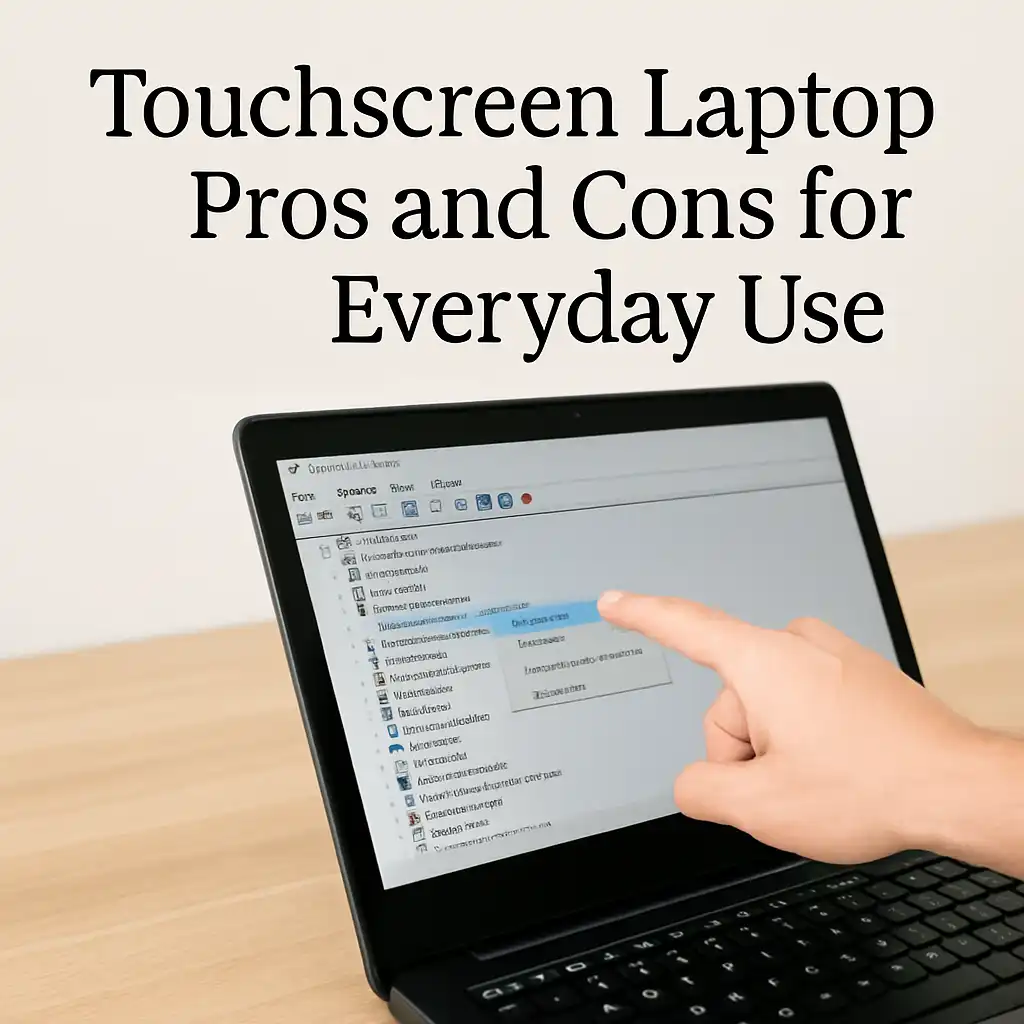
Touchscreens can make note navigation and document scrolling more intuitive. A Full HD display offers sharper text, which is especially helpful for long reading sessions.
The Lenovo IdeaPad 1i and Dell Inspiron 15 include Full HD touch displays, providing clearer visuals for coursework and streaming. The HP Pavilion includes an HD touch panel, which is functional but offers lower resolution compared to Full HD options.
If you’re deciding between traditional and touch displays, you may also want to review laptop touchscreen vs non touch screen.
🔍 Storage & Long-Term Practicality
Storage capacity affects how many files, projects, and applications you can keep locally.
The Dell Inspiron and HP Pavilion include 1TB SSD storage, offering more room for large media files and long-term school projects. The Lenovo IdeaPad 1i includes a 512GB SSD, which is still sufficient for most students using cloud platforms alongside local storage.
SSD storage also supports faster boot times and quicker file access compared to traditional hard drives.
🔍 Portability & Campus Use
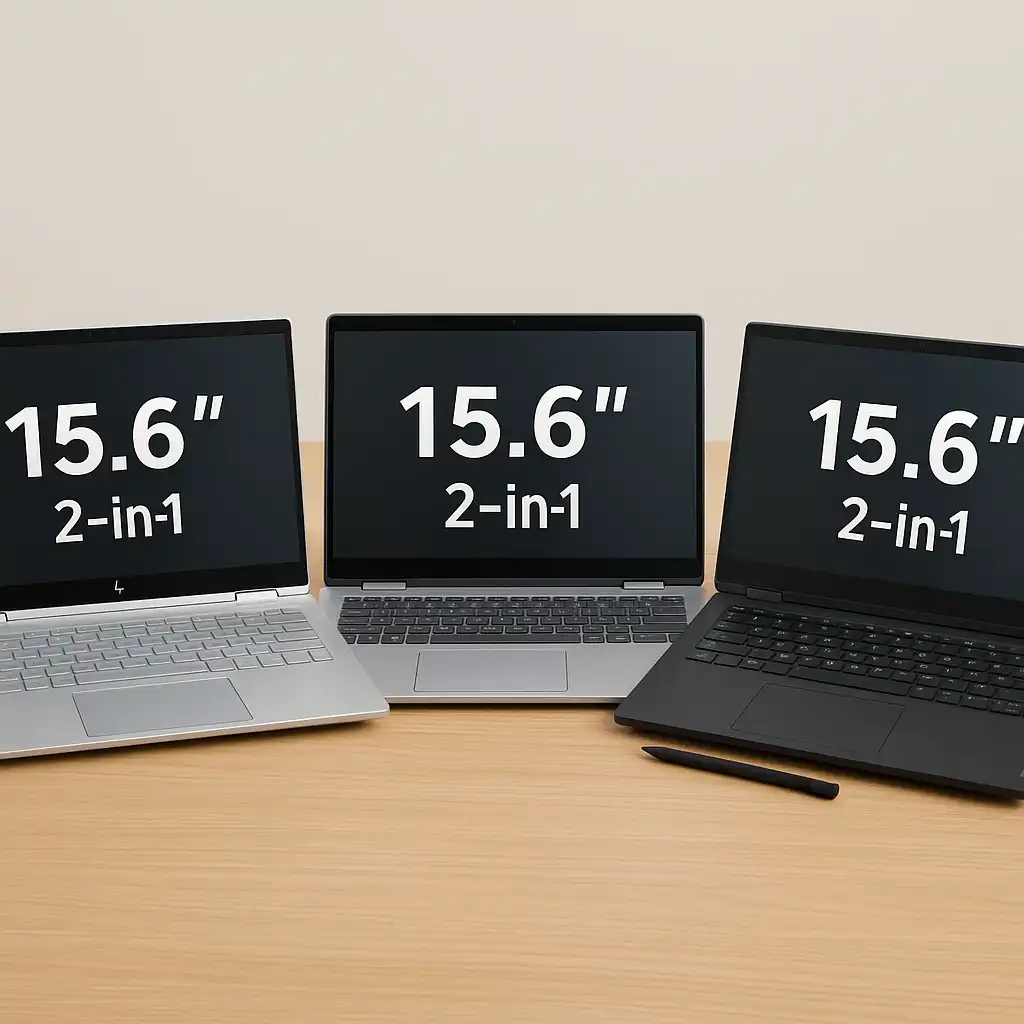
All three models use 15.6-inch displays, providing a balance between screen space and portability. That size works well for writing essays, viewing multiple windows, and participating in online classes.
Battery performance varies by workload and screen brightness. According to manufacturer specifications and processor class benchmarks, these systems are designed to support several hours of mixed academic use.
Touch input can also be paired with a traditional mouse if preferred. Here’s whether you can use a mouse with a touchscreen laptop.
📦 Lenovo IdeaPad 1i – Best Overall Balance for Students
The Lenovo IdeaPad 1i combines an i5-1235U processor with 16GB RAM and a 512GB SSD. Based on specifications, this configuration supports research, productivity apps, video conferencing, and moderate multitasking.
Its Full HD touchscreen provides clearer visuals for reading and writing tasks.
📦 Dell Inspiron 15 Touch – Best Storage Capacity
The Dell Inspiron 15 Touch pairs an i5 processor with 16GB RAM and a 1TB SSD. The larger storage capacity makes it practical for students storing large files or media-heavy coursework.
The Full HD IPS touchscreen enhances viewing angles and clarity.
📦 HP Pavilion 15 Touch – Best Everyday Budget-Friendly Option
The HP Pavilion configuration includes 16GB RAM and 1TB SSD storage. While the HD resolution is lower than Full HD panels, it remains suitable for general school tasks and everyday browsing.
This option suits students who prioritize storage capacity and balanced hardware.
📌 Key Takeaways
- 16GB RAM supports smoother multitasking for schoolwork
- Full HD displays offer sharper text for long reading sessions
- 1TB SSD provides more long-term storage flexibility
- 15.6-inch screens balance productivity and portability
- Touchscreens add convenience for navigation and note review
🟢 FAQs
Q: Is 16GB RAM necessary for students?
While 8GB can handle basic tasks, 16GB offers smoother multitasking and longer-term flexibility.
Q: Is Full HD important for school use?
Yes. Full HD resolution provides sharper text, which helps reduce eye strain during extended reading.
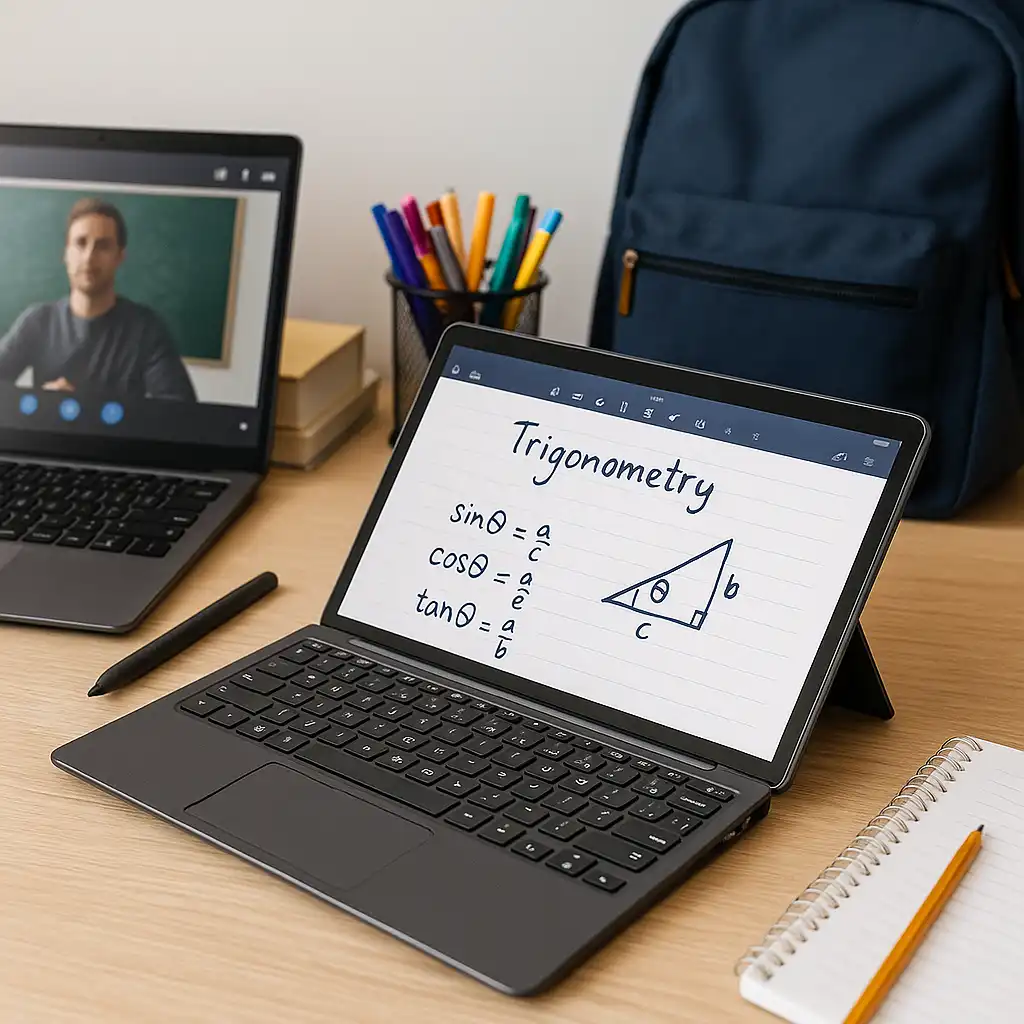
Q: Are touchscreen laptops good for note-taking?
Yes. Touch navigation can make scrolling and document interaction more intuitive.
Q: Is 15.6 inches too large for campus use?
It depends on preference. Many students find 15.6 inches offers a comfortable balance between screen space and portability.
✅ Conclusion
The best touchscreen laptop for students depends on your priorities. The Lenovo IdeaPad 1i offers strong overall balance. The Dell Inspiron 15 provides expanded storage capacity. The HP Pavilion delivers practical everyday performance with generous memory and storage.
Each of these models combines touchscreen flexibility with hardware suited for modern academic workloads.