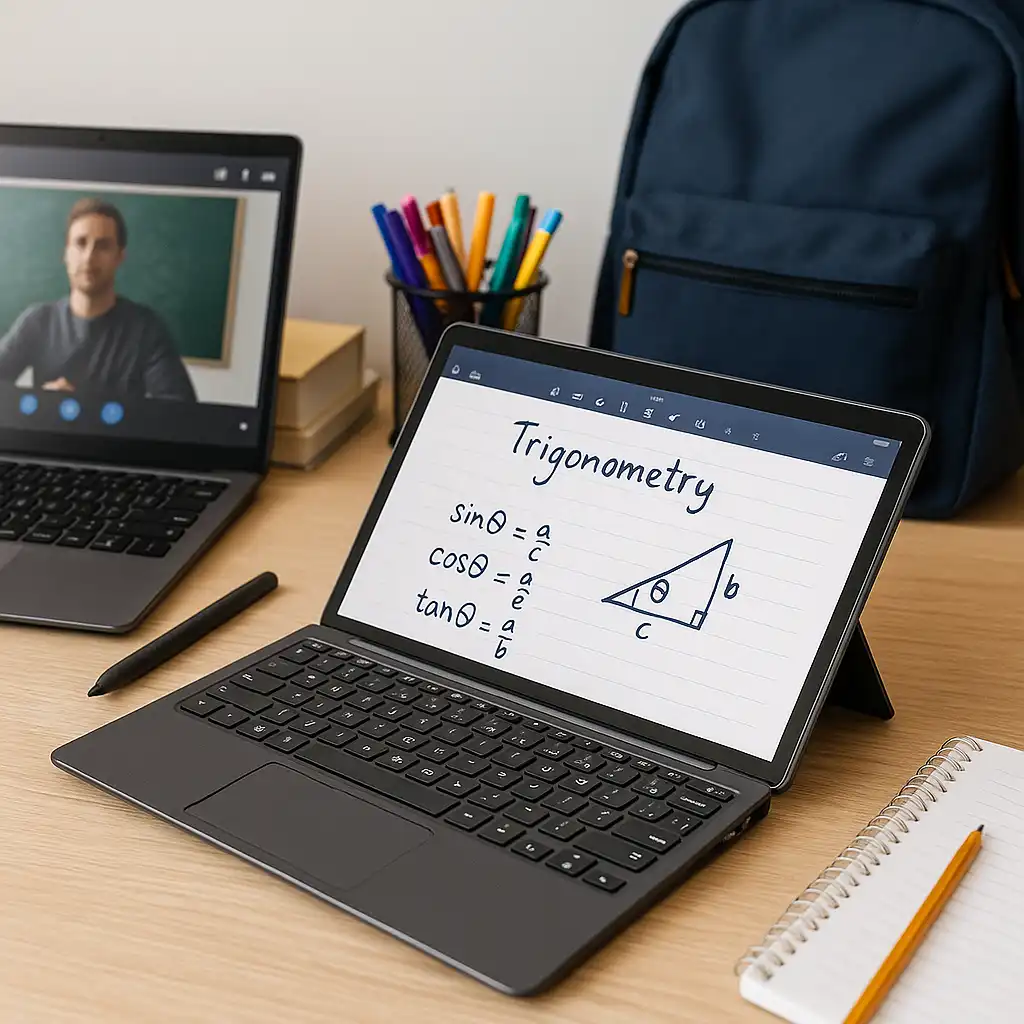
Can You Use a Mouse with a Touchscreen Laptop? – Input Options Explained
Disclosure: This post contains affiliate links. LaptopVoyager.com participates in the Amazon Associates Program and may earn commissions on qualifying purchases, at no extra cost to you.
Last Updated: February 2026
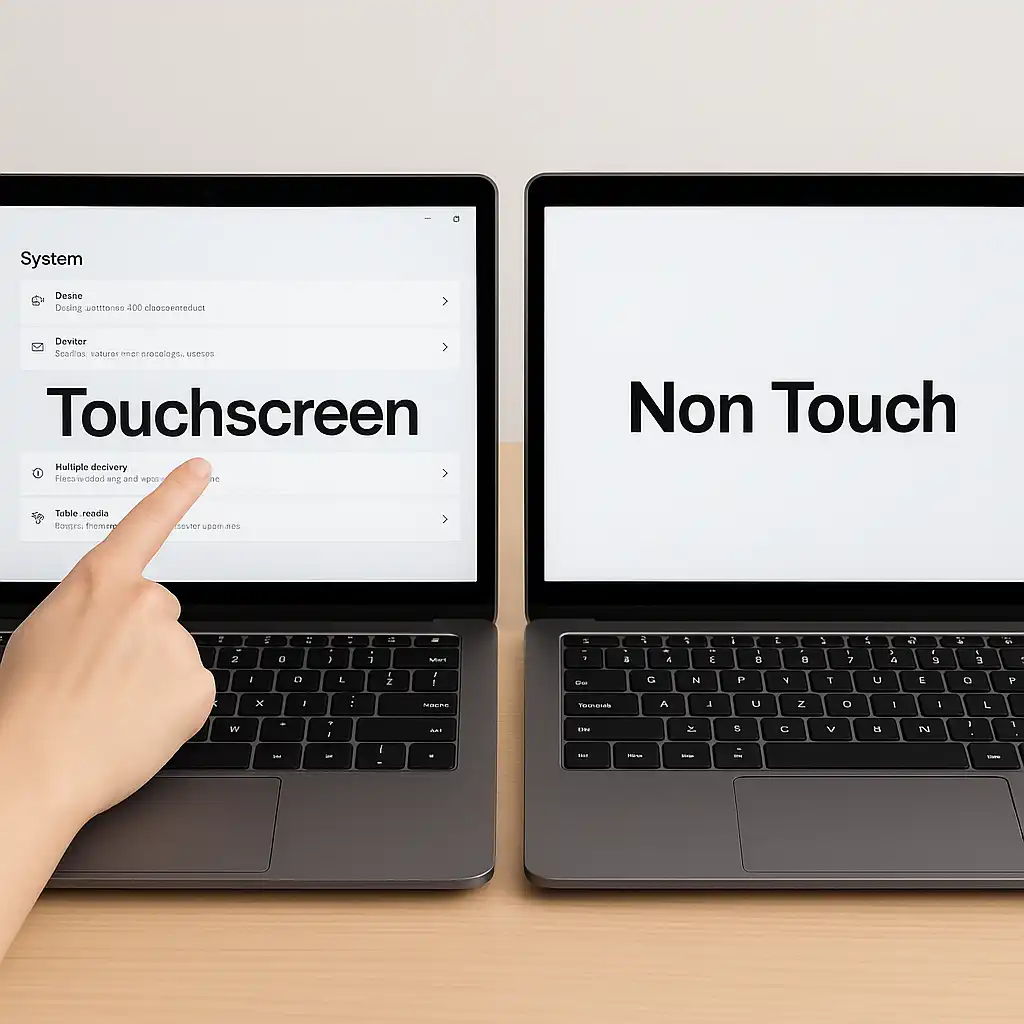
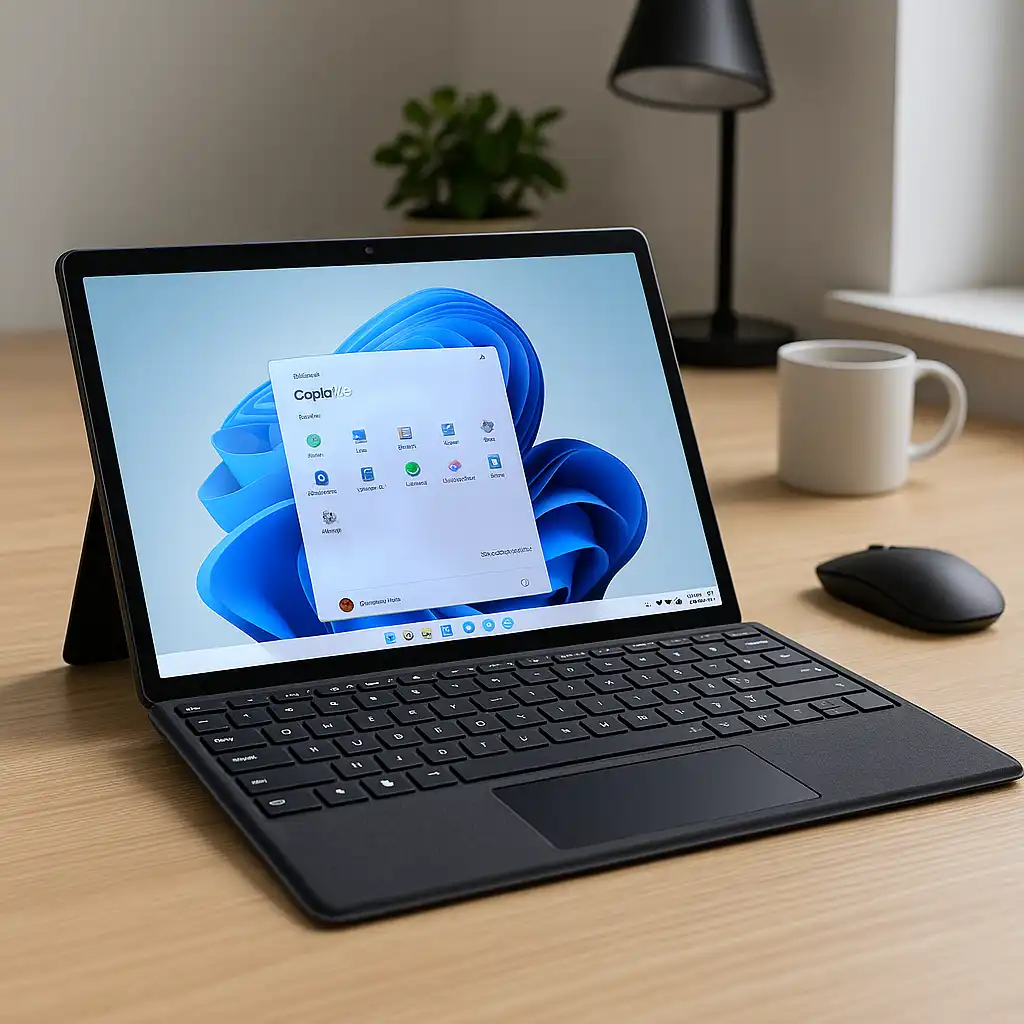
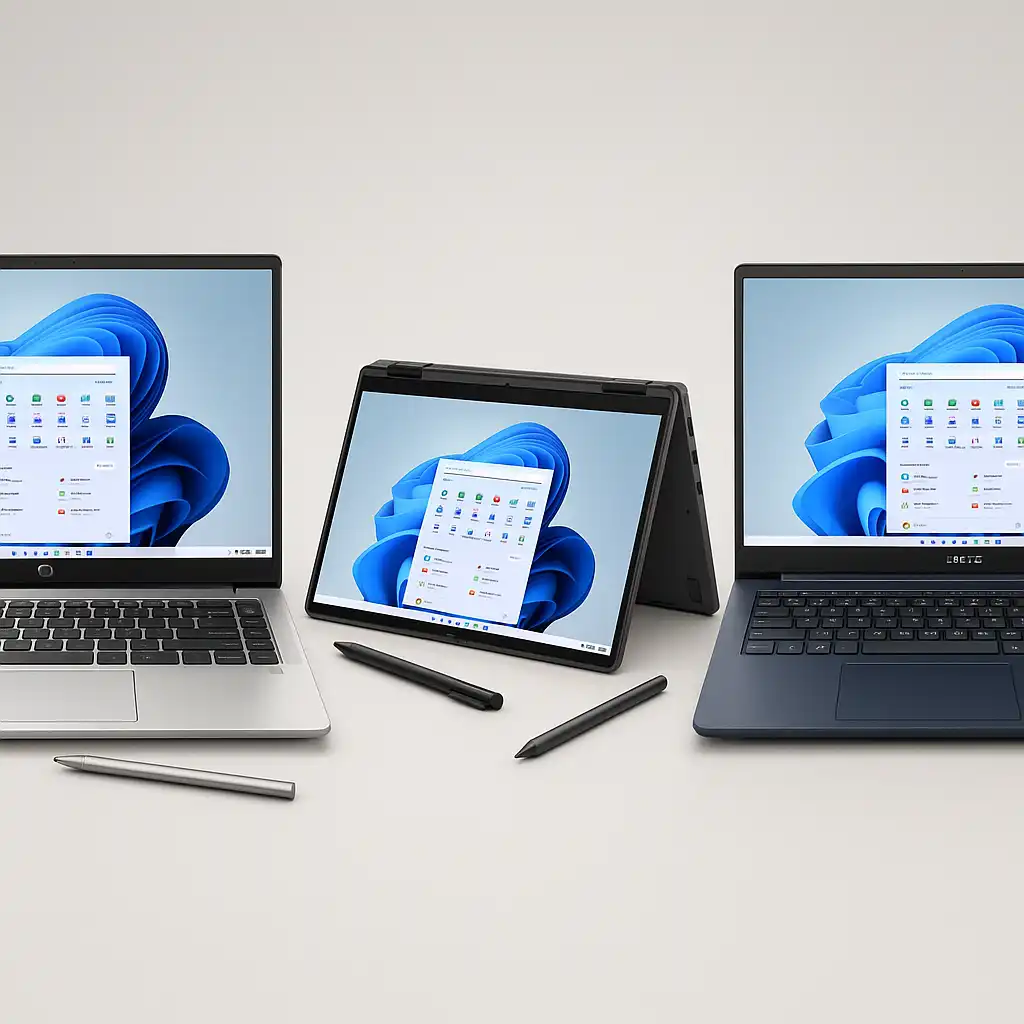
Touchscreen laptops are designed to support multiple input methods. That means you can use touch gestures, a keyboard, a stylus (if supported), and a traditional mouse on the same device.
In most cases, using a mouse with a touchscreen laptop works exactly the same as it does on a non-touch model.
👉 If you’re comparing full-featured models, our guide to the best touchscreen laptops explains how different input types fit different workflows.
🔍 How Mouse Support Works on Touchscreen Laptops
Touch capability doesn’t replace standard input ports or Bluetooth connectivity.
Windows and macOS systems are built to accept mouse input regardless of whether the display supports touch. The operating system automatically detects USB or Bluetooth mice and enables cursor control.
Touch simply becomes an additional option, not a replacement.
🔍 USB vs Bluetooth Mouse Compatibility
Most touchscreen laptops include USB ports and Bluetooth support.
A wired USB mouse connects directly through a port, while a Bluetooth mouse pairs wirelessly through system settings. Both work independently of the touchscreen.
There’s no performance limitation caused by having a touch-enabled display.
🔍 Can You Disable the Touchscreen?
Yes. If you prefer to use only a mouse and keyboard, you can turn off touch input in system settings.
Here’s how to disable touchscreen on laptop if you want to avoid accidental taps.
Touch functionality can also be reactivated later if needed. This guide explains how to enable touchscreen on laptop.
🔍 Does Using a Mouse Improve Productivity?
For detailed tasks like spreadsheet editing, coding, or graphic design, many users prefer a mouse for precision.
Touch input is often convenient for scrolling and quick navigation, while a mouse provides finer cursor control. That’s why many professionals use both input methods interchangeably.
🔍 Are There Any Limitations?
There are no built-in restrictions on using a mouse with a touchscreen laptop.
The only limitation would be port availability if you rely on wired accessories. In those cases, a USB hub can expand connectivity options.
📌 Key Takeaways
- Touchscreen laptops fully support USB and Bluetooth mice
- Touch input does not replace mouse functionality
- You can disable the touchscreen if preferred
- Mouse input often improves precision for detailed tasks
- Both input types can be used simultaneously
🟢 FAQs
Q: Does a mouse work normally on a touchscreen laptop?
Yes. Mouse functionality works the same as on non-touch laptops.
Q: Can I use both touch and mouse at the same time?
Yes. The system allows simultaneous input from multiple devices.
Q: Do I need special settings to use a mouse?
No. Most systems automatically detect USB or Bluetooth mice.
Q: Is it better to use a mouse instead of touch?
It depends on your workflow. A mouse typically offers greater precision, while touch offers convenience.
✅ Conclusion
Yes, you can absolutely use a mouse with a touchscreen laptop. Touch functionality simply adds flexibility—it doesn’t remove traditional input options.
For most users, combining touch and mouse input creates the most practical and efficient setup.