Best 15 Inch Touchscreen Laptop – Bigger Display for Everyday Flexibility
Disclosure: This post contains affiliate links. LaptopVoyager.com participates in the Amazon Associates Program and may earn commissions on qualifying purchases, at no extra cost to you.
Last Updated: February 2026
A 15-inch touchscreen laptop offers more screen space than compact 13-inch models while still remaining practical for daily use. For students, home users, and office professionals, this size often provides a better balance between visibility and portability.
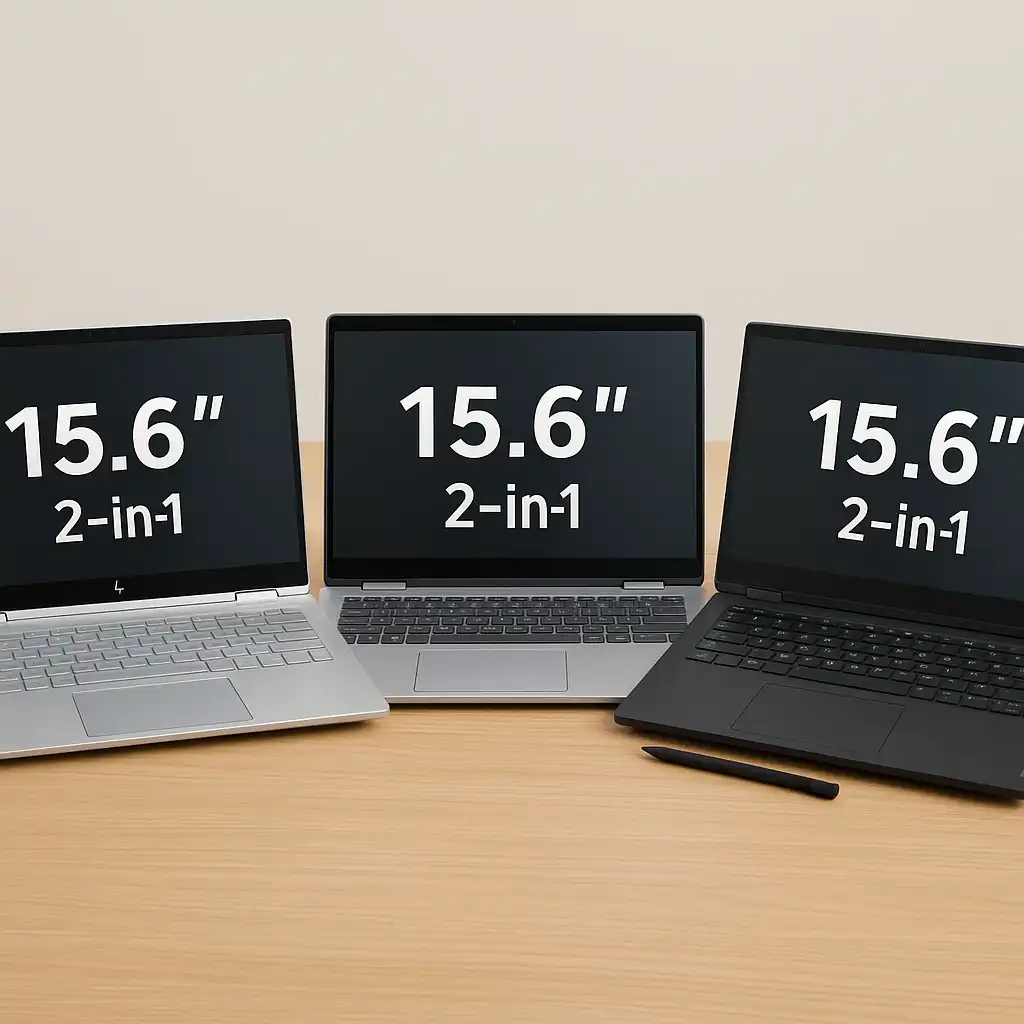
This guide compares three popular 15-inch touchscreen laptops based on manufacturer specifications, memory configuration, and intended use cases.
👉 If you’re exploring different form factors, see our guide to best touchscreen laptops.
💰 Check Price & Availability
View on Amazon – HP Pavilion 15.6″ Touchscreen Laptop
View on Amazon – Dell Inspiron 15 3000 3520 Touchscreen Laptop
View on Amazon – Lenovo IdeaPad 15.6″ Touchscreen Laptop (with Stylus)
📋 Quick-View Comparison List
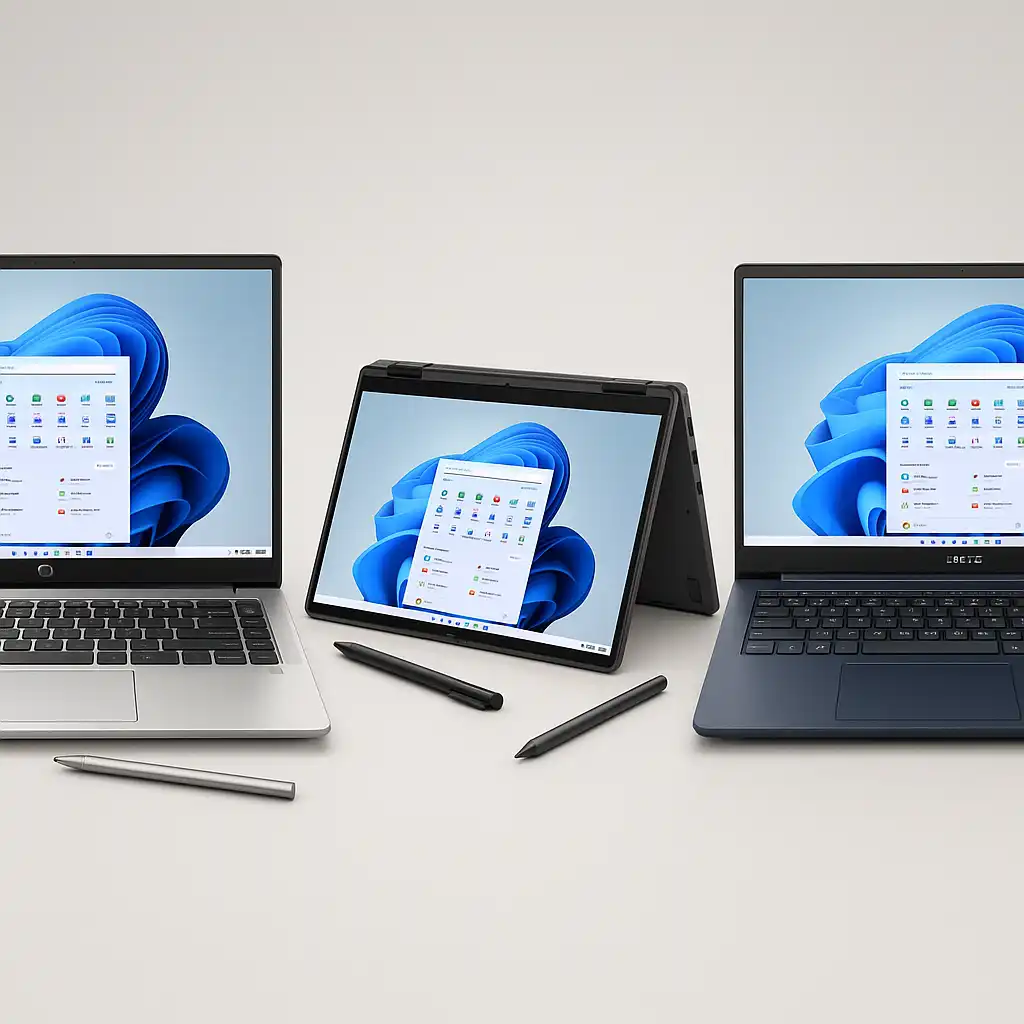
Best Everyday Value: HP Pavilion 15.6″ Touchscreen Laptop for balanced home and student use
Best Budget Option: Dell Inspiron 15 3000 3520 Touchscreen Laptop for entry-level productivity
Best for Stylus Input: Lenovo IdeaPad 15.6″ Touchscreen Laptop for pen-compatible interaction
🔍 What to Look for in a 15 Inch Touchscreen Laptop
A 15-inch display provides more room for spreadsheets, multitasking windows, and media consumption. That extra screen space can reduce eye strain compared to smaller laptops.
Processor generation and RAM capacity affect how smoothly the system handles multitasking. SSD storage also improves boot times and general responsiveness compared to traditional hard drives.
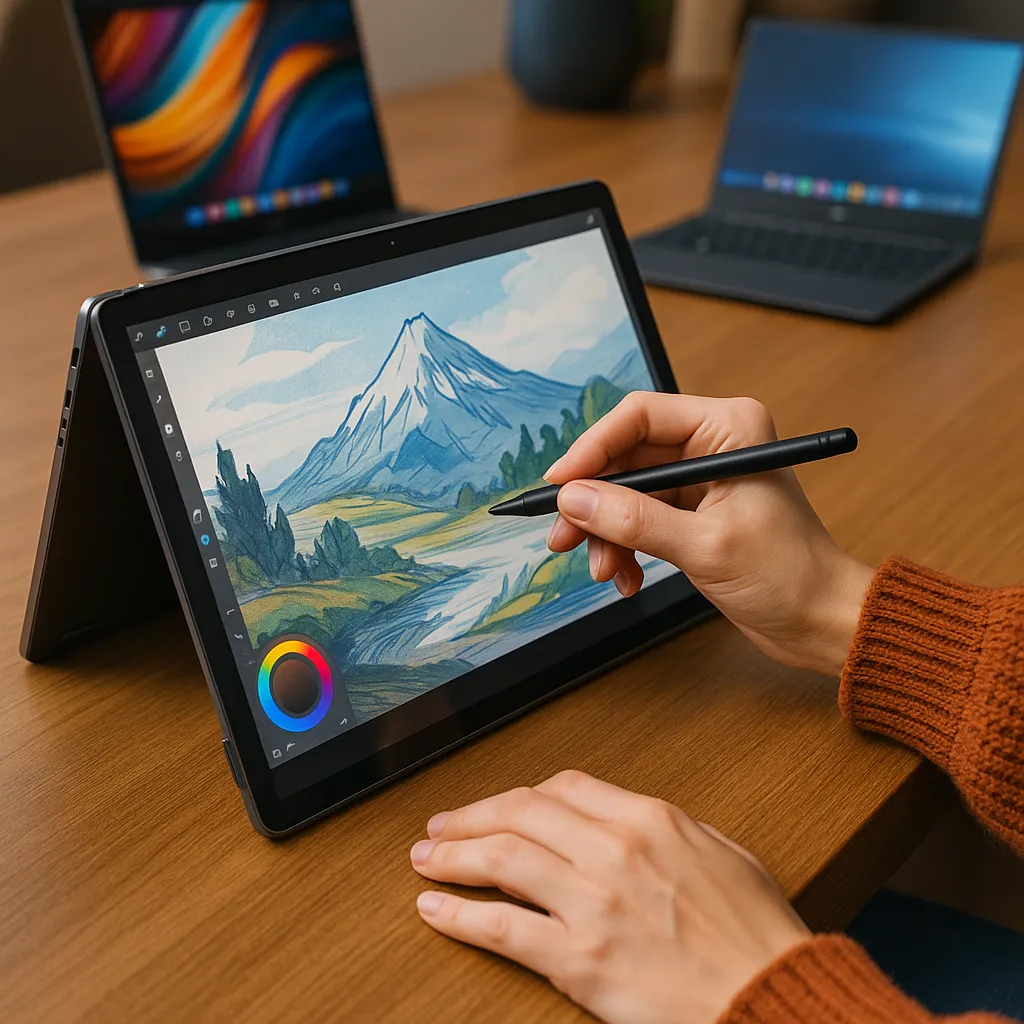
If you plan to sketch or annotate documents, you may want to review can you draw on a touchscreen laptop before choosing a stylus-compatible model.
📦 HP Pavilion 15.6″ Touchscreen Laptop – Balanced Everyday Use
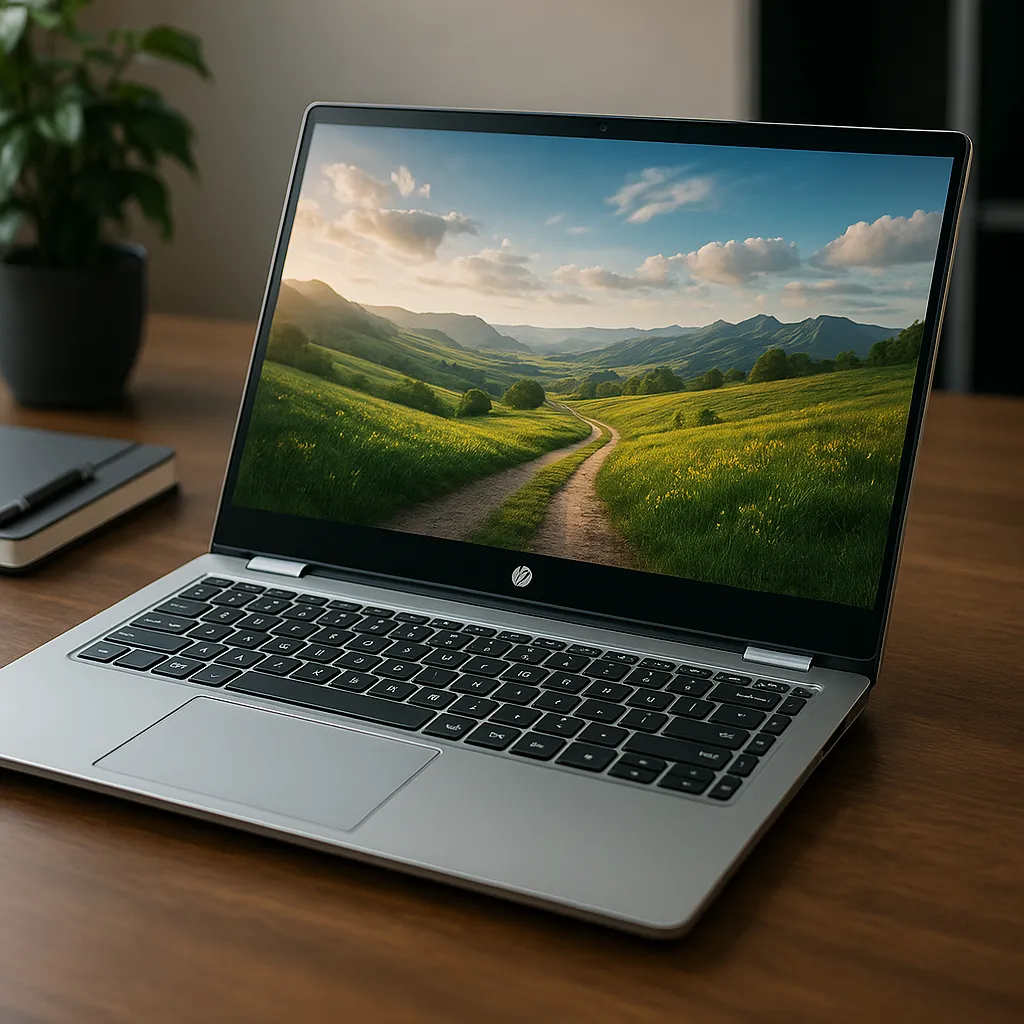
The HP Pavilion 15.6″ touchscreen model is positioned as a general-purpose laptop for browsing, office tasks, and media streaming. Configuration options typically include mid-range Intel processors, 8GB or more RAM, and SSD storage.
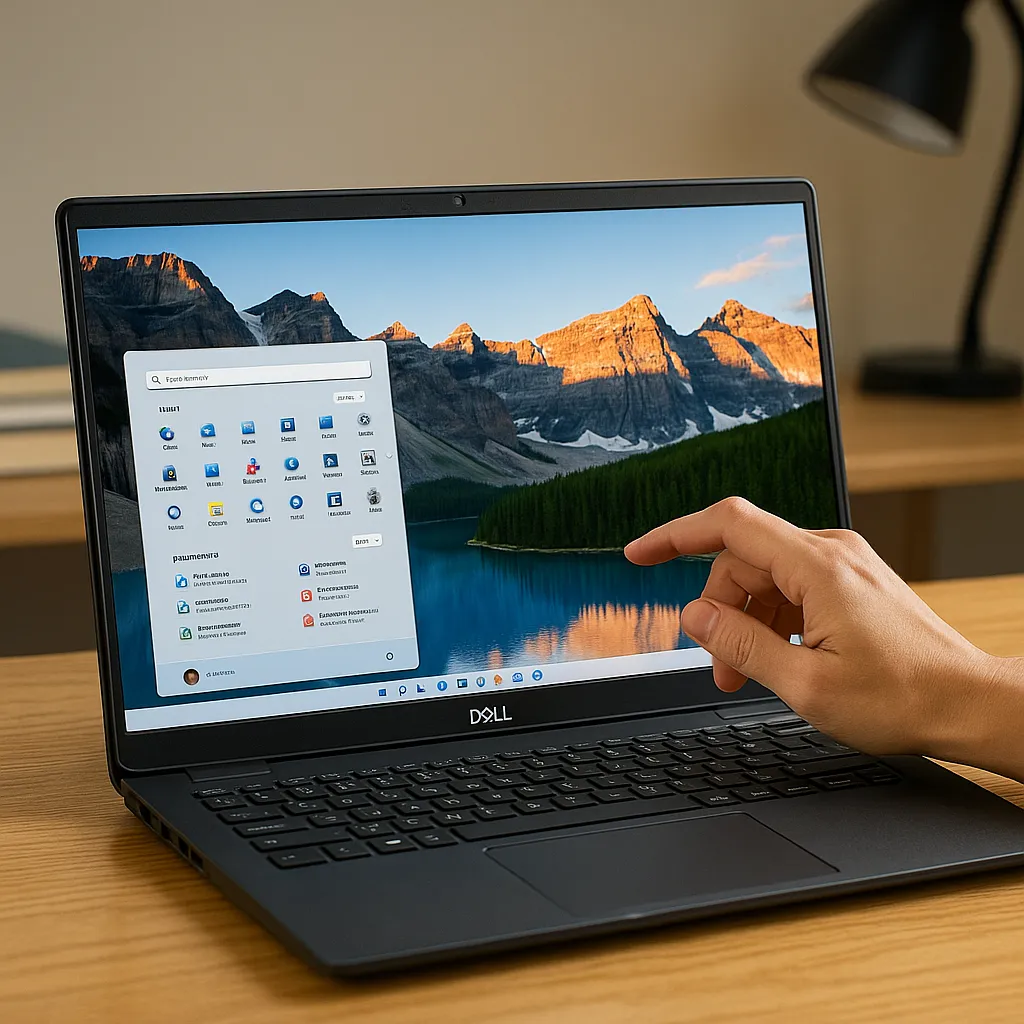
Its 15.6-inch touchscreen panel supports direct interaction for scrolling, navigation, and light productivity tasks. This makes it suitable for students and home users who want a larger display without stepping into gaming hardware.
📦 Dell Inspiron 15 3000 3520 Touchscreen Laptop – Entry-Level Productivity
The Dell Inspiron 15 3000 3520 touchscreen laptop focuses on practical everyday performance. According to manufacturer listings, configurations often include Intel Core i5 processors, SSD storage, and standard Full HD touch panels.
This setup supports document editing, web-based applications, and light multitasking. If you’re considering this model specifically, you can review more details in our dell inspiron 15.6 touchscreen laptop review.
It’s designed for users who need affordability and dependable daily functionality.
📦 Lenovo IdeaPad 15.6″ Touchscreen Laptop (with Stylus) – Interactive Flexibility
The Lenovo IdeaPad 15.6-inch touchscreen model with stylus support adds input flexibility beyond finger navigation. Stylus compatibility benefits note-taking, document markup, and casual drawing.
Hardware configurations vary, but many versions include SSD storage and mid-range processors suitable for general productivity. If you’re unsure whether a mouse is still practical on a touchscreen device, see can you use a mouse with a touchscreen laptop for a breakdown of input options.
This model suits users who want traditional laptop functionality with added creative interaction.
🔍 Is 15 Inches the Right Size?
A 15-inch touchscreen laptop provides more workspace than 13-inch models while remaining manageable for desk and backpack use.
Students working on research papers and professionals handling spreadsheets often benefit from the larger panel. However, users who prioritize ultra-light portability may prefer smaller devices.
Choosing the right size depends on whether screen space or travel convenience matters more to your daily workflow.
📌 Key Takeaways
- 15-inch touchscreen laptops offer more workspace for multitasking
- HP Pavilion balances performance and affordability
- Dell Inspiron 15 3000 3520 focuses on entry-level productivity
- Lenovo IdeaPad adds stylus compatibility for interactive use
- SSD storage improves responsiveness compared to HDD systems
🟢 FAQs
Q: Is a 15 inch touchscreen laptop good for students?
Yes. The larger screen supports document work and multitasking, while still fitting standard backpacks.
Q: Are touchscreen laptops slower than non-touch models?
Touch capability itself does not reduce performance. Speed depends on processor, RAM, and storage configuration.
Q: Do I still need a mouse with a touchscreen laptop?
Many users continue using a mouse for precision tasks, especially in productivity applications.
✅ Conclusion
The best 15 inch touchscreen laptop depends on how you plan to use it. The HP Pavilion targets balanced everyday use, the Dell Inspiron 15 3000 3520 focuses on affordability and practical performance, and the Lenovo IdeaPad adds stylus-based interaction.
Matching screen size, memory, and processor specifications to your workload ensures the right combination of workspace and responsiveness.