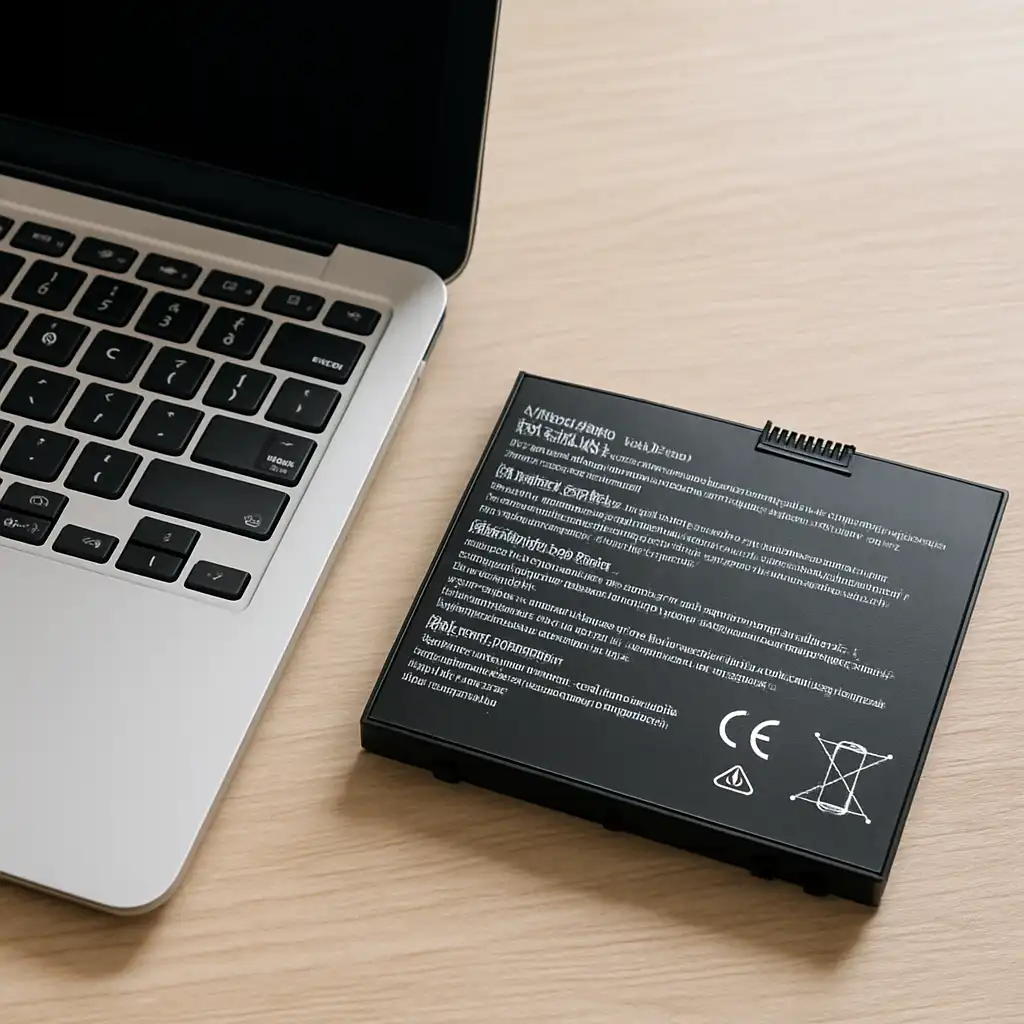
How Long Should a Laptop Battery Last – Typical Lifespan and What Affects It
Disclosure: This post contains affiliate links. LaptopVoyager.com participates in the Amazon Associates Program and may earn commissions on qualifying purchases, at no extra cost to you.
Last Updated: March 2026
Laptop batteries don’t last forever, and most users eventually notice shorter runtimes or slower charging after a few years. Modern laptops use lithium-ion or lithium-polymer batteries designed for hundreds of charge cycles, but daily habits and charging patterns can influence how long they remain effective.
This guide explains how long a laptop battery should last, what affects battery lifespan, and when replacement may make sense.
👉 For a full overview of safe charging habits, compatible chargers, and battery care tips, see the laptop charging guide.
🔍 Typical Laptop Battery Lifespan
Most modern laptop batteries are designed to last 300 to 1,000 charge cycles depending on the manufacturer and battery chemistry.
A charge cycle refers to using a total of 100% battery capacity, though it doesn’t have to happen all at once. For example:
- Using 50% today and 50% tomorrow equals one cycle
- Using 25% four times also equals one cycle
Based on manufacturer specifications and industry documentation, this typically translates to:
- 2–5 years of normal use
- Gradual decline in runtime rather than sudden failure
Many laptop makers design batteries to retain around 80% of their original capacity after several hundred cycles.
🔍 What Affects Laptop Battery Lifespan
Several factors influence how long a laptop battery remains healthy.
Charging Habits
Frequent full discharges and constant charging can increase battery wear. Modern power management systems are designed to reduce stress, but usage patterns still matter.
For example:
- Repeated 0% to 100% charging cycles
- Keeping the laptop at 100% charge for long periods
- Charging while the device runs heavy workloads
Manufacturers often recommend partial charging ranges (such as 20%–80%) for long-term battery health.
Heat and Temperature
Heat is one of the most significant contributors to battery degradation.
Laptops that frequently run hot during gaming, rendering, or heavy workloads may experience faster battery wear. Ventilation and cooling design play an important role in reducing long-term stress on the battery.
Workload and Power Consumption
High-performance laptops with powerful processors and GPUs draw more energy than lightweight productivity machines.
As a result:
- Gaming laptops may discharge faster
- Thin ultrabooks typically achieve longer runtimes
- Older batteries may struggle under heavy workloads
🔍 Signs a Laptop Battery Is Wearing Out
Battery aging usually appears gradually rather than suddenly.
Common signs include:
- The laptop battery drains much faster than before
- Charging takes longer or stops before reaching full capacity
- The laptop shuts down unexpectedly at moderate battery levels
- The system reports reduced battery health
Operating systems such as Windows and macOS often include built-in battery health reporting tools that estimate remaining capacity.
👉 For a deeper look at how batteries wear down over time, see our guide on laptop charging cycles explained.
📌 Key Takeaways
- Most laptop batteries last 2–5 years or several hundred charge cycles.
- Battery lifespan depends on charging habits, heat, and workload.
- Capacity usually declines gradually rather than failing instantly.
- Replacement batteries can restore normal runtime when capacity drops significantly.
🟢 FAQs
Q: How many years should a laptop battery last?
Most laptop batteries last between 2 and 5 years depending on usage patterns, temperature exposure, and charging cycles.
Q: How many charge cycles does a laptop battery have?
Many laptop batteries are rated for 300–1,000 charge cycles before significant capacity loss occurs.
Q: Should you replace a laptop battery after a few years?
Replacement may make sense if the battery capacity drops below about 70–80% and the laptop can no longer run for a practical amount of time on battery power.
✅ Conclusion
Laptop batteries naturally lose capacity over time, but most remain usable for several years before replacement becomes necessary. Understanding charge cycles, heat exposure, and charging habits can help extend battery lifespan and maintain better performance.