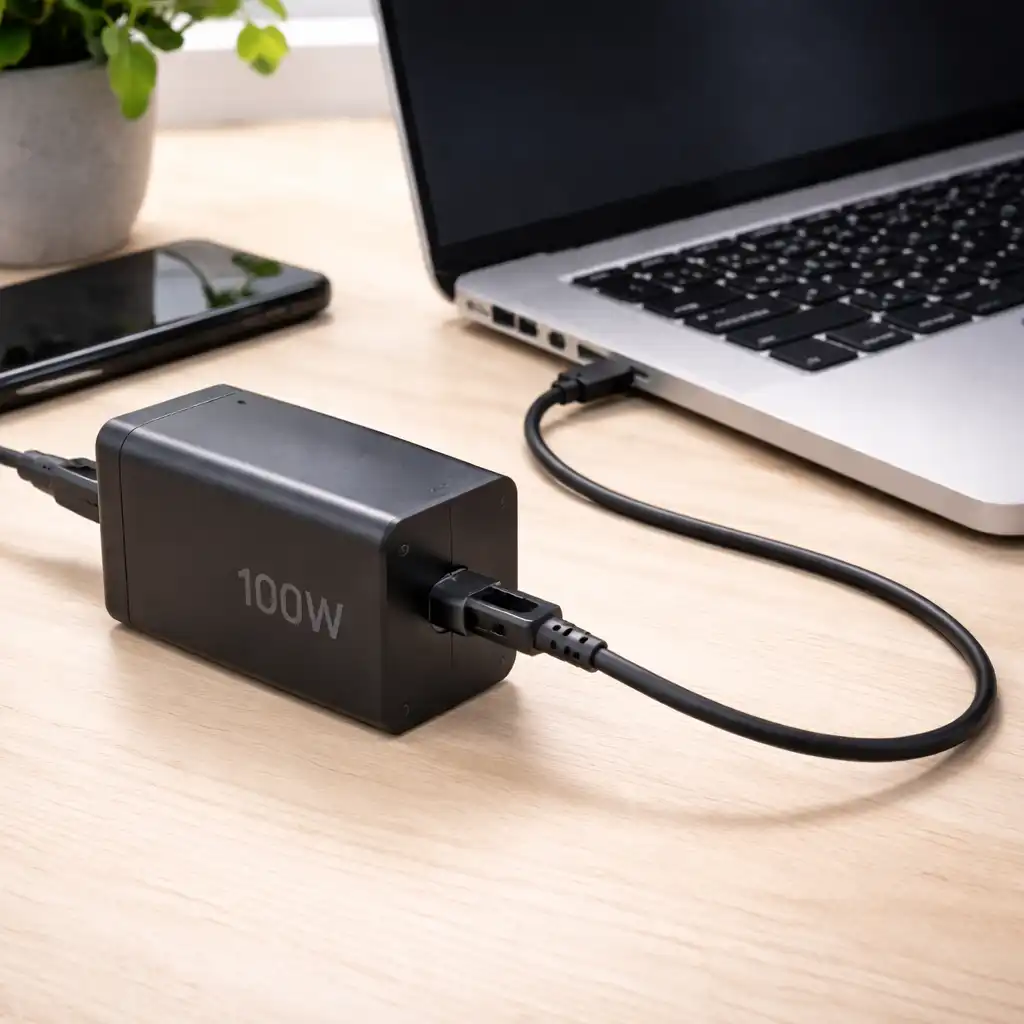
Can You Use a Higher Wattage Charger – Is It Safe for Your Laptop?
Disclosure: This post contains affiliate links. LaptopVoyager.com participates in the Amazon Associates Program and may earn commissions on qualifying purchases, at no extra cost to you.
Last Updated: March 2026
Many laptop owners wonder whether using a higher wattage charger will damage their device. This question often comes up when replacing a lost adapter or upgrading to a faster USB-C charger.
The short answer is usually yes — but only if voltage and connector compatibility match.
👉 For a full overview of charging standards and safety basics, review our laptop charging guide first.
🔍 How Laptop Charging Actually Works
Modern laptops use regulated power management systems. According to USB-C Power Delivery specifications, the laptop negotiates how much power it draws from the charger.
That means a 100W charger doesn’t “force” 100W into a 65W laptop. The device only pulls the wattage it is designed to accept.
Voltage, however, must match. Using an incorrect voltage adapter can cause charging failure or hardware damage.
🔍 When Using a Higher Wattage Charger Is Safe
It’s generally safe when:
- The voltage matches your original adapter
- The connector type is correct (USB-C or barrel, depending on model)
- The charger supports proper Power Delivery standards
Many manufacturers specify a minimum wattage requirement. Using a charger with higher available wattage is typically acceptable because the laptop regulates intake internally.
If you’re unsure about the differences between connector types, see our breakdown of usb-c vs barrel charger.
🔍 When It’s Not Safe
It may not be safe if:
- The voltage differs from your original adapter
- The polarity is incorrect (for barrel chargers)
- The charger is low quality and lacks proper protection circuits
Manufacturer documentation should always be the primary reference. Matching voltage is more important than matching wattage exactly.
🔍 Can a Higher Wattage Charger Improve Charging Speed?
A higher wattage charger can allow faster charging — but only if the laptop supports higher input limits.
For example, if your device supports up to 100W Power Delivery, using a 100W charger instead of a 45W unit may reduce charging time. If the laptop is capped at 65W, a 100W adapter won’t exceed that limit.
For deeper technical context, our guide on laptop charger wattage explained breaks down how wattage ratings affect charging behavior.
📌 Key Takeaways
- Higher wattage is usually safe if voltage matches
- Laptops regulate how much power they draw
- Voltage mismatch is the real risk factor
- Faster charging depends on the laptop’s supported input limit
🟢 FAQs
Q: Can I use a 100W charger on a 65W laptop?
Yes, if voltage and connector compatibility match. The laptop will only draw the wattage it supports.
Q: Will a higher wattage charger damage my battery?
Modern laptops include internal battery management systems designed to regulate charging intake.
Q: Is it better to match the exact wattage?
Matching minimum required wattage is important. Exceeding it slightly is typically acceptable if voltage is correct.
✅ Conclusion
You can usually use a higher wattage charger safely, provided voltage and connector type match your laptop’s specifications.
Modern charging systems are designed to regulate power intake automatically. Always verify voltage requirements through manufacturer documentation before switching adapters.