Laptop Charger Wattage Explained – What the Numbers Actually Mean
Disclosure: This post contains affiliate links. LaptopVoyager.com participates in the Amazon Associates Program and may earn commissions on qualifying purchases, at no extra cost to you.
Last Updated: March 2026
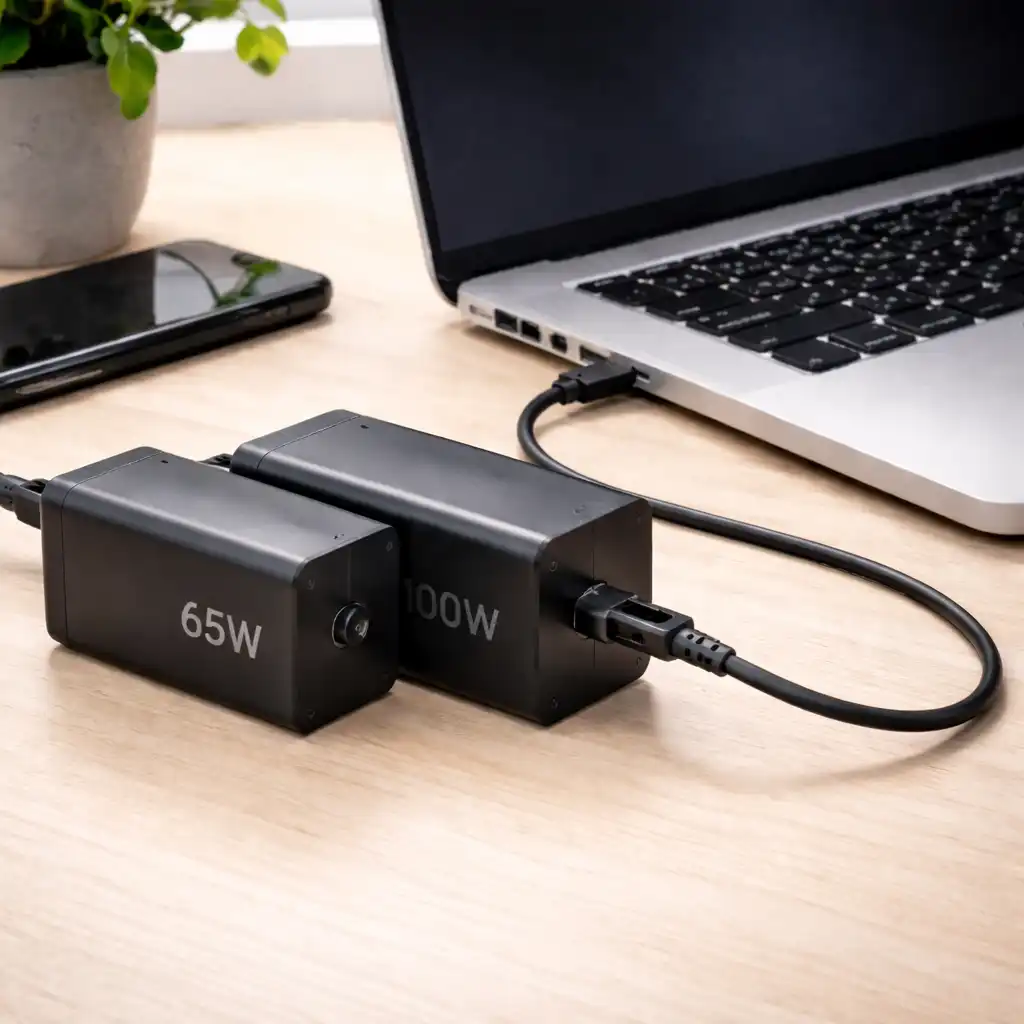
Laptop charger wattage can seem confusing at first. You might see 45W, 65W, 100W, or even 140W on an adapter and wonder what that number actually means for your device.
Understanding wattage helps you choose a compatible charger and avoid charging issues.
👉 For a complete overview of charging safety and compatibility basics, review our laptop charging guide first.
🔍 What Does Wattage Mean on a Laptop Charger?
Wattage (W) measures how much power a charger can deliver. It’s calculated by multiplying voltage (V) by current (A).
For example, a 20V charger delivering 3.25A provides 65W of power. According to USB-C Power Delivery standards, compatible devices negotiate how much power they draw from the charger.
The wattage listed on the adapter is the maximum it can supply — not what your laptop is forced to use.
🔍 How Much Wattage Does a Laptop Need?
Every laptop has a minimum power requirement. Manufacturers list this on the original adapter or in device documentation.
Lightweight ultrabooks often require 45W–65W. Performance laptops and workstations may require 90W, 100W, or more depending on CPU and GPU configuration.
If you’re unsure whether higher wattage is safe, see our explanation of can you use a higher wattage charger for compatibility details.
🔍 What Happens If Wattage Is Too Low?
If a charger provides less wattage than your laptop requires, several things may occur:
- Charging may be very slow
- The battery may drain while plugged in
- The laptop may display a power warning
In some cases, the device may refuse to charge entirely. That’s especially common with performance models under heavy load.
🔍 Can Higher Wattage Improve Charging Speed?
A higher wattage charger can allow faster charging — but only if the laptop supports that higher input level.
For example, if a laptop supports up to 100W Power Delivery, using a 100W charger instead of a 45W unit may reduce charge time. However, if the device is capped at 65W, it won’t exceed that limit.
Charging behavior also varies based on battery design and thermal management. For a comparison of charging speeds, review fast charging vs slow charging.
🔍 Does Wattage Affect Battery Health?
Wattage alone doesn’t determine battery lifespan. Modern lithium-ion batteries include internal management systems designed to regulate charging intake.
Battery longevity is more closely related to charge cycles, heat exposure, and usage patterns. Our breakdown of laptop charging cycles explained covers how cycle count impacts long-term battery health.
📌 Key Takeaways
- Wattage represents maximum power output, not forced intake
- Matching minimum required wattage is essential
- Lower wattage can cause slow or unstable charging
- Higher wattage is safe if voltage and compatibility match
🟢 FAQs
Q: Is a 100W charger better than a 65W charger?
Only if your laptop supports 100W input. Otherwise, the device will draw only what it’s designed to use.
Q: Can low wattage damage a laptop?
Low wattage typically doesn’t cause damage, but it may result in slow charging or battery drain during use.
Q: Where can I check my laptop’s required wattage?
Check the original charger label or manufacturer documentation for the listed power requirement.
✅ Conclusion
Laptop charger wattage simply indicates the maximum power an adapter can provide. Your laptop regulates how much it actually draws based on its internal charging system.
Matching voltage and meeting minimum wattage requirements ensures safe and efficient charging.