Best 16GB DDR4 RAM for Laptop: 3 Top Options
Disclosure: This post contains affiliate links. LaptopVoyager.com participates in the Amazon Associates Program and may earn commissions on qualifying purchases, at no extra cost to you.
Last Updated: September 2026
Upgrading to 16GB of DDR4 RAM can give a compatible laptop more memory for multitasking, productivity software, browser tabs, and other memory-intensive workloads.
This guide compares three 16GB DDR4 SODIMM options based on manufacturer specifications, memory speed, compatibility, and suitability for laptop upgrades.
👉 If you’re deciding how much memory your laptop actually needs, see How Much RAM Do I Need on a Laptop?.
💰 Check Price & Availability
View on Amazon – Samsung 16GB DDR4 (3200MHz)
View on Amazon – Timetec 16GB DDR4 (2666MHz, CL19)
View on Amazon – Crucial 16GB DDR4 (3200MHz)
📋 Quick-View Comparison List
Best Overall: Samsung 16GB DDR4 3200MHz
Best for Compatibility: Crucial 16GB DDR4 3200MHz
Best Budget Option: Timetec 16GB DDR4 2666MHz
🔍 What Makes a Good 16GB DDR4 RAM Upgrade?
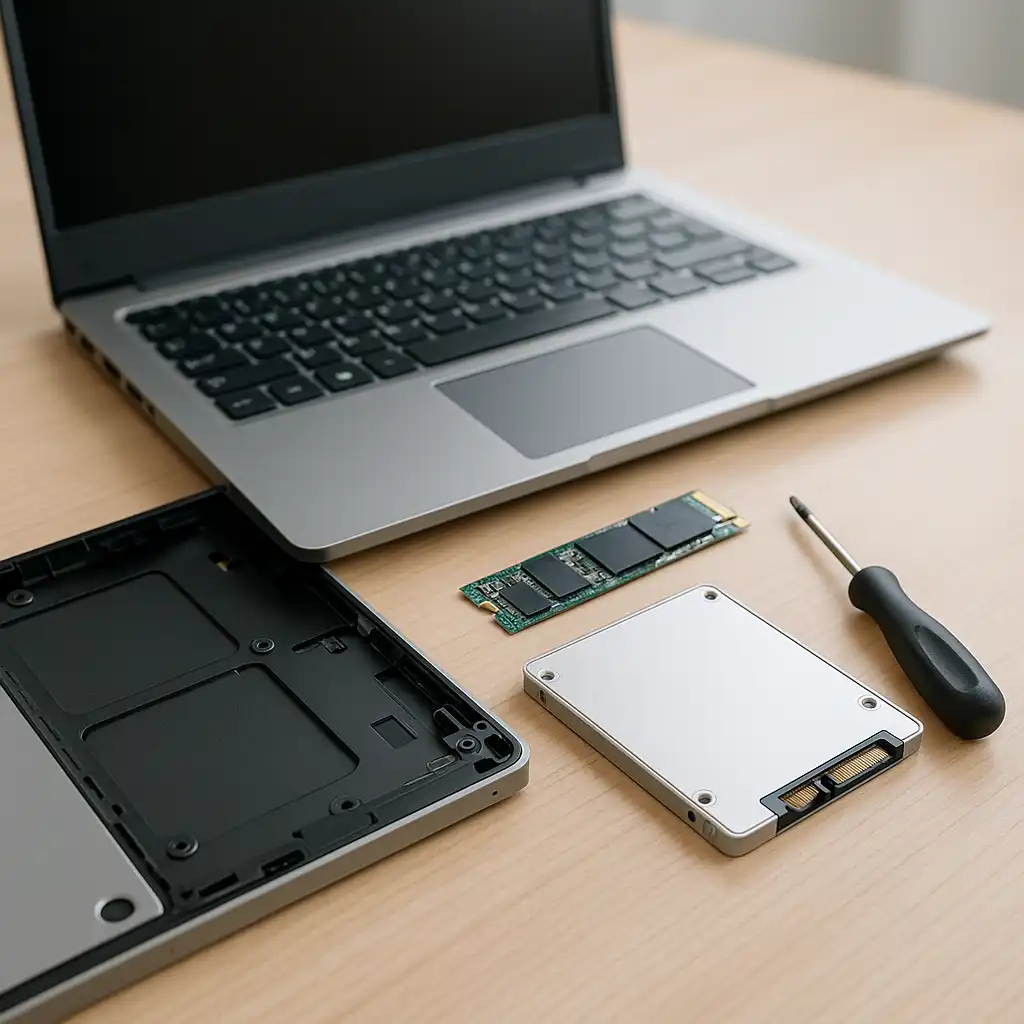
The first consideration is compatibility. A laptop that uses DDR4 SODIMM memory needs a compatible module with the correct generation, capacity, speed, and physical form factor.
Memory speed also matters, but installing faster RAM does not necessarily make a laptop operate at that speed. The processor and motherboard determine the supported memory speeds, and some modules can operate at a lower frequency when installed in systems with lower limits.
Before purchasing RAM, check whether your laptop has replaceable SODIMM slots, its maximum supported memory capacity, and the DDR generation it requires. Some laptops use soldered memory that cannot be upgraded.
👉 To compare common laptop memory capacities before upgrading, see 8GB RAM vs 16GB RAM Laptop.
📦 Samsung 16GB DDR4 3200MHz – Best Overall
Samsung’s 16GB DDR4-3200 SODIMM is designed for laptops and other compact systems that support DDR4 memory.
Samsung specifies 16GB capacity, DDR4 technology, a 3200 Mbps data rate, 1.2V operation, and a 260-pin SODIMM form factor for its M471A2K43DB1-CWE module.
The module uses a standard laptop-oriented SODIMM design, making it suitable for compatible systems that accept 16GB DDR4-3200 modules.
One important consideration is that Samsung lists this particular module as an end-of-life product. Availability may therefore vary, especially between new and marketplace inventory.
For users with a compatible DDR4 laptop, the Samsung module provides a straightforward 16GB memory upgrade based around standard DDR4-3200 specifications.
📦 Crucial 16GB DDR4 3200MHz – Best for Compatibility
Crucial laptop memory is designed as an upgrade option for systems that use standard DDR4 SODIMM modules.
The 16GB DDR4-3200 configuration combines a 16GB capacity with the compact SODIMM form factor used by many upgradeable laptops. Crucial’s DDR4 laptop memory operates at 1.2V and uses standard JEDEC memory specifications.
Compatibility remains the most important consideration. Crucial provides system compatibility tools that can help determine whether a particular memory module is suitable for a specific laptop model.
This makes Crucial particularly useful for buyers who want to verify their laptop configuration before purchasing an upgrade.
📦 Timetec 16GB DDR4 2666MHz – Best Budget Option
Timetec’s Premium DDR4 SODIMM range includes a 16GB DDR4-2666 option designed for laptop memory upgrades.
According to Timetec, the 2666MHz version operates at 1.2V, uses a non-ECC unbuffered SODIMM design, and has CL19 latency. The manufacturer lists a transfer bandwidth of 21,300 MB/s for its DDR4-2666 configuration.
Timetec also offers several DDR4 capacities and speeds within the same product family, including 2133MHz, 2400MHz, 2666MHz, and 3200MHz configurations.
The 2666MHz module can therefore be a practical option for older DDR4 laptops designed around that memory speed, provided the laptop supports the module’s specifications.
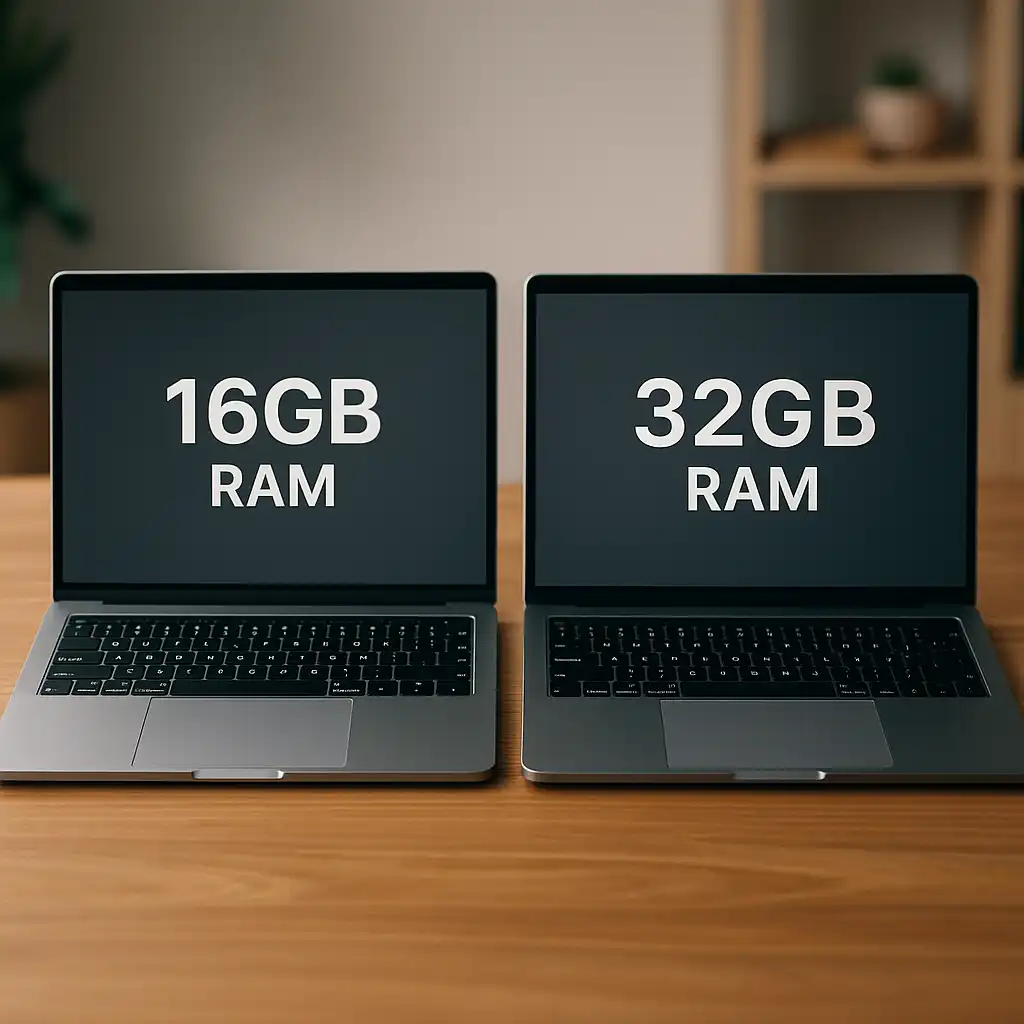
👉 If you’re deciding whether 16GB is enough or whether moving to 32GB makes more sense, see 16GB RAM vs 32GB RAM Laptop.
📌 Key Takeaways
- Samsung’s 16GB DDR4-3200 SODIMM provides a standard 3200 Mbps, 1.2V laptop memory configuration.
- Crucial’s DDR4 laptop memory is a practical option for buyers who want access to manufacturer compatibility tools.
- Timetec’s 16GB DDR4-2666 SODIMM provides a lower-speed option for compatible DDR4 laptops.
- A 3200MHz module does not guarantee that a laptop will operate memory at 3200MHz.
- Check DDR generation, SODIMM support, maximum memory capacity, and supported speed before buying.
- Laptops with soldered RAM may not support memory upgrades.
🟢 FAQs
Q: Is 16GB DDR4 RAM enough for a laptop?
16GB is suitable for many everyday productivity and multitasking workloads. The appropriate capacity depends on the applications you use and the laptop’s supported memory configuration.
Q: Can I put 16GB DDR4 RAM in any laptop?
No. The laptop must support DDR4 SODIMM memory and the desired capacity. Some laptops use DDR5, older DDR generations, or soldered memory that cannot be replaced.
Q: Can I install 3200MHz RAM in a laptop that supports 2666MHz?
Some DDR4 modules can operate at a lower supported speed, but compatibility depends on the particular memory module and laptop. Check the laptop manufacturer’s memory specifications before purchasing.
Q: Is laptop RAM different from desktop RAM?
Yes. Most upgradeable laptops use the smaller SODIMM form factor, while desktop computers typically use full-size DIMMs. They are physically different and are not interchangeable.
Q: Is Samsung DDR4 RAM good for laptops?
Samsung manufactures DDR4 SODIMM modules specifically designed for laptops and compact systems. Compatibility still depends on the specifications of the individual laptop.
Q: Should I choose 16GB or 32GB RAM for my laptop?
16GB can handle many mainstream workloads, while 32GB provides additional capacity for heavier multitasking and memory-intensive applications. The better capacity depends on your workload and your laptop’s upgrade limits.
✅ Conclusion
The best 16GB DDR4 RAM for a laptop depends primarily on compatibility with the system you are upgrading. Samsung’s DDR4-3200 SODIMM provides a standard 16GB 3200 Mbps configuration, Crucial is particularly useful for buyers who want manufacturer compatibility resources, and Timetec’s DDR4-2666 module provides an alternative for laptops designed around lower DDR4 speeds. Before ordering any module, confirm that your laptop uses replaceable DDR4 SODIMM memory and supports the capacity and speed of the RAM you plan to install.