Best 2-in-1 Laptop for 3D Modeling – Flexible Options for Creative Work
Disclosure: This post contains affiliate links. LaptopVoyager.com participates in the Amazon Associates Program and may earn commissions on qualifying purchases, at no extra cost to you.
Last Updated: February 2026
3D modeling places heavier demands on a laptop than everyday productivity tasks. Working with complex meshes, detailed viewports, and real-time previews requires solid CPU performance, enough memory, and a display that gives you room to work. When flexibility is also a priority, choosing the right 2-in-1 becomes a balancing act between performance, thermals, and form factor.
This guide compares three 2-in-1 laptops that can support 3D modeling workflows based on their specifications and design approach. Each option targets a different type of creator, making it easier to choose based on how and where you work.
👉 Want a broader overview first? See our main guide to the best 2-in-1 laptops.
💰 Check Price & Availability
View on Amazon – Jumper 16-inch Convertible Laptop
View on Amazon – Lenovo Yoga Pro 7 14AHP9
View on Amazon – HP Spectre x360 14 OLED
📋 Quick-View Comparison List
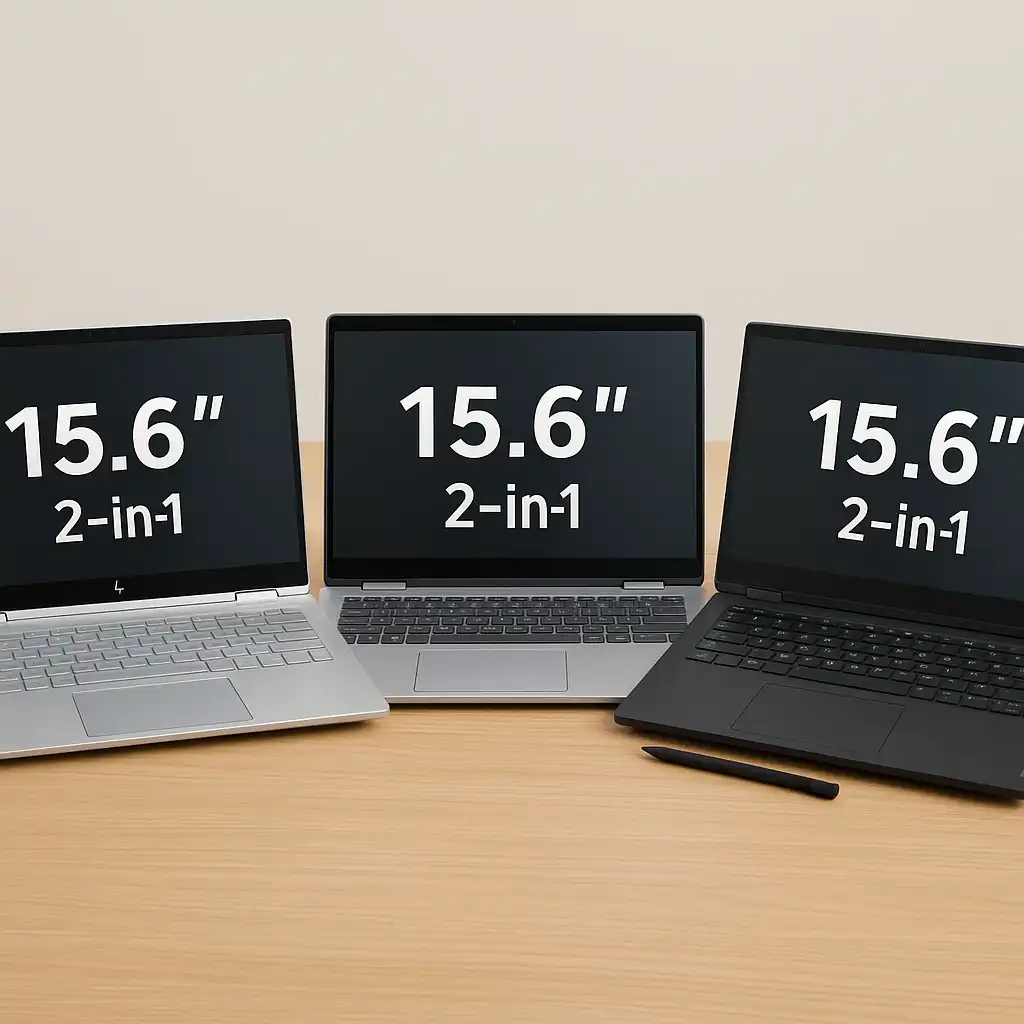
Best Large-Screen 2-in-1 for 3D Modeling: Jumper 16-inch Convertible Laptop with a spacious display for complex interfaces
Best Performance-Focused Compact 2-in-1: Lenovo Yoga Pro 7 14AHP9 designed for demanding creative workloads
Best Premium Display 2-in-1: HP Spectre x360 14 OLED with high-contrast visuals and refined build quality
🔍 What to Look for in a 2-in-1 for 3D Modeling
For 3D modeling, CPU performance and available memory tend to matter more than ultra-thin design. Many modeling applications rely heavily on processor speed for viewport updates and calculations, while sufficient RAM helps keep large projects responsive.
Display size also plays a role. Larger screens make it easier to manage tool panels and multiple views, while higher-quality panels help with visual clarity. Thermal design is another consideration, as sustained workloads benefit from chassis designs that can manage heat effectively.
📦 Jumper 16-Inch Convertible Laptop – Large-Screen Workspace
The Jumper 16-inch convertible stands out primarily for its screen size. A larger display provides more room for modeling interfaces, timelines, and multiple viewports, which can make complex scenes easier to manage.
This model is best suited for entry-level or learning-focused 3D modeling. While it isn’t designed for heavy rendering workloads, its combination of screen space and convertible flexibility makes it practical for students, hobbyists, and lighter creative projects.
📦 Lenovo Yoga Pro 7 14AHP9 – Compact Performance Option
The Lenovo Yoga Pro 7 14AHP9 is positioned as a more performance-focused 2-in-1, typically configured with higher-end processors aimed at demanding workloads. Its smaller footprint makes it easier to carry while still offering the processing capability needed for modeling, simulations, and creative multitasking.
This option makes sense for users who prioritize CPU performance over screen size. It’s better suited for advanced users who want a capable, portable 2-in-1 that can handle sustained creative work without moving to a full workstation laptop.
📦 HP Spectre x360 14 OLED – Precision and Visual Clarity
The HP Spectre x360 14 OLED emphasizes display quality and refined design. Its OLED panel delivers strong contrast and clarity, which can be useful when working with detailed models, textures, and visual previews.
While it isn’t intended to replace a dedicated 3D workstation, the Spectre x360 fits users who combine light to moderate 3D modeling with other creative and productivity tasks. It’s especially appealing for designers who value display quality and a premium convertible form factor.
🔍 Choosing the Right Option for Your Workflow
The best 2-in-1 for 3D modeling depends on how demanding your projects are. Larger laptops with more cooling headroom suit longer sessions, while stronger processors help with complex calculations and smoother viewport performance.
If your work involves frequent rendering or GPU-intensive tasks, a traditional workstation laptop may still be the better fit. For flexible, on-the-go modeling and creative work, these 2-in-1 options provide a balanced middle ground.
📌 Key Takeaways
- 3D modeling benefits from strong CPU performance and sufficient memory
- Larger displays help manage complex modeling interfaces
- Convertible designs support flexible creative workflows
- The right choice depends on project complexity and portability needs
🟢 FAQs
Q: Can a 2-in-1 laptop handle professional 3D modeling?
Some models can handle moderate workloads, but heavy rendering and simulations are better suited to dedicated workstations.
Q: Is a larger screen important for 3D modeling?
Yes, more screen space makes it easier to manage viewports, tools, and detailed scenes.
Q: Are integrated graphics enough for 3D work?
They can support modeling and previews, but complex scenes and rendering benefit from dedicated GPUs.
✅ Conclusion
2-in-1 laptops can be a practical option for 3D modeling when flexibility and portability matter as much as performance. While they don’t replace full workstation systems, the right configuration can support learning, prototyping, and creative design work effectively.
By matching hardware capability to your modeling workload, you can choose a convertible laptop that supports both creative tasks and everyday productivity without unnecessary compromises.