Best 4K Gaming Monitor for PS5 – Top Picks for Console Performance and Visual Quality
Disclosure: This post contains affiliate links. LaptopVoyager.com participates in the Amazon Associates Program and may earn commissions on qualifying purchases, at no extra cost to you.
Last Updated: March 2026
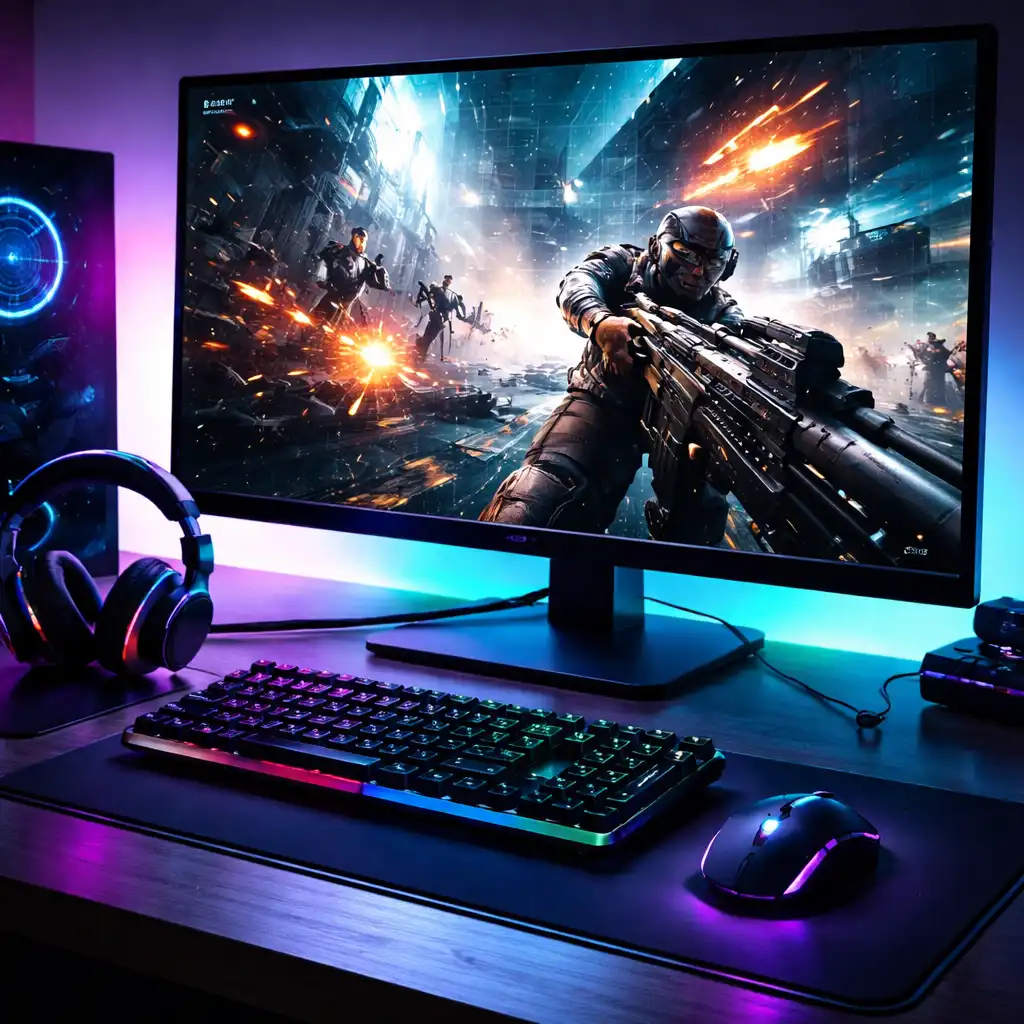
Choosing the best 4K gaming monitor for PS5 means finding a display that supports high resolution, smooth refresh rates, and console-friendly features like HDMI 2.1. These monitors are designed to take full advantage of what the PlayStation 5 can deliver.
Based on specifications and typical console performance, 4K monitors with fast response times and adaptive sync support are well suited for PS5 gaming.
👉 If you’re exploring more options, see our guide to best gaming monitors
This guide compares three strong options and explains what to look for when choosing the best monitor for PS5.
💰 Check Price & Availability
View on Amazon – LG 32″ UltraGear OLED 4K Gaming Monitor (32GX870A-B)
View on Amazon – Samsung 37″ Odyssey G7 4K Curved Gaming Monitor (G75F)
View on Amazon – ASUS TUF Gaming 27″ 4K Monitor (VG27UQ1A)
📋 Quick-View Comparison List
Best OLED Experience: LG UltraGear 32GX870A-B
Best Large Curved Option: Samsung Odyssey G7 37″
Best Budget-Friendly Choice: ASUS TUF VG27UQ1A
🔍 What Makes a Monitor Good for PS5
The PS5 is designed to support 4K resolution and high refresh rates, but not all monitors are fully compatible with its features.
Key specifications to look for:
- HDMI 2.1 support for 4K at higher refresh rates
- Low response time for reduced motion blur
- Adaptive sync support for smoother gameplay
- HDR compatibility for improved contrast
👉 For connection details, see hdmi vs displayport gaming monitors
These features help ensure that the monitor can fully support console gaming performance.
🔍 Performance: Refresh Rate and Input Response
While the PS5 typically targets up to 120Hz in supported games, monitors with higher refresh rates are designed to provide smoother motion and better responsiveness.
According to specifications and published benchmarks:
- Higher refresh rates improve motion clarity
- Low response time reduces blur in fast scenes
- Low input lag improves responsiveness
👉 To understand input lag better, see what is input lag in gaming monitors
These factors are especially important for action and competitive games.
🔍 Panel Types and Visual Experience
Different panel types affect how games look on screen.
Typical differences based on specifications:
- OLED → deep blacks and strong contrast
- IPS → consistent colors and brightness
- VA → higher contrast in some curved models
Your choice depends on whether you prioritize contrast, brightness, or overall balance.
📦 LG UltraGear 32GX870A-B 32″ OLED 4K Gaming Monitor
The LG UltraGear 32GX870A-B is a 32-inch OLED monitor designed for premium gaming setups.
According to LG specifications:
- OLED panel delivers strong contrast and fast response time
- 4K resolution provides detailed visuals
- Gaming features support smooth performance
This model suits users who want top-tier image quality on PS5.
📦 Samsung Odyssey G7 (G75F) 37″ 4K Curved Gaming Monitor
The Samsung Odyssey G7 (G75F) is a larger curved display designed for immersive gaming.
Based on Samsung specifications:
- Curved panel enhances immersion
- 4K resolution improves detail
- Large screen increases field of view
This option fits users who want a more cinematic gaming experience.
📦 ASUS TUF Gaming VG27UQ1A 27″ 4K Monitor
The ASUS TUF VG27UQ1A is positioned as a more accessible 4K gaming monitor.
According to ASUS specifications:
- 27-inch size fits most setups
- 4K resolution enhances clarity
- Gaming features support responsive performance
This model suits users looking for a practical and budget-conscious option.
📌 Key Takeaways
- HDMI 2.1 support is important for PS5 compatibility
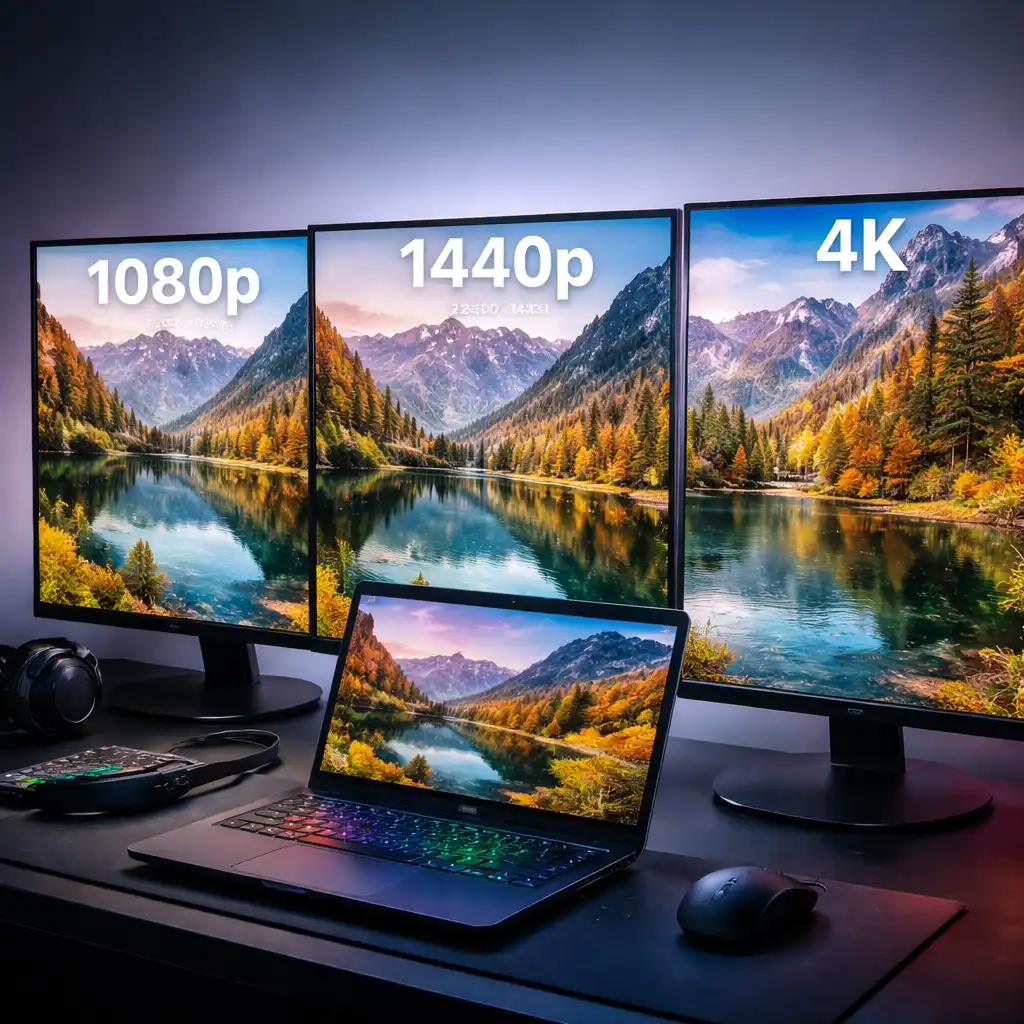
- 4K resolution enhances visual detail
- OLED provides the best contrast, while IPS offers balance
- Low input lag improves responsiveness
🟢 FAQs
Q: Do you need HDMI 2.1 for PS5?
Yes. HDMI 2.1 is required to fully support 4K at higher refresh rates on PS5.
Q: Is 120Hz important for PS5 gaming?
Yes. Some PS5 games support up to 120Hz, which improves smoothness.
Q: Is OLED better for PS5 gaming?
OLED panels are designed for better contrast and faster response time, which enhances visual quality.
Q: What size monitor is best for PS5?
27-inch and 32-inch are common choices, depending on desk space and preference.
✅ Conclusion
The best 4K gaming monitor for PS5 depends on your priorities, whether that’s OLED contrast, screen size, or overall value. Based on specifications, these models offer strong performance and compatibility with modern console features.
For most users, a 4K monitor with HDMI 2.1 and low response time provides a solid PS5 gaming experience.