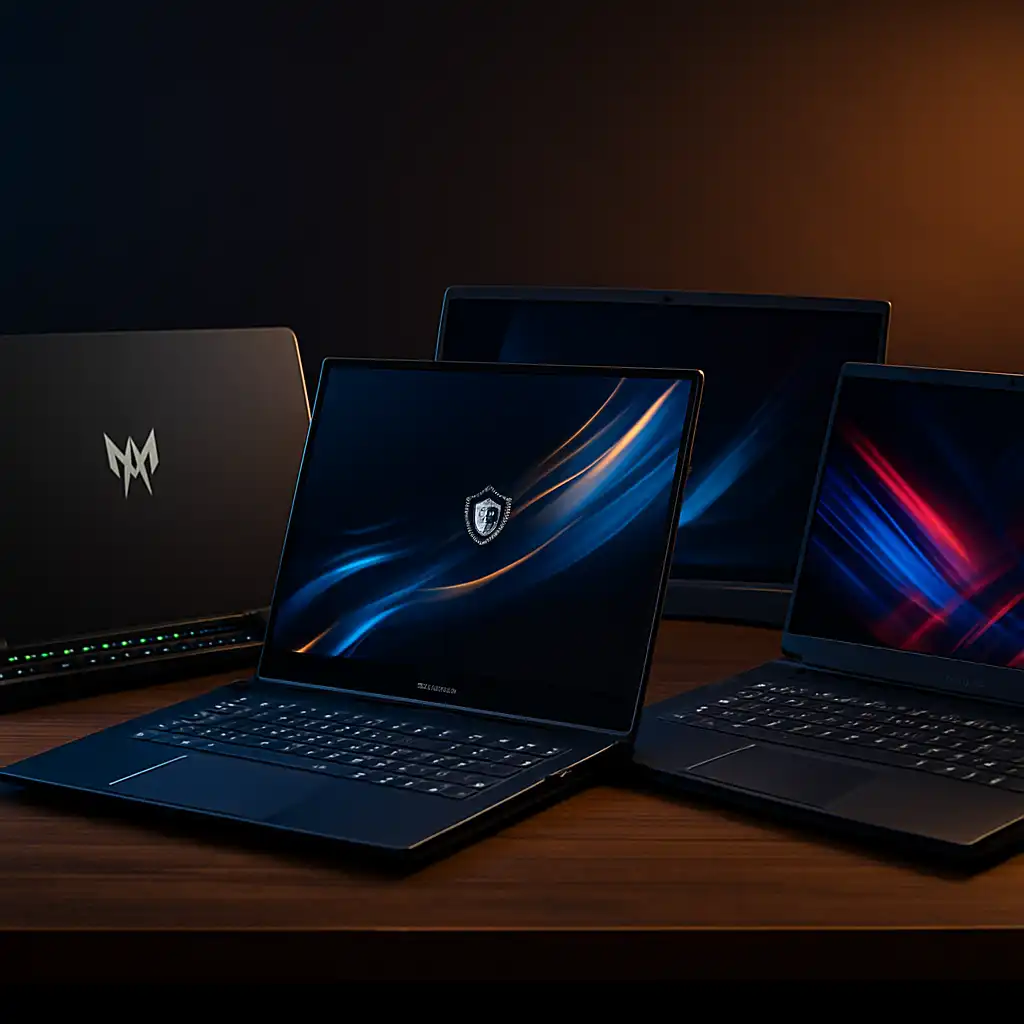
Best Gaming Laptop with Best Graphics Card – High-End GPU Performance Explained
Disclosure: This post contains affiliate links. LaptopVoyager.com participates in the Amazon Associates Program and may earn commissions on qualifying purchases, at no extra cost to you.
Last Updated: April 2026
Choosing the best gaming laptop with the best graphics card comes down to understanding how GPU power translates into real gaming performance. Modern high-end laptops are equipped with RTX 4090, RTX 5080, and RTX 5090 GPUs, each designed for demanding workloads and high-resolution gaming.
Based on manufacturer specifications and published benchmarks, these GPUs are built to handle advanced graphics settings, ray tracing, and high frame rates. The differences between them come down to performance scaling, efficiency, and how much headroom you want for future games.
👉 For a practical mid-range example of how modern GPUs perform in real laptops, see lenovo loq rtx 4050 performance
📌 Key Takeaways
- RTX 4090, 5080, and 5090 represent the highest laptop GPU tiers
- Higher VRAM and core counts support demanding games and creative workloads
- Advanced cooling systems are required to sustain performance
- These laptops are designed for 1440p and 4K gaming scenarios
💰 Check Price & Availability
View on Amazon – Lenovo Legion Pro (Ultra 9 275HX, RTX 5090, 64GB RAM, 2TB SSD)
View on Amazon – ASUS ROG Strix SCAR 18 (Ultra 9 275HX, RTX 5080/5090, 32GB RAM, 2TB SSD)
View on Amazon – Lenovo Legion Pro 7i (i9-14900HX, RTX 4090, 32GB RAM, 2TB SSD)
📋 Quick-View Comparison List
Best Absolute Performance: RTX 5090 laptops for maximum gaming and rendering power
Best Premium Balance: RTX 5080 systems for high-end gaming with slightly better efficiency
Best Proven High-End: RTX 4090 laptops with strong performance and mature thermals
🔍 What Defines the Best Gaming Laptop Graphics Card
The graphics card is the most important component for gaming performance. It determines frame rates, graphical quality, and how well a system handles modern game engines.
According to NVIDIA specifications, newer GPUs such as RTX 5080 and RTX 5090 introduce improved efficiency, higher core counts, and faster memory. These upgrades are designed to support real-time ray tracing, AI-based rendering, and higher resolutions.
This makes high-end GPUs essential for users targeting ultra settings, high refresh rates, or long-term performance.
🔍 RTX 5090 vs RTX 5080 vs RTX 4090
The main differences between these GPUs come down to performance scaling and architecture improvements.
RTX 5090 laptops are designed as the top tier, featuring increased VRAM and higher processing capability. Based on early specifications, they are built for demanding workloads such as 4K gaming and advanced rendering.
RTX 5080 sits just below, offering similar architecture benefits but slightly lower performance. This makes it a more balanced option for users who still want high-end performance without reaching the highest tier.
RTX 4090 remains a powerful option. Published benchmarks show it still handles modern games at high settings with strong performance, making it relevant despite newer releases.
👉 For a broader breakdown of GPU tiers and how they compare across laptops, see laptop gpu comparison for gaming
🔍 Cooling and Power Limits in High-End Gaming Laptops
High-performance GPUs generate significant heat, which makes cooling systems critical.
Manufacturers design gaming laptops with advanced cooling solutions such as vapor chambers, multiple fans, and optimized airflow. According to manufacturer documentation, thermal design directly impacts sustained performance.
This means two laptops with the same GPU can perform differently depending on cooling efficiency and power limits.
🔍 Display and Performance Pairing
High-end GPUs are often paired with high-refresh-rate and high-resolution displays.
Many premium gaming laptops feature QHD+ or 4K panels with refresh rates up to 240Hz. These displays are designed to take advantage of the GPU’s ability to deliver high frame rates and detailed visuals.
This pairing ensures that the GPU’s performance is not limited by the display capabilities.
🔍 Real-World Use Cases for High-End GPUs
High-end gaming laptops are not limited to gaming. They are also designed for workloads such as video editing, 3D rendering, and simulation software.
Based on software requirements and benchmark data, GPUs like RTX 4090 and above support GPU-accelerated applications, reducing rendering times and improving workflow efficiency.
This makes them suitable for professionals who need both gaming and productivity performance.
📦 Lenovo Legion Pro – RTX 5090 Configuration
This configuration represents the highest performance tier currently available.
With an Intel Ultra 9 processor, RTX 5090 GPU, and 64GB RAM, it is equipped for demanding workloads. According to specifications, the large VRAM capacity supports high-resolution textures and complex rendering tasks.
This setup suits users targeting maximum performance without compromise.
📦 ASUS ROG Strix SCAR 18 – RTX 5080/5090 Option
This model focuses on combining high-end GPU performance with advanced display technology.
The 18-inch Mini LED panel is designed to deliver higher brightness and contrast compared to standard IPS displays. Paired with RTX 5080 or 5090 GPUs, it supports high refresh rates and detailed visuals.
This makes it suitable for users who prioritize both performance and display quality.
📦 Lenovo Legion Pro 7i – RTX 4090 Configuration
This configuration provides high-end performance with a more established GPU generation.
The RTX 4090, combined with an Intel i9 processor and advanced cooling system, is designed to handle demanding games and applications. Published benchmarks show strong performance across modern titles.
It remains a practical choice for users who want high performance without moving to the newest GPU tier.
🟢 FAQs
Q: What is the best graphics card for gaming laptops?
Based on current specifications, RTX 5090 represents the highest performance tier, followed by RTX 5080 and RTX 4090.
Q: Is RTX 4090 still good for gaming?
Yes. Published benchmarks show it handles modern games at high settings with strong performance.
Q: Do you need RTX 5090 for gaming?
Not necessarily. RTX 5080 and RTX 4090 are sufficient for most users, depending on resolution and performance needs.
Q: Does cooling affect gaming performance?
Yes. According to manufacturer designs, cooling systems influence sustained GPU performance during long sessions.
✅ Conclusion
The best gaming laptop with the best graphics card depends on how much performance you actually need. Based on specifications and benchmarks, RTX 5090 offers maximum capability, while RTX 5080 and RTX 4090 provide strong alternatives for high-end gaming.
Choosing the right option comes down to balancing performance, efficiency, and long-term use.