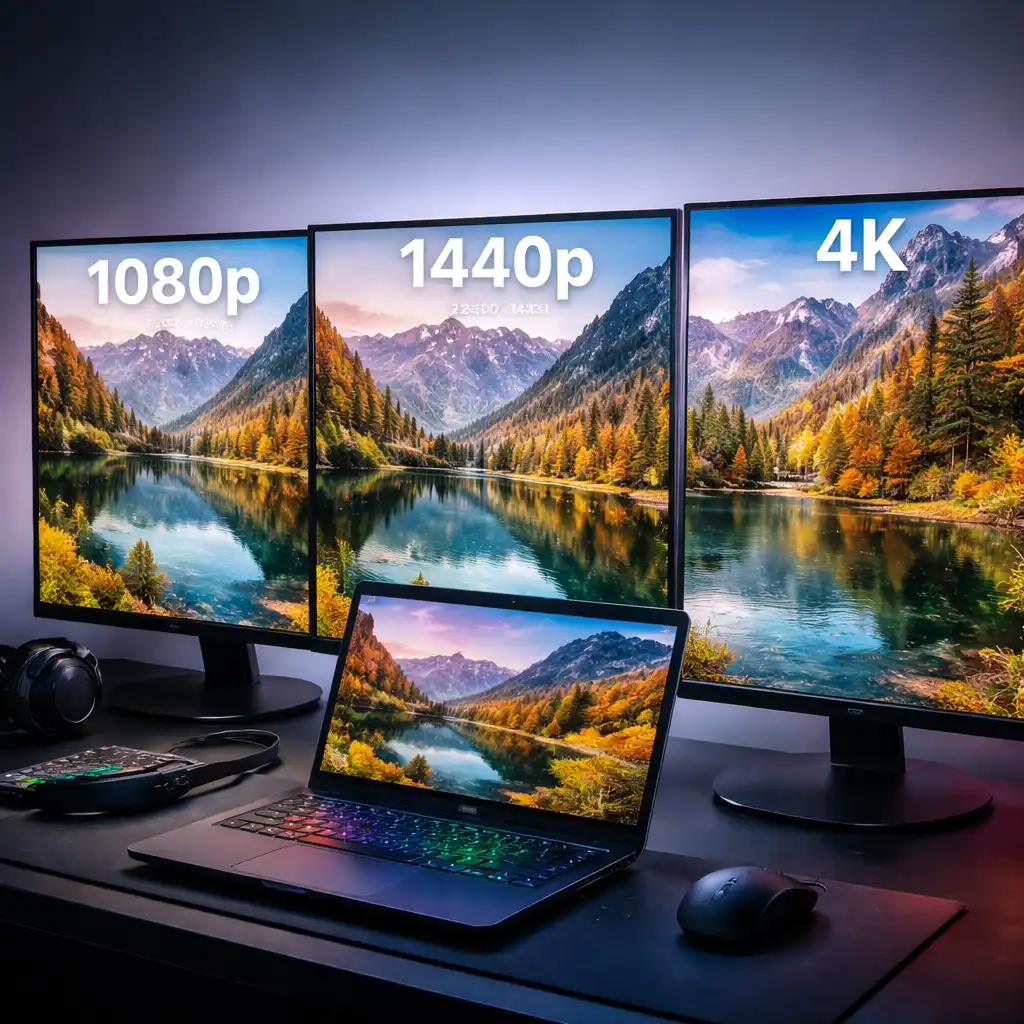
Best Monitor Resolution for Laptop Gaming – 1080p vs 1440p vs 4K Explained
Disclosure: This post contains affiliate links. LaptopVoyager.com participates in the Amazon Associates Program and may earn commissions on qualifying purchases, at no extra cost to you.
Last Updated: March 2026
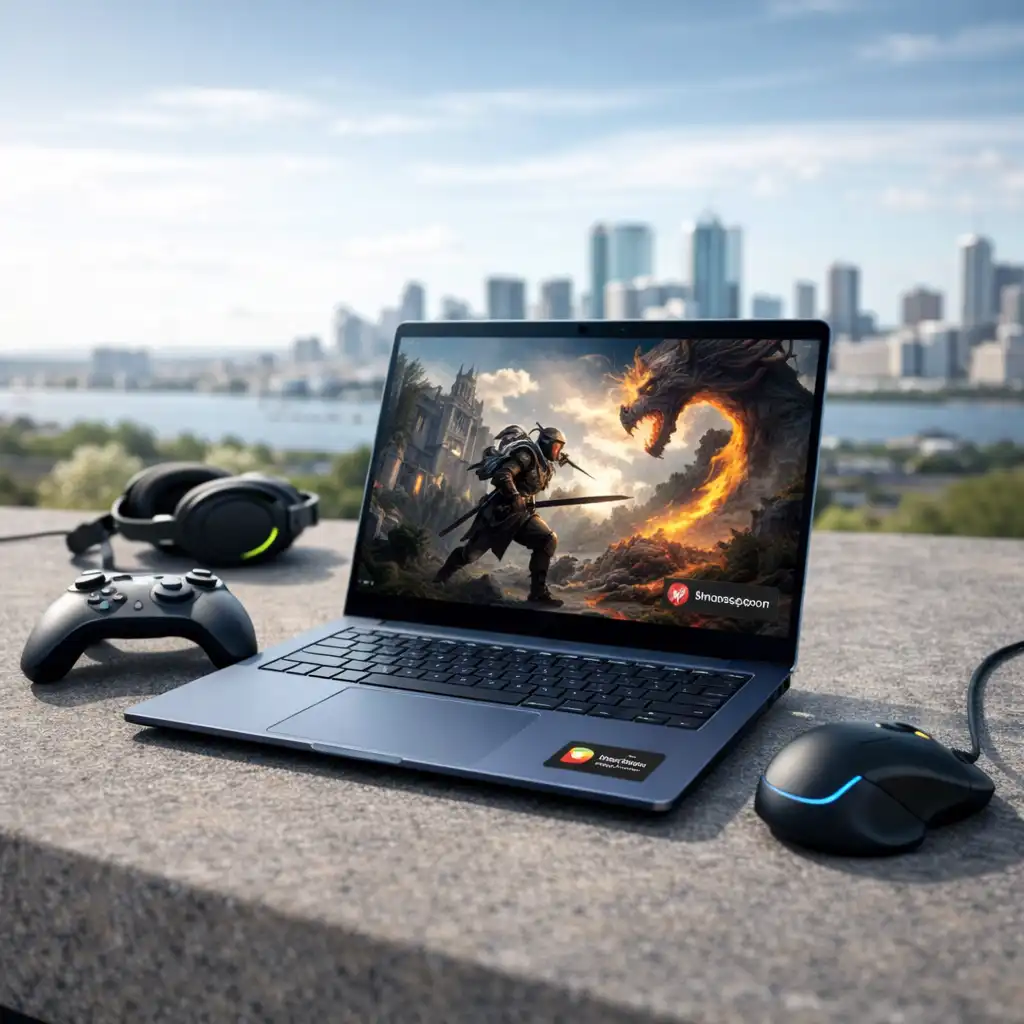
Choosing the right monitor resolution for laptop gaming can significantly impact both performance and visual quality. A higher resolution can make games look sharper, but it also requires more GPU power from your laptop.
Modern laptops support a wide range of resolutions, but not all systems are designed to handle higher settings smoothly. Understanding how resolution affects performance helps you choose a display that matches your hardware.
👉 If you’re comparing display options, see our guide to best gaming monitors
This guide explains the differences between 1080p, 1440p, and 4K, and how to choose the best option based on your laptop.
📌 Key Takeaways
- 1080p is the most widely supported resolution for smooth gaming performance
- 1440p offers a strong balance between clarity and GPU demand
- 4K delivers higher detail but requires high-end laptop hardware
- Matching resolution with GPU capability improves overall gaming experience
- Higher resolution can reduce frame rates if hardware is not powerful enough
🔍 1080p (Full HD) – Best for Performance and Compatibility
1080p (1920×1080) is the most common resolution for gaming monitors and laptops.
According to manufacturer specifications and published benchmarks, this resolution is designed to deliver consistent performance across a wide range of GPUs. It requires less processing power, allowing higher frame rates in most games.
This makes 1080p a practical choice for:
- Entry-level and mid-range laptops
- Competitive gaming where high frame rates matter
- Users who prioritize smooth gameplay over visual detail
Because of its lower hardware demand, 1080p remains one of the most reliable options for laptop gaming.
🔍 1440p (QHD) – Best Balance of Performance and Visual Quality
1440p (2560×1440) offers a noticeable improvement in image clarity compared to 1080p.
According to professional reviews, QHD resolution provides sharper visuals while still maintaining relatively strong performance on mid-range and high-end laptops.
This resolution is well-suited for:
- Gamers who want improved detail without moving to 4K
- Laptops with mid-to-high performance GPUs
- Mixed use cases including gaming and productivity
1440p is often considered the “sweet spot” because it balances performance and visual quality effectively.
🔍 4K (UHD) – Best for Visual Detail
4K (3840×2160) delivers significantly higher pixel density and sharper images.
However, according to published benchmarks, 4K gaming requires substantially more GPU power. Many laptops may struggle to maintain high frame rates at this resolution, especially in demanding titles.
4K is best suited for:
- High-end gaming laptops
- Slower-paced or visually focused games
- Users who prioritize image quality over frame rate
While 4K offers strong visual detail, it may not always provide the smoothest gameplay depending on hardware.
🔍 How Resolution Affects Performance
Resolution directly impacts how much work your GPU needs to do.
Higher resolutions increase:
- Pixel count
- GPU workload
- power consumption
Published benchmarks consistently show that moving from 1080p to 1440p or 4K reduces frame rates if the GPU remains the same.
👉 For performance tuning, see best monitor refresh rate for laptop gaming
Choosing the right resolution helps maintain a balance between visual quality and smooth gameplay.
🔍 Matching Resolution to Your Laptop
Selecting the best resolution depends on your laptop’s hardware.
General guidance based on specifications:
- Entry-level GPUs → 1080p
- Mid-range GPUs → 1080p or 1440p
- High-end GPUs → 1440p or 4K
This approach ensures your monitor works within your system’s performance range.
Using a higher resolution than your GPU can handle may result in lower frame rates and reduced gaming performance.
🔍 Resolution and Screen Size
Screen size also influences how resolution looks in practice.
For example:
- 24-inch monitors → commonly paired with 1080p
- 27-inch monitors → often paired with 1440p or 4K
- Larger displays → benefit more from higher resolutions
According to manufacturer specifications, higher resolutions become more noticeable on larger screens, improving overall clarity.
🟢 FAQs
Q: Is 1440p better than 1080p for laptop gaming?
1440p offers sharper visuals, but performance depends on whether your laptop’s GPU can handle the increased workload.
Q: Is 4K worth it for gaming on a laptop?
4K provides higher detail, but according to benchmarks, it requires a high-performance GPU to maintain smooth gameplay.
Q: Can you use a 4K monitor at lower resolutions?
Yes. Many monitors allow lower resolution settings, but image scaling may affect clarity.
Q: What is the best resolution for competitive gaming?
1080p is often preferred for competitive gaming because it supports higher frame rates.
✅ Conclusion
The best monitor resolution for laptop gaming depends on balancing performance and visual quality. Based on specifications and benchmark data, 1080p offers the most consistent performance, while 1440p provides a strong middle ground.
4K is designed for maximum visual detail but requires more powerful hardware. Choosing a resolution that matches your laptop ensures smoother gameplay and a better overall experience.