Best Touchscreen Laptop with Pen – Stylus Support for Notes, Drawing & Productivity
Disclosure: This post contains affiliate links. LaptopVoyager.com participates in the Amazon Associates Program and may earn commissions on qualifying purchases, at no extra cost to you.
Last Updated: February 2026
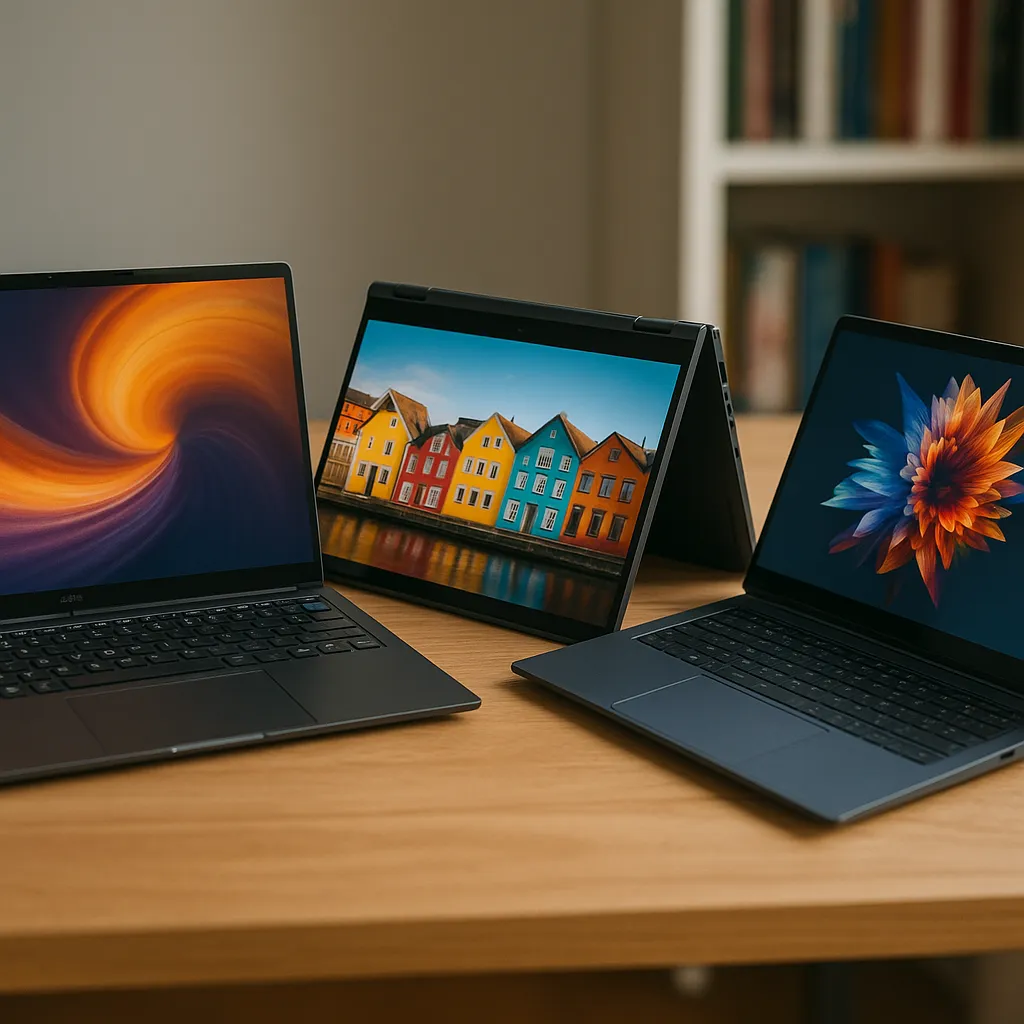
A touchscreen laptop with pen support adds flexibility for note-taking, sketching, document markup, and creative work. Whether you’re a student annotating slides or a designer sketching ideas, stylus compatibility can make everyday tasks more intuitive.
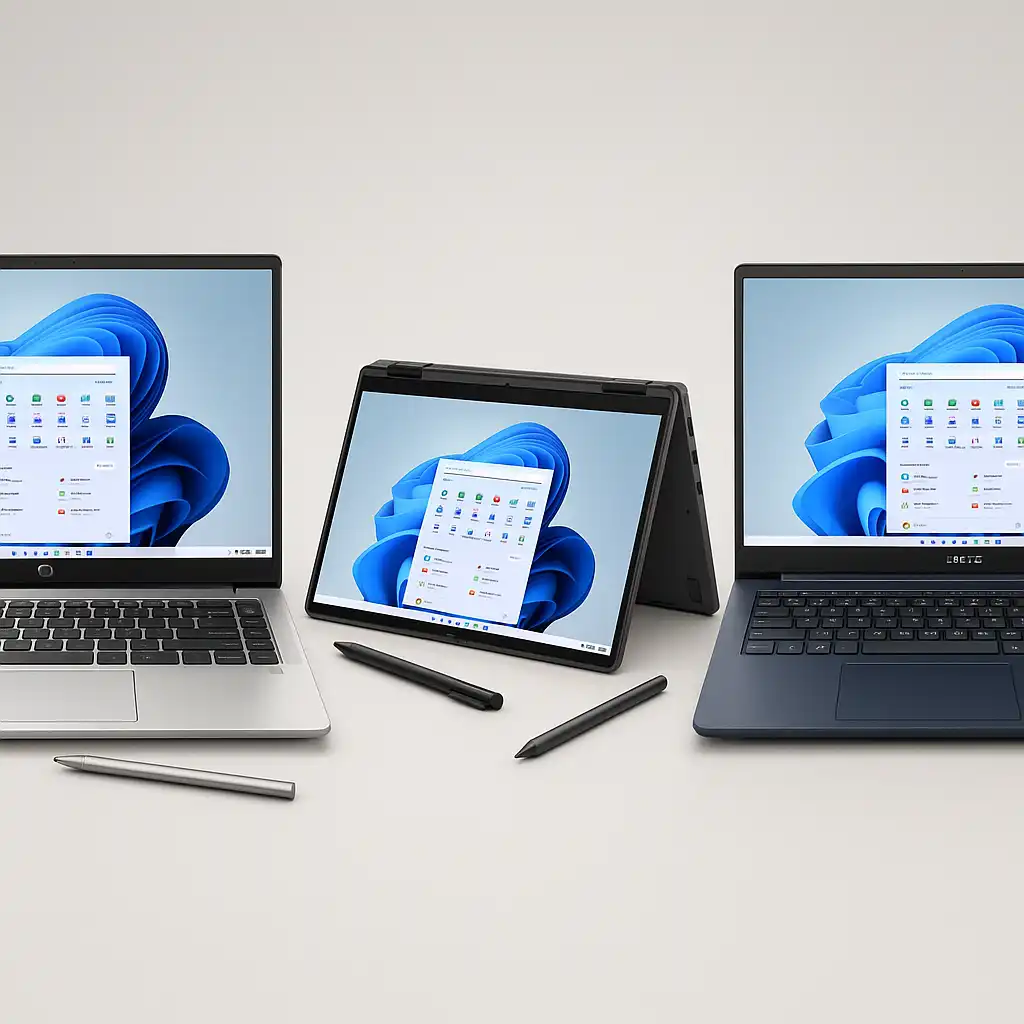
These three models stand out based on processor tier, RAM configuration, storage capacity, and pen integration.
👉 For a broader look at touch-enabled systems across all categories, explore our main guide to the best touchscreen laptops.
💰 Check Price & Availability
View on Amazon – HP 15.6″ Touch + Stylus Bundle – i3-1215U, 8GB RAM, 256GB SSD, pen included
View on Amazon – Dell Latitude 5320 2-in-1 – i7-1185G7, 16GB RAM, 512GB SSD, convertible
View on Amazon – Lenovo IdeaPad Pen Edition – i5-1235U, 24GB RAM, 1TB SSD, 4096-level stylus
📋 Quick-View Comparison List
Best Budget Pen Bundle: HP 15.6″ Touch + Stylus (i3-1215U, 8GB RAM)
Best Premium 2-in-1 Experience: Dell Latitude 5320 2-in-1 (i7-1185G7, 16GB RAM)
Best Performance with Advanced Stylus Support: Lenovo IdeaPad Pen Edition (i5-1235U, 24GB RAM)
🔍 Pen Compatibility & Writing Experience
Not all touchscreens support active stylus input. Devices designed for pen use typically support pressure sensitivity and palm rejection, which improves writing and drawing precision.
The Lenovo IdeaPad Pen Edition includes a 4096-level pressure stylus, which allows more nuanced line variation for sketching or detailed annotation. The Dell Latitude 5320 2-in-1 supports active pen input in a convertible design, making it easier to switch between laptop and tablet modes.
If you’re deciding between traditional clamshell and convertible formats, you may want to review touchscreen laptop vs 2-in-1.
🔍 Performance for Notes, Design & Multitasking
Pen-focused users often run multiple apps simultaneously—note-taking tools, browsers, PDFs, and sometimes creative software.
The HP 15.6″ bundle uses an Intel Core i3-1215U with 8GB RAM, suitable for basic productivity tasks and light multitasking. The Dell Latitude 5320 includes an i7-1185G7 and 16GB RAM, positioned for heavier workloads and smoother app switching.
The Lenovo IdeaPad Pen Edition combines an i5-1235U with 24GB RAM and 1TB SSD storage, offering stronger multitasking headroom based on memory configuration.
🔍 Storage Capacity & Long-Term Use
Storage matters for users saving lecture recordings, design files, or creative projects.
The HP model includes a 256GB SSD, which works for lighter usage and cloud-based workflows. The Dell Latitude provides 512GB SSD storage, offering more room for professional software and documents.
The Lenovo IdeaPad includes a 1TB SSD, providing the largest local storage capacity in this comparison.
🔍 Portability & Everyday Flexibility
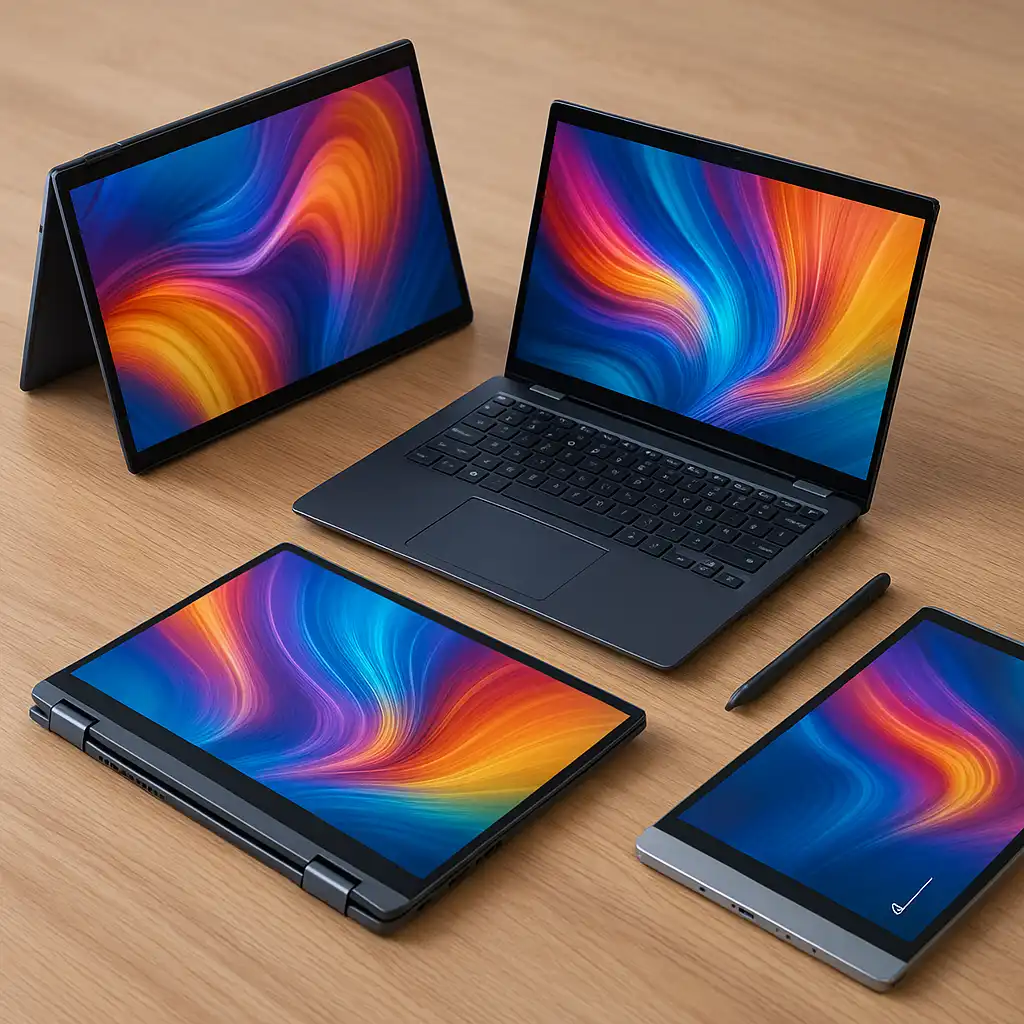
Convertible designs often improve pen usability because they allow full tablet mode. The Dell Latitude 5320 2-in-1 supports this format, making it more versatile for handwritten notes or presentations.
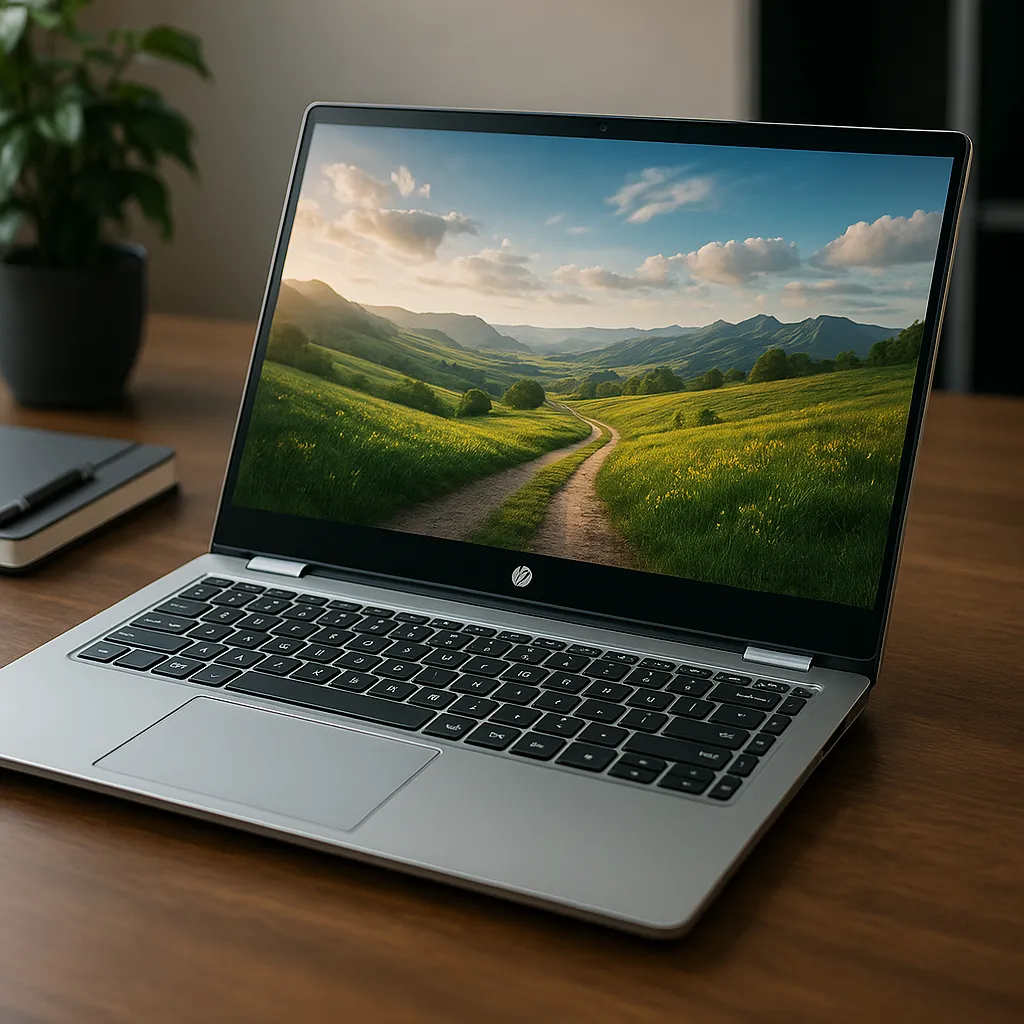
Clamshell models like the HP and Lenovo still support pen input but maintain a traditional laptop form factor. Choosing between formats depends on how frequently you plan to use pen-based interaction.
If you’re considering whether pen input is worth the added cost, you might also review is touchscreen laptop worth it.
📦 HP 15.6″ Touch + Stylus Bundle – Best Budget Pen Option
This configuration includes pen support out of the box, making it convenient for users who don’t want to purchase a stylus separately.
With an i3-1215U processor and 8GB RAM, it’s positioned for note-taking, document editing, and general productivity.
📦 Dell Latitude 5320 2-in-1 – Best Premium Convertible Experience
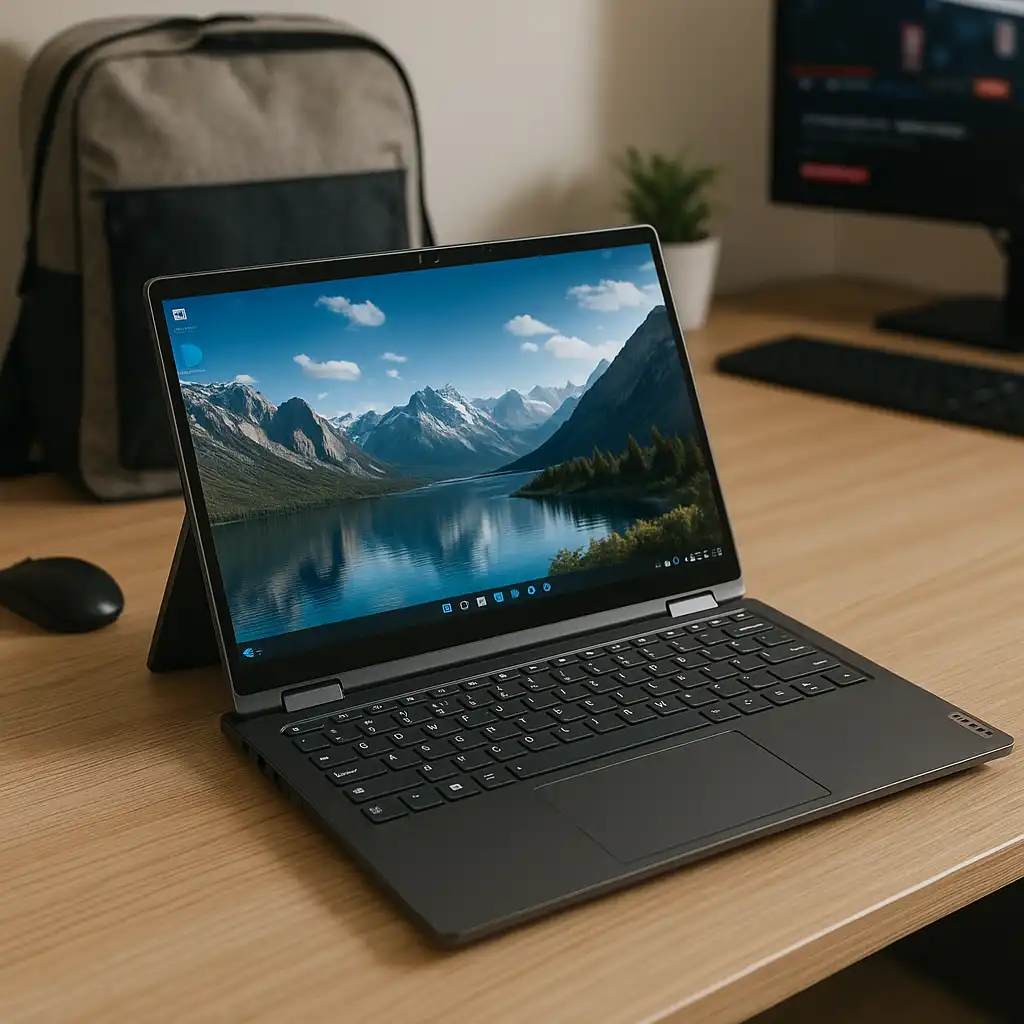
The Dell Latitude 5320 pairs an i7-1185G7 processor with 16GB RAM in a convertible chassis.
Its 2-in-1 format supports flexible usage modes, making it practical for users who frequently switch between typing and writing.
📦 Lenovo IdeaPad Pen Edition – Best Performance & Stylus Sensitivity
The Lenovo IdeaPad Pen Edition stands out with 24GB RAM and 1TB SSD storage.
Its 4096-level pressure stylus support enhances precision for drawing and detailed annotation, making it suitable for creative and advanced productivity tasks.
📌 Key Takeaways
- Active stylus support improves precision and palm rejection
- 2-in-1 designs enhance pen usability
- Higher RAM configurations support smoother multitasking
- Larger SSD storage benefits creative workflows
- Pen bundles add convenience for first-time stylus users
🟢 FAQs
Q: Do all touchscreen laptops support pen input?
No. Only models with active digitizer support are compatible with pressure-sensitive styluses.
Q: Is 4096 pressure levels important?
For basic note-taking, it’s not essential. For drawing or design, higher pressure sensitivity allows more precise line control.
Q: Is a 2-in-1 better for pen use?
Convertible designs typically offer more flexibility for tablet-style writing.
Q: Is 8GB RAM enough for pen-based note-taking?
Yes for basic tasks. However, 16GB or more provides smoother multitasking if you run multiple apps.
✅ Conclusion
The best touchscreen laptop with pen depends on your usage. The HP bundle offers entry-level pen functionality at a practical configuration. The Dell Latitude 5320 delivers premium convertible flexibility. The Lenovo IdeaPad Pen Edition stands out for memory capacity, storage, and advanced stylus sensitivity.
Each option combines touchscreen capability with pen support, giving you greater interaction and creative flexibility.