Curved vs Flat Monitor for Laptop Gaming – Which One Should You Choose?
Disclosure: This post contains affiliate links. LaptopVoyager.com participates in the Amazon Associates Program and may earn commissions on qualifying purchases, at no extra cost to you.
Last Updated: March 2026
Choosing between a curved vs flat monitor for laptop gaming depends on your setup, screen size, and the type of games you play. Both options are designed for different use cases, and neither is universally better.
Based on specifications and common gaming setups, curved monitors focus on immersion, while flat monitors prioritize consistency and versatility.
👉 If you’re exploring options, see our guide to best gaming monitors
This guide explains the differences and helps you decide which type fits your gaming style.
📌 Key Takeaways
- Curved monitors are designed for immersion, especially on larger screens
- Flat monitors offer consistent visuals and wider compatibility
- Screen size plays a major role in choosing between curved and flat
- Neither option is universally better—it depends on your setup
🔍 What Is a Curved Monitor
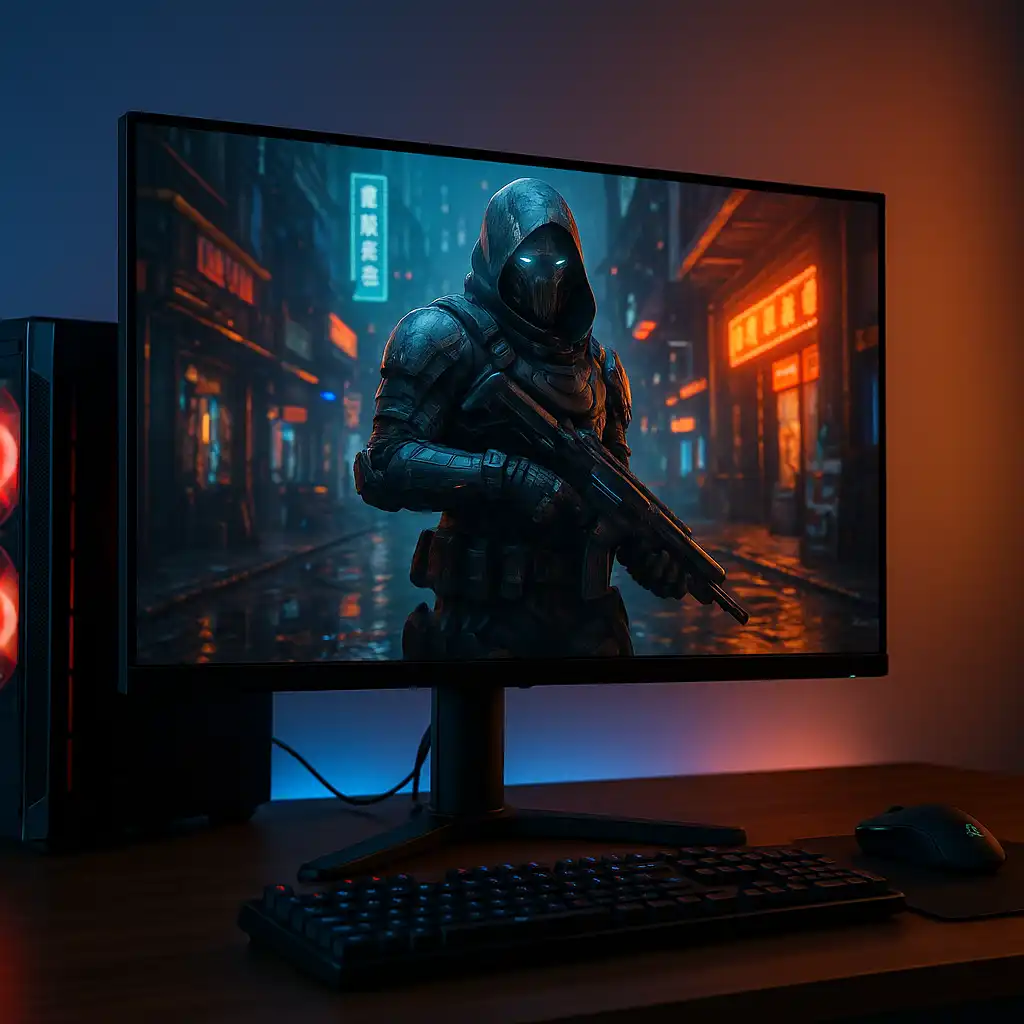
Curved monitors are designed with a slight arc to match the natural field of view. This helps keep the edges of the screen within your vision, especially on larger displays.
Typical characteristics based on specifications:
- Curvature measured in values like 1000R or 1800R
- Designed for immersive viewing
- Common in ultrawide and larger displays
Curved monitors are often used in gaming setups where immersion is a priority.
🔍 What Is a Flat Monitor
Flat monitors use a traditional flat panel design and are the most common type of display.
Typical characteristics:
- Straight screen with no curvature
- Consistent image geometry across the display
- Works well across all screen sizes
Flat monitors are widely used for both gaming and productivity due to their versatility.
🔍 Gaming Experience: Immersion vs Precision
The main difference between curved and flat monitors is how they present the image during gameplay.
Curved monitors:
- Designed to enhance immersion
- Wrap the image slightly around your field of view
- Often preferred for single-player and cinematic games
Flat monitors:
- Provide consistent visuals across the screen
- Easier to use for competitive and fast-paced gaming
- Better for multi-monitor setups
👉 If you’re considering ultrawide setups, see best 34 inch curved gaming monitor
🔍 Screen Size Matters More Than Shape
Screen size plays a major role in determining whether curvature is beneficial.
General guideline:
- 24″–27″ → flat monitors are usually sufficient
- 27″–32″ → either option works depending on preference
- 34″+ → curved monitors are often preferred
On larger screens, flat panels can feel less natural at the edges, which is where curvature helps.
🔍 Productivity and Everyday Use
For work and general use, flat monitors are often more practical.
Flat monitors:
- Better for reading text and precise tasks
- Easier for multi-monitor alignment
Curved monitors:
- Can improve focus on a single large display
- Less ideal for side-by-side multi-monitor setups
👉 For hybrid setups, see best monitors for gaming and work
🔍 Laptop Gaming Considerations
When using a laptop with an external monitor, there are a few additional factors.
Important considerations:
- Desk space and viewing distance
- GPU capability and resolution
- Port compatibility (HDMI/DisplayPort)
Curved monitors often require more space, while flat monitors are easier to integrate into smaller setups.
🟢 FAQs
Q: Is a curved monitor better for gaming?
Curved monitors are designed to improve immersion, especially on larger screens, but they are not always necessary.
Q: Are flat monitors better for competitive gaming?
Flat monitors are often preferred for competitive gaming due to consistent visuals and easier tracking.
Q: Is curved worth it on a 27-inch monitor?
It depends on preference, but curvature is generally more noticeable on larger displays.
Q: Can you use a curved monitor with a laptop?
Yes. Curved monitors work the same as flat monitors when connected to a laptop.
✅ Conclusion
The choice between a curved vs flat monitor for laptop gaming depends on your priorities. Based on specifications, curved monitors are designed for immersion, while flat monitors offer consistency and versatility.
For most users, screen size and setup will determine which option makes more sense.