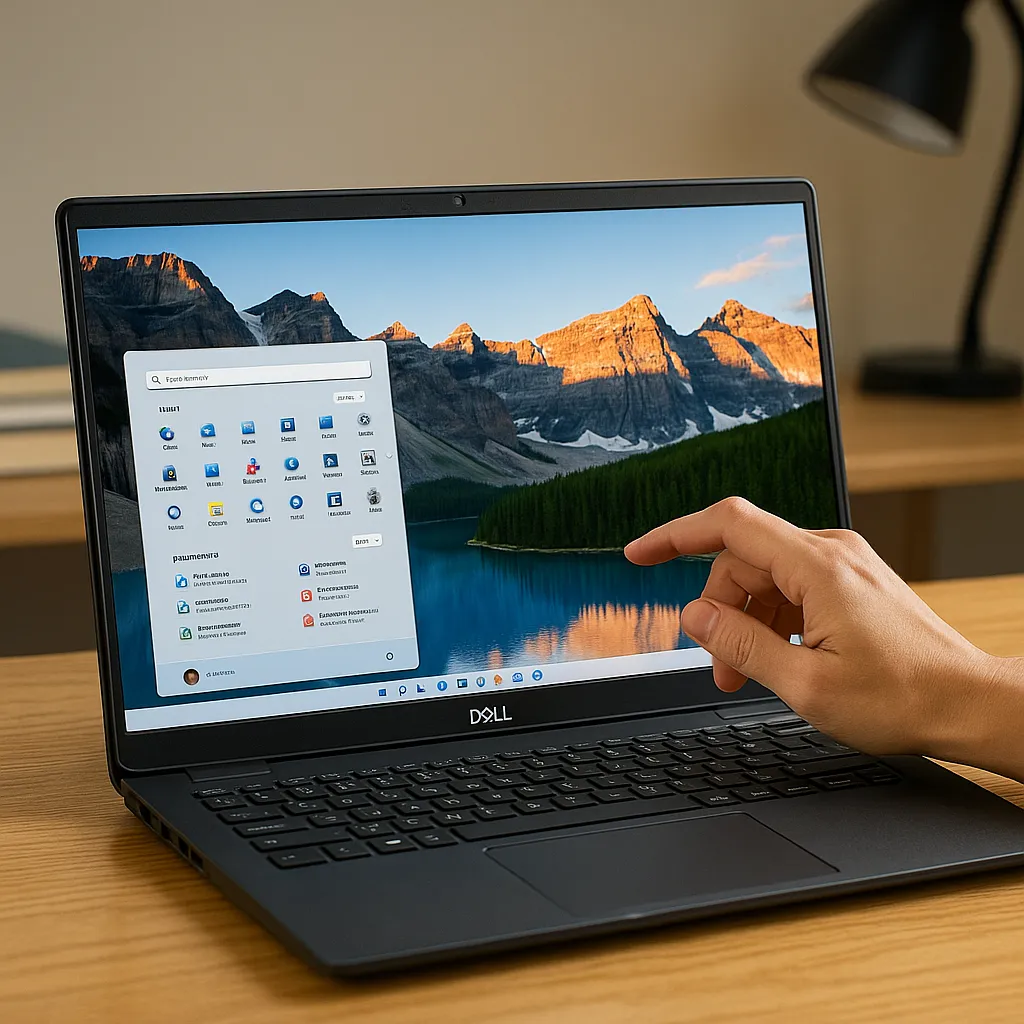
Dell Inspiron 15.6 Touchscreen Laptop Review – Performance, Display & Value Compared
Disclosure: This post contains affiliate links. LaptopVoyager.com participates in the Amazon Associates Program and may earn commissions on qualifying purchases, at no extra cost to you.
Last Updated: February 2026
Dell’s Inspiron 15.6 touchscreen lineup covers multiple configurations, from Intel-based productivity models to Ryzen-powered multitasking systems. While they share the same general size category, internal hardware differences significantly affect performance and long-term usability.
This comparison reviews three Dell Inspiron 15.6 touchscreen configurations from a specifications perspective, helping you understand where each one fits and which type of user it suits best.
👉 For a broader overview of interactive laptops across brands and budgets, explore our main guide to the best touchscreen laptops.
💰 Check Price & Availability
View on Amazon – Dell Inspiron 15.6” Touchscreen (i5-1155G7, 32GB RAM, 1TB SSD, FHD IPS)
View on Amazon – Dell Inspiron 15 3000 3520 Touchscreen (i5-1135G7, 16GB RAM, 512GB SSD, Anti-Glare WVA)
View on Amazon – Dell Inspiron 15 3535 Touchscreen (Ryzen 7 7730U, 32GB RAM, 1TB SSD, IPS, Copilot AI)
📋 Quick-View Comparison List
Best Overall Performance: Dell Inspiron 15 3535 (Ryzen 7 7730U, 32GB RAM)
Best Balanced Intel Option: Dell Inspiron 15.6” (i5-1155G7, 32GB RAM)
Best Mid-Range Everyday Choice: Dell Inspiron 15 3000 3520 (i5-1135G7, 16GB RAM)
🔍 Processor Performance & Multitasking
Processor tier largely determines responsiveness during heavier workloads.
The Inspiron 15 3535 includes a Ryzen 7 7730U processor paired with 32GB RAM. Based on AMD’s product positioning, this configuration is designed for stronger multi-core performance and heavier multitasking.
The Inspiron 15.6” with i5-1155G7 remains well-suited for productivity tasks and moderate multitasking. If you’d like a deeper breakdown of that processor class, our detailed review of the Dell 15 laptop Intel Core i5-1135G7 explains how similar configurations perform in everyday scenarios.
The Inspiron 15 3000 3520 includes an i5-1135G7 and 16GB RAM, making it appropriate for general browsing, document editing, and video conferencing.
🔍 Memory & Storage Capacity
RAM and SSD capacity directly influence long-term usability.
The 32GB RAM configurations in the i5-1155G7 and Ryzen 7 models offer significant multitasking headroom. That level of memory supports running multiple applications, browser tabs, and background tasks simultaneously.
The 1TB SSD configurations in the higher-tier models provide generous local storage for media files, applications, and long-term document archiving. The 512GB SSD in the 3520 model remains sufficient for typical academic and home use.
🔍 Display Quality & Touch Experience
All three models feature 15.6-inch touch-enabled displays. The FHD IPS panels in the i5-1155G7 and Ryzen 7 configurations provide sharper visuals and wider viewing angles.
The Inspiron 15 3000 3520 uses an anti-glare WVA panel, which can reduce reflections in brighter environments.
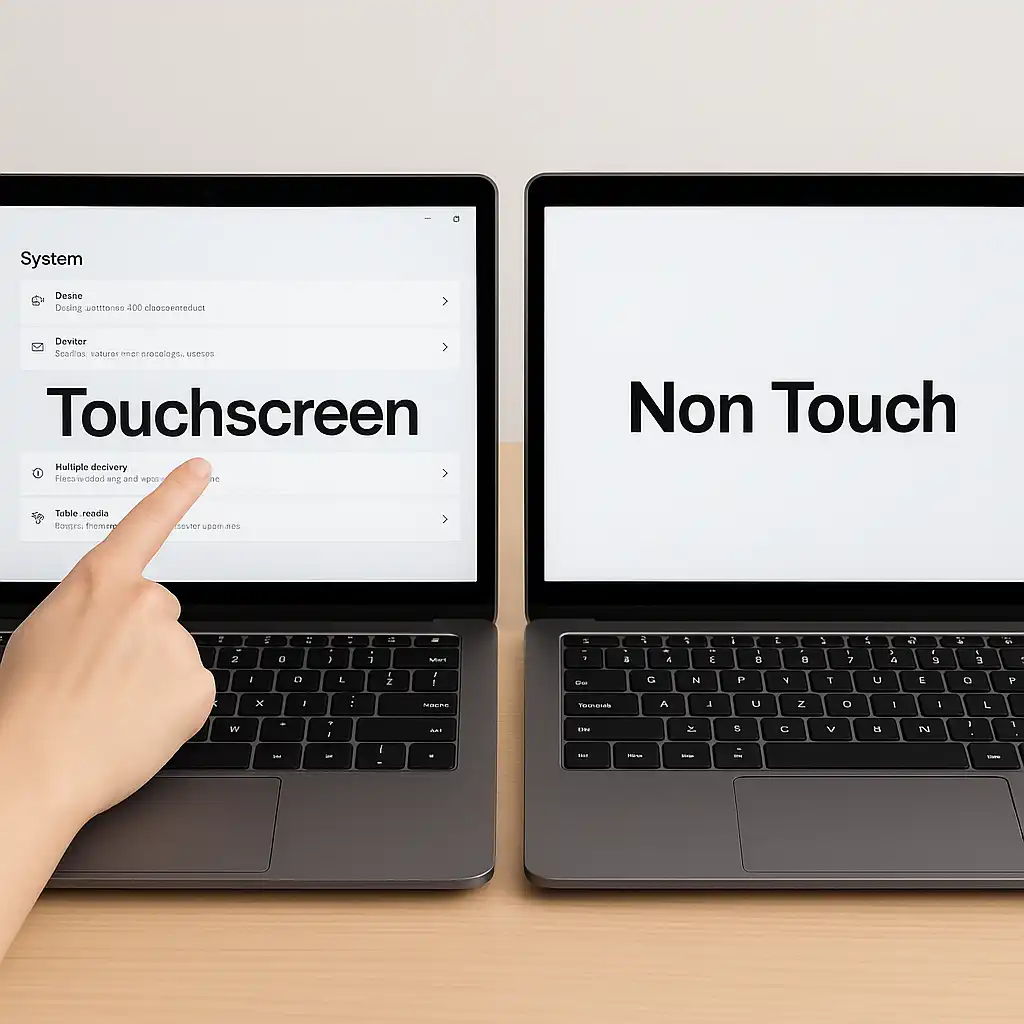
Touch functionality supports tap and gesture navigation in Windows. If your touchscreen ever needs activation or troubleshooting, here’s how to enable touchscreen on laptop.
🔍 Graphics & Everyday Media Use
These Inspiron models rely on integrated graphics.
Intel Iris Xe graphics (i5 models) and AMD Radeon integrated graphics (Ryzen 7 model) are positioned for multimedia playback, office productivity, and light creative work. They are not intended for high-end gaming but can handle casual or less demanding titles.
For users focused on productivity, integrated graphics are typically sufficient.
📦 Dell Inspiron 15.6” (i5-1155G7, 32GB RAM, 1TB SSD) – Best Balanced Intel Option
This configuration pairs 32GB RAM with 1TB SSD storage, providing strong multitasking capability and generous storage.
The Full HD IPS touchscreen enhances clarity for reading, streaming, and productivity tasks.
📦 Dell Inspiron 15 3000 3520 (i5-1135G7, 16GB RAM, 512GB SSD) – Best Mid-Range Everyday Choice
The 3520 model offers balanced hardware for users who don’t require maximum memory capacity.
Its 16GB RAM and 512GB SSD configuration is positioned for students, home users, and office workloads.
📦 Dell Inspiron 15 3535 (Ryzen 7 7730U, 32GB RAM, 1TB SSD) – Best Overall Performance
The Ryzen 7 7730U configuration stands out for stronger multi-core processing.
Combined with 32GB RAM and 1TB SSD storage, it’s suited for heavier multitasking and extended productivity workloads.
📌 Key Takeaways
- Ryzen 7 7730U offers the strongest multi-core performance
- 32GB RAM configurations support heavy multitasking
- 1TB SSD models provide long-term storage flexibility
- FHD IPS panels deliver sharper visuals than HD panels
- Integrated graphics support productivity and multimedia use
🟢 FAQs
Q: Which Dell Inspiron 15.6 touchscreen model is best for multitasking?
The Ryzen 7 7730U and i5-1155G7 models with 32GB RAM offer the strongest multitasking flexibility.
Q: Is 16GB RAM enough for most users?
Yes. For general productivity and school use, 16GB remains sufficient.
Q: Are these models good for gaming?
They use integrated graphics, which are suitable for casual gaming but not modern AAA titles.
Q: Are touchscreen laptops durable?
Touchscreen durability depends on build quality and usage. You can review more details in our guide on are touchscreen laptops durable.
✅ Conclusion
The Dell Inspiron 15.6 touchscreen lineup offers multiple performance tiers within the same size category. The Ryzen 7 3535 configuration leads in overall performance, while the i5-1155G7 model provides strong balance for productivity users. The 3520 model remains a practical mid-range option for everyday tasks.
Choosing the right configuration depends on how much multitasking headroom and storage capacity you need.