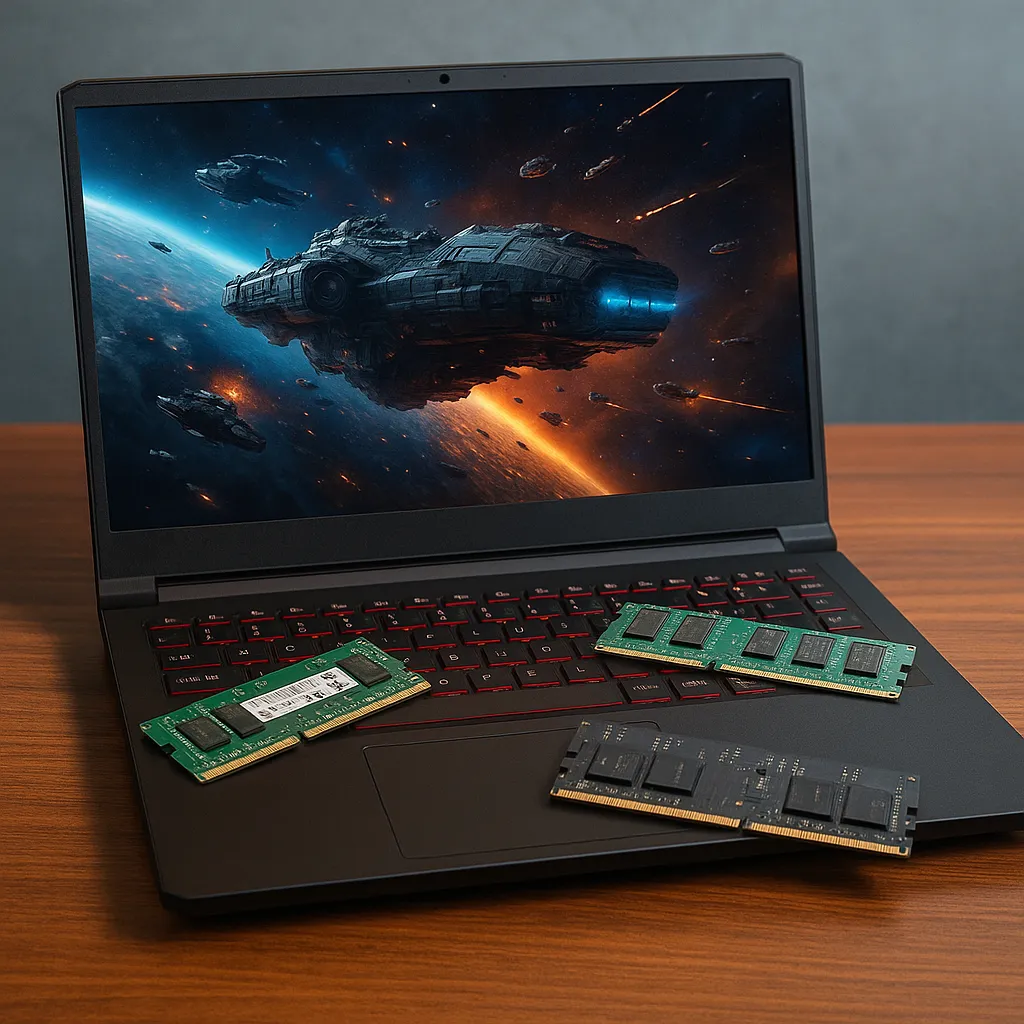
How Much RAM Do I Need for Gaming – 8GB vs 16GB vs 32GB Explained
Disclosure: This post contains affiliate links. LaptopVoyager.com participates in the Amazon Associates Program and may earn commissions on qualifying purchases, at no extra cost to you.
Last Updated: February 2026
RAM plays a major role in gaming performance, but more memory doesn’t always mean better results. The amount of RAM you need depends on the types of games you play, whether you multitask, and how long you plan to keep the system.
This guide explains how much RAM makes sense for gaming today, what changes between 8GB, 16GB, and 32GB configurations, and when upgrading is worth it.
👉 For a full breakdown of gaming hardware tiers, see our guide to best gaming laptops.
🔍 What RAM Does in Gaming
RAM stores temporary game data that the CPU and GPU access while a game is running. When there isn’t enough available memory, the system relies more heavily on storage, which can reduce performance and increase loading times.
Modern operating systems and background applications also consume memory, which affects how much is available for gaming.
🔍 Is 8GB RAM Enough for Gaming?
8GB can handle lighter titles and older games. For esports games, indie titles, or less demanding genres, 8GB may still be usable.
However, many modern games list 16GB as a recommended specification. With only 8GB, background apps and newer game engines can cause stuttering or slower performance.
🔍 Why 16GB Is Considered the Sweet Spot
16GB is widely considered the practical standard for gaming today. It allows:
- Smooth gameplay in modern titles
- Multitasking with voice chat or streaming apps
- Reduced reliance on storage-based memory swapping
For most users, 16GB offers a balance between cost and performance.
🔍 When 32GB Makes Sense
32GB is typically beneficial for users who:
- Stream while gaming
- Run creative software alongside games
- Play heavily modded games
- Want longer-term upgrade headroom
For gaming alone, 32GB may not dramatically increase frame rates, but it can improve system responsiveness during multitasking.
🔍 Dual-Channel vs Single-Channel RAM
Configuration matters as much as capacity. Dual-channel memory can improve performance compared to a single stick of RAM, especially in systems using integrated graphics.
Many gaming laptops ship with upgradeable memory slots, allowing users to expand RAM later if needed.
📌 Key Takeaways
- 8GB works for lighter or older games
- 16GB is the practical standard for modern gaming
- 32GB benefits multitasking and streaming
- Dual-channel configuration improves performance
🟢 FAQs
Q: Does more RAM increase FPS?
More RAM helps prevent performance drops caused by memory shortages, but it does not directly increase frame rates beyond what the CPU and GPU allow.
Q: Is 16GB future-proof for gaming?
For most modern titles, 16GB provides sufficient headroom for stable performance.
Q: Can you upgrade RAM in a gaming laptop?
Many models allow RAM upgrades, though some thin designs may have soldered memory.
✅ Conclusion
How much RAM you need for gaming depends on your workload and expectations. For most players, 16GB offers a strong balance of stability and value.
Higher capacities make sense for multitasking and content creation, but for gaming alone, system balance matters more than maximum memory.