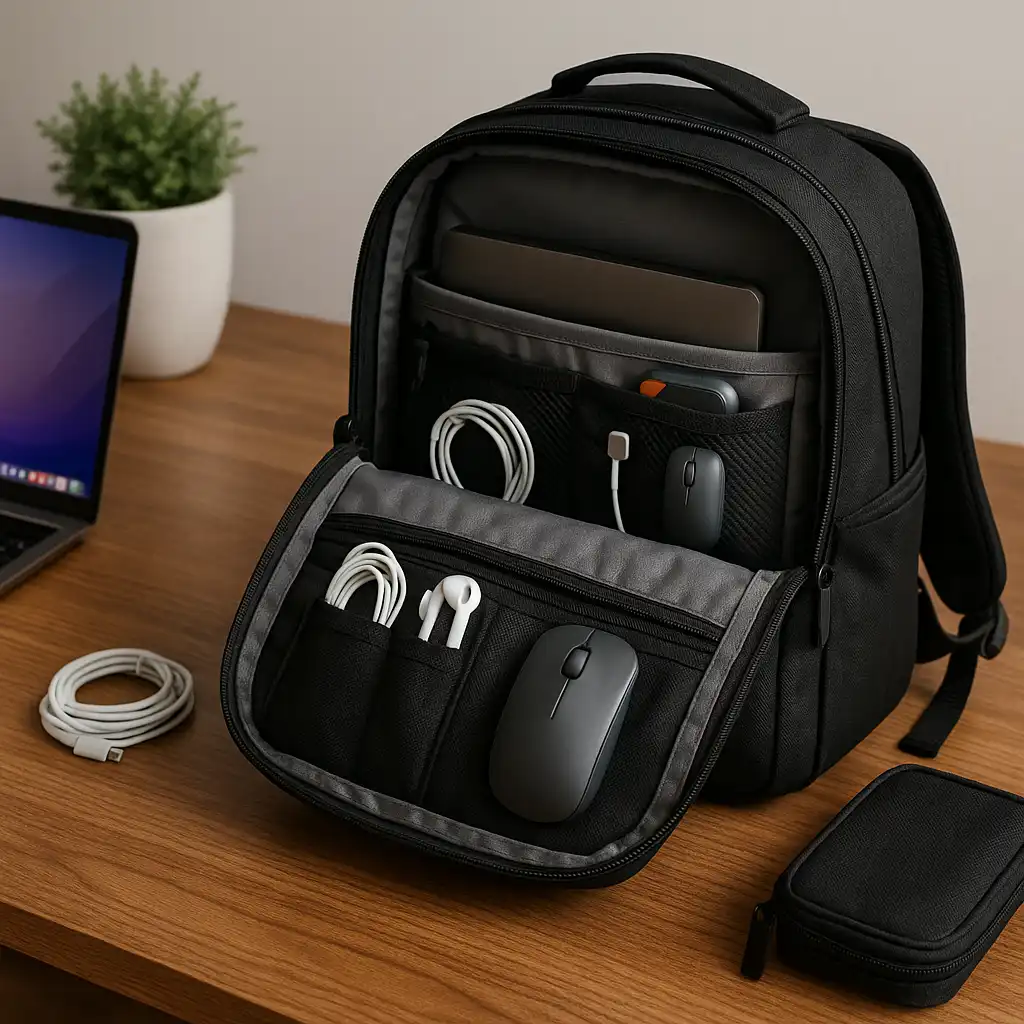
How to Organize Your Laptop Bag – Practical Compartment Strategies
Disclosure: This post contains affiliate links. LaptopVoyager.com participates in the Amazon Associates Program and may earn commissions on qualifying purchases, at no extra cost to you.
Last Updated: February 2026
An organized laptop bag protects your device, reduces daily stress, and makes commuting more efficient. When accessories shift around or press against your laptop, the risk of scratches and pressure damage increases.
This guide explains simple, practical ways to organize your laptop bag based on compartment design, device size, and daily carry habits.
👉 For a broader overview of carry formats and protective layouts, see our guide to best laptop bags and cases.
🔍 Start With the Laptop Compartment
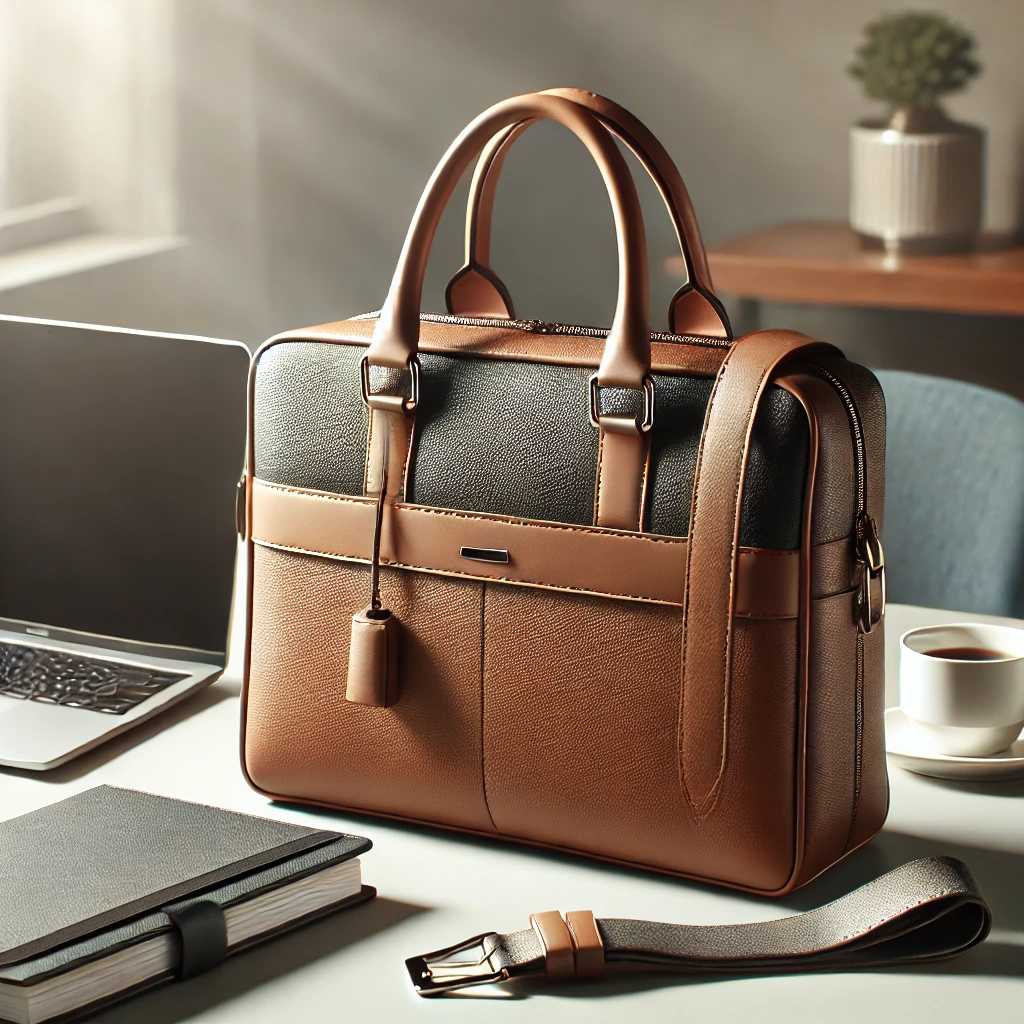
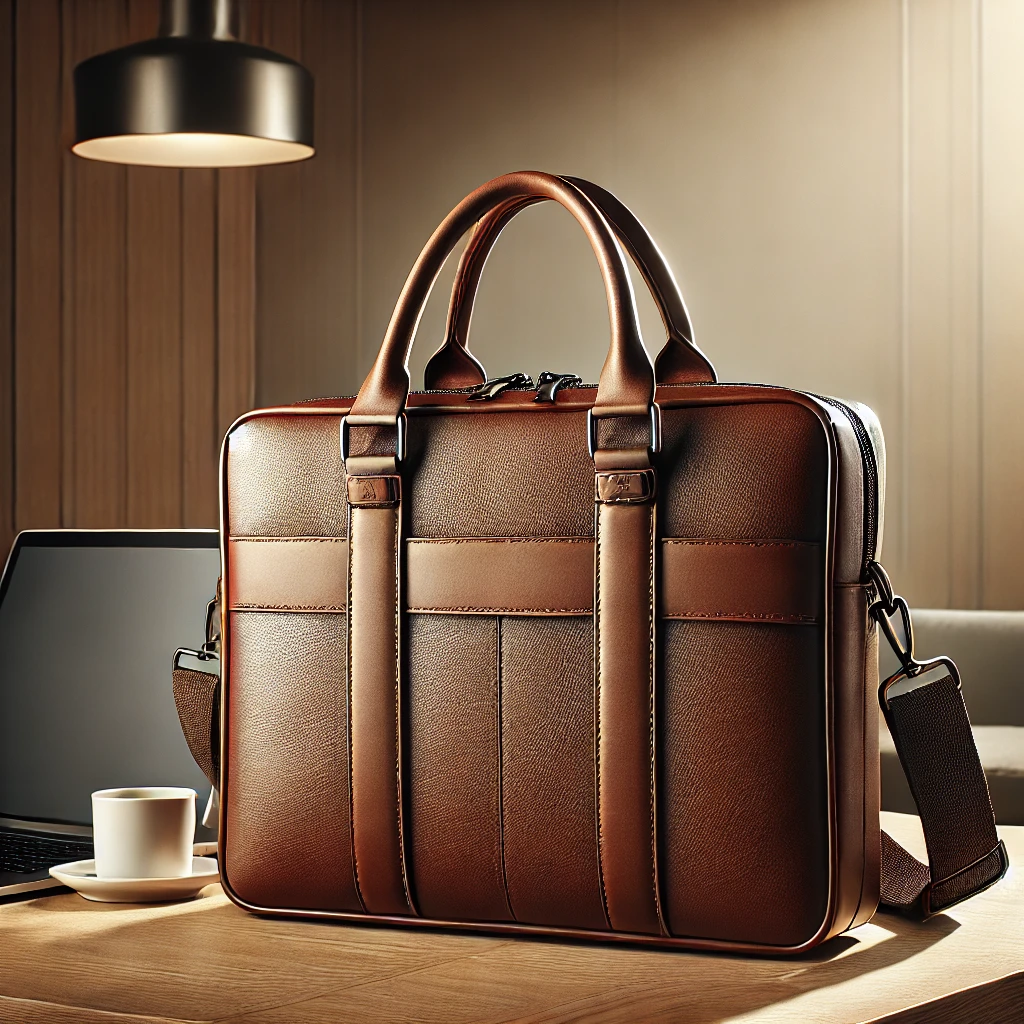
The dedicated laptop sleeve should always be your anchor point. Place the laptop flat inside the padded compartment and ensure it fits snugly without excessive movement.
If you’re unsure about correct sleeve fit, this guide on what size laptop bag do i need explains how to measure properly.
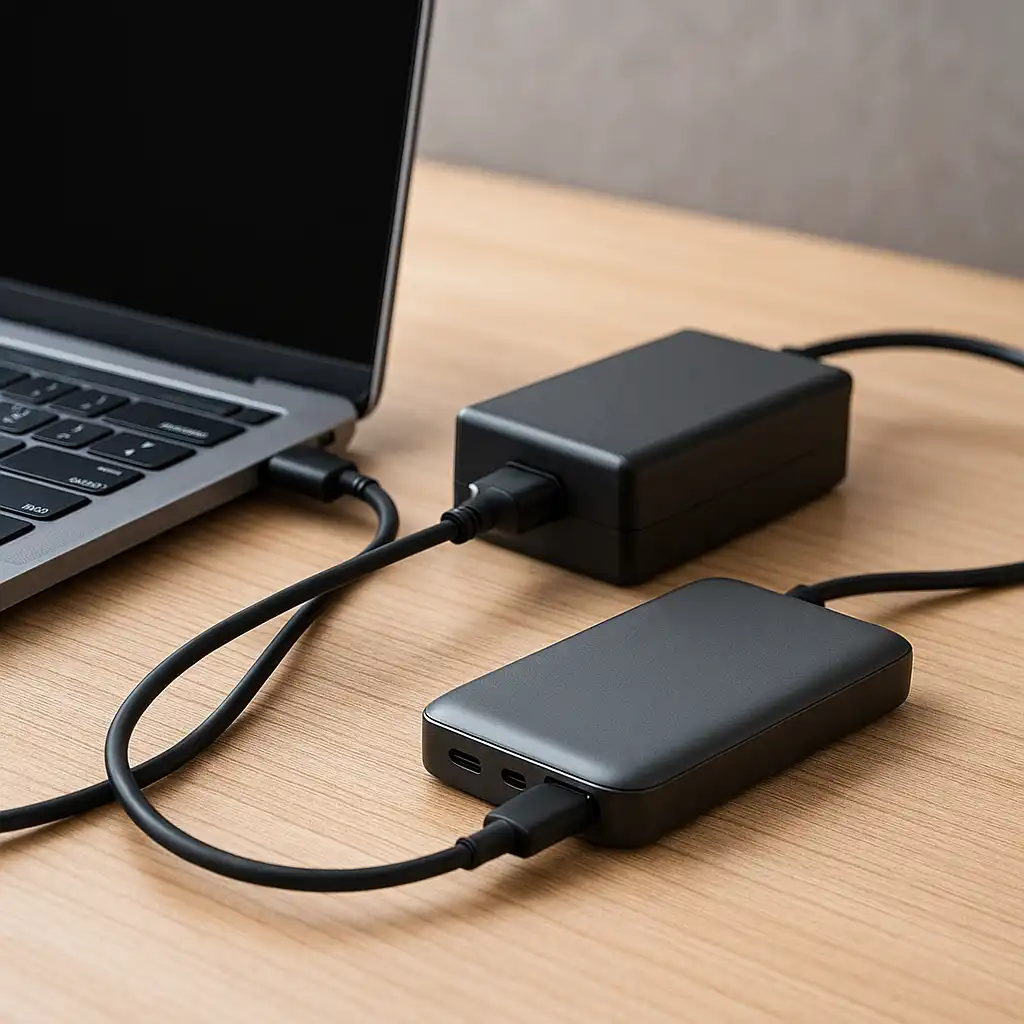
Avoid placing bulky items like chargers directly against the screen side of the device.
🔍 Separate Accessories by Size and Weight
Cables, power adapters, and mice should be grouped in smaller zippered sections or accessory pouches. Keeping heavy items isolated prevents internal pressure points.
Documents and notebooks are best stored in flat compartments to prevent bending or corner wear.
If you’re deciding between different carry formats, this comparison of backpack vs messenger bag for laptop explains how layout differs between styles.
🔍 Use Smaller Pockets Strategically
Front pockets are ideal for frequently accessed items such as pens, USB drives, or transit cards. This reduces the need to open the main laptop compartment repeatedly.
Hidden or rear-facing pockets can store valuables such as wallets or passports in crowded environments.
🔍 Balance Weight Distribution
Uneven packing can strain straps and cause discomfort. Place heavier items closer to your back if using a backpack, or centrally if using a messenger bag.
Balanced weight reduces long-term wear on both the bag and the shoulder straps.
🔍 Keep It Minimal
Overpacking increases internal pressure and reduces airflow. Carry only what you use daily to prevent unnecessary bulk.
Periodic reorganization helps remove clutter and maintain compartment efficiency.
📌 Key Takeaways
- Use the padded sleeve as the anchor point
- Separate heavy accessories from the laptop
- Store frequently used items in outer pockets
- Balance weight for comfort and durability
🟢 FAQs
Q: Should chargers be stored next to the laptop?
It’s better to keep chargers in separate compartments to avoid pressure against the device.
Q: Does organization affect laptop safety?
Yes. Reducing internal movement and pressure points lowers scratch and impact risk.
Q: How often should I reorganize my laptop bag?
Review contents every few weeks to remove unnecessary items and rebalance weight.
✅ Conclusion
Organizing your laptop bag properly protects your device, improves daily access, and extends the lifespan of both the bag and its contents.
Using compartments intentionally and separating heavy accessories helps maintain structure and reduce long-term wear.