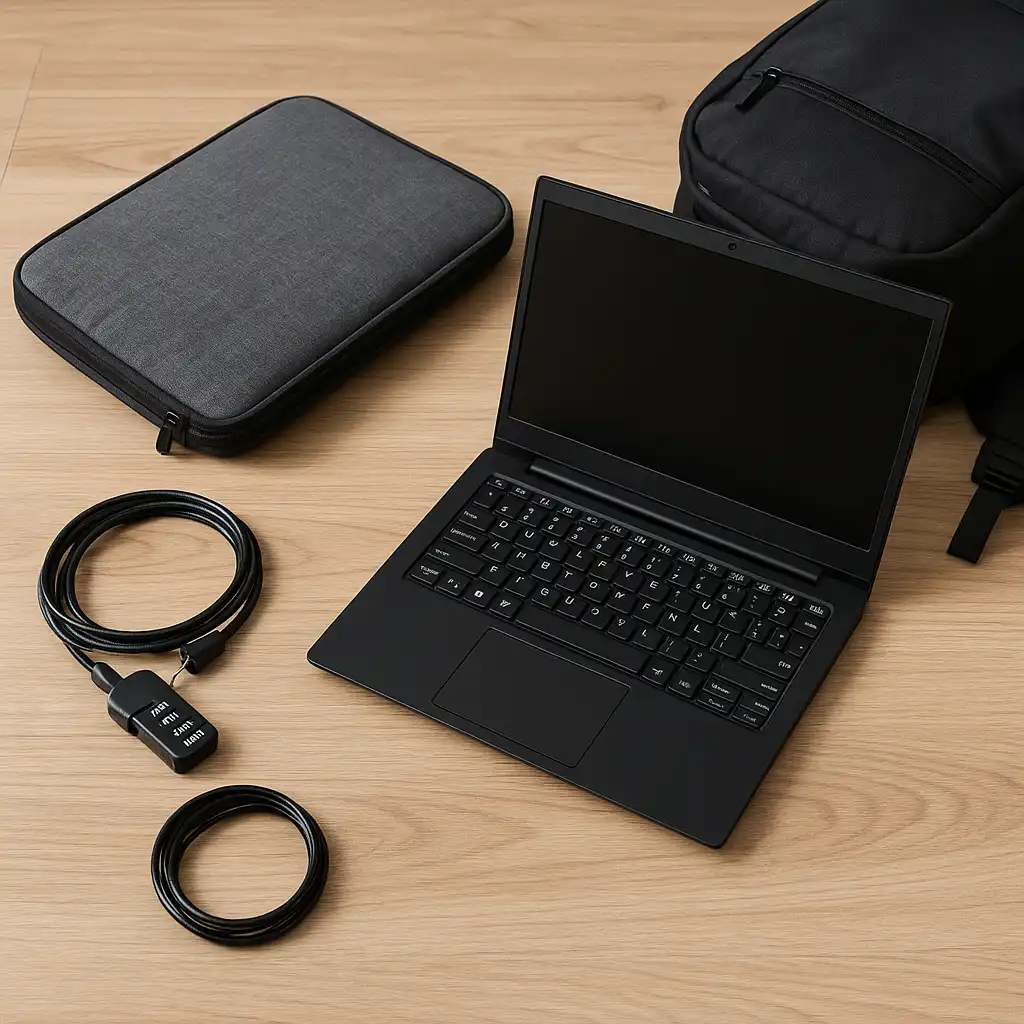
How to Protect Laptop While Traveling – Practical Safety Tips
Disclosure: This post contains affiliate links. LaptopVoyager.com participates in the Amazon Associates Program and may earn commissions on qualifying purchases, at no extra cost to you.
Last Updated: February 2026
Travel exposes laptops to more risk than daily commuting. Airports, security bins, overhead compartments, and packed luggage increase the chances of impact, compression, and moisture exposure.
This guide outlines practical protection strategies based on common manufacturer recommendations and real-world travel conditions.
👉 For a broader overview of protective carry options, see our guide to best laptop bags and cases.
🔍 Use a Padded and Structured Bag
A dedicated padded compartment helps reduce shock during transit. Reinforced corners and structured interiors limit internal movement.
For air travel, designs that open flat can simplify screening while keeping the device secure. If you’re unfamiliar with this format, this guide on what is a tsa-friendly laptop bag explains how screening-friendly construction works.
Avoid placing laptops loosely inside suitcases without padding.
🔍 Add an Extra Protective Layer
Using a padded sleeve inside your backpack or rolling case provides secondary protection. This reduces friction against other items and helps absorb minor bumps.
If you carry expensive devices, understanding overall bag safety matters. This guide on are laptop bags safe for expensive laptops explains protective design considerations.
Layered protection often works better than relying on a single barrier.
🔍 Prevent Moisture Exposure
Weather changes during travel can expose devices to rain or humidity. Waterproof or water-resistant bags reduce moisture risk, especially during airport transfers or outdoor commutes.
Always keep laptops away from beverage storage areas inside your bag to prevent accidental spills.
🔍 Secure It During Flights
When placing your laptop in overhead compartments, avoid stacking heavy luggage on top. If possible, position it vertically between soft items.
During security checks, place your laptop flat in bins and avoid letting it slide against hard edges.
🔍 Backup and Digital Safety
Physical protection is only part of travel security. Back up important data before trips using cloud storage or an external drive.
Password protection and device encryption add another layer of security in case of loss.
📌 Key Takeaways
- Use padded, structured compartments
- Add a sleeve for secondary protection
- Reduce moisture exposure during transit
- Position carefully in overhead bins
- Backup important files before travel
🟢 FAQs
Q: Is a backpack or rolling case better for air travel?
Both can work if they include padded compartments and secure closures. Comfort and capacity needs determine the better choice.
Q: Should I remove my laptop during airport security?
Standard bags require removal unless they are TSA-friendly lay-flat designs.
Q: Can I pack a laptop in checked luggage?
It is generally safer to carry laptops in hand luggage due to handling conditions in checked baggage.
✅ Conclusion
Protecting a laptop while traveling requires both structural protection and smart handling. Using padded compartments, minimizing moisture exposure, and positioning the device carefully during flights reduces damage risk.
Combining physical protection with data backup ensures safer travel for both your hardware and your files.