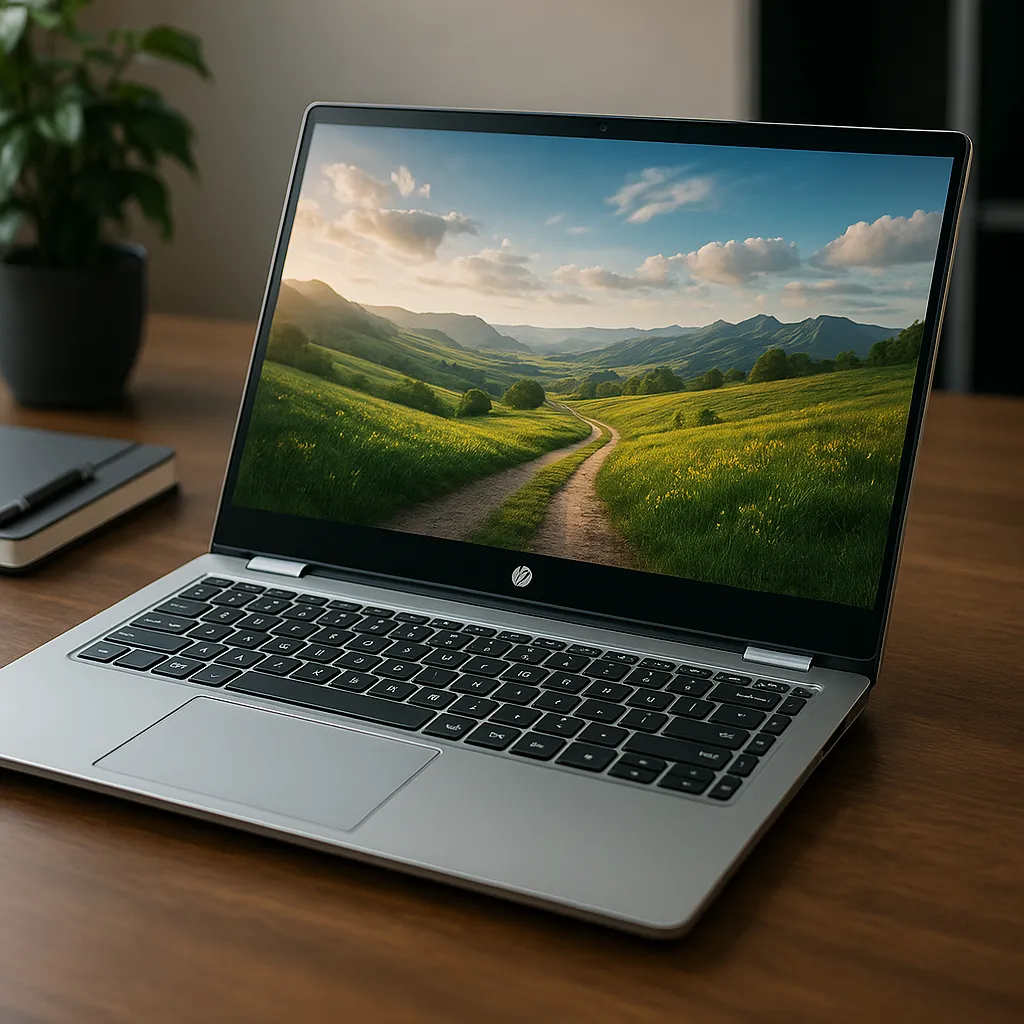
HP Envy 17.3 Touchscreen Laptop Review – Large Display Power Compared
Disclosure: This post contains affiliate links. LaptopVoyager.com participates in the Amazon Associates Program and may earn commissions on qualifying purchases, at no extra cost to you.
Last Updated: February 2026
The HP Envy 17.3 lineup targets users who want a larger display combined with strong productivity hardware. With multiple processor and graphics configurations available, choosing the right model depends on whether you prioritize multitasking, creative workloads, or light gaming capability.
This review compares three HP Envy 17.3 touchscreen configurations based on processor class, memory, graphics options, and long-term usability.
👉 For a broader look at interactive laptops across different sizes and budgets, explore our main guide to the best touchscreen laptops.
💰 Check Price & Availability
View on Amazon – HP Envy 17.3″ (Ultra 7 155H, 32GB DDR5, 1TB SSD, Wi-Fi 7)
View on Amazon – HP Envy 17.3″ Business (Ultra 7 155H, 16GB DDR5, 512GB SSD, Intel Arc)
View on Amazon – HP Envy 17.3″ Value Edition (i7-1355U, RTX 3050, 32GB RAM, 1TB SSD)
📋 Quick-View Comparison List
Best Overall Performance: HP Envy 17.3″ (Ultra 7 155H, 32GB DDR5)
Best Business Productivity Option: HP Envy 17.3″ Business (Ultra 7 155H, 16GB DDR5)
Best for Light Gaming & Creative Work: HP Envy 17.3″ Value Edition (i7-1355U, RTX 3050)
🔍 Processor Performance & Multitasking
Processor tier plays a major role in responsiveness and workload handling.
The Ultra 7 155H models use Intel’s newer processor class, designed for hybrid performance and stronger multi-core capability. The 32GB DDR5 configuration provides significant multitasking headroom.
The Business edition includes the same Ultra 7 processor but with 16GB DDR5 RAM and a smaller SSD. That configuration remains suitable for productivity, office applications, and multitasking at moderate levels.
The Value Edition uses an Intel Core i7-1355U processor, positioned for mainstream performance with efficient power usage.
🔍 Graphics Options & Creative Use
Graphics configuration differentiates these models further.
The Ultra 7 models rely on integrated graphics (Intel Arc architecture), which support media playback, light creative tasks, and general productivity.
The Value Edition includes an RTX 3050 dedicated GPU. Based on NVIDIA’s positioning, this enables stronger graphics performance for light gaming, photo editing, and GPU-accelerated workloads compared to integrated graphics solutions.
🔍 Memory & Storage Capacity
Memory and storage affect long-term flexibility.
The top-tier Ultra 7 model includes 32GB DDR5 RAM and 1TB SSD storage, supporting heavier multitasking and larger project files.
The Business edition includes 16GB DDR5 and 512GB SSD, which remains sufficient for most office and productivity scenarios.
The Value Edition also offers 32GB RAM and 1TB SSD storage, matching the top model in capacity but with a different processor and dedicated GPU.
🔍 Display & Touchscreen Experience
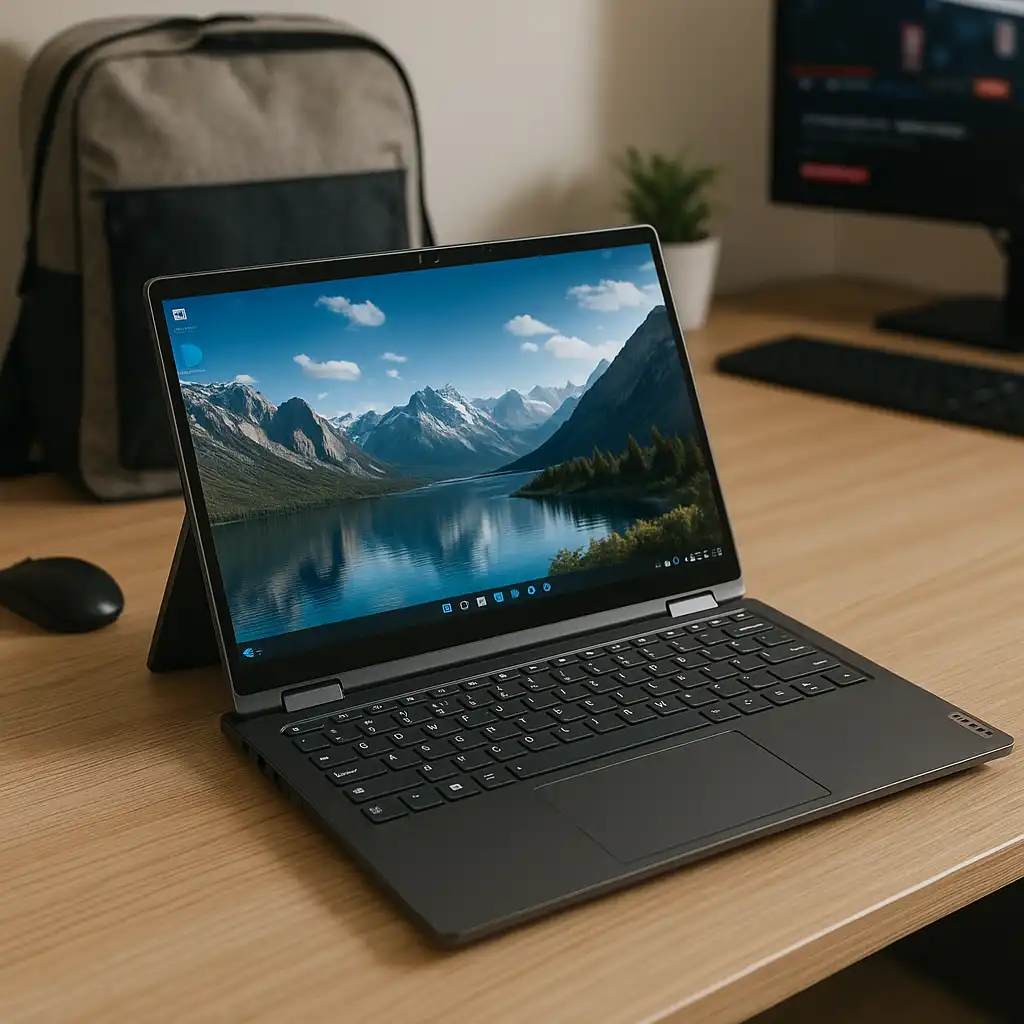
All three configurations include a 17.3-inch touchscreen, offering expanded workspace compared to 15-inch models.
Larger displays can improve comfort when working with multiple windows or editing documents. Touch functionality allows gesture navigation and quicker interaction with on-screen controls.
If you’re comparing large-screen laptops, you may also want to review our guide to the best 17-inch laptop touch screen.
🔍 Connectivity & Modern Features
The Ultra 7 155H top model includes Wi-Fi 7 support, which is positioned for faster wireless networking where supported infrastructure exists.
Port availability varies by configuration, but 17-inch laptops typically provide multiple USB ports, HDMI output, and charging support.
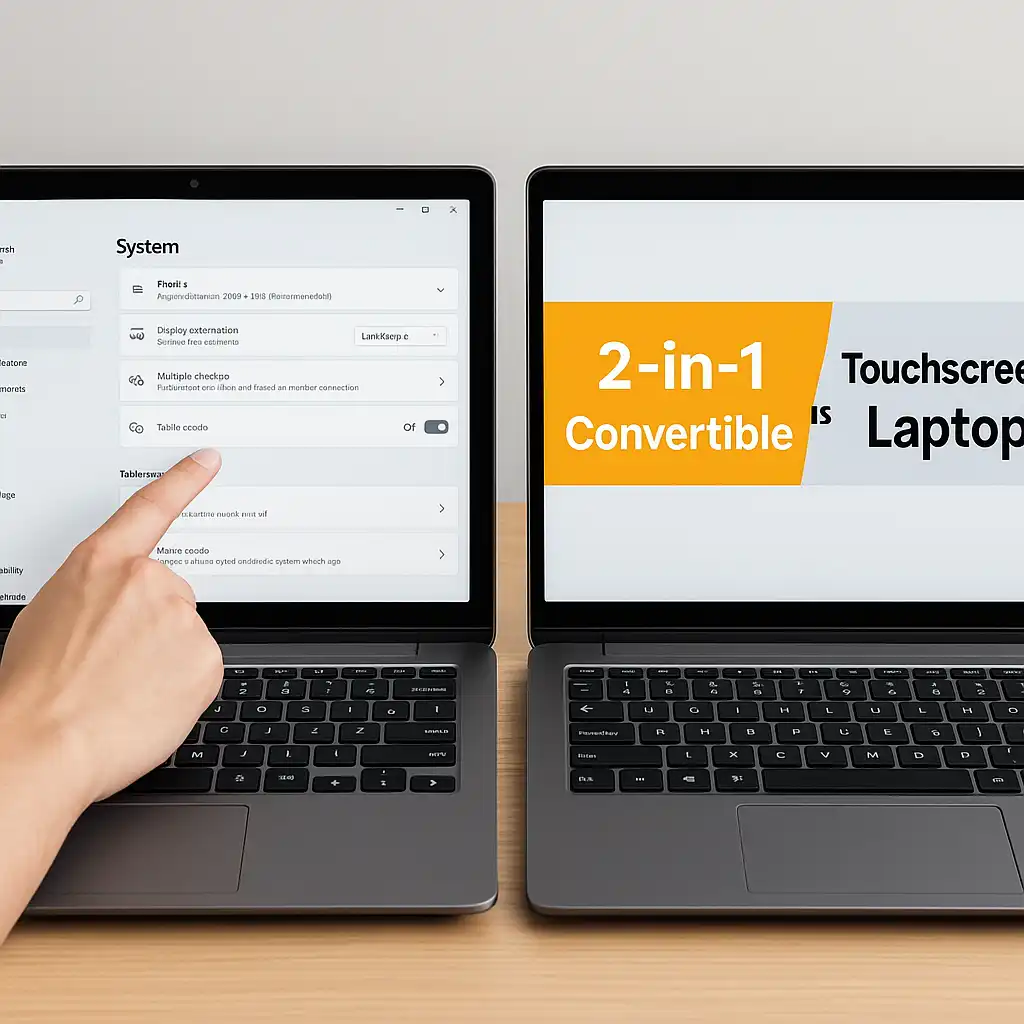
Touchscreen systems may require occasional calibration or enabling within Windows settings. If needed, here’s how to enable touchscreen on laptop.
📦 HP Envy 17.3″ (Ultra 7 155H, 32GB DDR5, 1TB SSD) – Best Overall Performance
This configuration combines a newer Ultra 7 processor with 32GB DDR5 RAM and 1TB SSD storage.
It is positioned for heavier multitasking, productivity workflows, and long-term usage flexibility.
📦 HP Envy 17.3″ Business (Ultra 7 155H, 16GB DDR5, 512GB SSD) – Best Business Productivity Option
The Business edition retains the Ultra 7 processor but reduces memory and storage.
This configuration remains suitable for office applications, conferencing, and document-heavy workflows.
📦 HP Envy 17.3″ Value Edition (i7-1355U, RTX 3050) – Best for Light Gaming & Creative Work
The Value Edition includes a dedicated RTX 3050 GPU alongside 32GB RAM and 1TB SSD storage.
This configuration supports stronger graphics workloads and light gaming scenarios compared to integrated solutions.
📌 Key Takeaways
- Ultra 7 models offer newer processor architecture
- 32GB RAM supports heavy multitasking
- RTX 3050 enables stronger graphics performance
- 17.3-inch display improves workspace comfort
- Wi-Fi 7 adds forward-looking connectivity support
🟢 FAQs
Q: Is the HP Envy 17.3 good for multitasking?
Yes. Configurations with 32GB RAM provide strong multitasking capability.
Q: Is the RTX 3050 necessary?
It’s beneficial for light gaming and GPU-accelerated tasks but not required for basic productivity.
Q: Are 17.3-inch laptops portable?
They are larger and heavier than 15-inch models, making them better suited for desk-based use.
Q: Does Wi-Fi 7 matter?
Wi-Fi 7 offers improved networking speeds where supported, though benefits depend on your router and network setup.
✅ Conclusion
The HP Envy 17.3 touchscreen lineup offers multiple performance tiers within the same large-display category. The Ultra 7 32GB model leads in overall multitasking flexibility. The Business edition provides a balanced productivity option. The Value Edition stands out for users who want dedicated GPU performance.
Choosing the right configuration depends on whether your priority is multitasking, business productivity, or light gaming capability.