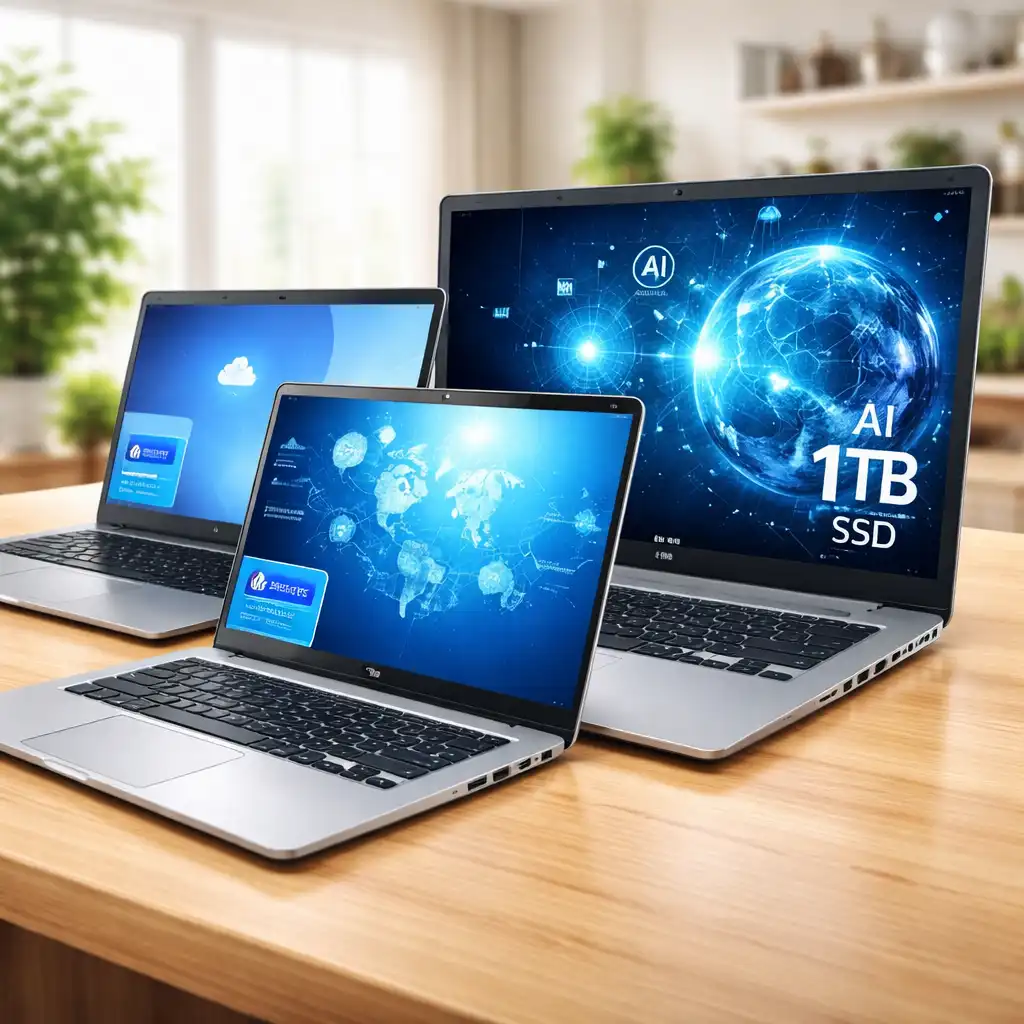
HP Essential Laptop Review – Budget, Mid-Range, and Business-Ready Models Explained
Disclosure: This post contains affiliate links. LaptopVoyager.com participates in the Amazon Associates Program and may earn commissions on qualifying purchases, at no extra cost to you.
Last Updated: March 2026
The HP Essential laptop lineup is designed for simple, everyday computing with a focus on affordability and practicality. These laptops are built for users who need a reliable device for browsing, office work, and light multitasking without paying for premium features.
Across different configurations, HP Essential models vary significantly in performance, storage, and usability. Some are ideal for basic tasks, while others offer enough power for productivity and business use.
👉 To understand how these models compare across the full lineup, see our guide to the best HP laptops.
This review compares three HP Essential configurations to show how performance, storage, and real-world usability change depending on the model you choose.
💰 Check Price & Availability
View on Amazon – HP Essential Laptop 14″ (Intel Celeron N4120, 16GB RAM, 64GB eMMC)
View on Amazon – HP Essential Laptop 14″ (N4120, 16GB RAM, Enhanced Connectivity with RJ-45)
View on Amazon – HP Essential Laptop 17.3″ (Intel Core i5-1334U, 32GB RAM, 1TB SSD Touchscreen)
📋 Quick-View Comparison List
Best Budget Option: HP Essential 14 (Celeron N4120, 16GB RAM) – basic everyday use
Best Value Option: HP Essential 14 (Enhanced Connectivity) – more practical usability
Best Performance Option: HP Essential 17 (Core i5, 32GB RAM, 1TB SSD) – strong productivity
🔍 What Makes the HP Essential Laptop Series Different
The HP Essential series focuses on delivering affordable laptops for everyday tasks without adding unnecessary premium features.
These models are typically built around entry-level or mid-range processors, lightweight designs, and simple displays. Compared to higher-end HP laptops like Pavilion or Envy, the Essential lineup prioritizes cost efficiency over premium build quality or advanced features.
🔍 Performance Differences Across Models
Performance varies significantly across the Essential lineup depending on the processor and storage configuration.
The Celeron-based models are designed for web browsing, email, video streaming, and basic document work. They are not intended for heavy multitasking or demanding applications.
The Core i5 model represents a major step up, offering smoother multitasking, better responsiveness, and support for productivity workflows.
👉 If you’re comparing mid-range HP models, see how they differ in our HP Pavilion vs Envy comparison.
🔍 Storage and Everyday Speed
Storage type plays a major role in how these laptops feel in daily use.
Budget models use eMMC storage, which is slower and more limited in capacity. This can affect app loading times and overall responsiveness.
The higher-end model includes a full SSD, which improves boot speed, file access, and system responsiveness.
📦 HP Essential 14 (Intel Celeron N4120, 16GB RAM, 64GB eMMC)
This configuration represents the most budget-friendly option in the Essential lineup.
The combination of 16GB RAM with a basic processor supports light multitasking for everyday tasks like browsing and document editing. It is suitable for students, casual users, or as a secondary laptop.
The main limitation is storage, as 64GB fills up quickly and may require external or cloud storage solutions.
📦 HP Essential 14 (Enhanced Connectivity Version)
This version focuses on improving everyday usability rather than raw performance.
The addition of ports like RJ-45 Ethernet makes it more practical for stable internet connections, especially in office or home desk setups. Performance remains similar to the base model, but usability is improved in real-world scenarios.
📦 HP Essential 17 (Intel Core i5-1334U, 32GB RAM, 1TB SSD)
This configuration stands out as the most powerful option in the Essential lineup.
With a modern Core i5 processor, 32GB RAM, and a 1TB SSD, it supports multitasking, productivity workflows, and heavier everyday use. The larger 17.3-inch display also provides more workspace for tasks like spreadsheets and media editing.
This model is better suited for home or office use rather than portability.
📌 Key Takeaways
- HP Essential laptops are designed for affordable everyday use
- Celeron models are best for basic tasks only
- Storage type has a major impact on speed and usability
- The Core i5 version offers significantly better performance
- Larger models provide more workspace but reduce portability
🟢 FAQs
Q: Are HP Essential laptops good for students?
They are suitable for basic tasks like browsing, documents, and online classes. For heavier workloads, a Core i5 model is a better option.
Q: Is 64GB storage enough for everyday use?
It is very limited and can fill up quickly. Most users will need external storage or cloud solutions.
Q: Can HP Essential laptops handle multitasking?
Basic multitasking is possible on Celeron models, but smoother performance requires a higher-end configuration like the Core i5 version.
Q: What makes HP Essential different from Pavilion or Envy?
Essential laptops focus on affordability, while Pavilion and Envy offer better performance, build quality, and additional features.
✅ Conclusion
The HP Essential laptop lineup is built for simplicity and affordability, but the experience varies significantly between models. Entry-level versions are suitable for basic tasks, while higher-end configurations provide a more capable and responsive experience for everyday productivity.