Jumper 16 Inch Convertible Laptop Review – Budget 2-in-1 Performance Overview
Disclosure: This post contains affiliate links. LaptopVoyager.com participates in the Amazon Associates Program and may earn commissions on qualifying purchases, at no extra cost to you.
Last Updated: February 2026
Convertible laptops are designed for users who want both traditional typing and touchscreen flexibility in one device. The Jumper 16 inch convertible laptop targets budget-conscious buyers looking for a large display with 360-degree hinge functionality.
This review looks at the Jumper 16-inch convertible model from a specifications and design perspective, explaining how it fits into the entry-level 2-in-1 category and which users it makes the most sense for.
👉 For a broader comparison across categories, see our guide to best touchscreen laptops.
💰 Check Price & Availability
View on Amazon – Jumper 16″ Convertible Laptop (Touchscreen, 2-in-1 Mode)
🔍 Design and 360-Degree Hinge
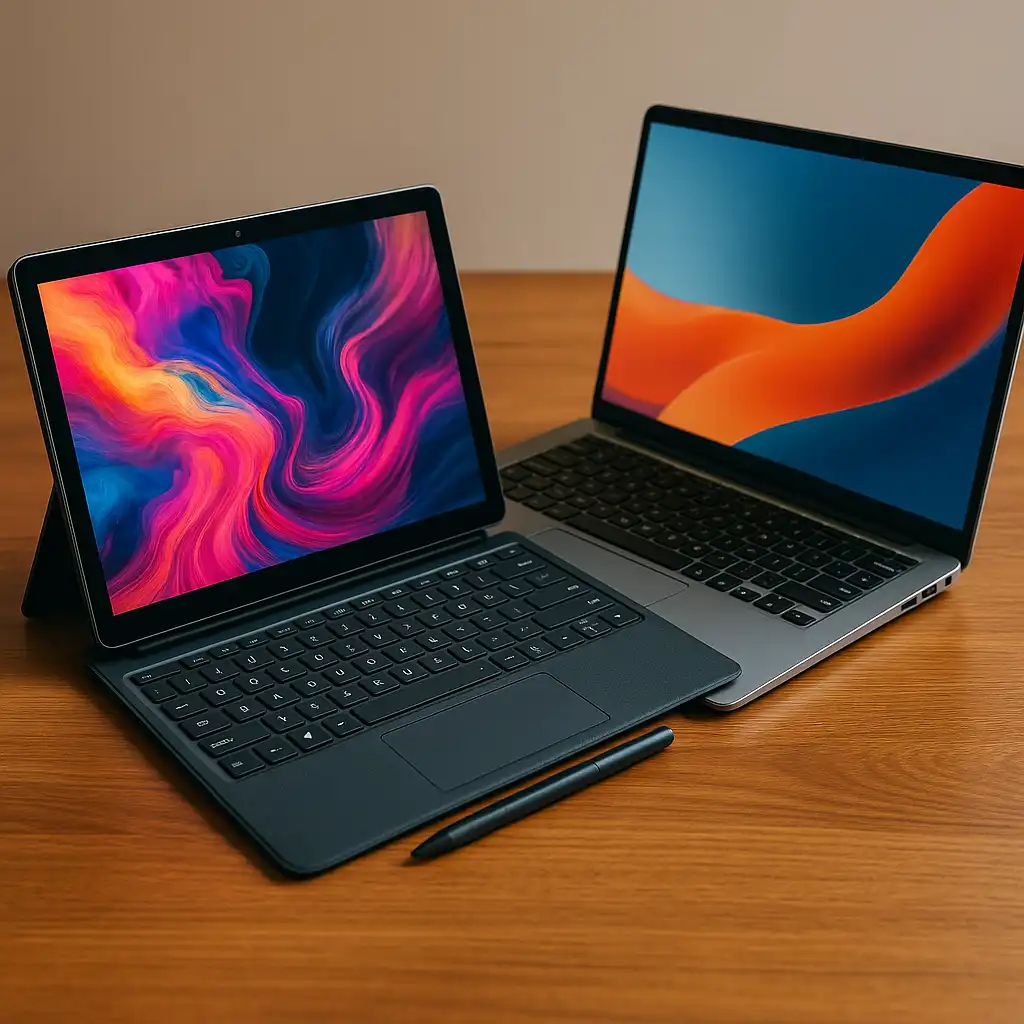
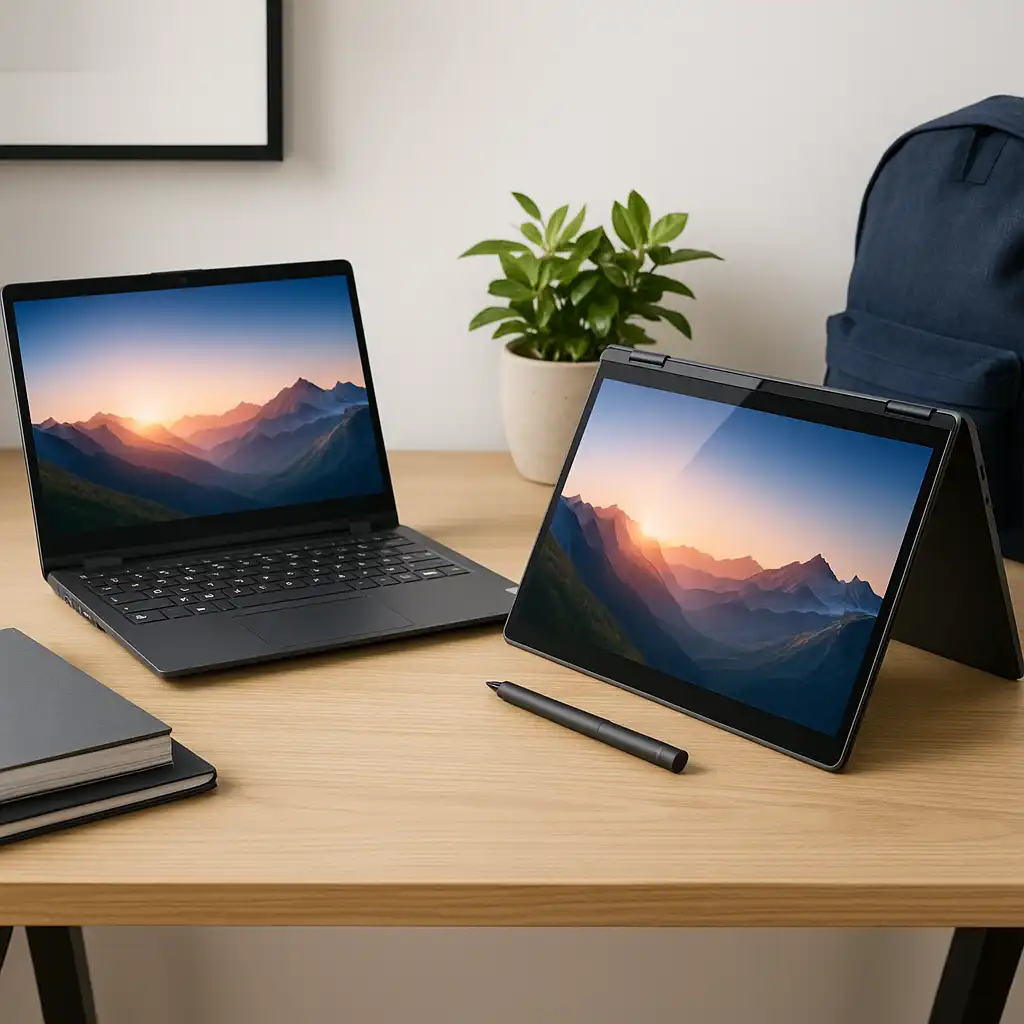
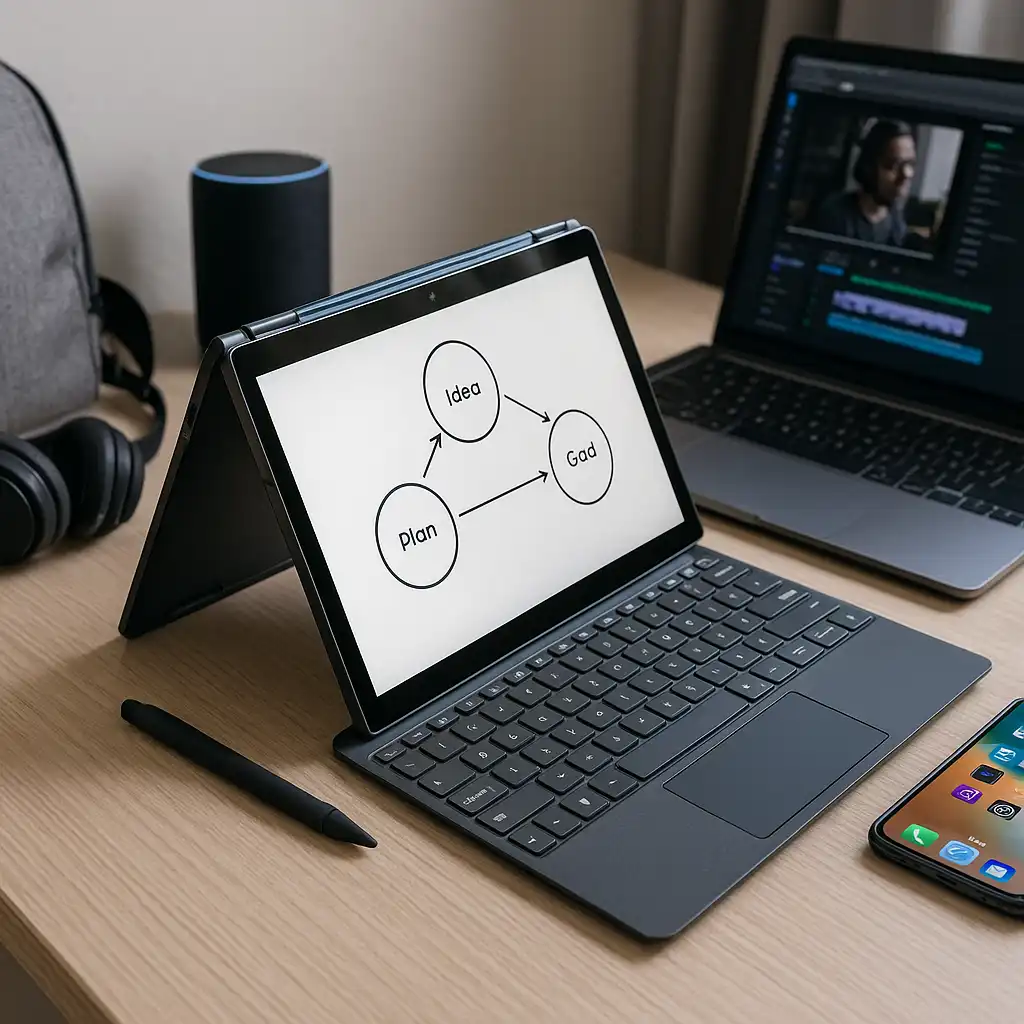
The Jumper 16-inch convertible is built around a 360-degree hinge, allowing it to function in laptop, tent, stand, and tablet modes. That flexibility is especially useful for streaming, note-taking, or casual browsing.
If you’re comparing convertible designs against traditional clamshell models, our breakdown of touchscreen laptop vs 2-in-1 explains the structural differences.
Based on manufacturer specifications, the chassis is designed to balance screen size with portability. At 16 inches, it offers more workspace than compact 13-inch models, though it won’t feel as lightweight as smaller convertibles.
🔍 Display and Touch Experience
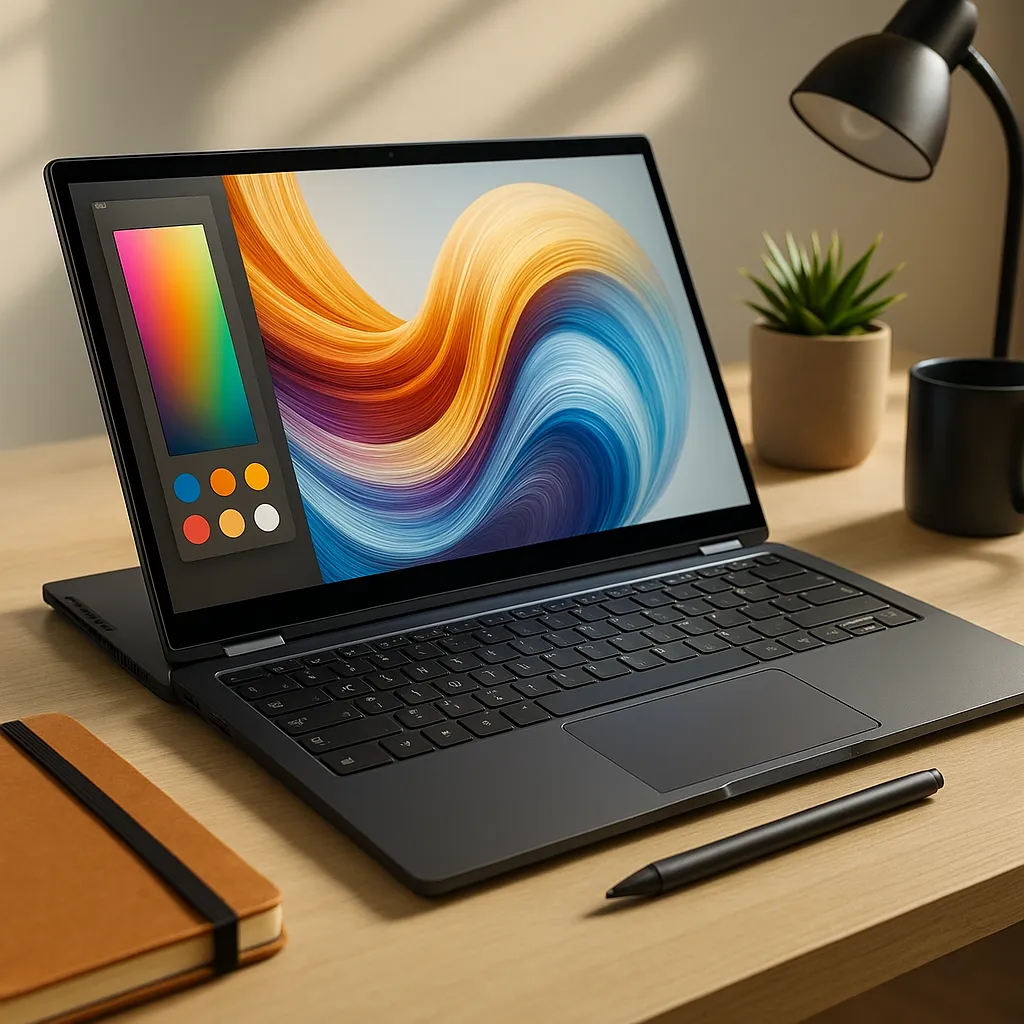
This model features a 16-inch Full HD touchscreen display. The larger panel provides more room for multitasking, split-screen apps, and document editing.
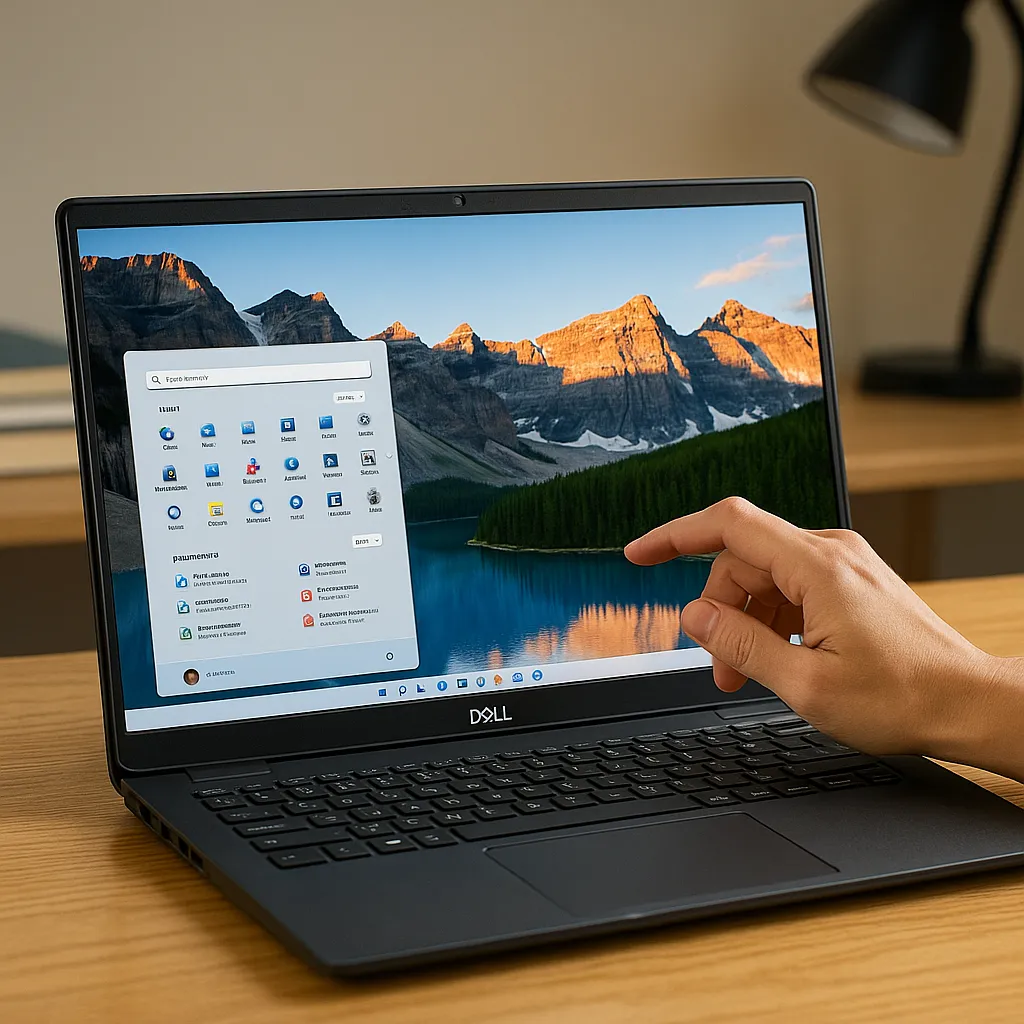
Touch input allows you to scroll, tap, and interact directly with Windows applications. That’s particularly useful for students taking notes or users who prefer direct interaction over a traditional trackpad.
If durability is a concern, you can review how panels hold up over time in our guide on are touchscreen laptops durable.
Color accuracy and brightness are designed for everyday productivity and media use rather than professional creative work.
🔍 Performance and Hardware Configuration
According to manufacturer listings, the Jumper 16-inch convertible is equipped with 16GB of RAM and a 512GB SSD. That configuration supports everyday multitasking such as web browsing, document editing, and video streaming.
The SSD helps improve boot times and application loading compared to traditional hard drives. For general productivity tasks, this hardware setup is positioned for smooth performance within entry-level expectations.
This system is not designed for intensive gaming or heavy creative workloads that require dedicated graphics.
🔍 Battery Life and Connectivity
Battery performance varies depending on workload, screen brightness, and wireless usage. Based on the hardware profile, this laptop is designed primarily for productivity sessions rather than extended unplugged gaming or video rendering.
Port selection typically includes USB-A, USB-C, HDMI, and a headphone jack, depending on configuration. That allows connection to external monitors, peripherals, and storage devices without relying heavily on adapters.
Wireless connectivity supports everyday browsing, streaming, and cloud-based work.
🔍 Who the Jumper 16 Inch Convertible Is Best For
This convertible model suits users who need:
- A large touchscreen for multitasking
- 16GB RAM for smoother everyday productivity
- A budget-friendly 2-in-1 design
It’s less ideal for users who prioritize ultra-light portability, dedicated GPU performance, or premium display calibration.
📌 Key Takeaways
- 16-inch touchscreen supports multitasking and split-screen work
- 16GB RAM and SSD designed for everyday productivity
- 360-degree hinge enables multiple usage modes
- Best suited for students and home users needing a larger display
🟢 FAQs
Q: Is the Jumper 16 inch convertible good for students?
Based on specifications, the 16GB RAM and touchscreen design support note-taking, browsing, and document work.
Q: Can this laptop handle gaming?
It’s designed for general productivity. Without dedicated graphics, it’s not intended for demanding modern games.
Q: Is the 16-inch size practical for travel?
The larger display improves workspace, but it won’t be as portable as 13- or 14-inch convertibles.
✅ Conclusion
The Jumper 16 inch convertible laptop is positioned as a budget-friendly 2-in-1 with a large touchscreen and solid everyday memory configuration. Its specifications make sense for students, home users, and light office work rather than heavy gaming or professional creative tasks.
For users who prioritize screen size and convertible flexibility over premium materials or GPU power, this model fits naturally within entry-level touchscreen options.