Laptop CPU Comparison Guide – Understanding Laptop Processor Performance
Disclosure: This post contains affiliate links. LaptopVoyager.com participates in the Amazon Associates Program and may earn commissions on qualifying purchases, at no extra cost to you.
Last Updated: March 2026
Laptop performance depends heavily on the processor. The CPU determines how quickly a system can process tasks, run applications, and handle demanding workloads.
Understanding how laptop CPUs compare helps you evaluate performance differences between models and choose hardware that fits your needs — whether you mainly browse the web, multitask with productivity apps, or run heavier software.
👉 For a broader overview of powerful systems and the specifications that define them, see our guide to the best high performance laptop.
🔍 What Is a Laptop CPU?
A CPU (Central Processing Unit) is the main processor responsible for executing instructions from software and the operating system. It performs calculations, manages tasks, and coordinates communication between hardware components.
According to manufacturer specifications, modern laptop processors combine multiple cores, integrated graphics, cache memory, and specialized instruction sets designed to accelerate everyday computing tasks.
This integration allows laptops to run complex software while maintaining power efficiency and thermal limits required for portable devices.
🔍 Key CPU Specifications That Affect Performance
Several processor specifications influence how powerful a laptop CPU will be.
Core Count
Modern processors often include multiple cores, allowing them to run several tasks simultaneously. Higher core counts can improve multitasking performance and help handle demanding applications.
Clock Speed
Measured in gigahertz (GHz), clock speed indicates how many operations a processor can perform each second. Higher clock speeds typically improve responsiveness in tasks that rely on single-thread performance.
Cache Memory
CPU cache stores frequently used data close to the processor, reducing the time required to retrieve information from system memory.
Architecture Generation
New processor generations often improve efficiency, performance-per-watt, and integrated graphics capabilities according to manufacturer design updates.
🔍 Intel vs AMD Laptop Processors
Most laptops use processors produced by Intel or AMD. Both companies develop mobile CPUs designed for different performance levels and device categories.
Intel processors are commonly used in ultrabooks and business laptops, where efficiency and compatibility are key design priorities.
AMD processors are widely used in performance-focused laptops and often offer competitive multi-core performance according to published benchmark comparisons.
Both platforms can deliver strong results depending on the specific processor model and laptop design.
🔍 How CPUs Affect Real Laptop Performance
CPU performance becomes most noticeable during demanding tasks such as multitasking, video editing, data processing, or running complex software.
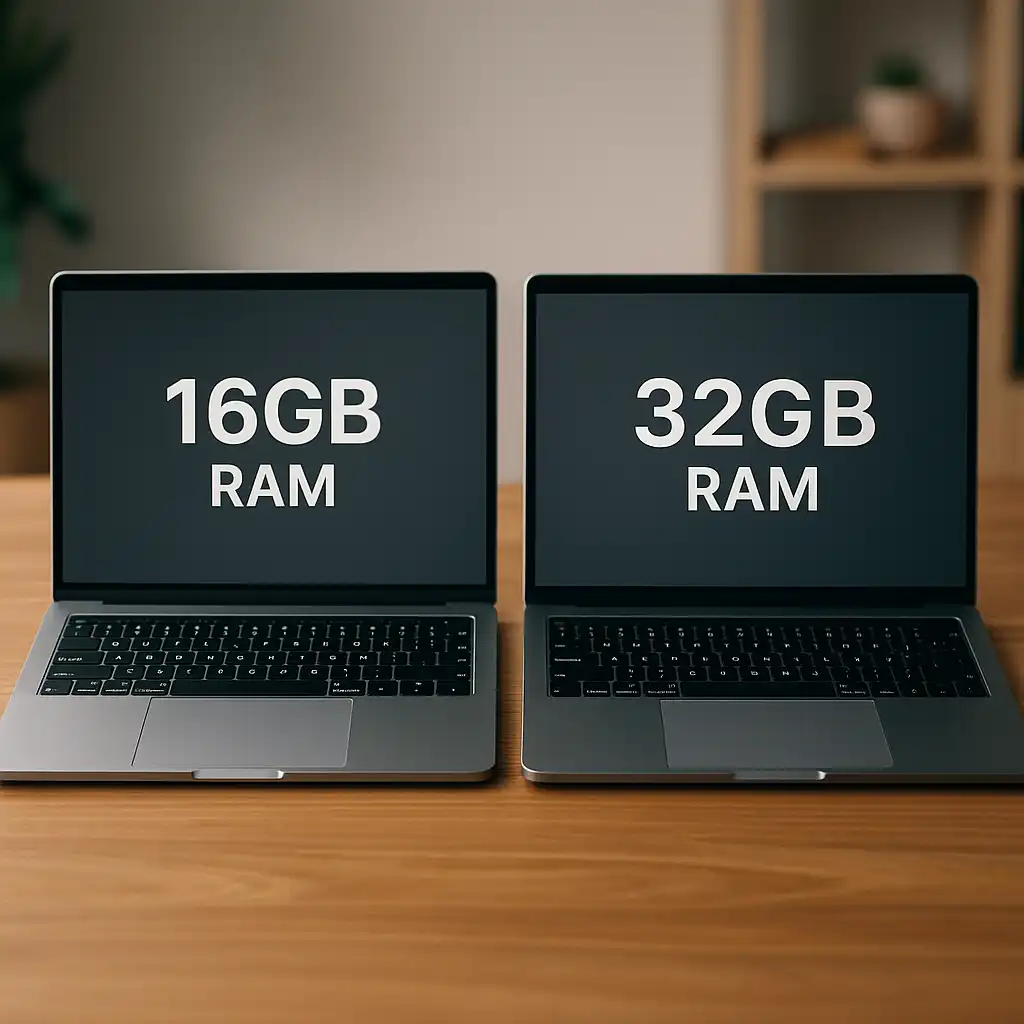
When many applications run simultaneously, the processor must divide workloads efficiently between cores and threads. System memory also plays an important role in overall responsiveness. If you’re evaluating system balance, our guide on how much RAM do I need on a laptop explains how memory capacity supports processor performance.
🔍 CPU Performance vs Laptop Design Limits
Laptop processors operate within strict power and thermal limits. When temperatures rise or power consumption reaches system limits, processors automatically reduce clock speeds to maintain safe operation.
This behavior ensures stability but can influence sustained performance during heavy workloads.
Cooling design, airflow, and chassis size all affect how consistently a processor can maintain peak performance.
Storage speed also influences how quickly data can be accessed by the CPU. Modern solid-state drives significantly improve system responsiveness compared with older storage technologies, which is explained in our guide on does SSD make a laptop faster.
📌 Key Takeaways
- The CPU is the primary component responsible for laptop processing performance
- Core count, clock speed, and processor architecture all influence performance
- Intel and AMD both produce competitive laptop processors
- System memory and storage speed work alongside the CPU to affect responsiveness
- Thermal design can influence sustained processor performance in laptops
🟢 FAQs
Q: What is the most important CPU specification for a laptop?
Core count and clock speed are two of the most visible indicators of processor capability, but architecture generation and efficiency improvements also play a significant role.
Q: Do more CPU cores always mean better performance?
Not necessarily. Some applications rely more on single-core speed, while others benefit from multiple cores working in parallel.
Q: Can upgrading storage improve CPU performance?
Faster storage doesn’t increase CPU power directly, but it reduces delays when loading data and applications, which can make a laptop feel significantly faster overall.
✅ Conclusion
A laptop CPU comparison helps explain how processors influence overall system performance. Core count, clock speed, architecture generation, and thermal limits all contribute to how quickly a laptop can complete tasks.
Evaluating processor specifications alongside memory, storage, and cooling design provides a clearer understanding of how different laptops perform in real-world use.