Laptop GPU Comparison for Gaming – Understanding Graphics Performance
Disclosure: This post contains affiliate links. LaptopVoyager.com participates in the Amazon Associates Program and may earn commissions on qualifying purchases, at no extra cost to you.
Last Updated: March 2026
Graphics processors play a major role in gaming performance on laptops. While the CPU handles general system tasks, the GPU is responsible for rendering images, textures, and visual effects in games.
Understanding how laptop GPUs compare helps explain why some systems handle modern games smoothly while others struggle with demanding titles.
👉 For a broader overview of systems designed for high performance, see our guide to the best high performance laptop.
🔍 What a Laptop GPU Does in Gaming
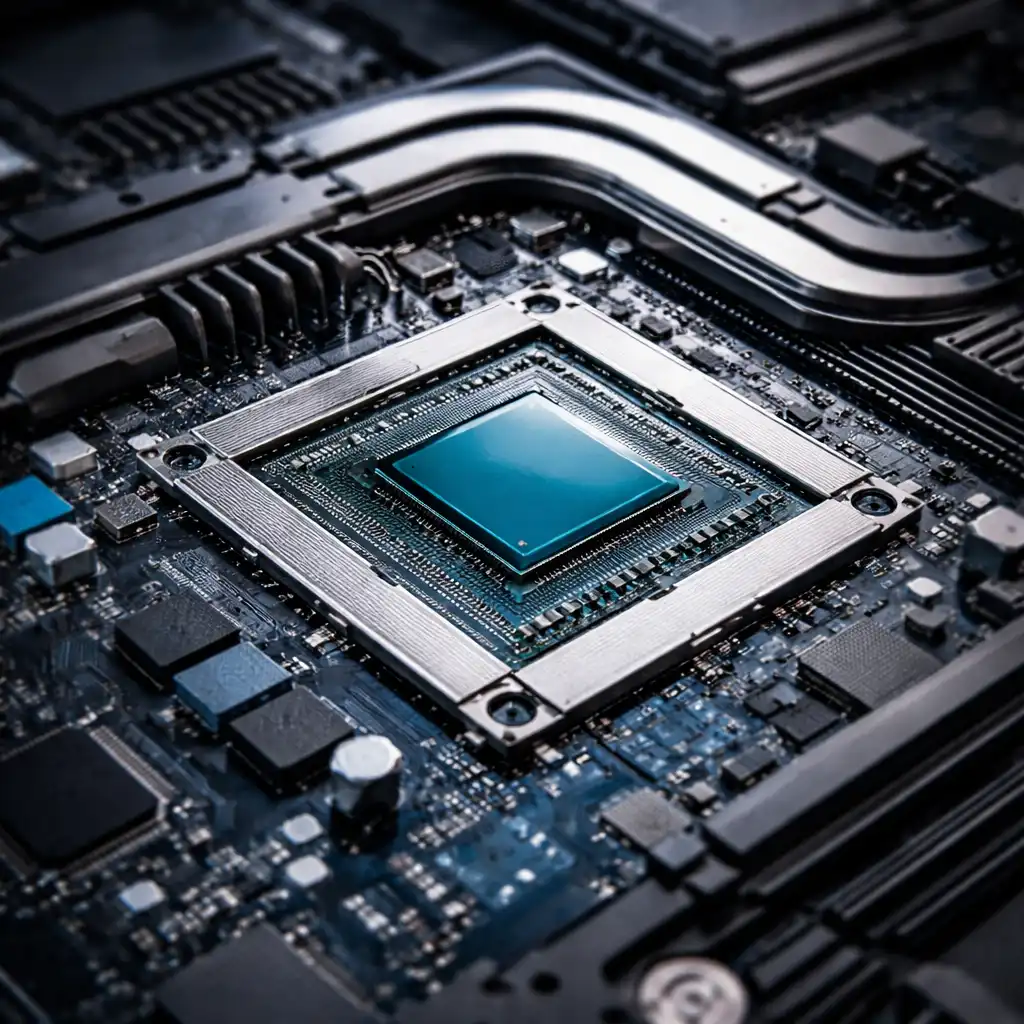
A GPU (Graphics Processing Unit) processes visual data generated by games. It calculates lighting effects, textures, shadows, and frame rendering in real time.
According to NVIDIA and AMD documentation, modern gaming GPUs include hundreds or thousands of processing cores designed to handle parallel workloads efficiently. This architecture allows GPUs to process large amounts of graphical data simultaneously.
Because games generate continuous visual output, GPU performance directly influences frame rates and graphical quality.
🔍 Integrated vs Dedicated Laptop GPUs
Laptop GPUs generally fall into two categories: integrated graphics and dedicated graphics.
Integrated GPUs
Integrated graphics are built into the CPU. These GPUs share system memory and are designed for power efficiency. They typically support casual gaming, streaming, and everyday applications.
Dedicated GPUs
Dedicated GPUs include their own graphics processor and video memory. These chips are designed specifically for demanding workloads such as gaming, 3D rendering, and creative software.
Most gaming laptops include dedicated GPUs because modern game engines require significantly higher graphical processing capability.
🔍 GPU Specifications That Affect Gaming Performance
Several technical specifications determine how a laptop GPU performs.
VRAM (Video Memory)
VRAM stores textures and graphical assets used by games. Larger VRAM capacity helps prevent performance drops in high-resolution gaming.
Shader Cores / Compute Units
Graphics processors contain hundreds or thousands of processing cores designed to perform parallel calculations.
Clock Speeds
GPU clock speed determines how quickly the processor executes graphical tasks.
Memory Bandwidth
Higher bandwidth allows faster communication between the GPU and VRAM, improving performance in complex scenes.
🔍 How GPU and CPU Work Together
Gaming performance depends on both the GPU and CPU working together efficiently.
The CPU processes game logic and physics calculations, while the GPU handles graphical rendering. If either component becomes a bottleneck, overall performance can be limited.
Understanding processor capabilities helps explain system balance. Our guide to the laptop cpu comparison guide explains how different CPUs affect performance in demanding workloads.
🔍 Why Cooling Affects Laptop GPU Performance
Laptop GPUs operate within thermal limits set by the manufacturer. When temperatures rise too high, the system may reduce clock speeds to prevent overheating.
This process is known as thermal throttling and can reduce gaming performance during extended workloads.
Thermal management is explained in more detail in our guide on laptop thermal throttling explained.
📌 Key Takeaways
- The GPU handles graphical rendering in games
- Dedicated GPUs provide significantly higher gaming performance than integrated graphics
- VRAM capacity and memory bandwidth influence performance
- CPU and GPU must work together for balanced gaming performance
- Cooling systems affect sustained GPU performance
🟢 FAQs
Q: Do you need a dedicated GPU for gaming laptops?
Most modern games require a dedicated GPU for higher graphics settings and smoother frame rates.
Q: Does VRAM matter for gaming?
Yes. Larger VRAM capacity helps store textures and graphical data, especially when playing games at higher resolutions.
Q: Can integrated graphics run modern games?
Some modern integrated GPUs support lighter or optimized games, but demanding titles typically require dedicated graphics hardware.
✅ Conclusion
Laptop GPU comparisons help explain the performance differences between gaming systems. Graphics processors determine how smoothly games run, what visual quality is possible, and how consistently frame rates remain stable.
When evaluating a gaming laptop, GPU capability should be considered alongside CPU performance, cooling design, and system memory.