Laptop Not Charging – Common Causes and How to Fix It
Disclosure: This post contains affiliate links. LaptopVoyager.com participates in the Amazon Associates Program and may earn commissions on qualifying purchases, at no extra cost to you.
Last Updated: March 2026
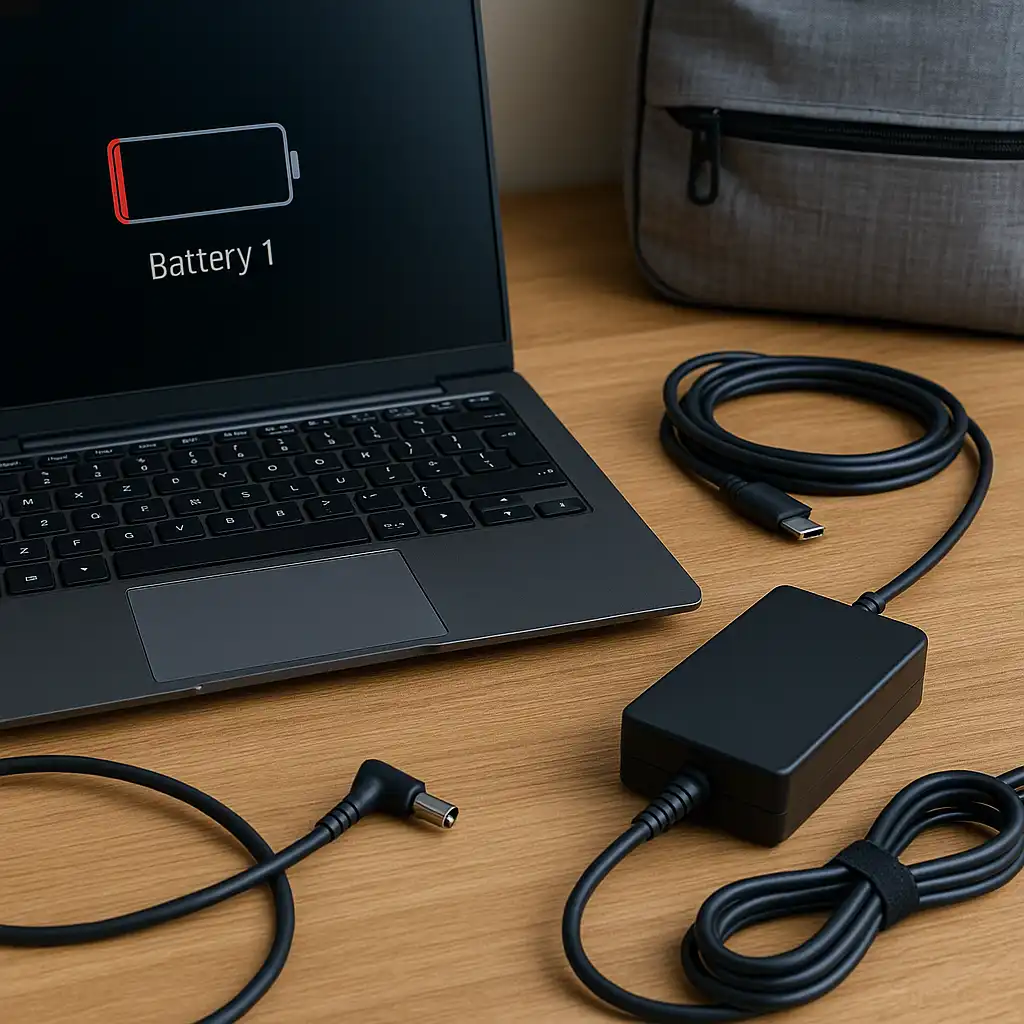
A laptop that suddenly stops charging can interrupt work, travel, or daily tasks. In many cases, the issue is related to the charger, battery condition, or power settings rather than a serious hardware failure.
This guide explains common reasons a laptop may not be charging and simple steps that can help identify the cause.
👉 For a complete overview of laptop charging, power adapters, and battery care, see the laptop charging guide.
🔍 Check the Charger and Power Cable
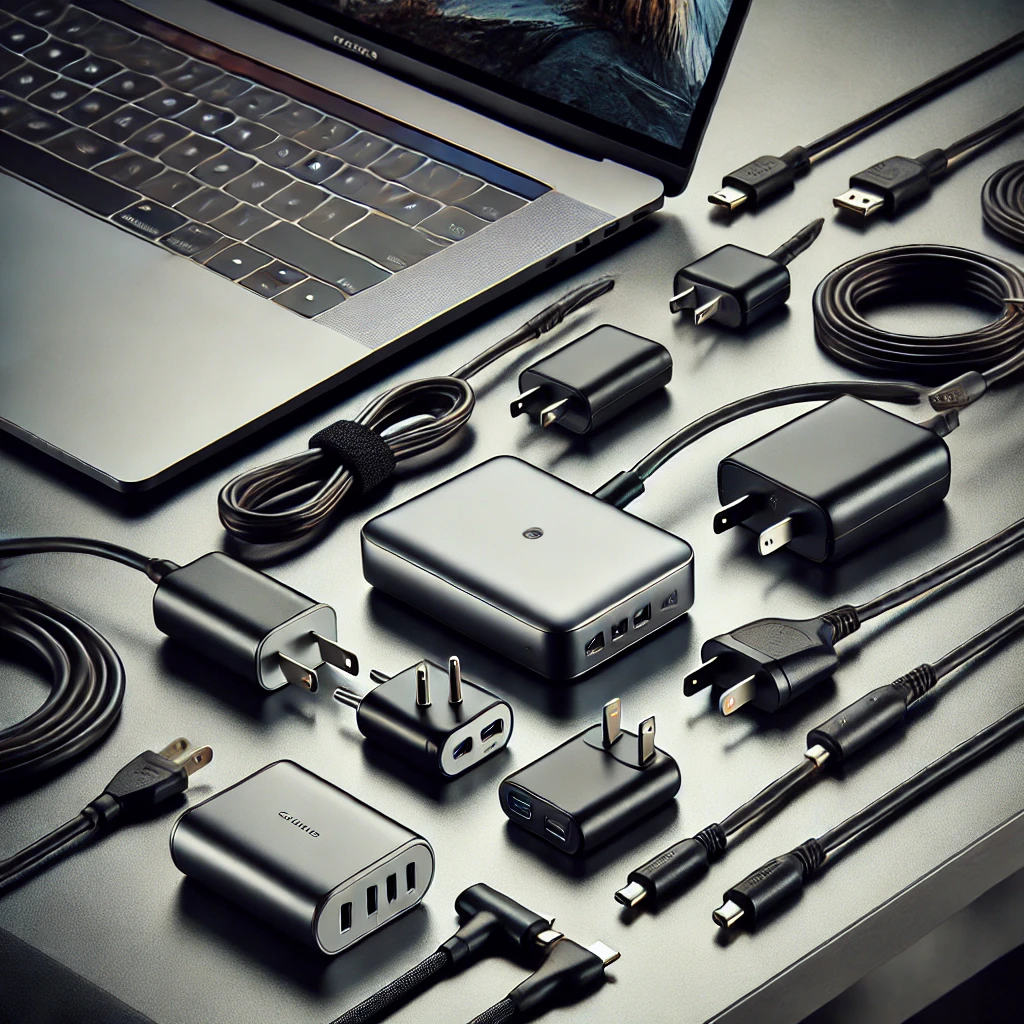
One of the most common reasons a laptop does not charge is a problem with the power adapter or cable.
Inspect the charger for:
- loose connections
- damaged cables
- bent connectors
- overheating power bricks
If the charger is damaged or incompatible, the laptop may not receive enough power to charge the battery.
Understanding power requirements can help identify compatibility issues. This guide on laptop charger wattage explained explains how adapter power ratings affect charging.
🔍 Inspect the Charging Port
The laptop charging port can sometimes collect dust or debris, which may prevent proper electrical contact.
Check the port for:
- lint or dust buildup
- bent internal connectors
- loose charging sockets
Cleaning the port carefully with compressed air may restore proper charging if debris is blocking the connection.
🔍 Restart the Laptop and Check Power Settings
Power management settings or software issues can occasionally interrupt battery charging.
Restarting the laptop may reset power management services and allow the system to detect the charger correctly.
Operating system updates and driver updates may also affect charging behavior in some situations.
🔍 Check Battery Health
If a laptop battery has degraded significantly, it may struggle to charge normally.
Most operating systems include built-in tools that display battery health information. These tools can show whether the battery capacity has declined over time.
If you’re unsure how to access these reports, this guide on how to check laptop battery health explains how to review battery health information on different systems.
🔍 Try a Different Charger
Using a compatible charger can help determine whether the original adapter is causing the problem.
Laptop chargers must match the device’s required voltage and wattage. If the charger provides insufficient power, the laptop may run but fail to charge the battery.
Testing with another compatible charger may help confirm whether the adapter is the source of the issue.
📌 Key Takeaways
- Charging problems often come from damaged chargers or cables.
- Dust or damage inside the charging port may interrupt power delivery.
- Battery health decline can affect charging behavior.
- Trying a compatible charger can help identify adapter problems.
🟢 FAQs
Q: Why is my laptop plugged in but not charging?
This can occur if the charger is incompatible, the battery is worn out, or the charging port is not making proper contact.
Q: Can a laptop battery stop charging completely?
Yes. Batteries may eventually lose the ability to store energy after extended use or many charging cycles.
Q: Should you replace a battery if the laptop will not charge?
Replacement may be necessary if battery health reports show severe capacity loss or the battery no longer holds charge.
✅ Conclusion
A laptop not charging can result from several common causes, including charger issues, port problems, or battery wear. Checking the power adapter, inspecting the charging port, and reviewing battery health reports can often help identify the underlying problem and determine the next steps.