Laptop Thermal Throttling Explained – Why Laptops Slow Down Under Heavy Load
Disclosure: This post contains affiliate links. LaptopVoyager.com participates in the Amazon Associates Program and may earn commissions on qualifying purchases, at no extra cost to you.
Last Updated: March 2026
Laptop performance doesn’t always remain constant during demanding tasks. Many users notice that a system runs quickly at first but gradually slows down during gaming, video editing, or other heavy workloads.
In many cases, the cause is thermal throttling. This built-in protection mechanism automatically reduces processor speeds when temperatures become too high.
👉 For a broader look at systems designed for demanding workloads, see our guide to the best high performance laptop.
Understanding laptop thermal throttling helps explain why cooling design, processor power, and system balance all influence real-world performance.
🔍 What Laptop Thermal Throttling Means
Thermal throttling occurs when a processor intentionally reduces its clock speed to prevent overheating.
According to Intel and AMD documentation, modern laptop CPUs and GPUs include temperature monitoring systems. When internal temperatures approach safe operating limits, the system automatically lowers performance to reduce heat output.
This behavior protects hardware from damage and helps maintain long-term reliability.
Although throttling protects the system, it can also reduce performance during extended workloads such as gaming, rendering, or large data processing tasks.
🔍 Why Laptops Are More Affected Than Desktop PCs
Thermal throttling happens more frequently in laptops because of physical design constraints.
Laptops must fit powerful processors, cooling systems, and batteries inside very thin chassis designs. Smaller cooling systems have less space for airflow, heat pipes, and large fans.
Because of these limits, manufacturers configure processors to operate within strict thermal envelopes. When workloads push temperatures beyond those limits, throttling may occur.
This balance between performance and heat management is part of how portable systems are engineered.
🔍 Common Situations Where Thermal Throttling Occurs
Thermal throttling usually appears during sustained heavy workloads, not short tasks.
Examples include:
- Gaming sessions lasting several hours
- Video editing or rendering projects
- Running multiple demanding applications simultaneously
- Large software builds or data processing tasks
These scenarios generate continuous heat from both the CPU and GPU. If cooling systems cannot dissipate heat fast enough, processor speeds may automatically decrease.
Performance can recover once temperatures drop.
🔍 CPU and GPU Thermal Limits
Both central processors and graphics processors include built-in thermal limits.
Modern laptop CPUs typically operate safely below temperature thresholds defined by the manufacturer. When temperatures approach those limits, the system may lower clock speeds to stabilize heat output.
Gaming laptops often experience GPU throttling as well, especially during graphically intensive workloads.
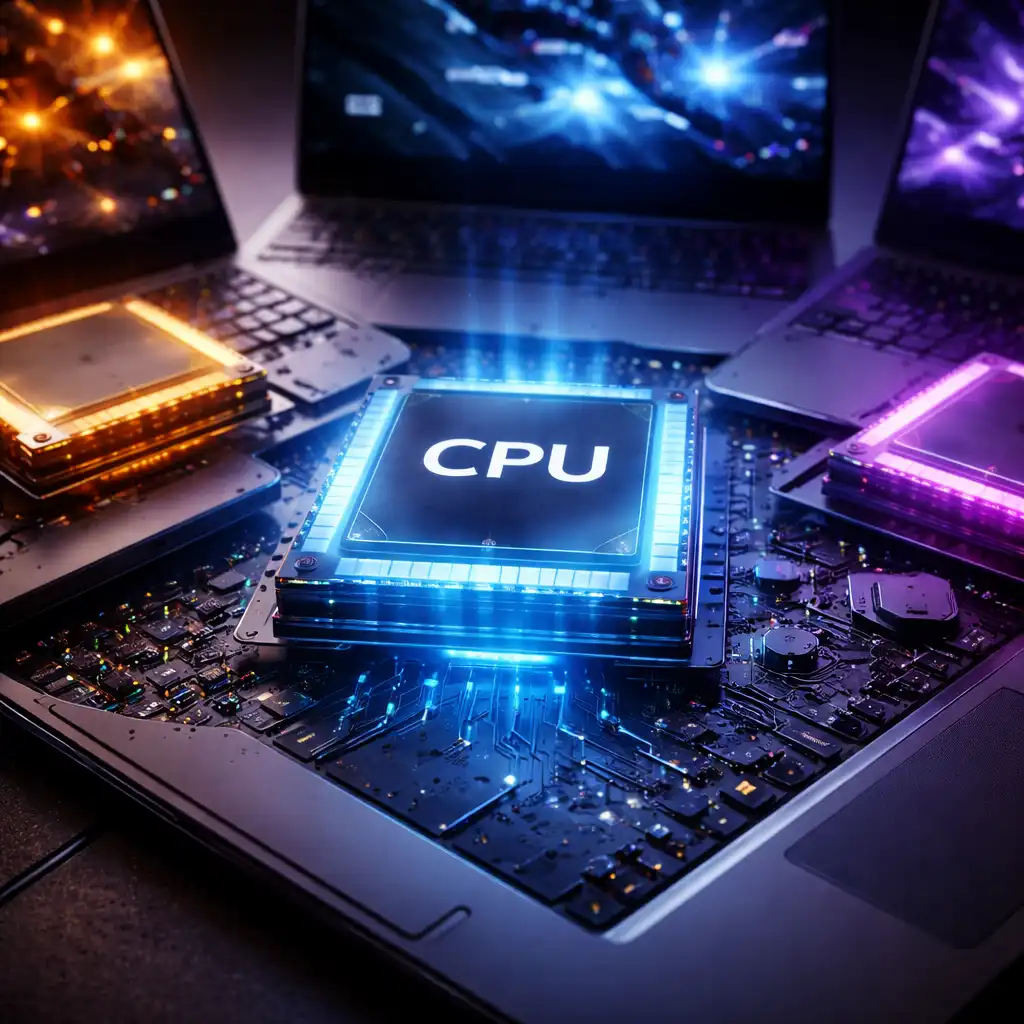
Understanding processor capabilities can help clarify how systems manage demanding tasks. Our guide to the laptop cpu comparison guide explains how different processors handle performance workloads.
🔍 Cooling Systems That Reduce Throttling
Laptop manufacturers use several cooling technologies to manage heat and reduce the likelihood of throttling.
Common approaches include:
Heat pipes and vapor chambers
These components transfer heat away from the CPU and GPU toward cooling fins.
Dual-fan cooling systems
Two fans help move air across heat sinks and out of the chassis.
Thermal paste and heat spreaders
These materials improve heat transfer between processors and cooling systems.
Some high-performance laptops also include advanced airflow designs, larger vents, and intelligent fan control systems.
Even with these solutions, thermal limits still apply during very demanding workloads.
🔍 How Other Components Influence Thermal Performance
Thermal behavior isn’t determined by the processor alone.
System memory, storage speed, and workload type also influence how long a laptop maintains peak performance.
For example, faster storage can reduce processing delays in certain workloads. Our guide on does ssd make laptop faster explains how storage speed affects overall system responsiveness.
Balanced hardware configurations generally maintain performance more consistently during extended workloads.
📌 Key Takeaways
- Thermal throttling reduces processor speed when temperatures become too high
- The feature protects CPUs and GPUs from overheating damage
- Laptops are more prone to throttling because of compact cooling systems
- Sustained workloads like gaming or video editing often trigger throttling
- Cooling design and hardware balance influence sustained performance
🟢 FAQs
Q: Is thermal throttling normal in laptops?
Yes. Thermal throttling is a standard protection feature built into modern CPUs and GPUs to prevent overheating.
Q: Does thermal throttling damage a laptop?
No. The mechanism exists specifically to protect hardware by lowering performance before temperatures become unsafe.
Q: Can cooling improvements reduce throttling?
Improved airflow, cooling pads, and well-designed laptop cooling systems can help manage heat and reduce throttling frequency.
Q: Do gaming laptops throttle less?
Gaming laptops typically include stronger cooling systems, which helps sustain performance longer during heavy workloads.
✅ Conclusion
Thermal throttling is a normal part of modern laptop design. Processors automatically reduce speed when temperatures rise beyond safe limits, protecting internal components from overheating.
When evaluating performance laptops, cooling design, processor capability, and overall system balance all play important roles in how consistently a system maintains peak speeds.