Laptop Touchscreen vs Non Touch Screen – Key Differences Explained
Disclosure: This post contains affiliate links. LaptopVoyager.com participates in the Amazon Associates Program and may earn commissions on qualifying purchases, at no extra cost to you.
Last Updated: February 2026
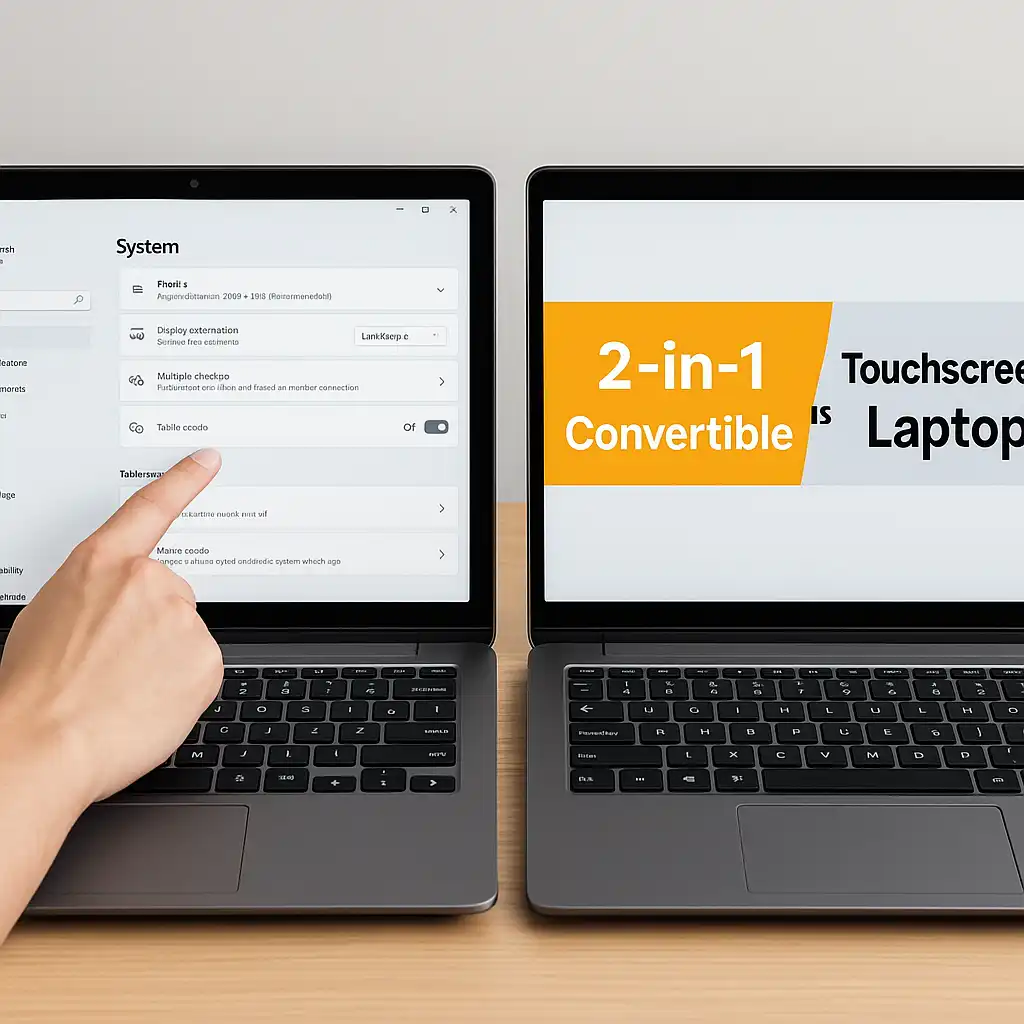
When buying a new laptop, one of the most common questions is whether to choose a touchscreen or stick with a traditional non-touch display. Both options can offer similar performance and internal hardware, but the input experience and design priorities differ.
Understanding how touchscreen and non-touch laptops compare helps you choose the right fit for your workflow.
👉 If you want to explore current touch-enabled categories, our guide to the best touchscreen laptops breaks down options by size and use case.
🔍 Input and Interaction
The main difference is how you interact with the device.
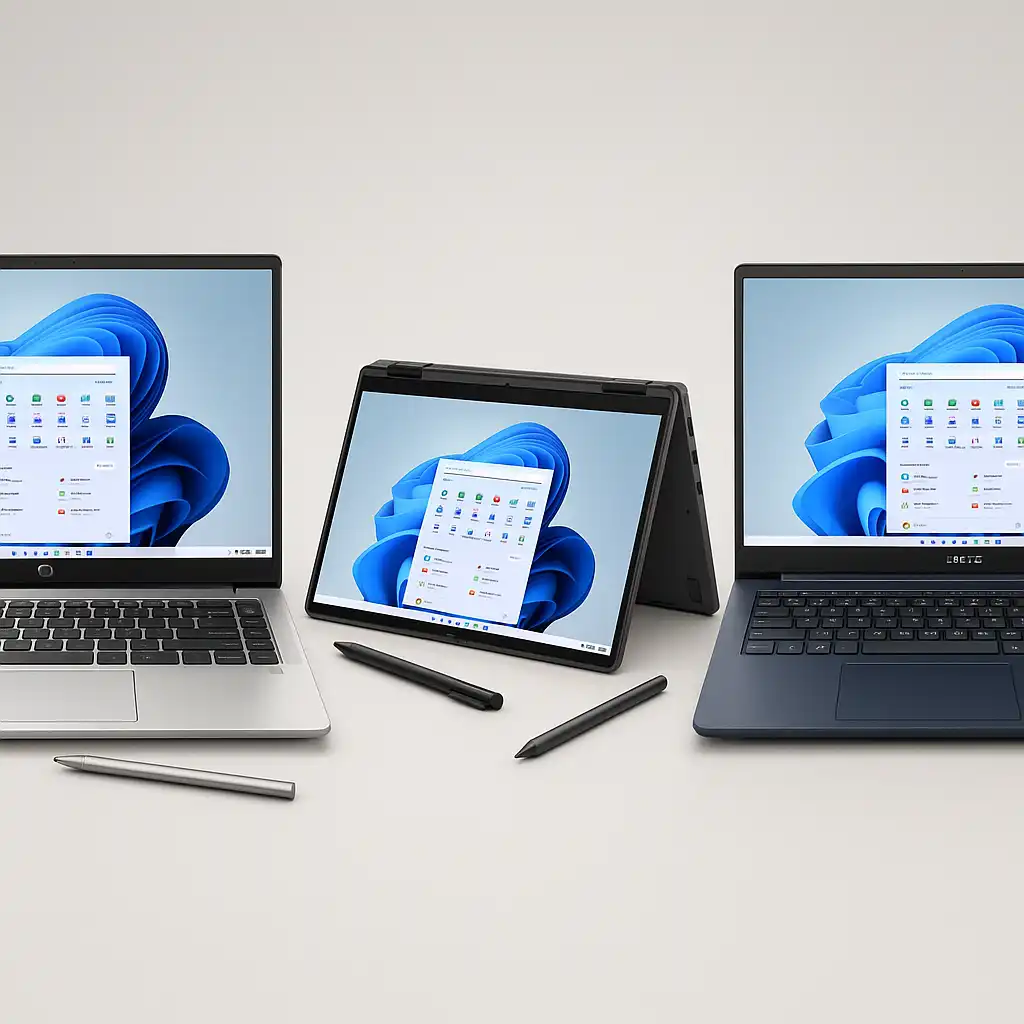
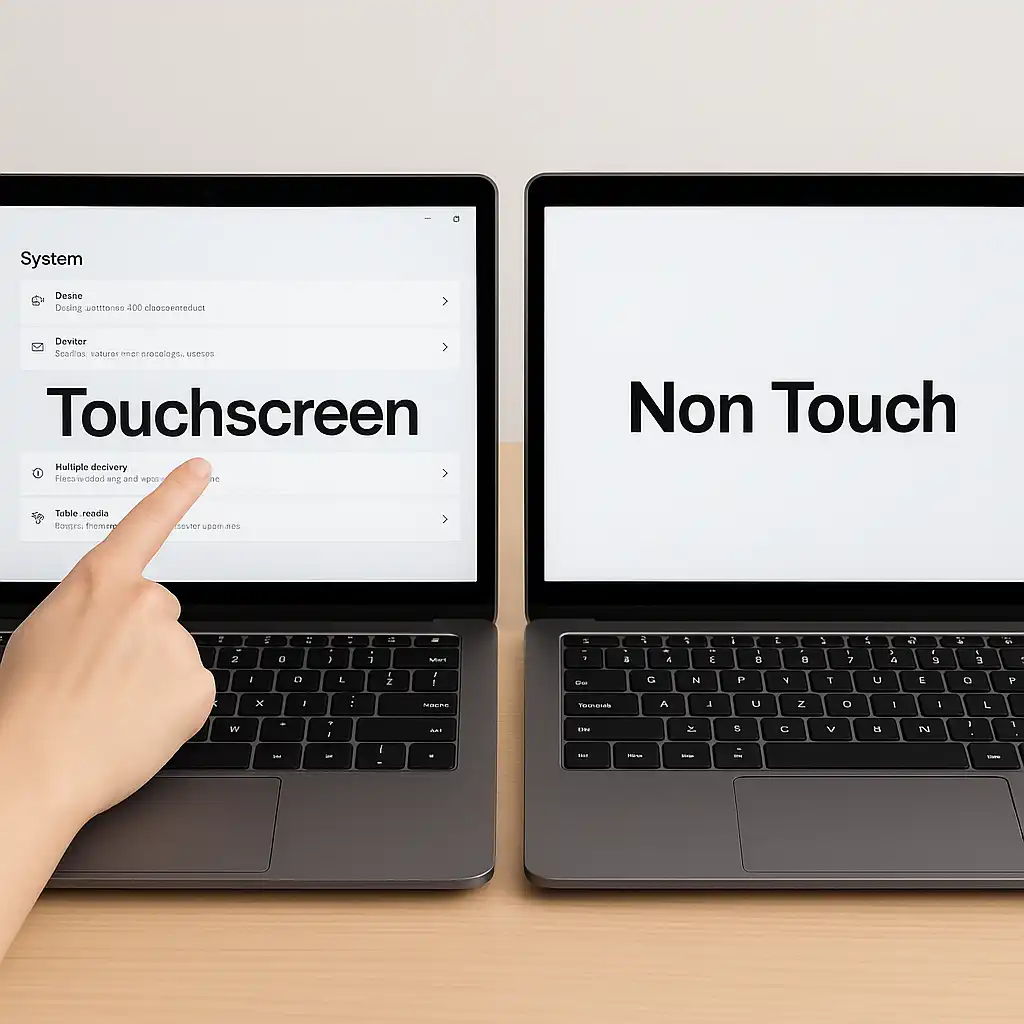
A touchscreen laptop allows you to tap, swipe, zoom, and scroll directly on the display. A non-touch laptop relies entirely on keyboard and mouse or trackpad input.
Touch input can feel more intuitive for browsing, presentations, and casual navigation. However, many professionals still prefer the precision of a mouse for detailed tasks.
🔍 Display Construction and Weight
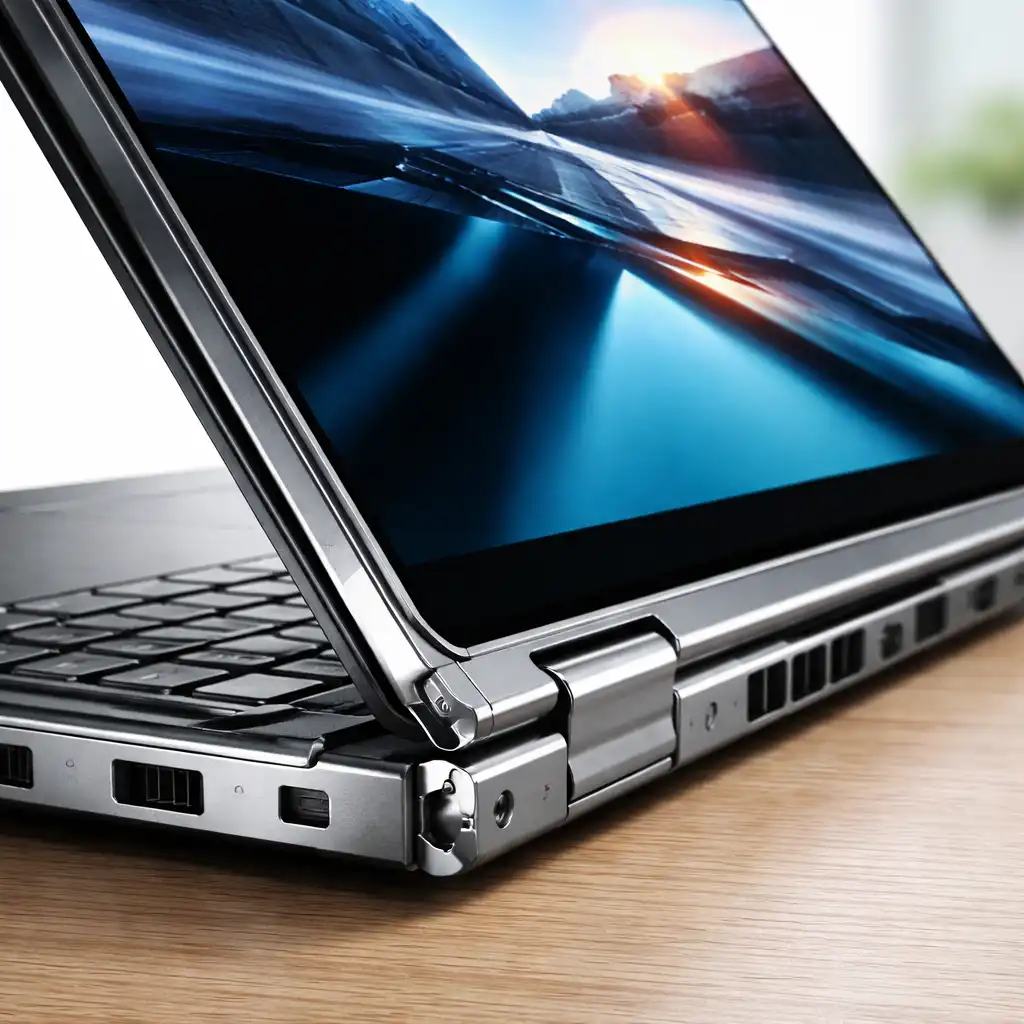
Touchscreen laptops include an additional glass layer over the display panel.
This typically adds slight weight and thickness compared to non-touch versions of the same model. In many cases, the internal specifications—CPU, RAM, and storage—are identical.
For example, touchscreen variants like those seen in this Dell Inspiron 15.6 touchscreen laptop review often share the same processor and memory options as non-touch models.
🔍 Battery Life Considerations
Touch capability itself has minimal direct impact on performance.
However, touchscreen models may use brighter display panels or glass overlays that slightly influence power consumption. Manufacturers typically rate battery life similarly between touch and non-touch versions, depending on configuration.
Real-world battery longevity depends more on processor efficiency and screen brightness settings than on touch functionality alone.
🔍 Durability and Maintenance
Touchscreens are designed for repeated interaction, but they are more exposed to fingerprints and smudges.
Non-touch screens generally stay cleaner because you rarely touch them. Both types use glass panels in most modern designs, though build quality varies by model tier.
Regular cleaning and careful handling help preserve either type.
🔍 Cost Differences
Touchscreen versions often cost more than equivalent non-touch models.
The additional digitizer hardware and glass layer increase manufacturing complexity. For some users, the added flexibility justifies the price difference. For others, traditional input methods are sufficient.
🔍 Who Should Choose Touch?
A touchscreen laptop makes sense if you:
- Prefer tablet-style navigation
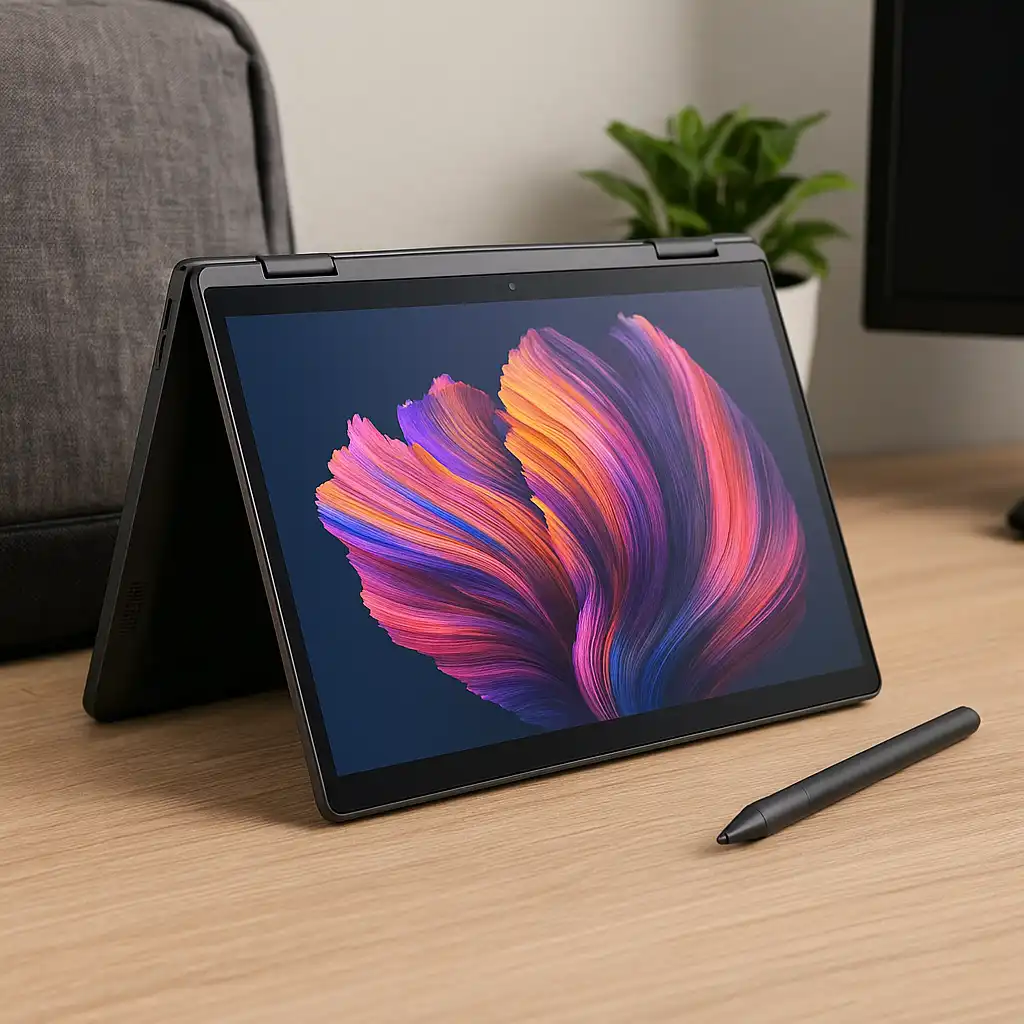
- Use stylus input for notes or drawing
- Frequently scroll and zoom documents
- Want 2-in-1 convertible functionality
A non-touch model may be better if you:
- Primarily use a mouse and keyboard
- Want the lightest possible build
- Prefer fewer reflections on the screen
- Want to reduce overall cost
📌 Key Takeaways
- Touchscreen laptops offer direct interaction with the display
- Non-touch models rely on keyboard and mouse input
- Touch versions may weigh slightly more
- Battery differences are usually minimal
- Choice depends on workflow, not performance
🟢 FAQs
Q: Is a touchscreen laptop faster than a non-touch model?
No. Performance depends on processor, RAM, and storage—not touch capability.
Q: Do touchscreen laptops have worse battery life?
Differences are typically small and depend more on hardware configuration.
Q: Are touchscreen laptops more fragile?
Durability depends on build quality rather than touch functionality alone.
Q: Can I disable touchscreen if I don’t use it?
Yes. Windows allows you to disable touch input through system settings.
✅ Conclusion
The difference between laptop touchscreen vs non touch screen comes down to interaction style rather than internal performance. Touch models add flexibility and tablet-like navigation, while non-touch laptops remain practical and slightly lighter.
Choosing the right option depends on how you prefer to work, browse, and interact with your device.