Mac vs Windows Laptops – Key Differences Explained
Disclosure: This post contains affiliate links. LaptopVoyager.com participates in the Amazon Associates Program and may earn commissions on qualifying purchases, at no extra cost to you.
Last Updated: March 2026
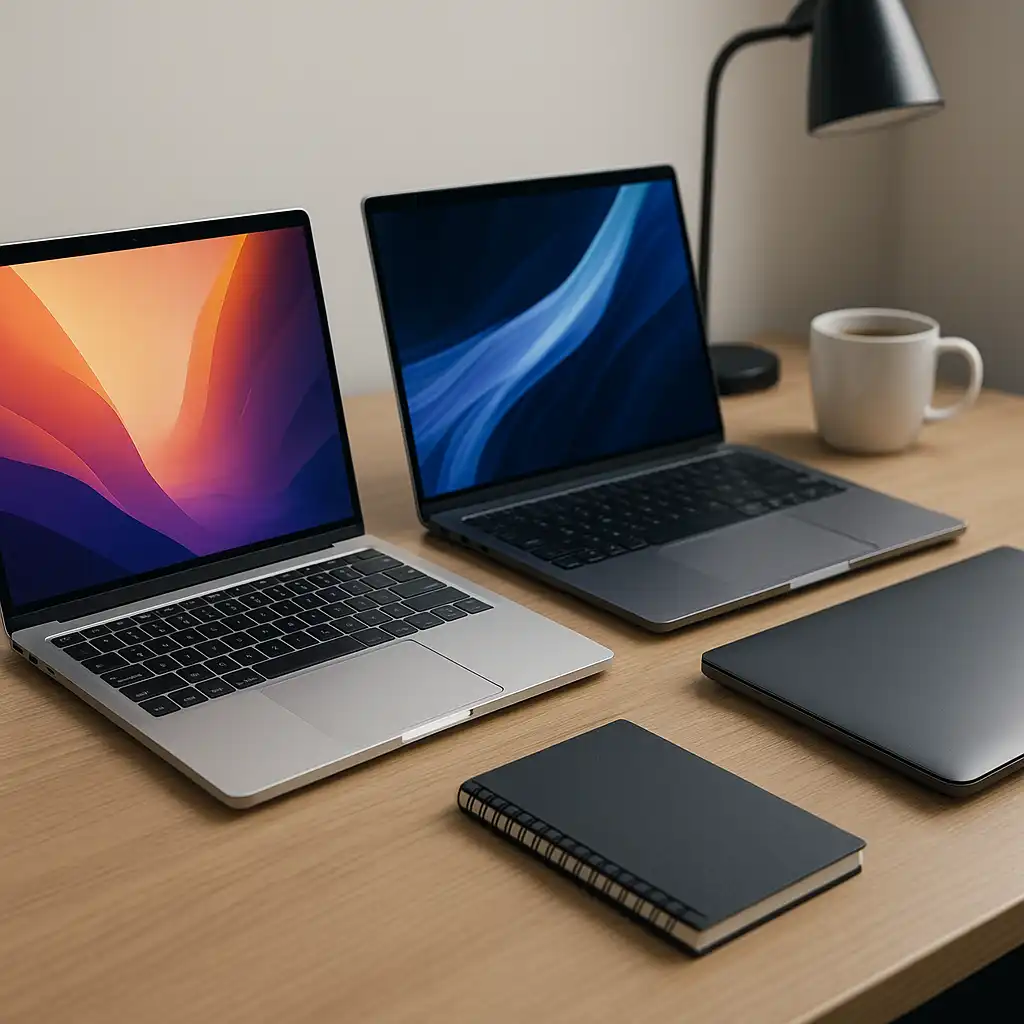
Choosing between Mac and Windows laptops is one of the most common decisions laptop buyers face. Both platforms offer powerful hardware, modern operating systems, and support for a wide range of applications.
However, the overall experience can differ significantly depending on factors such as software ecosystem, hardware design, customization options, and typical use cases.
👉 If you’re evaluating performance-focused systems across platforms, see our guide to the best high performance laptop.
Understanding how Mac and Windows laptops compare can help buyers decide which platform best fits their workflow and preferences.
🔍 Hardware and Design Philosophy
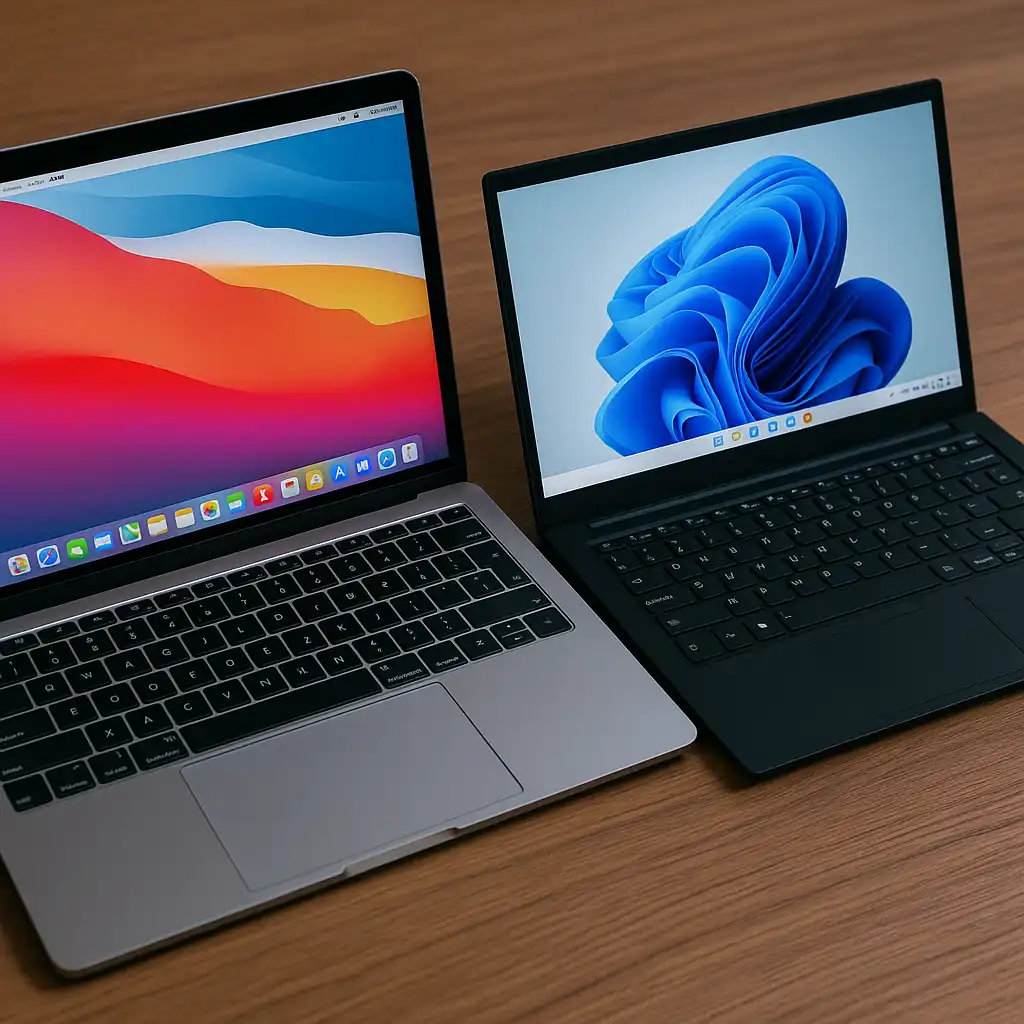
Apple designs both the hardware and operating system for Mac laptops. This integrated approach allows macOS to be optimized specifically for Apple hardware.
Modern MacBook models use Apple silicon processors that combine CPU, GPU, and memory architecture into a unified design. According to Apple specifications, this architecture is designed to balance performance and energy efficiency.
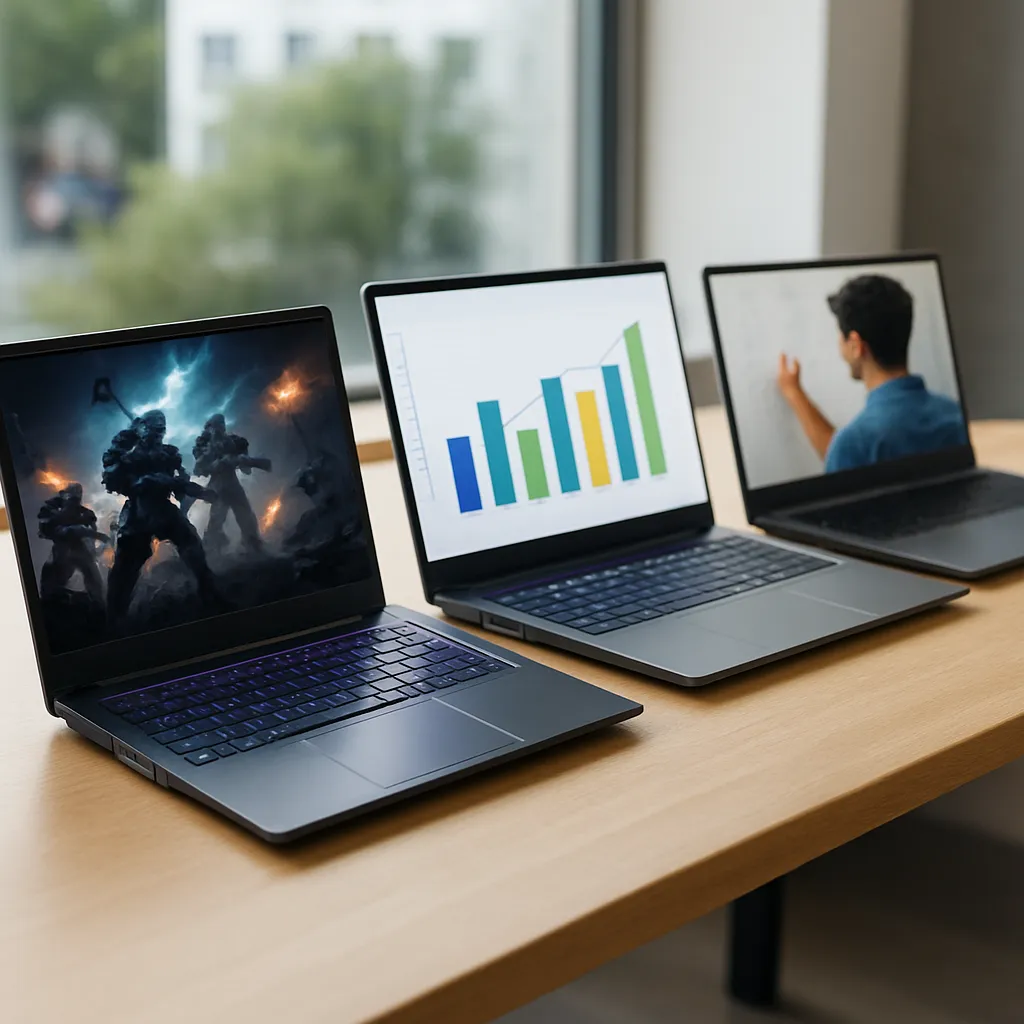
Windows laptops, by contrast, are produced by many manufacturers including Dell, Lenovo, HP, ASUS, and others. This diversity gives buyers access to a wide range of designs, prices, and hardware configurations.
🔍 Software Ecosystem and Compatibility
One of the biggest differences between the platforms is software compatibility.
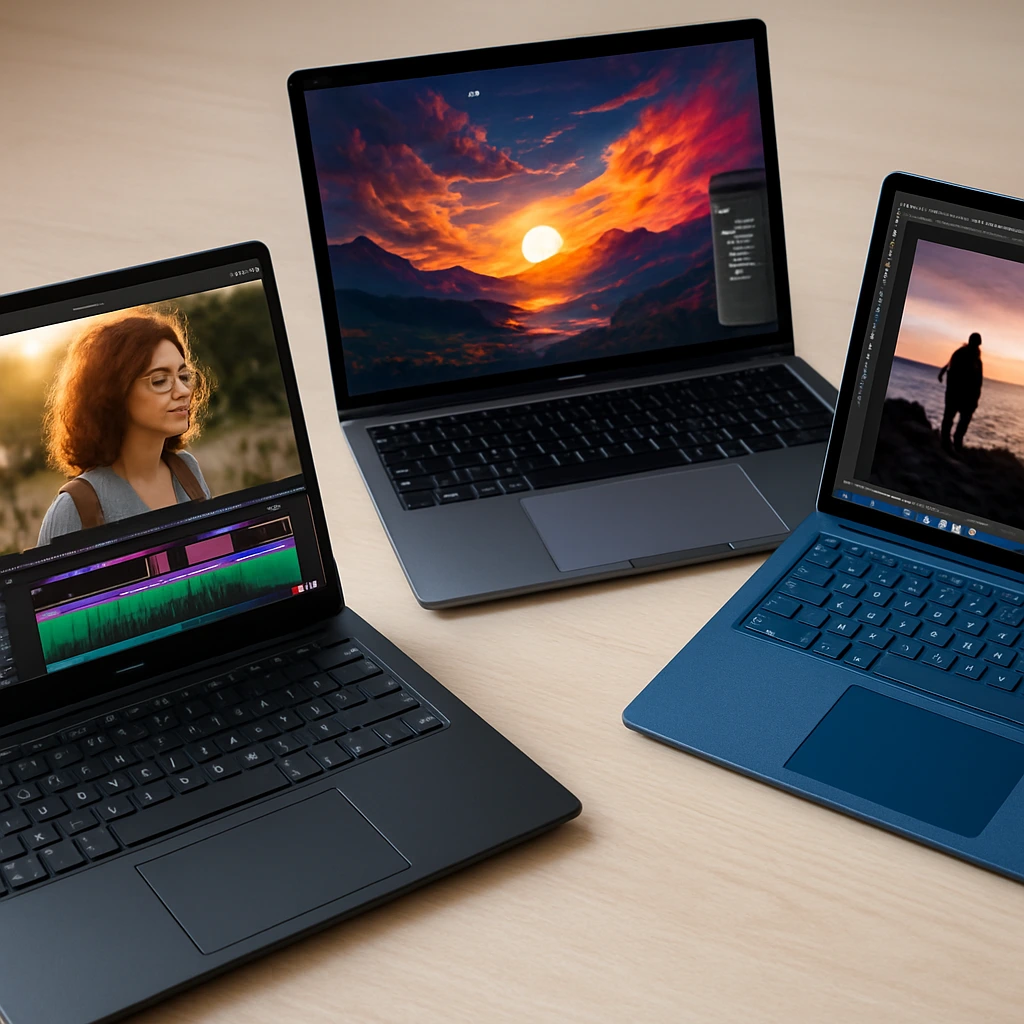
macOS is widely used in creative industries such as video editing, music production, and graphic design. Many professional applications are optimized for Apple hardware.
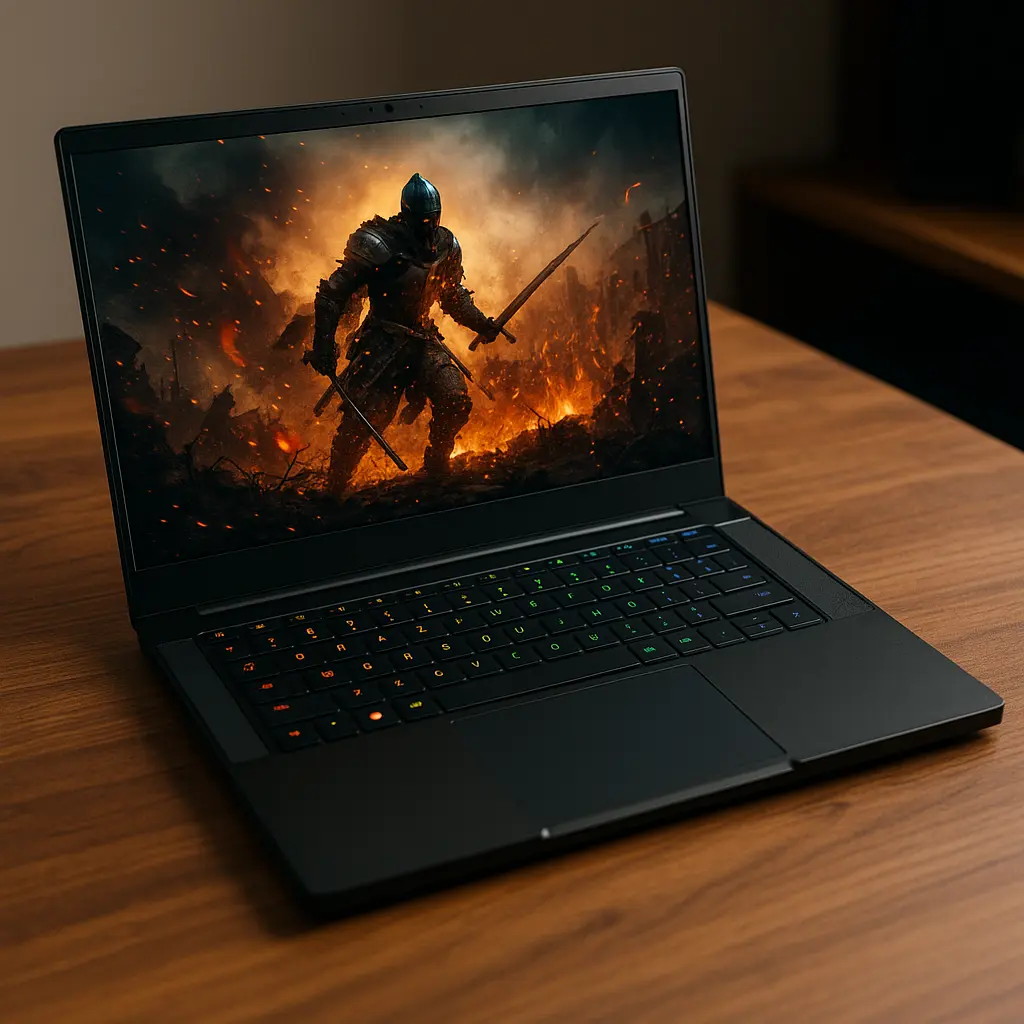
Windows supports the largest variety of software overall, including enterprise tools, engineering applications, and the majority of PC games.
Because Windows is used by multiple manufacturers, the platform supports a broader range of hardware configurations.
🔍 Performance and Hardware Flexibility
Performance differences between Mac and Windows laptops often depend on hardware configuration rather than the operating system itself.
Windows laptops are available with a wide range of processors, memory configurations, and graphics options. High-performance gaming laptops and workstation systems often run Windows.
Mac laptops emphasize efficiency and balanced performance across tasks. Storage technology also plays a role in system responsiveness, and our guide on does ssd make laptop faster explains how solid-state drives improve overall speed.
🔍 Battery Life and Power Efficiency
Battery efficiency is another area where the platforms differ.
MacBook laptops are often recognized for long battery life due to Apple silicon architecture and macOS optimization. According to manufacturer specifications, modern MacBook systems are designed to deliver extended battery runtime during productivity workloads.
Windows laptop battery life varies more widely depending on processor type, cooling design, and screen technology.
🔍 Customization and Upgrade Options
Windows laptops typically offer more flexibility in hardware selection.
Buyers can choose from different screen sizes, processors, memory options, and GPU configurations across many manufacturers. Some models also allow RAM or storage upgrades.
Mac laptops, on the other hand, prioritize integrated design and efficiency. Hardware upgrades after purchase are generally limited because memory and storage are integrated into the system architecture.
🔍 Choosing the Right Platform
Choosing between Mac and Windows depends largely on workflow requirements and personal preference.
Mac laptops often appeal to users who prefer Apple’s ecosystem, integrated hardware design, and optimized creative software environment.
Windows laptops offer broader hardware selection, gaming compatibility, and greater customization flexibility.
If you are comparing powerful portable systems across brands, our guide to the best lightweight high performance laptop explores several strong options.
📌 Key Takeaways
- Mac laptops use integrated Apple hardware and macOS software
- Windows laptops are produced by many manufacturers with wider hardware variety
- macOS is popular in creative industries
- Windows supports the largest range of software and gaming titles
- Hardware specifications often influence performance more than operating system alone
🟢 FAQs
Q: Are Mac laptops faster than Windows laptops?
Performance depends on the specific hardware configuration. Both platforms offer high-performance laptops capable of demanding workloads.
Q: Do Mac laptops run Windows programs?
Some Windows applications can run through virtualization or compatibility layers, but full compatibility may vary depending on software requirements.
Q: Are Windows laptops better for gaming?
Most PC games are developed for Windows, which makes Windows laptops the primary platform for gaming.
Q: Which platform is better for students?
Both Mac and Windows laptops work well for students. The best choice depends on budget, preferred software, and ecosystem preference.
✅ Conclusion
Mac and Windows laptops each offer strong advantages depending on the user’s needs.
Mac laptops focus on tightly integrated hardware and software, efficient performance, and ecosystem continuity. Windows laptops provide broader hardware variety, gaming compatibility, and greater customization options.
Understanding these differences helps buyers choose the platform that best aligns with their workflow, software requirements, and performance expectations.