Skip to content
A square blue logo for Laptop Voyager, featuring a white minimalist laptop icon with a Voyager spacecraft silhouette and clean sans-serif typography.
  • Home
  • Blog
  • About LaptopVoyager
A square blue logo for Laptop Voyager, featuring a white minimalist laptop icon with a Voyager spacecraft silhouette and clean sans-serif typography.
  • Person drawing on a touchscreen laptop using a digital stylus, creating artwork on a bright display in a realistic home workspace.
    Touchscreen Laptops

    Can You Draw on a Touchscreen Laptop? A Simple Guide for Beginners

    ByLaptopVoyager Team November 27, 2025

    Last Updated: November 2025 You can draw on almost any touchscreen laptop — but the quality of the experience varies a lot. Some laptops feel great for sketching, handwriting, and creative work, while others work better for quick doodles or simple annotations. The real difference comes from whether the laptop supports an active stylus. 👉…

    Read More Can You Draw on a Touchscreen Laptop? A Simple Guide for BeginnersContinue

  • A person cleaning a laptop touchscreen with a microfiber cloth on a desk, with cleaning spray and accessories nearby.
    Touchscreen Laptops

    How to Clean a Touchscreen Laptop Safely and Effectively

    ByLaptopVoyager Team November 27, 2025

    Last Updated: November 2025 Touchscreen laptops get smudged quickly — fingerprints, oils, dust, and streaks tend to build up faster than on traditional screens. A clean display looks better and feels smoother to use, especially when you rely on taps, swipes, and stylus input. Luckily, cleaning a touchscreen laptop is safe and simple when you…

    Read More How to Clean a Touchscreen Laptop Safely and EffectivelyContinue

  • Man enabling touchscreen on a Windows laptop through Device Manager using a finger tap.
    Touchscreen Laptops

    How to Enable Touchscreen on Laptop – Fast Ways to Restore Touch Input

    ByLaptopVoyager Team November 27, 2025

    Last Updated: November 2025 A disabled touchscreen can make your laptop feel instantly harder to use. Maybe it happened after a Windows update, during a past fix, or by accident while adjusting settings. The good news is that touch can be restored quickly, and most laptops respond the moment the driver is turned back on….

    Read More How to Enable Touchscreen on Laptop – Fast Ways to Restore Touch InputContinue

  • Finger tapping the Device Manager disable option on a touchscreen laptop, showing how to turn off touch input in Windows.
    Touchscreen Laptops

    How to Disable Touchscreen on a Laptop Safely

    ByLaptopVoyager Team November 27, 2025

    Last Updated: November 2025 Touchscreen laptops are convenient, but they’re not always ideal for every workflow. Accidental taps, dusty screens, or cracked panels can make touch input frustrating. Sometimes you simply prefer using a mouse and keyboard. Fortunately, Windows makes it easy to turn the touchscreen off — and you can bring it back just…

    Read More How to Disable Touchscreen on a Laptop SafelyContinue

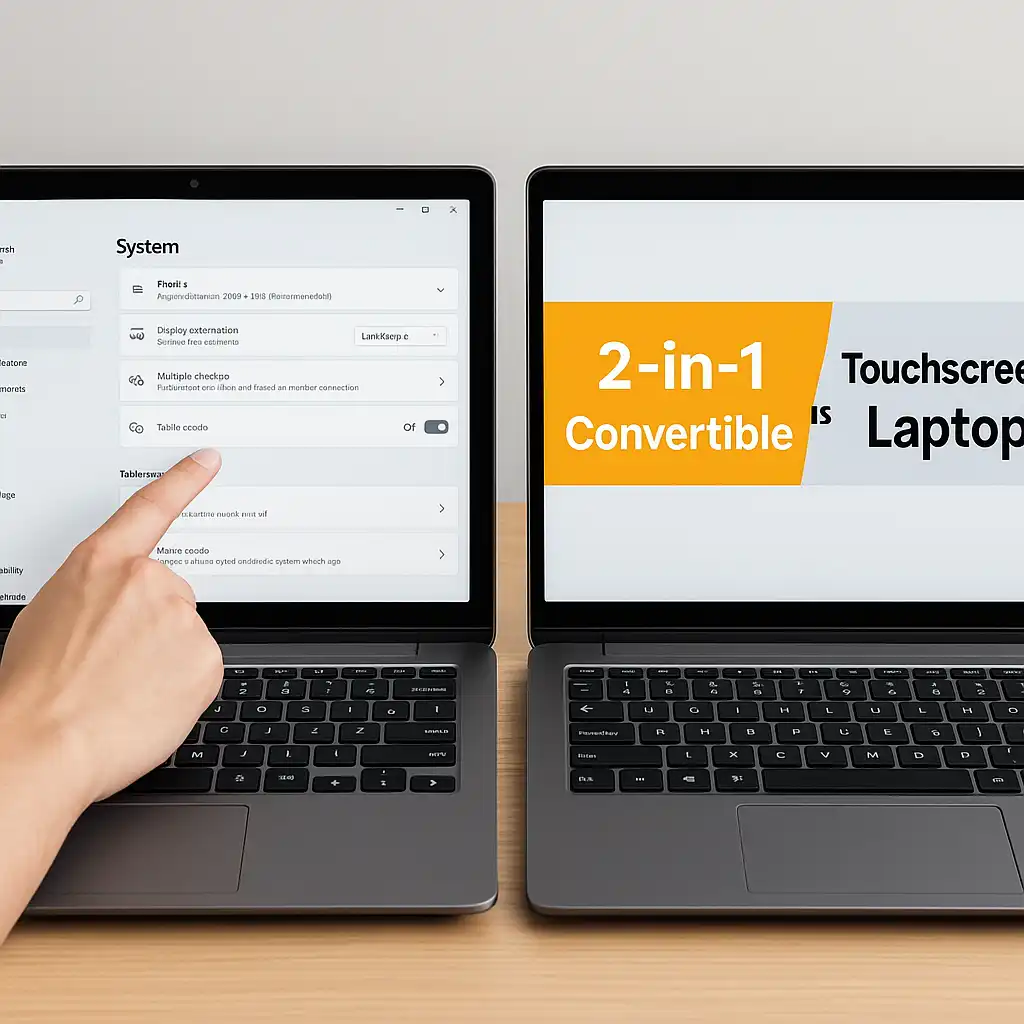
  • Two laptops side by side, one used as a touchscreen and the other displaying a 2-in-1 convertible comparison banner, showing the difference between both device types.
    Touchscreen Laptops

    Touchscreen Laptop vs 2-in-1 Convertible Devices for Everyday Use

    ByLaptopVoyager Team November 27, 2025

    Last Updated: November 2025 Touchscreen laptops and 2-in-1 convertibles look similar, but they’re built with different goals in mind. One keeps the classic laptop shape and simply adds touch input, while the other transforms into multiple modes that feel more like using a tablet. Understanding how each design works in real life makes it easier…

    Read More Touchscreen Laptop vs 2-in-1 Convertible Devices for Everyday UseContinue

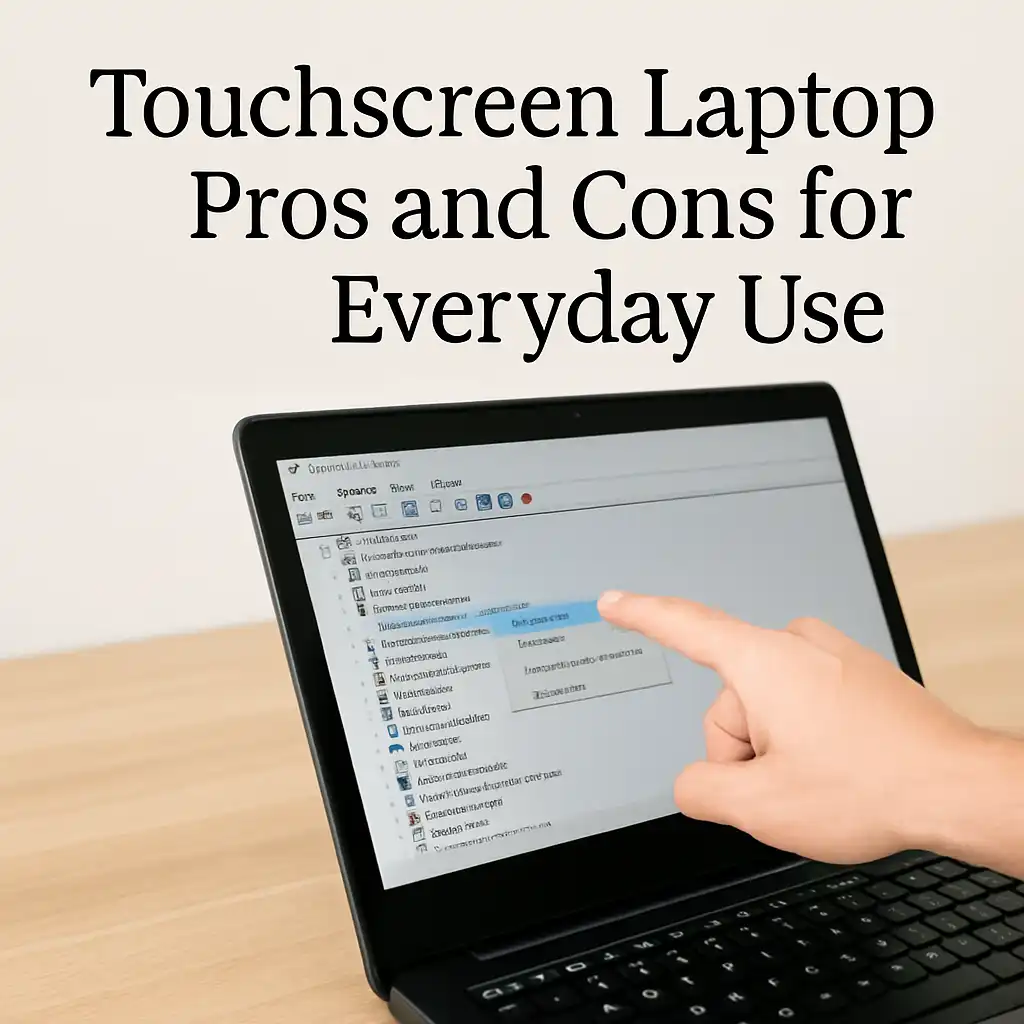
  • Person tapping a touchscreen laptop while viewing device settings, illustrating touchscreen laptop pros and cons.
    Touchscreen Laptops

    Touchscreen Laptop Pros and Cons for Everyday Use

    ByLaptopVoyager Team November 27, 2025

    Last Updated: November 2025 Touchscreen laptops combine the ease of tablet-style interaction with the flexibility of a full computer. They feel intuitive, especially for students, creators, and anyone who likes tapping directly on the screen instead of relying solely on a trackpad. At the same time, touch isn’t perfect for every workflow, so understanding the…

    Read More Touchscreen Laptop Pros and Cons for Everyday UseContinue

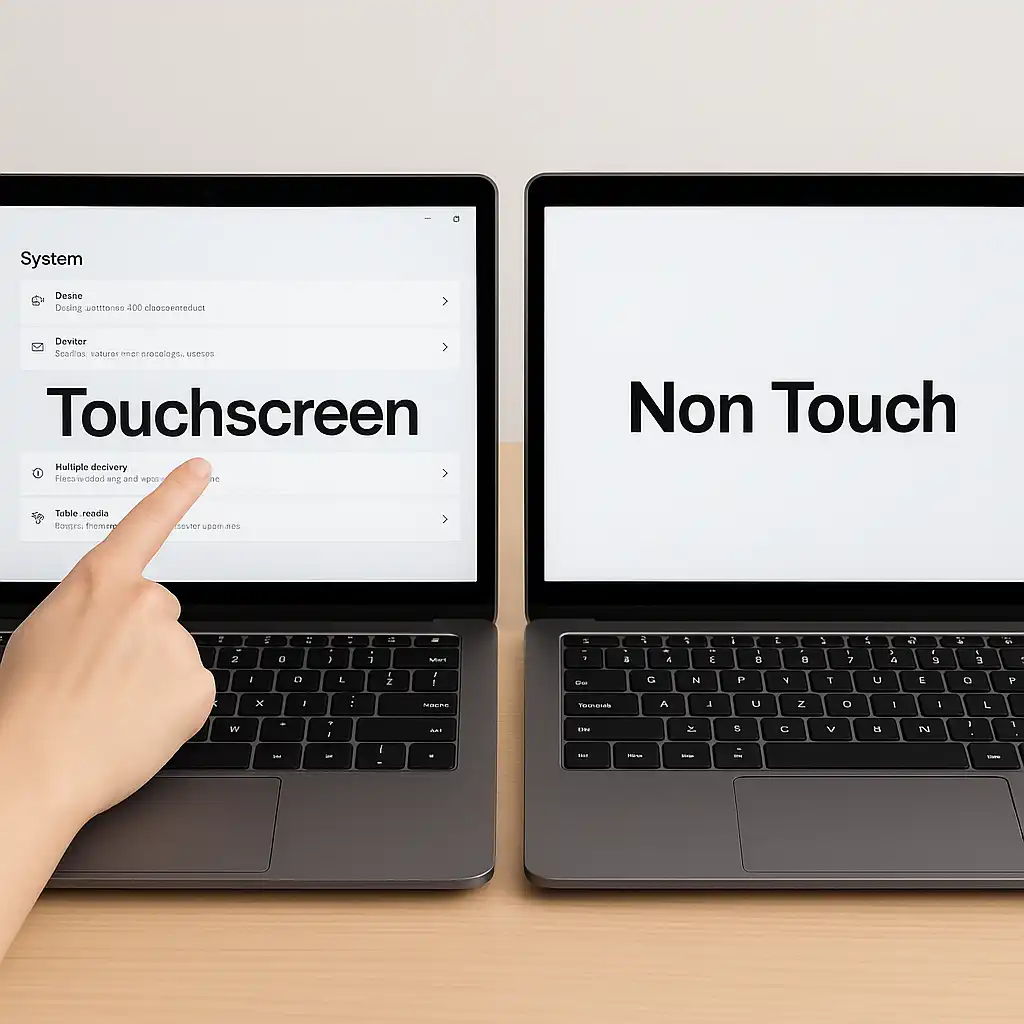
  • Two modern laptops side by side on a desk, one showing touchscreen interaction and the other displaying a non-touch screen, illustrating their differences.
    Touchscreen Laptops

    Laptop Touchscreen vs Non Touch Screen – Which One Fits Your Daily Use Best

    ByLaptopVoyager Team November 27, 2025

    Last Updated: November 2025 Touchscreen laptops and non-touch models feel very different once you start using them. Touchscreen laptops let you tap and swipe through apps like you would on a phone or tablet, while non-touch laptops stick to the classic keyboard-and-trackpad style. Picking the right one depends on what feels more natural for your…

    Read More Laptop Touchscreen vs Non Touch Screen – Which One Fits Your Daily Use BestContinue

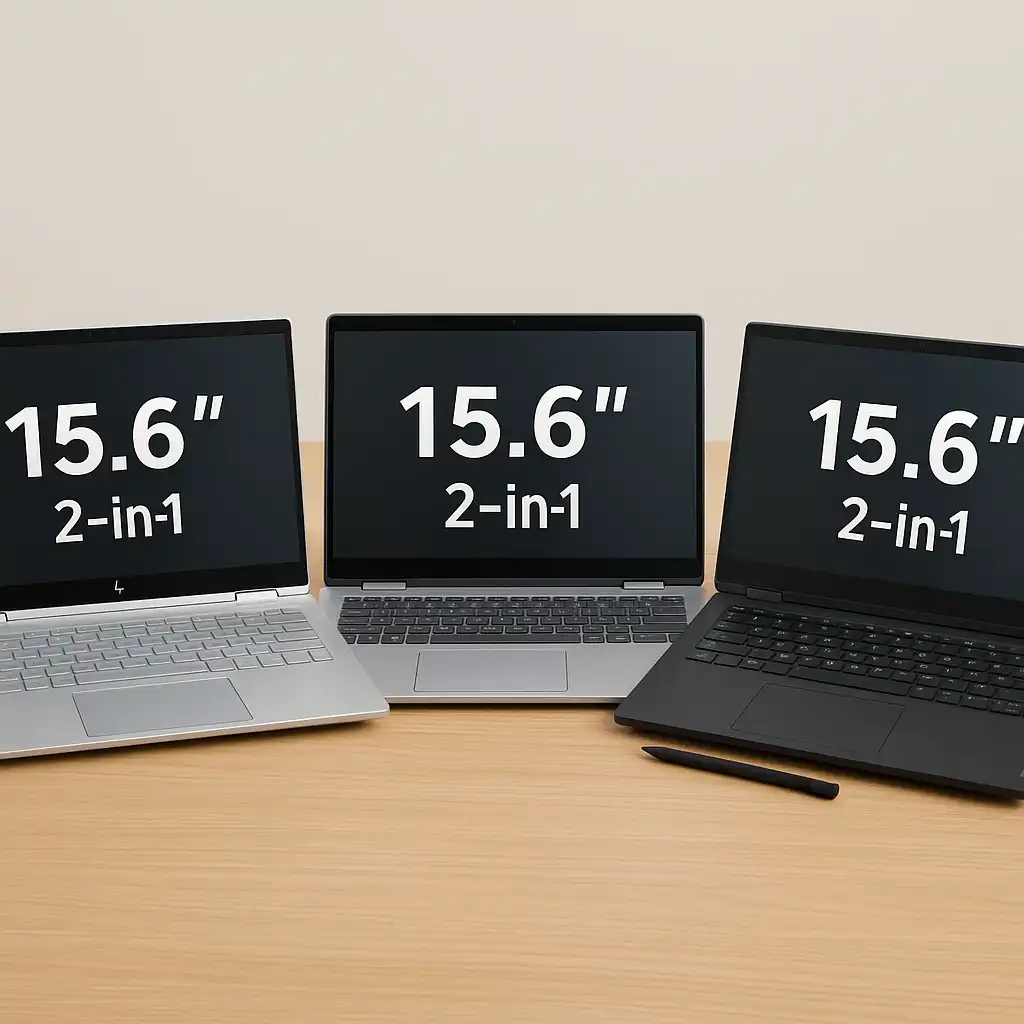
  • Three 15.6-inch touchscreen laptops displayed on a wooden desk, showing different 2-in-1 designs from HP, Dell, and Lenovo in a clean workspace setting.
    Touchscreen Laptops

    Best 15-Inch Laptop With Touch Screen – Top 3 Picks for 2025

    ByLaptopVoyager Team November 27, 2025

    Last Updated: November 2025 A 15-inch touchscreen laptop is a great balance between portability and comfort. You get a roomy display for multitasking, a comfortable keyboard, and smooth touch controls that make scrolling, highlighting, and everyday navigation feel natural. These three models stand out for battery life, work-ready speed, and stylus support, so it’s easier…

    Read More Best 15-Inch Laptop With Touch Screen – Top 3 Picks for 2025Continue

  • Modern laptop on a wooden desk displaying a colorful swirl on a bright touchscreen, shown in a clean workspace setup
    Buying Guides

    Best 13-Inch Laptop With Touch Screen – Top Portable Picks for 2025

    ByLaptopVoyager Team November 27, 2025

    Last Updated: November 2025 A 13-inch touchscreen laptop strikes a great balance between portability and everyday usability. These three models deliver smooth touch performance, lightweight designs, and strong specs for work, school, or creative tasks—without taking up much space in your bag. 👉 If you want to explore more options across different sizes and performance…

    Read More Best 13-Inch Laptop With Touch Screen – Top Portable Picks for 2025Continue

  • Four modern touchscreen laptops arranged on a desk in different modes, showing various apps and demonstrating how touchscreen devices can be used in everyday setups.
    Touchscreen Laptops

    Best Touchscreen Laptops – Complete 2025 Hub Guide

    ByLaptopVoyager Team November 27, 2025November 27, 2025

    Last Updated: November 2025 Touchscreen laptops combine traditional typing comfort with the easy, tap-friendly controls we already use on phones and tablets. They’re great for browsing, notes, drawing, studying, and flexible 2-in-1 setups. This hub puts all of our touchscreen laptop guides, reviews, comparisons, and how-tos in one place so you can quickly find the…

    Read More Best Touchscreen Laptops – Complete 2025 Hub GuideContinue

Page navigation

Previous PagePrevious 1 … 6 7 8 9 10 … 60 Next PageNext

© 2026 LaptopVoyager

  • Privacy Policy
  • Editorial Policy
  • About LaptopVoyager
  • Contact LaptopVoyager
  • Affiliate Disclosure
  • Terms of Service
  • Disclaimer
  • Cookies Policy
Manage Consent
To provide the best experiences, we use technologies like cookies to store and/or access device information. Consenting to these technologies will allow us to process data such as browsing behavior or unique IDs on this site. Not consenting or withdrawing consent, may adversely affect certain features and functions.
Functional Always active
The technical storage or access is strictly necessary for the legitimate purpose of enabling the use of a specific service explicitly requested by the subscriber or user, or for the sole purpose of carrying out the transmission of a communication over an electronic communications network.
Preferences
The technical storage or access is necessary for the legitimate purpose of storing preferences that are not requested by the subscriber or user.
Statistics
The technical storage or access that is used exclusively for statistical purposes. The technical storage or access that is used exclusively for anonymous statistical purposes. Without a subpoena, voluntary compliance on the part of your Internet Service Provider, or additional records from a third party, information stored or retrieved for this purpose alone cannot usually be used to identify you.
Marketing
The technical storage or access is required to create user profiles to send advertising, or to track the user on a website or across several websites for similar marketing purposes.
  • Manage options
  • Manage services
  • Manage {vendor_count} vendors
  • Read more about these purposes
View preferences
  • {title}
  • {title}
  • {title}
  • Home
  • Blog
  • About LaptopVoyager