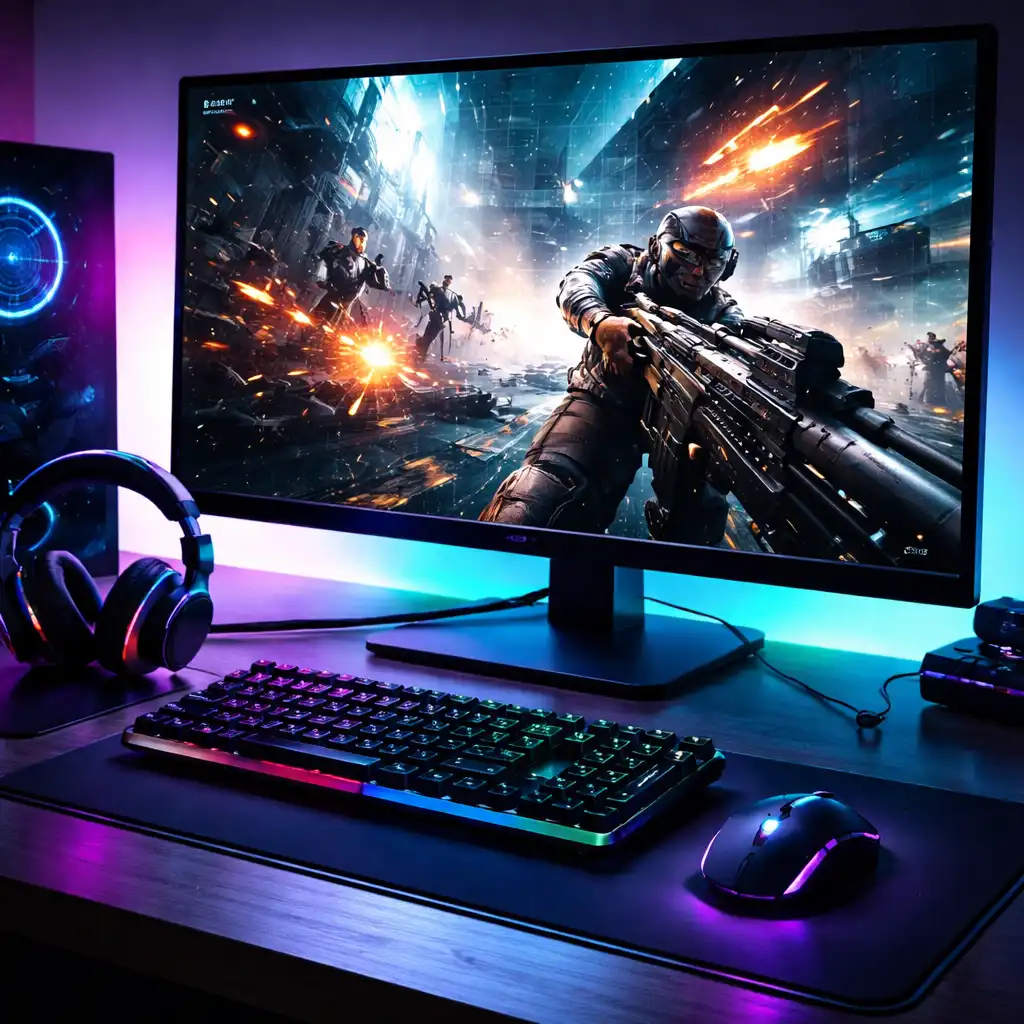
Response Time vs Refresh Rate for Gaming – What Actually Matters
Disclosure: This post contains affiliate links. LaptopVoyager.com participates in the Amazon Associates Program and may earn commissions on qualifying purchases, at no extra cost to you.
Last Updated: March 2026
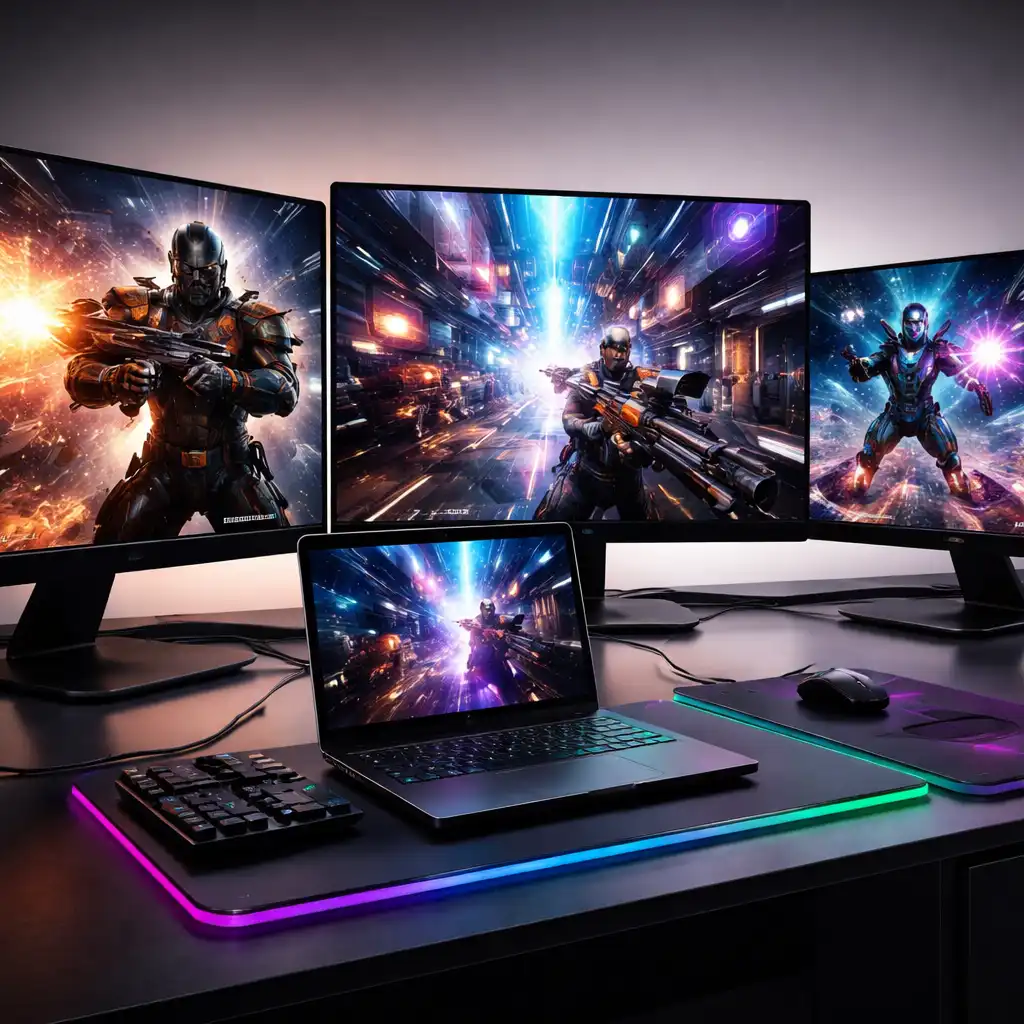
When choosing a gaming monitor, response time and refresh rate are two of the most important specifications. While they are often mentioned together, they affect different aspects of how games look and feel.
Understanding how these two features work helps you avoid confusion and choose a monitor that matches your gaming style and hardware.
👉 If you’re comparing display options, see our guide to best gaming monitors
This guide explains the difference between response time and refresh rate, and how each one impacts gaming performance.
📌 Key Takeaways
- Refresh rate affects how smooth motion appears on screen
- Response time affects how quickly pixels change
- Higher refresh rates improve motion clarity in fast-paced games
- Lower response times reduce ghosting and motion blur
- Both features work together to improve overall gaming experience
🔍 What Is Refresh Rate
Refresh rate refers to how many times per second a monitor updates the image.
It is measured in Hertz (Hz), such as:
- 60Hz
- 144Hz
- 240Hz
According to manufacturer specifications and published benchmarks, higher refresh rates result in smoother motion and improved responsiveness. This is especially noticeable in fast-paced games.
A higher refresh rate can make camera movement and object motion appear more fluid, improving overall gameplay experience.
🔍 What Is Response Time
Response time measures how quickly a pixel can change from one color to another.
It is typically measured in milliseconds (ms), such as:
- 5ms
- 1ms
- 0.03ms (common in OLED panels)
According to manufacturer data and professional reviews, lower response times reduce motion blur and ghosting effects.
Faster pixel transitions help keep moving objects sharp, which is important in action-heavy games.
🔍 How They Work Together
Refresh rate and response time are closely related but serve different purposes.
- Refresh rate controls how often frames are displayed
- Response time controls how quickly pixels adjust between those frames
A high refresh rate with slow response time can still result in visible blur. Similarly, fast response time without a high refresh rate will not improve motion smoothness.
For the best results, both specifications should be balanced.
👉 For deeper insight into refresh rate choices, see best monitor refresh rate for laptop gaming
🔍 Which One Matters More for Gaming
The importance of each depends on your gaming style.
Refresh rate matters more if:
- You play competitive or fast-paced games
- You want smoother motion and responsiveness
Response time matters more if:
- You want to reduce motion blur
- You notice ghosting in fast-moving scenes
According to published benchmarks, competitive gaming setups benefit most from combining high refresh rates with low response times.
🔍 Real-World Gaming Scenarios
Different games highlight these specs differently.
- FPS and esports games: benefit from both high refresh rate and fast response time
- Open-world games: benefit more from resolution and visual quality
- Casual gaming: may not require extreme specifications
This is why many gaming monitors are designed to balance both features rather than maximize just one.
🔍 What to Look for in a Gaming Monitor
When comparing monitors, consider both specifications together.
General guidance based on specifications:
- 144Hz + 1ms → balanced gaming setup
- 240Hz + low response time → competitive gaming
- OLED panels → fastest response times available
According to manufacturer specifications, many modern monitors are designed to optimize both refresh rate and response time for gaming use.
🟢 FAQs
Q: Is refresh rate more important than response time?
Refresh rate often has a greater impact on motion smoothness, but response time is important for reducing blur and ghosting.
Q: Is 1ms response time necessary for gaming?
Lower response times help reduce motion blur, but the overall experience depends on the monitor’s full specifications.
Q: Can a high refresh rate fix motion blur?
Not entirely. Response time also plays a role in how sharp moving objects appear.
Q: Are OLED monitors better for response time?
According to manufacturer specifications, OLED panels offer very fast response times compared to traditional LCD panels.
✅ Conclusion
Response time and refresh rate both play important roles in gaming performance. Based on specifications and benchmark data, refresh rate improves motion smoothness, while response time reduces blur and ghosting.
Choosing a monitor that balances both ensures a smoother and clearer gaming experience across different types of games.