Touchscreen Laptop Pros and Cons – What You Should Know Before Buying
Disclosure: This post contains affiliate links. LaptopVoyager.com participates in the Amazon Associates Program and may earn commissions on qualifying purchases, at no extra cost to you.
Last Updated: February 2026
Touchscreen laptops add direct screen interaction to the traditional keyboard-and-trackpad setup. For some users, that flexibility improves navigation and creativity. For others, it adds cost and screen glare without changing productivity.
Understanding the pros and cons helps you decide whether touch capability fits your workflow.
👉 For a full category breakdown, explore our main guide to the best touchscreen laptops.
🔍 Pros of Touchscreen Laptops
More Intuitive Navigation
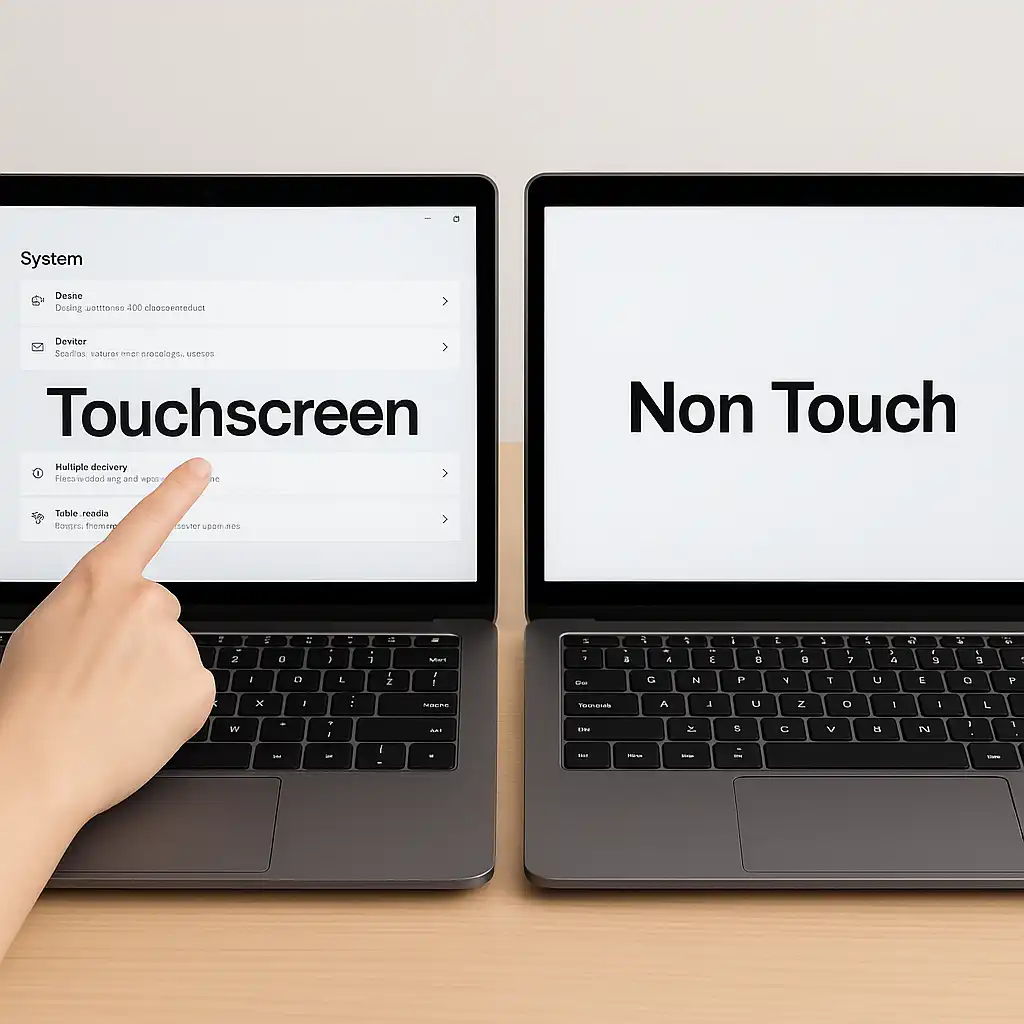
Touch input allows you to scroll, zoom, and tap directly on the display. This can feel more natural when browsing websites or reviewing documents.
For casual use and presentations, quick touch gestures often reduce reliance on the trackpad.
Useful for Students and Creators
Touchscreens become especially practical when paired with stylus support. They’re commonly used for note-taking, sketching, and document annotation.
Some models, such as those discussed in this Dell Inspiron 15.6 touchscreen laptop review, combine standard laptop functionality with responsive touch displays.
Flexible 2-in-1 Designs
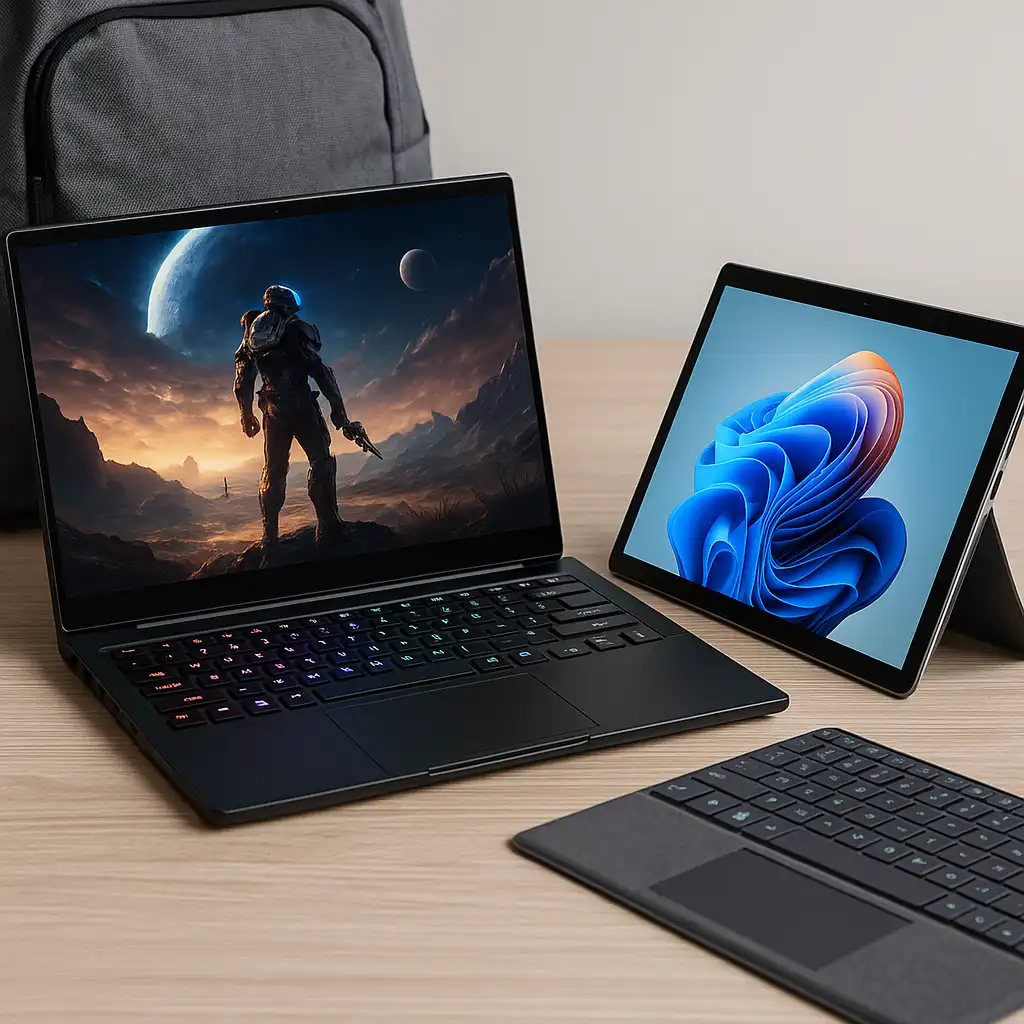
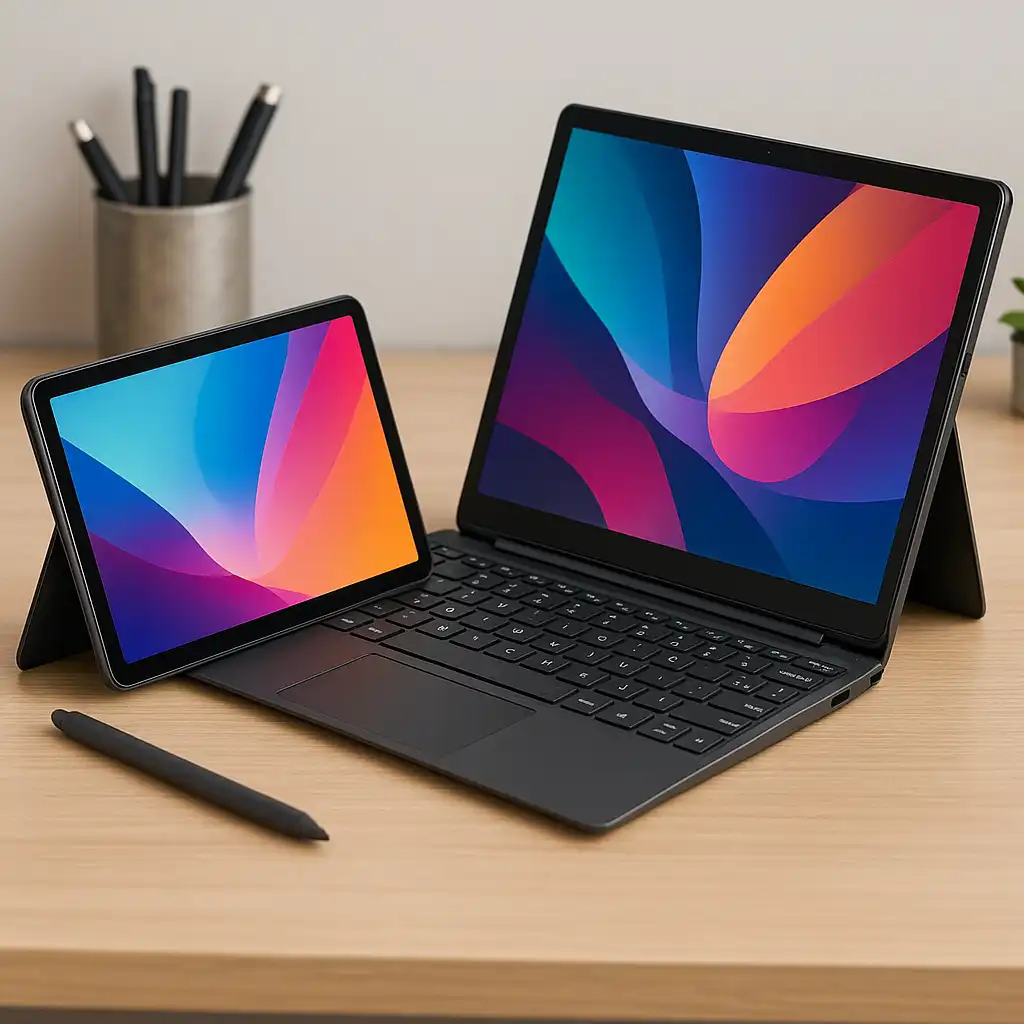
Many touchscreen laptops are convertible 2-in-1 devices.
These designs allow tablet-style usage, which makes touch more meaningful for drawing, presenting, or watching content in tent mode.
🔍 Cons of Touchscreen Laptops
Higher Cost
Touch-enabled versions of the same laptop often cost more than non-touch equivalents. The additional digitizer layer increases manufacturing complexity.
If touch isn’t part of your workflow, that added cost may not provide noticeable value.
Slightly Heavier Builds
The extra glass layer typically adds some weight and thickness.
While the difference isn’t dramatic, ultraportable users may prefer non-touch models to minimize bulk.
More Fingerprints and Cleaning
Touchscreens attract smudges quickly due to direct contact.
Regular maintenance becomes more important. Here’s how to clean a touchscreen laptop safely to protect the display coating.
🔍 Performance Impact
Touch capability does not increase processing speed.
Performance depends on CPU, RAM, storage, and graphics configuration. A touchscreen laptop with modest hardware will perform similarly to a non-touch model with the same specifications.
🔍 Who Benefits Most?
Touchscreen laptops make sense for:
- Students who annotate PDFs or take digital notes
- Designers using stylus input
- Users who prefer interactive navigation
- Buyers considering 2-in-1 flexibility
They may be less essential for:
- Desk-based office work
- Users who rely primarily on a mouse
- Those seeking the lowest possible cost
📌 Key Takeaways
- Touchscreens improve interaction but not performance
- Ideal for students, creatives, and 2-in-1 users
- Typically cost more than non-touch versions
- Slightly heavier due to added glass layer
- Require more frequent cleaning
🟢 FAQs
Q: Are touchscreen laptops more durable?
Durability depends on build quality and hinge design, not just touch capability.
Q: Do touchscreen laptops drain battery faster?
Differences are usually minimal and depend more on brightness and hardware configuration.
Q: Is touchscreen useful for gaming?
Most gaming relies on keyboard and mouse, though touch may support menu navigation.
Q: Can I disable the touchscreen if I don’t use it?
Yes. Windows allows you to disable touch input through system settings.
✅ Conclusion
Touchscreen laptop pros and cons ultimately depend on how you use your device. Touch adds flexibility and interactivity but doesn’t improve performance or productivity on its own.
If stylus input or 2-in-1 functionality fits your workflow, touch capability can be worthwhile. Otherwise, a traditional non-touch laptop may meet your needs just as effectively.