Touchscreen Laptop vs 2 in 1 – What’s the Real Difference?
Disclosure: This post contains affiliate links. LaptopVoyager.com participates in the Amazon Associates Program and may earn commissions on qualifying purchases, at no extra cost to you.
Last Updated: February 2026
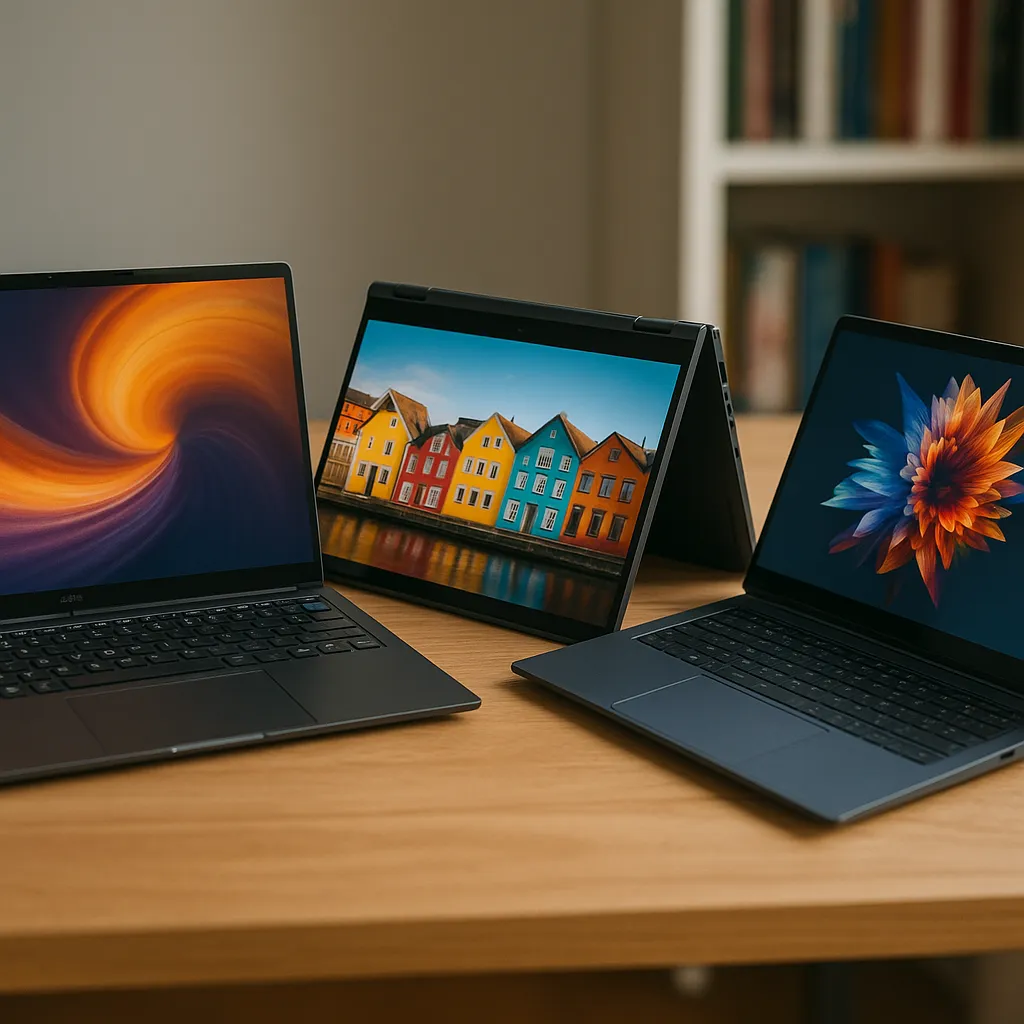
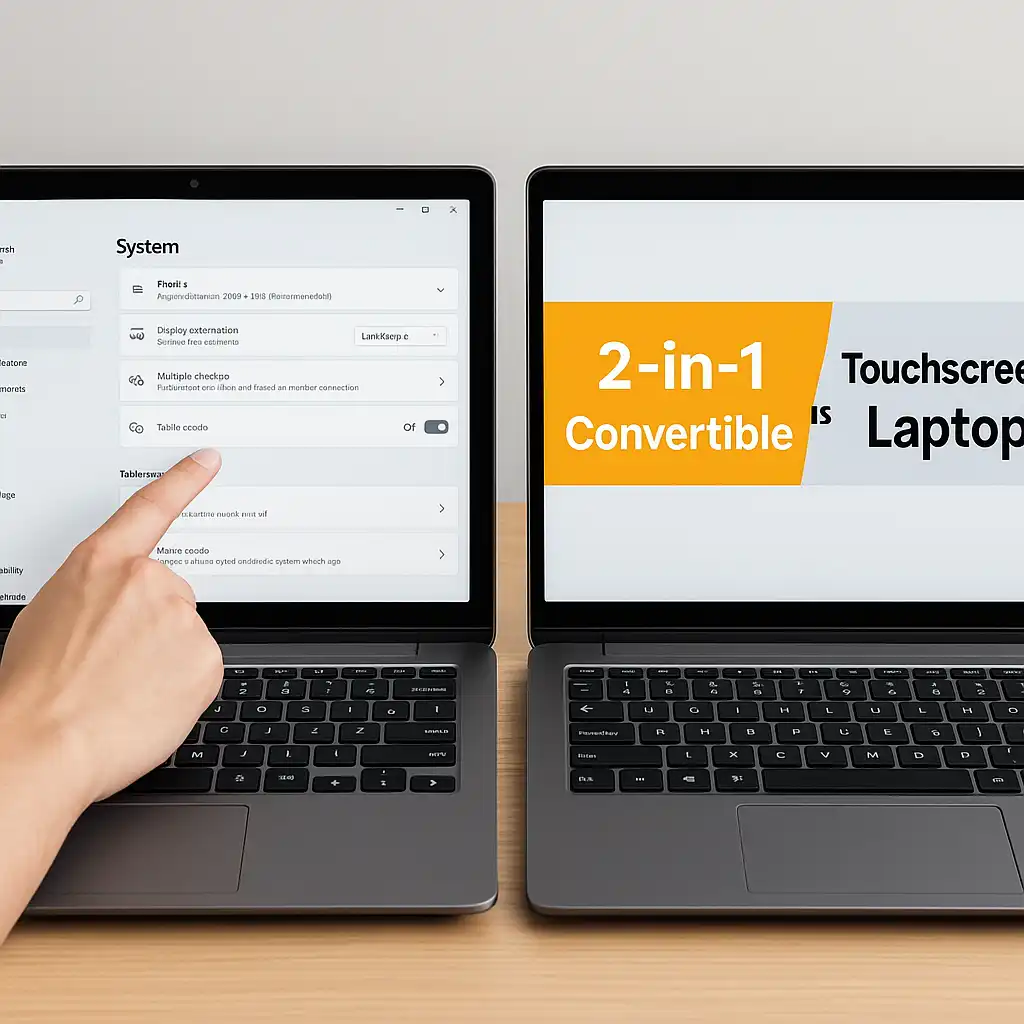
Many buyers assume a touchscreen laptop and a 2-in-1 are the same thing. While they’re related, they’re not identical. A touchscreen laptop simply adds touch input to a traditional clamshell design, while a 2-in-1 is built to physically convert into tablet mode.
Understanding the difference helps you choose the right format for work, school, or creative use.
👉 For a broader overview of current categories and sizes, explore our main guide to the best touchscreen laptops. link-rules
🔍 What Is a Touchscreen Laptop?
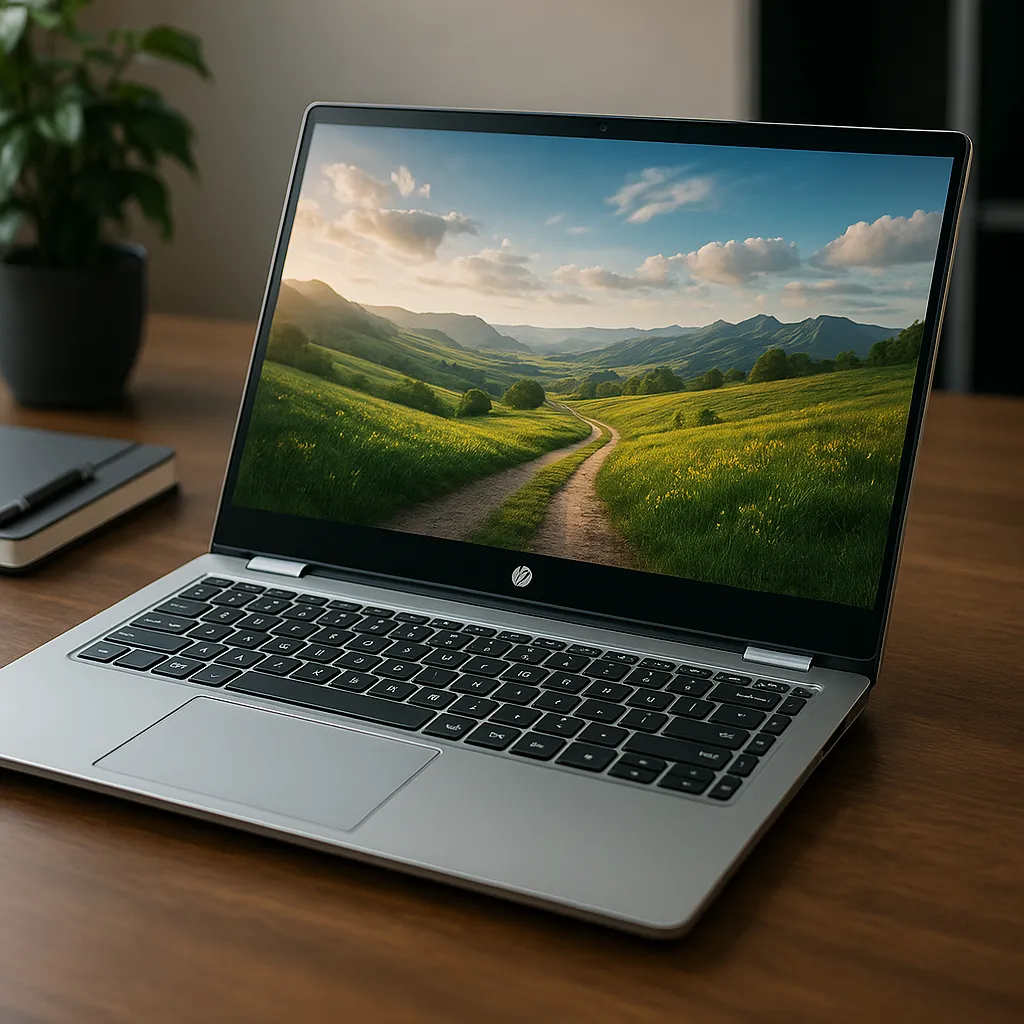
A touchscreen laptop looks like a standard laptop but includes a touch-enabled display.
You open and close it like a traditional clamshell. The screen does not rotate fully backward or detach, but it supports tapping, swiping, and sometimes stylus input.
This design suits users who want occasional touch interaction without changing how the laptop is physically used.
🔍 What Is a 2-in-1 Laptop?
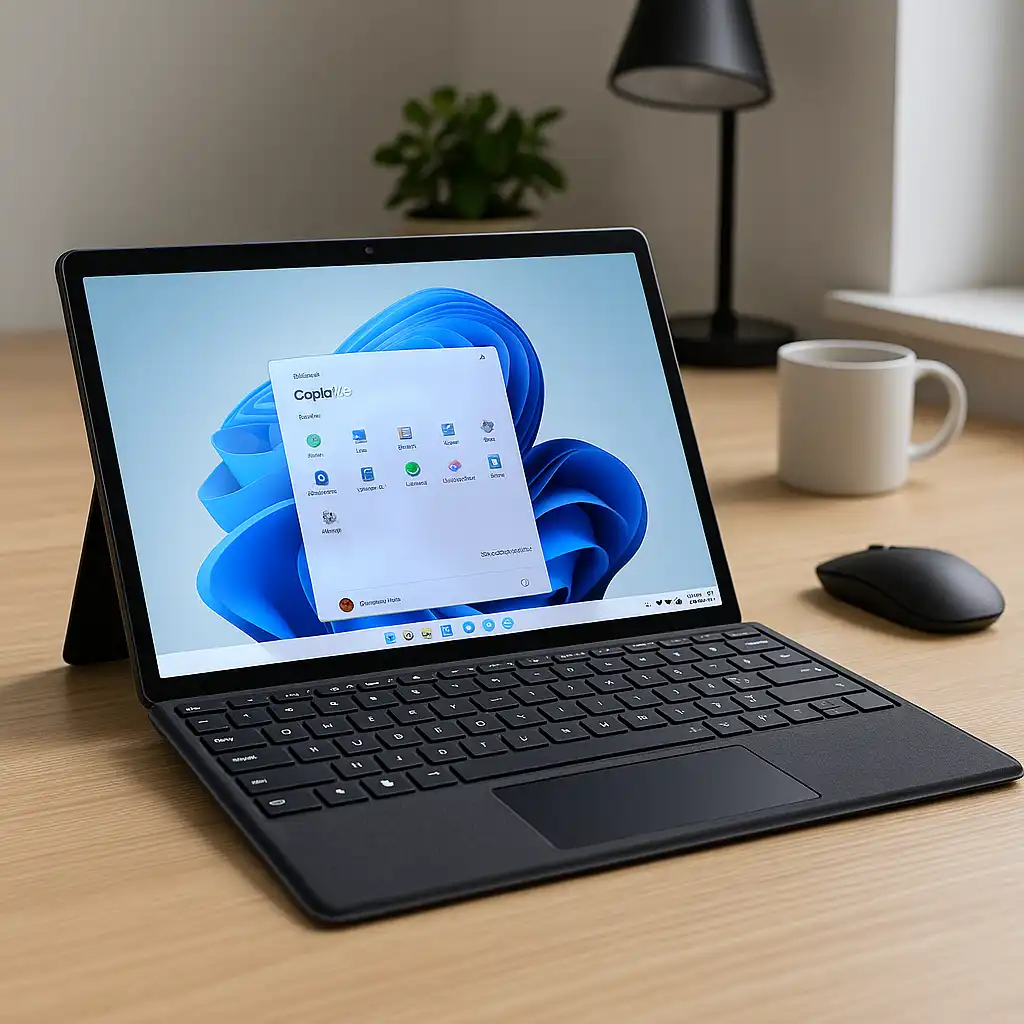
A 2-in-1 laptop includes a touchscreen plus a flexible hinge or detachable keyboard.
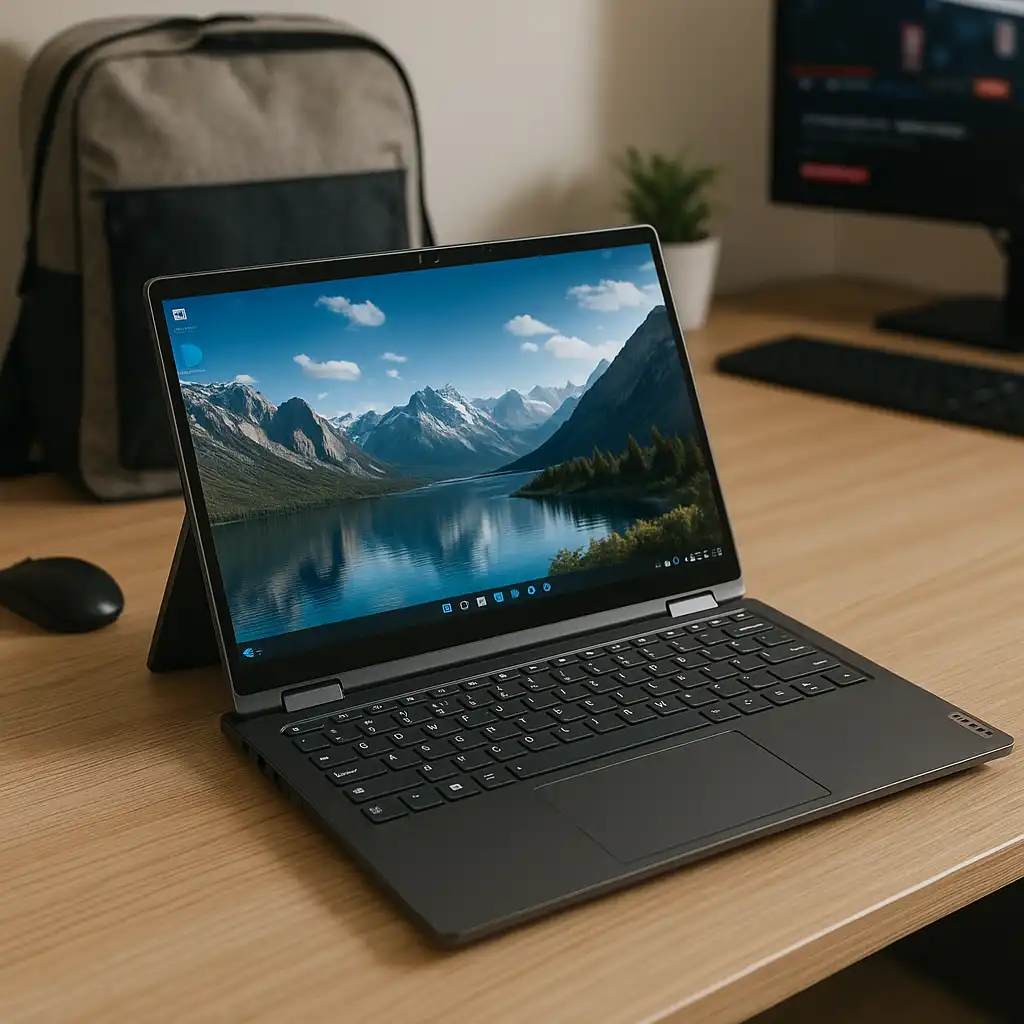
Convertible models rotate 360 degrees, allowing laptop, tent, stand, and tablet modes. Detachable models separate the keyboard entirely.
Because they’re built for multiple orientations, 2-in-1 devices are often designed for stylus use and media consumption.
🔍 Design & Build Differences
Touchscreen clamshell laptops prioritize traditional typing stability.
2-in-1 models reinforce hinges to support repeated rotation. That added engineering may slightly affect weight or thickness depending on the model.
For example, convertible systems like the one discussed in this Dell Inspiron 15.6 touchscreen laptop review demonstrate how some touchscreen laptops remain standard clamshell designs rather than full 2-in-1s.
🔍 Performance: Is There a Difference?
Touch capability does not change CPU, RAM, or storage performance.
Performance depends on specifications such as processor tier and memory configuration. A touchscreen clamshell and a 2-in-1 with identical specs will perform similarly in everyday tasks.
The difference is primarily in form factor, not computing power.
🔍 Stylus & Drawing Use
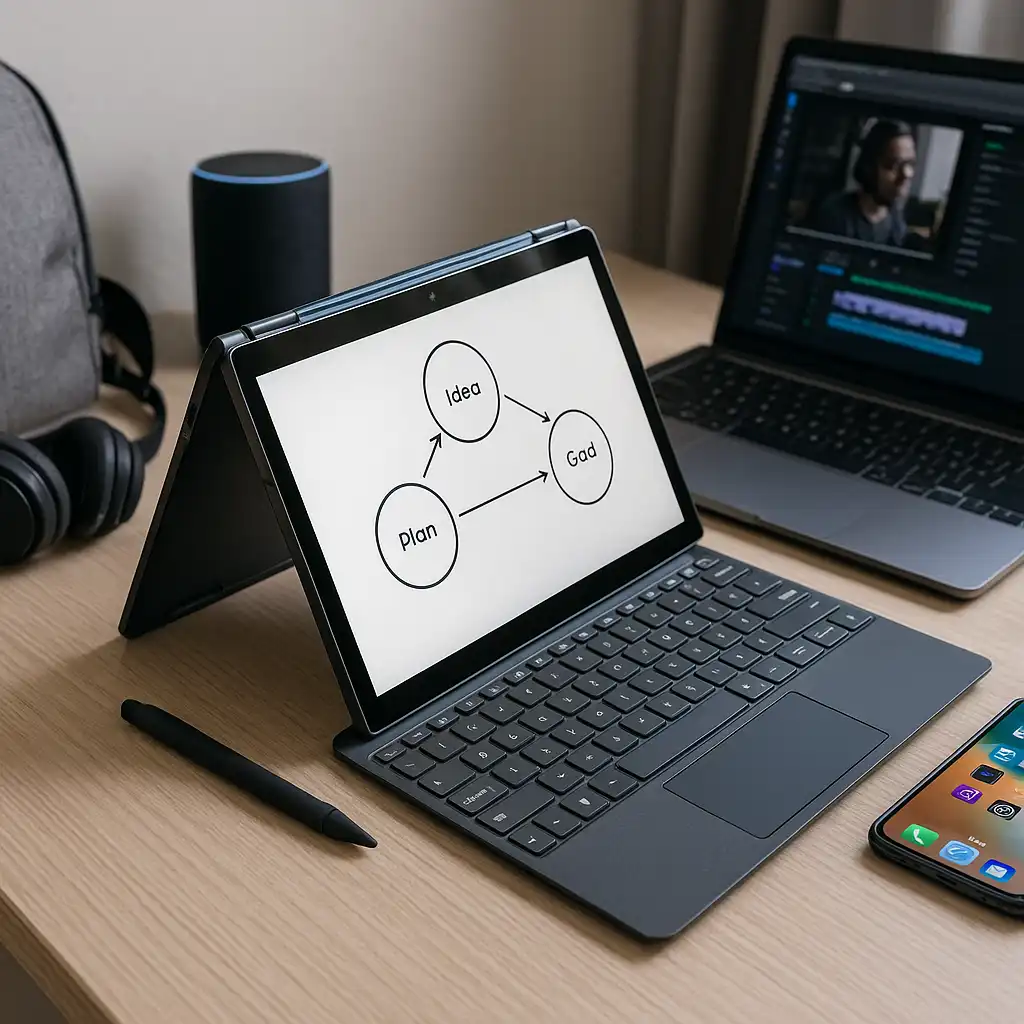
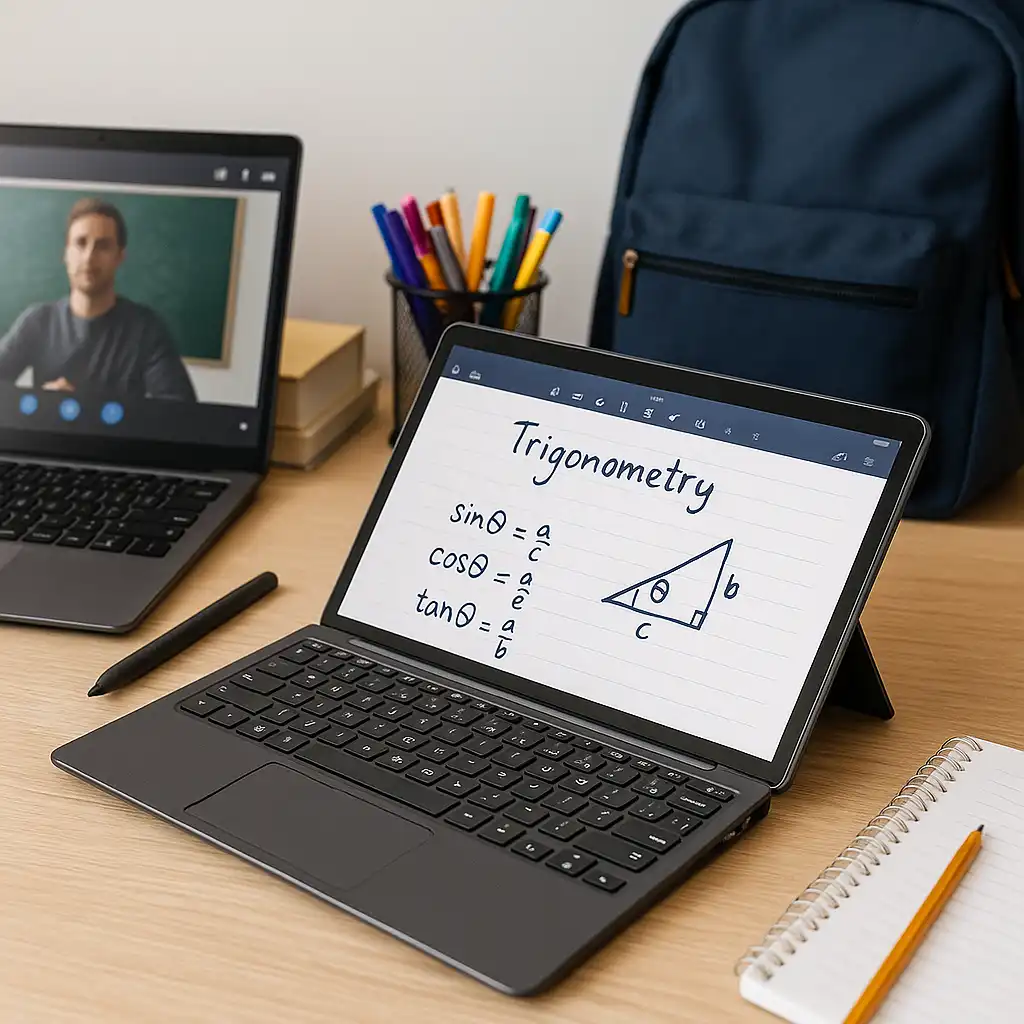
Most 2-in-1 laptops are designed with pen input in mind.
Flat tablet mode makes drawing and note-taking more practical. While some clamshell touch laptops support stylus input, they’re not optimized for tablet-style use.
If digital writing or sketching matters to you, the convertible design typically offers a more natural experience.
🔍 Portability & Everyday Use
Traditional touchscreen laptops often feel more stable on a desk.
2-in-1 models provide greater flexibility for presentations, travel, and couch browsing. That versatility appeals to students and professionals who move between typing and tablet-style interaction.
Choosing between them depends on how often you’ll use tablet mode.
📌 Key Takeaways
- All 2-in-1 laptops are touchscreen, but not all touchscreen laptops are 2-in-1
- Performance depends on internal specs, not hinge design
- 2-in-1 models support tablet-style flexibility
- Clamshell touch laptops maintain traditional stability
- Stylus use is typically better in convertible designs
🟢 FAQs
Q: Is a 2-in-1 better than a touchscreen laptop?
Neither is universally better—it depends on whether you need tablet mode flexibility.
Q: Are 2-in-1 laptops less durable?
Durability depends on hinge construction and build quality rather than the format alone.
Q: Do both support stylus input?
Some do, but 2-in-1 models are more commonly designed for pen use.
Q: Is a 2-in-1 more expensive?
Convertible engineering can add cost compared to standard clamshell designs.
✅ Conclusion
The difference between touchscreen laptop vs 2 in 1 comes down to flexibility. A touchscreen laptop adds interactive navigation to a traditional design, while a 2-in-1 transforms into a tablet for greater versatility.
If you value stability and mostly type at a desk, a touchscreen clamshell may be enough. If you want drawing, presentation modes, or tablet-style use, a 2-in-1 offers more adaptability.