What Is a 2-in-1 Laptop? How Convertible Laptops Actually Work
Disclosure: This post contains affiliate links. LaptopVoyager.com participates in the Amazon Associates Program and may earn commissions on qualifying purchases, at no extra cost to you.
Last Updated: January 2026
A 2-in-1 laptop is designed to bridge the gap between a traditional laptop and a tablet. It offers the core features of a standard laptop—keyboard, trackpad, and desktop operating system—while adding touch-based interaction and flexible usage modes.
On the surface, a 2-in-1 may look similar to a regular laptop. In everyday use, though, the way it’s built and how you interact with it can feel very different, depending on the design.
👉 If you’re comparing different form factors, this overview of the best 2-in-1 laptops explains how convertibles fit into the wider laptop landscape.
Let’s break down what defines a 2-in-1 laptop, how the different designs work, and who they’re actually best suited for.
🔍 The Two Main Types of 2-in-1 Laptops
All 2-in-1 laptops fall into one of two design categories.
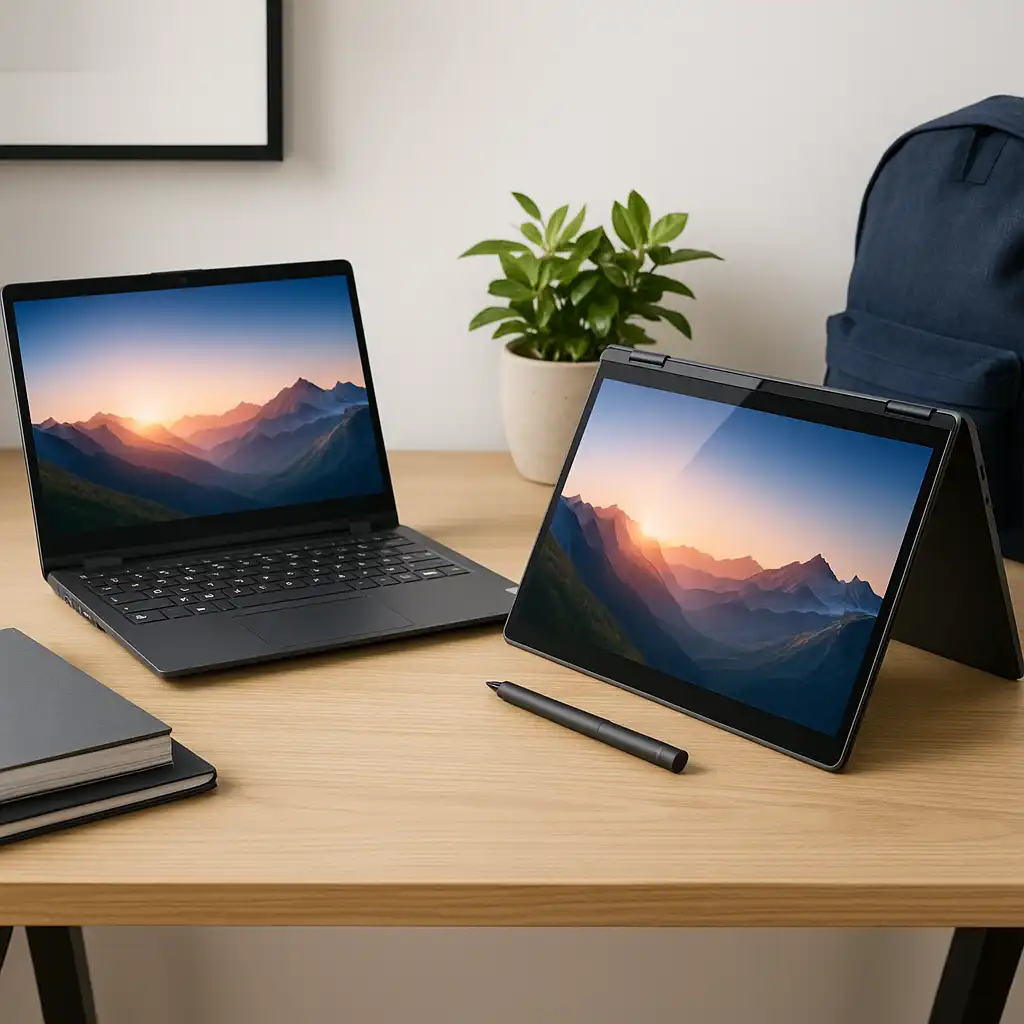
Convertible 2-in-1 laptops use a 360-degree hinge that allows the screen to rotate fully around. This lets the device switch between laptop, tent, stand, and tablet modes without detaching the keyboard.
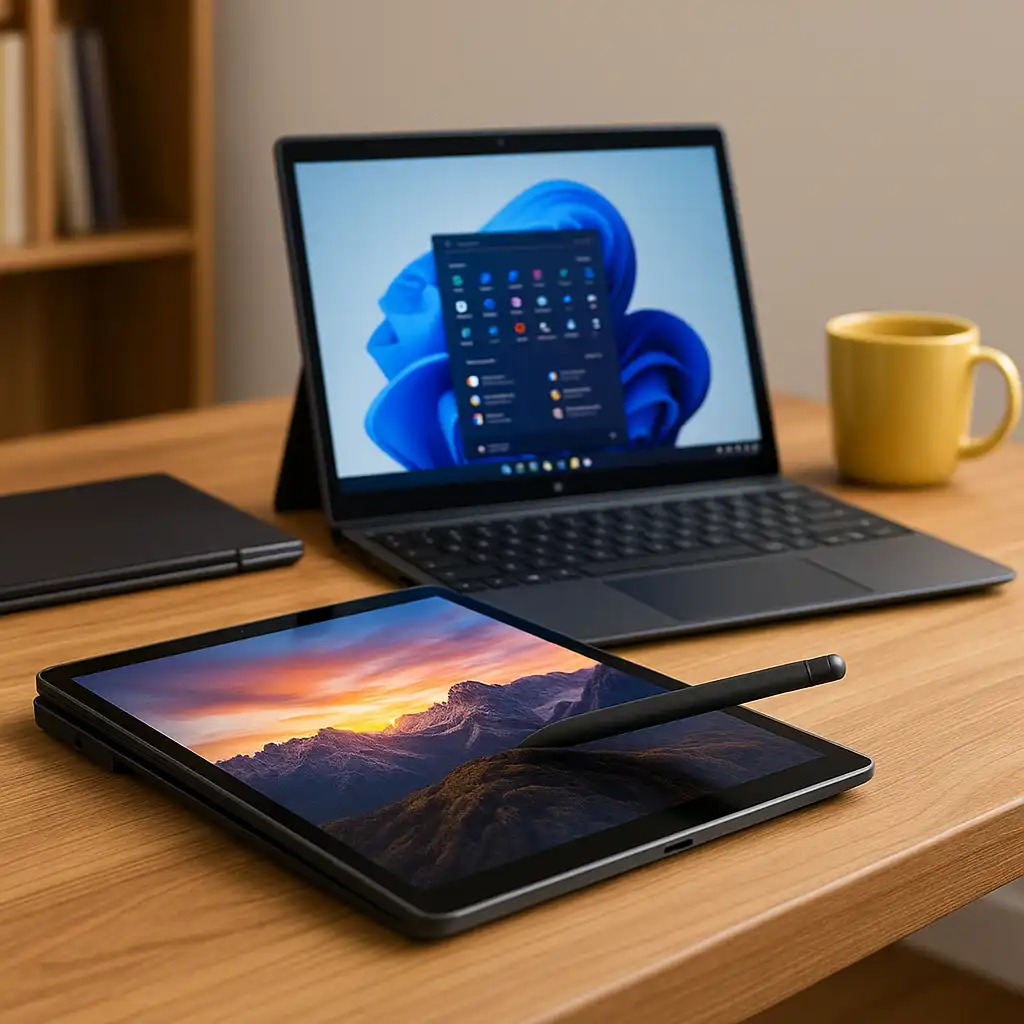
Detachable 2-in-1 laptops separate the screen from the keyboard entirely. The display houses all core components and can be used as a standalone tablet, with the keyboard attached only when needed.
🔍 How a 2-in-1 Laptop Is Different from a Regular Laptop
The main difference is flexibility.
A regular laptop is built around a fixed clamshell design, optimized for typing and desk use. A 2-in-1 adds touch input and alternate usage modes, allowing you to interact with the device in more ways.
This doesn’t automatically make a 2-in-1 better. It simply adds options that may or may not fit how you work.
🔍 Touchscreens, Pens, and Input Options
Touch input is central to the 2-in-1 experience.
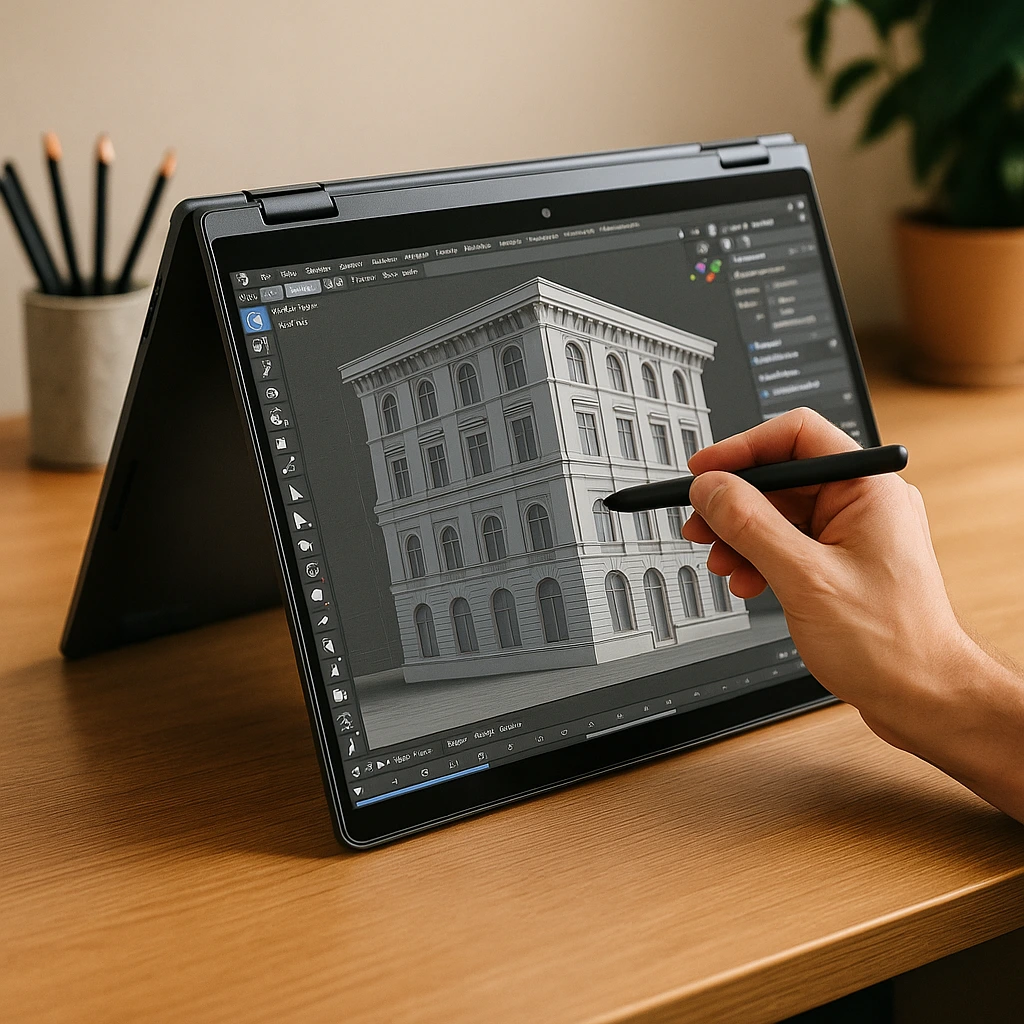
Most 2-in-1 laptops support touchscreen interaction, and many also support active pens for handwriting, drawing, and annotation. This makes them useful for note-taking, document markup, and creative tasks that feel less natural on a traditional laptop.
If you rarely use touch or pen input, these features may go unused, even though you’re paying for them.
🔍 Performance and Hardware Considerations
In terms of raw performance, 2-in-1 laptops and regular laptops can be very similar.
Many use the same processors, memory, and storage options. However, thinner convertible designs often prioritize efficiency and thermal management, which can affect sustained performance during heavier workloads.
Larger or more traditional laptops may allow for better cooling and higher power limits.
🔍 Portability and Ergonomics
Portability is often a strength of 2-in-1 laptops.
They tend to be lighter and more compact, especially detachable models. Tablet mode can be useful for travel, reading, or presentations when a keyboard isn’t needed.
Regular laptops usually offer better lap stability and typing comfort, especially for long writing sessions or desk-based work.
🔍 Durability and Long-Term Use
A 2-in-1 laptop includes more moving parts than a traditional design.
Convertible hinges and touchscreens add mechanical complexity, which makes build quality especially important. That doesn’t mean 2-in-1 laptops are fragile, but long-term reliability depends heavily on how well the hinge and chassis are engineered.
Regular laptops benefit from simpler construction, which can reduce long-term wear.
🔍 Who a 2-in-1 Laptop Is Best For
A 2-in-1 laptop makes the most sense for users who value flexibility.
Students, note-takers, creatives, and hybrid workers often benefit from touch input and multiple usage modes. Users who primarily type, code, or work long hours at a desk may prefer the stability of a traditional laptop.
The best choice depends on how often you’ll actually use tablet mode or touch features.
📌 Key Takeaways
- A 2-in-1 laptop combines laptop and tablet functionality
- Convertible and detachable designs offer different experiences
- Touch and pen input are core features, not extras
- Performance can be similar, but thermals and ergonomics differ
- The right choice depends on how you work, not just features
🟢 FAQs
Q: Is a 2-in-1 laptop the same as a tablet?
No. A 2-in-1 runs a full desktop operating system and includes a keyboard, even if it detaches.
Q: Are 2-in-1 laptops more expensive than regular laptops?
They can be, especially when touchscreens and hinge mechanisms are included.
Q: Do all 2-in-1 laptops support pens?
Many do, but pen support varies by model and may require a separate accessory.
Q: Can a 2-in-1 replace a regular laptop?
For many users, yes. For others who don’t use touch features, a regular laptop may be a better fit.
✅ Conclusion
A 2-in-1 laptop isn’t about replacing a traditional laptop—it’s about adding flexibility. Convertible designs give you more ways to interact with your device, but they only add value if those modes fit your workflow.
If touch input, tablet mode, or pen support play a real role in how you work or study, a 2-in-1 can be a strong choice. If not, a regular laptop may offer a simpler and more comfortable experience.