What Size Laptop Bag Do I Need – Measuring and Fit Basics
Disclosure: This post contains affiliate links. LaptopVoyager.com participates in the Amazon Associates Program and may earn commissions on qualifying purchases, at no extra cost to you.
Last Updated: February 2026
Choosing the right laptop bag size starts with accurate device measurements. A bag that’s too large allows movement inside the compartment, while one that’s too small can strain zippers and padding.
This guide explains how to measure your laptop correctly and match it to sleeve dimensions for secure daily carry.
👉 For a broader overview of carry formats and protection styles, see our guide to best laptop bags and cases.
🔍 Step 1: Measure Your Laptop Properly
Laptop size is usually listed by screen measurement (13″, 15.6″, 17″), but bag compatibility depends on overall dimensions — width, depth, and thickness.
Use a measuring tape to check:
- Width (left to right across the keyboard)
- Depth (front to back when closed)
- Thickness (base to lid when closed)
Compare these measurements to the manufacturer’s listed sleeve dimensions rather than relying only on screen size labels.
🔍 Understand Sleeve vs Overall Bag Size
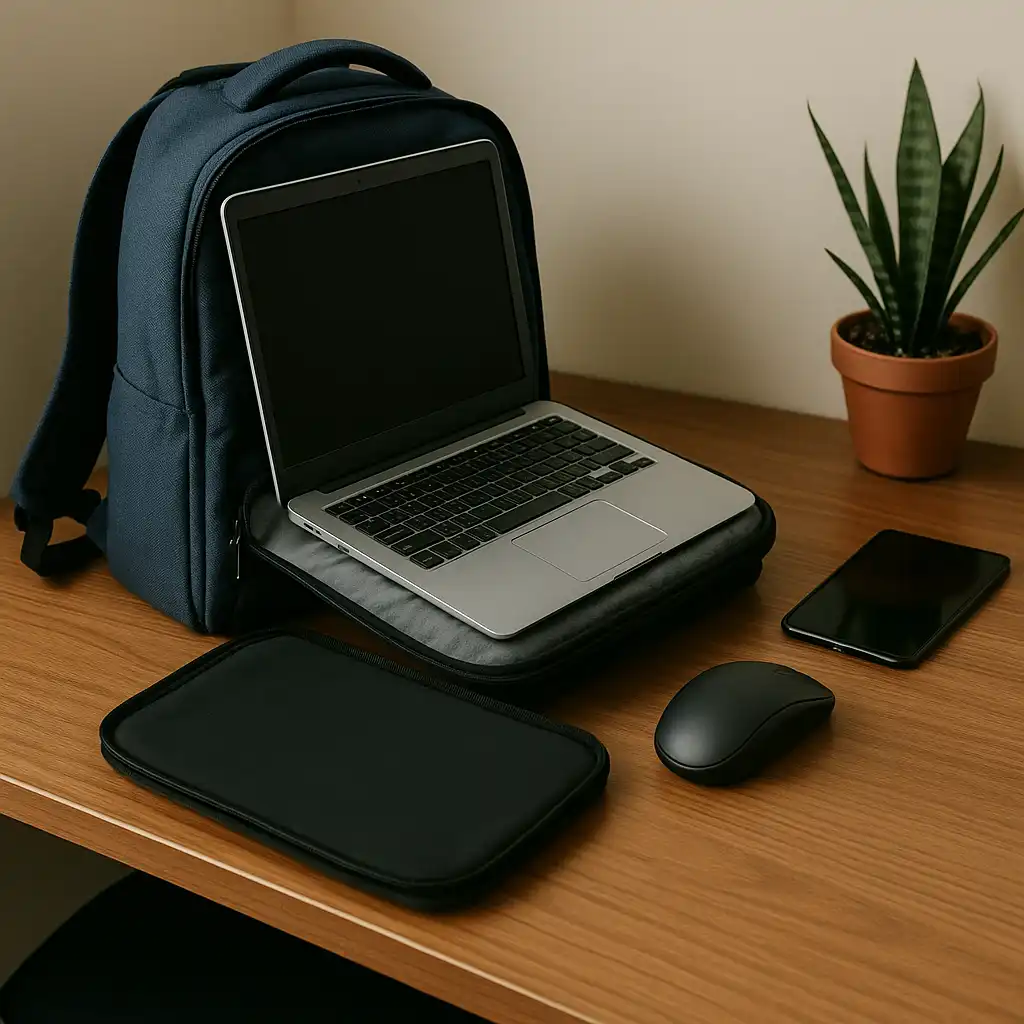
The laptop sleeve is the padded internal section designed to hold the device securely. The overall bag capacity may be larger, but what matters most is the sleeve fit.
A properly sized sleeve should allow the laptop to slide in smoothly without excessive side movement.
If you’re organizing additional accessories, this guide on how to organize your laptop bag explains how compartment layout affects fit and safety.
🔍 Common Size Categories
Most laptop bags are categorized as:
- 13–14 inch
- 15–16 inch
- 17–18 inch
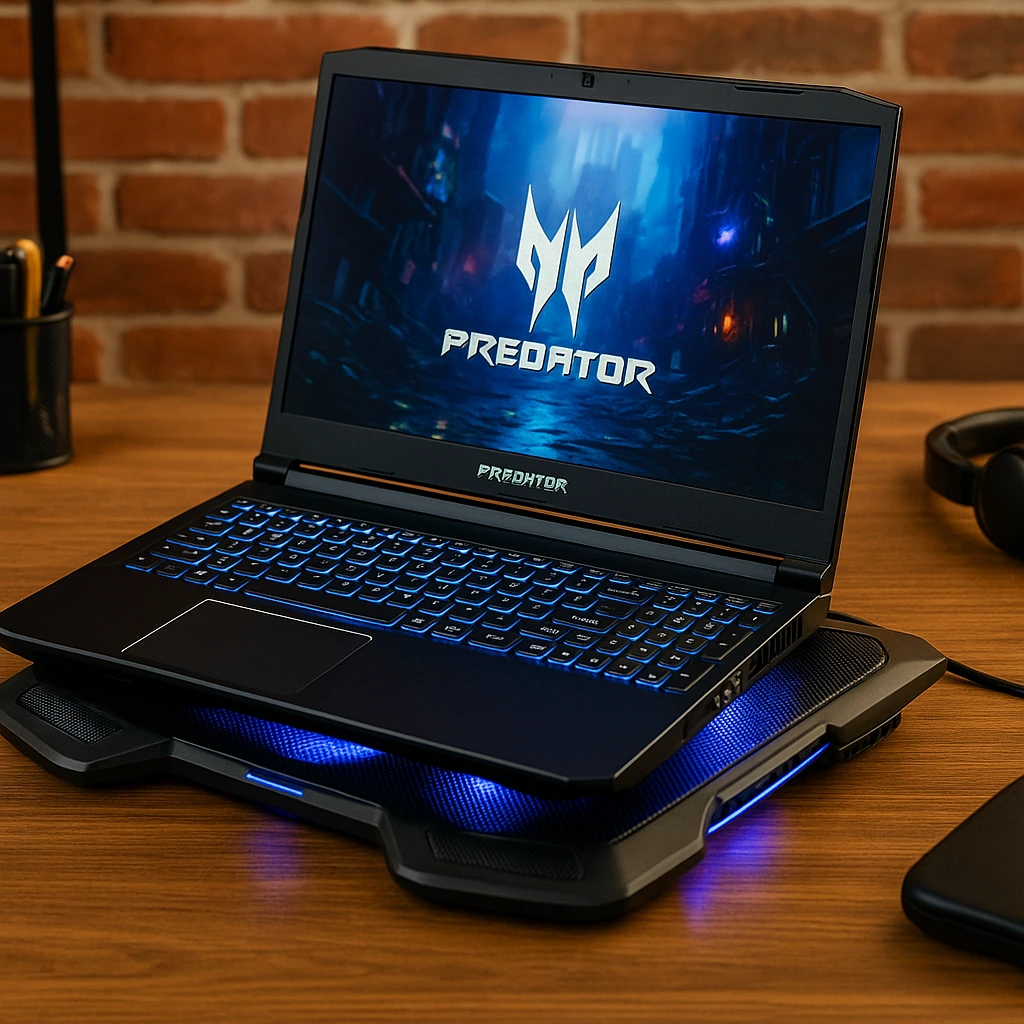
However, two laptops with the same screen size can have different chassis dimensions. Thin ultrabooks may fit more easily than thicker gaming models.
Always check both device and sleeve specifications before purchasing.
🔍 Consider Your Carry Style
Backpacks, messenger bags, rolling cases, and sleeves may fit differently depending on structure and padding thickness.
If you’re comparing formats, this breakdown of backpack vs messenger bag for laptop explains structural differences that influence internal space.
Rolling cases may allow slightly more tolerance, while slim sleeves require a closer fit.
📌 Key Takeaways
- Measure actual laptop dimensions, not just screen size
- Compare device size to sleeve dimensions
- Ensure snug but not tight fit
- Consider thickness for gaming or business laptops
🟢 FAQs
Q: Will a 15-inch laptop fit in a 15.6-inch bag?
Often yes, but check the exact width and depth measurements to confirm compatibility.
Q: Is it okay if the bag is slightly larger?
A small amount of extra space is fine, but too much movement can reduce protection.
Q: Do gaming laptops require larger bags?
Many gaming models are thicker and may require bags designed for higher internal clearance.
✅ Conclusion
The right laptop bag size depends on accurate measurements and proper sleeve fit. Checking width, depth, and thickness ensures your device stays secure without excess movement.
Matching sleeve dimensions to your specific laptop model helps prevent pressure damage and improves overall carrying stability.