Scratched Laptop Screen: What To Do Next Without Overpaying
Disclosure: This post contains affiliate links. LaptopVoyager.com participates in the Amazon Associates Program and may earn commissions on qualifying purchases, at no extra cost to you.
Last Updated: January 2026
A scratched laptop screen can be irritating, especially when marks catch the light or distract you while working. Most scratches don’t affect how the laptop actually functions, but the type of damage matters more than many people realize.
Some scratches are purely cosmetic. Others can interfere with visibility or weaken the screen over time. Knowing what you’re dealing with early helps you decide whether you can safely ignore it, protect the screen, or start thinking about replacement.
👉 If you’re weighing screen damage against overall repair value, this laptop repair and maintenance guide explains when screen issues are worth fixing and when they usually aren’t.
🔍 Check the Depth of the Scratch
Start by figuring out how deep the scratch actually is.
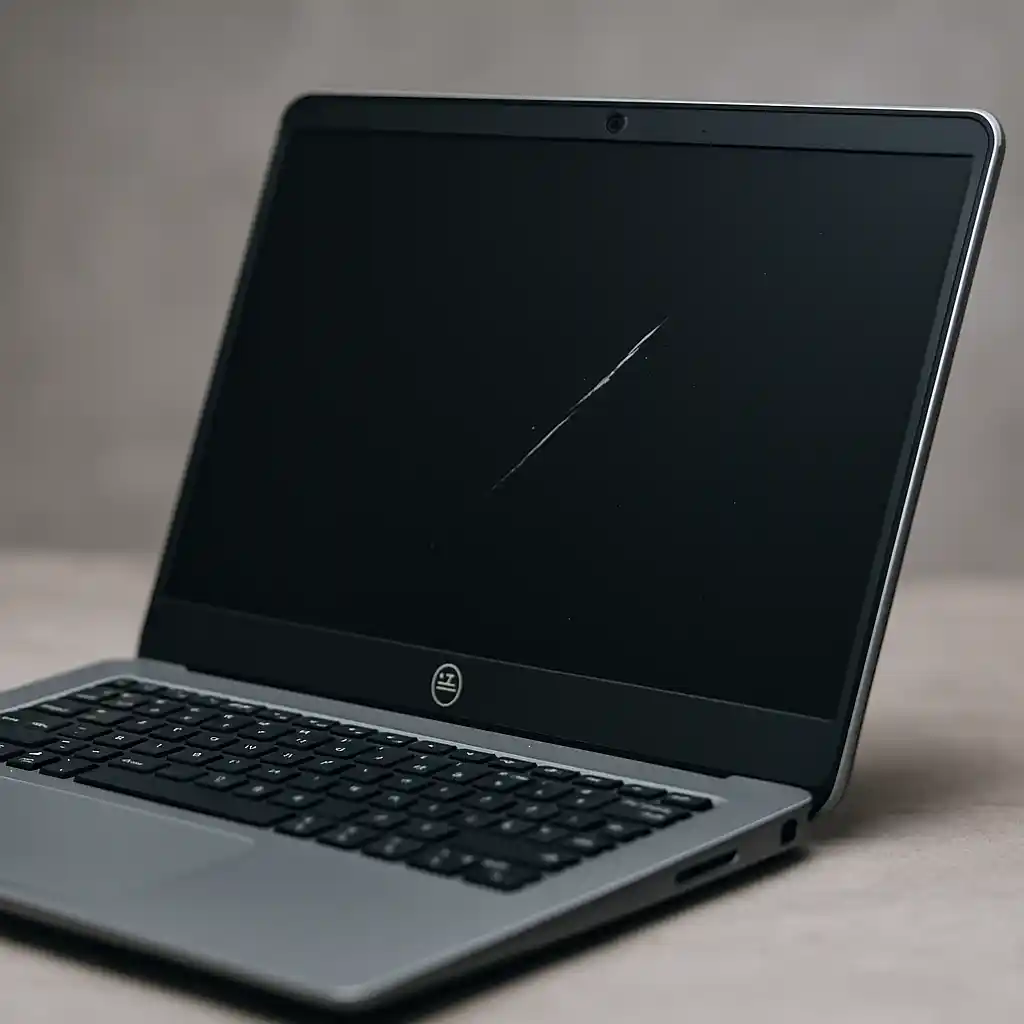
Light surface scratches usually sit on the outer coating and are most noticeable when the screen is off or viewed at an angle. Deeper scratches can distort text, cause glare, or create bright lines when the display is on.
A simple test is running a fingernail lightly across the mark. If you can clearly feel it, the damage is more than cosmetic.
🔍 Is It Safe to Keep Using a Scratched Laptop Screen?
In many cases, yes.
Minor scratches don’t affect performance or reliability. The laptop will still work normally, and the damage often stays the same over time.
Deeper scratches are more unpredictable. Pressure from carrying the laptop in a bag or placing weight on the lid can cause damage to spread. Touchscreen laptops are especially sensitive, since scratches can interfere with touch response.
🔍 Ways to Reduce the Visibility of Scratches
If the scratch is mostly a visual annoyance, there are a few low-risk options.
A screen protector can help hide light scratches and prevent new ones. Adjusting brightness or using dark mode can also make marks less noticeable during daily use.
Avoid DIY scratch-removal tricks involving toothpaste, baking soda, or abrasive cleaners. These usually remove protective coatings and make the screen look worse.
🔍 When Screen Replacement Makes Sense
Replacing the screen is usually only worth considering when scratches affect usability.
If glare, distortion, or touch issues interfere with everyday work, replacement may be reasonable—especially on newer or higher-value laptops.
For older devices, the cost of a replacement screen often outweighs the remaining value of the laptop. Understanding laptop repair vs replacement cost comparison can help clarify whether fixing the display is financially reasonable.
🔍 How Much Does It Cost to Replace a Scratched Screen?
Scratches aren’t repaired individually. The entire display is replaced.
Prices vary based on screen size, resolution, and whether the laptop uses a touchscreen. For detailed pricing ranges, see how much does it cost to repair a laptop screen. High-resolution and touch displays are significantly more expensive than standard panels.
Understanding typical costs helps prevent spending more on repairs than the laptop is worth.
📌 Key Takeaways
- Most laptop screen scratches are cosmetic
- Deeper scratches can worsen with pressure or movement
- Screen protectors can reduce the appearance of light damage
- DIY scratch fixes usually cause permanent harm
- Full screen replacement is the only true repair
✅ Conclusion
A scratched laptop screen is often more of an annoyance than a serious problem. Light scratches can usually be managed with simple precautions, while deeper damage may require weighing repair costs against the laptop’s overall value. By understanding the severity of the scratch and your options, you can avoid unnecessary repairs and make a smarter long-term decision for your device.