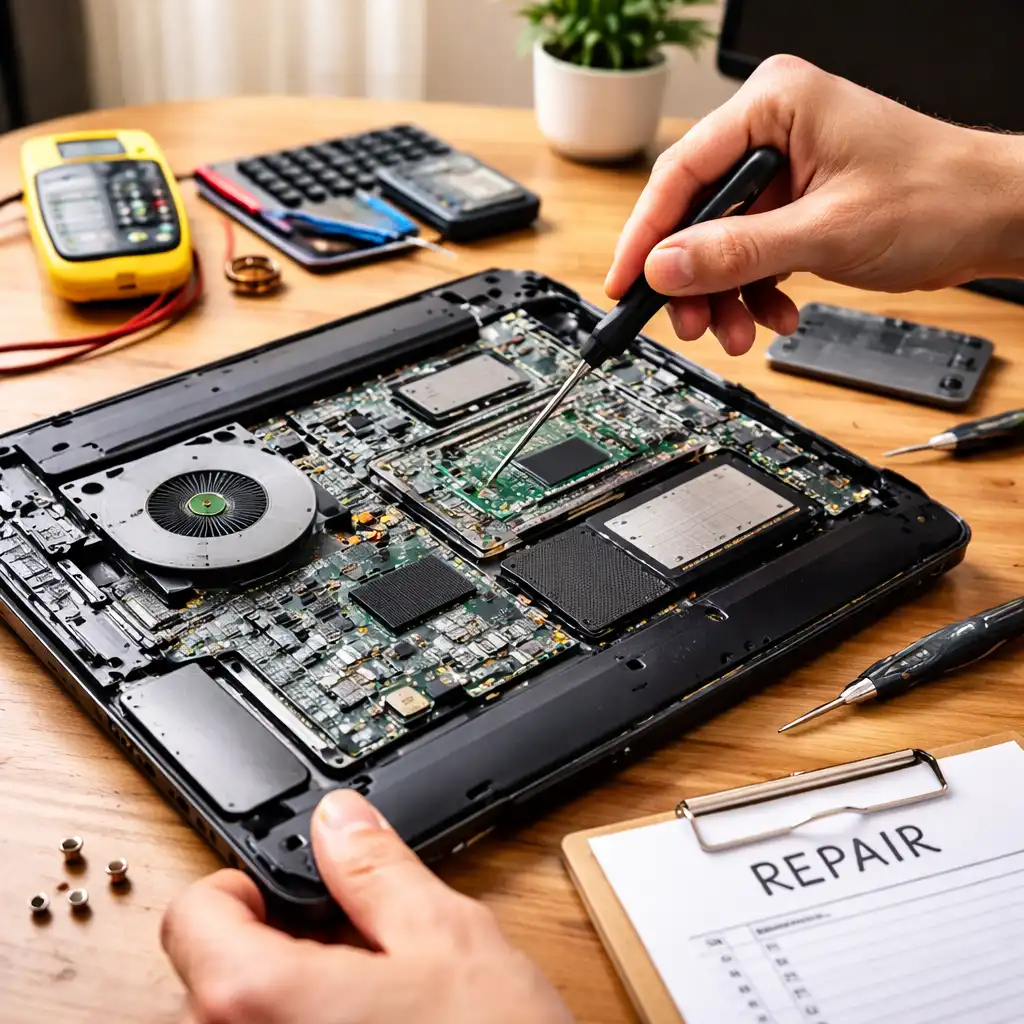
Is It Worth Repairing an Old Laptop? Cost vs Value Breakdown
Disclosure: This post contains affiliate links. LaptopVoyager.com participates in the Amazon Associates Program and may earn commissions on qualifying purchases, at no extra cost to you.
Last Updated: September 2026
When an older laptop starts slowing down or developing hardware problems, the key question is whether repairing it still makes financial and practical sense. Some repairs are relatively straightforward, while major component failures can make replacement the better long-term option.
This guide explains when repairing an old laptop may be worthwhile based on the type of problem, repair complexity, upgrade potential, laptop age, and overall value.
👉 If you’re comparing different repair scenarios, our Laptop Repair and Maintenance Guide covers common laptop problems, maintenance, repairs, and replacement considerations.
📌 Key Takeaways
- Minor repairs can make sense when the laptop still meets your performance needs.
- Major motherboard, display, or internal component repairs can be harder to justify on an older laptop.
- Laptop age and current replacement value should be considered alongside repair cost.
- RAM and storage may be upgradeable, but many modern laptop CPUs are soldered to the motherboard.
- Multiple failures can be a sign that replacement is becoming more practical.
- Back up important data before attempting major repairs or retiring an old laptop.
🔍 When Is an Old Laptop Worth Repairing?
An old laptop can still be worth repairing when the problem is limited to a replaceable component and the rest of the system remains suitable for your needs.
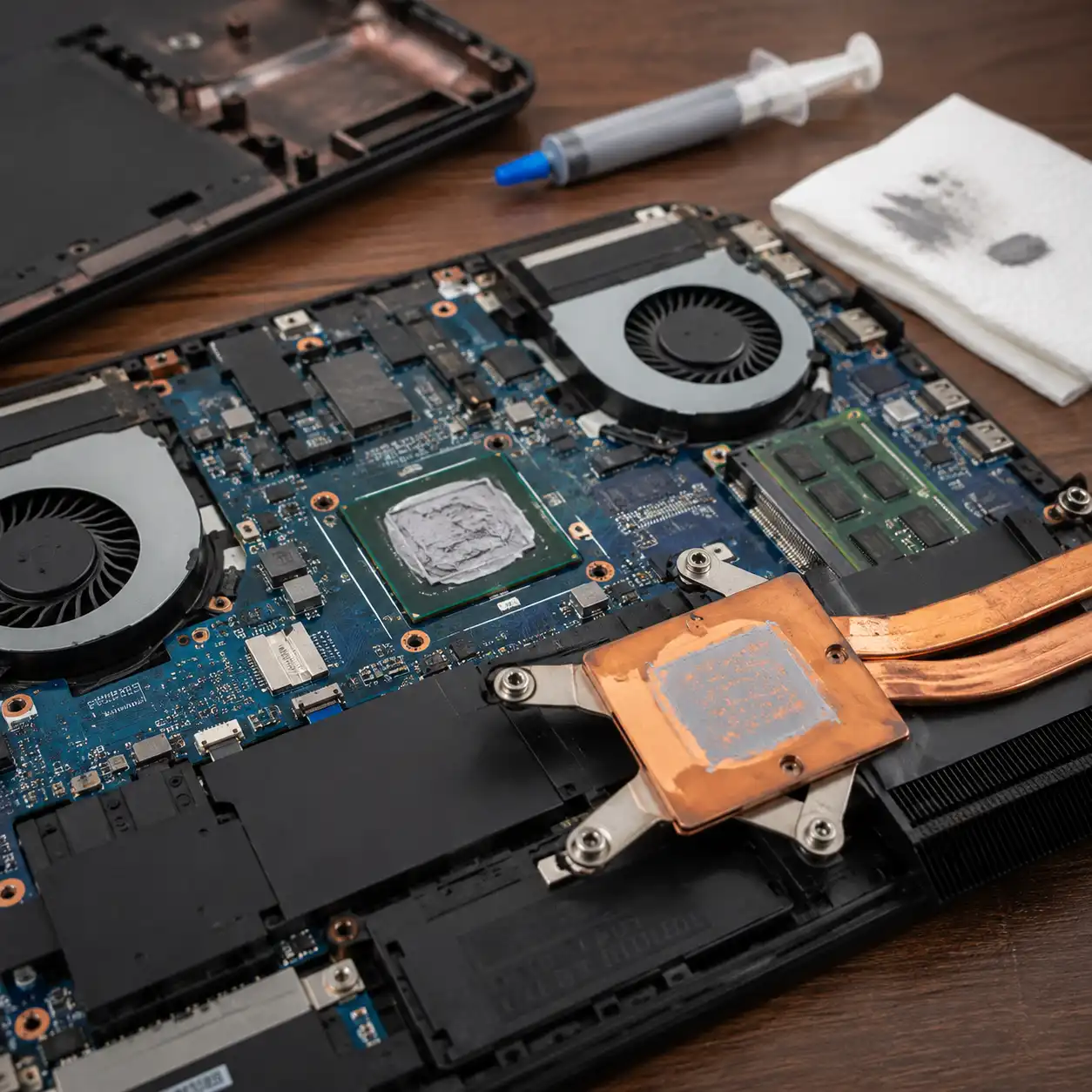
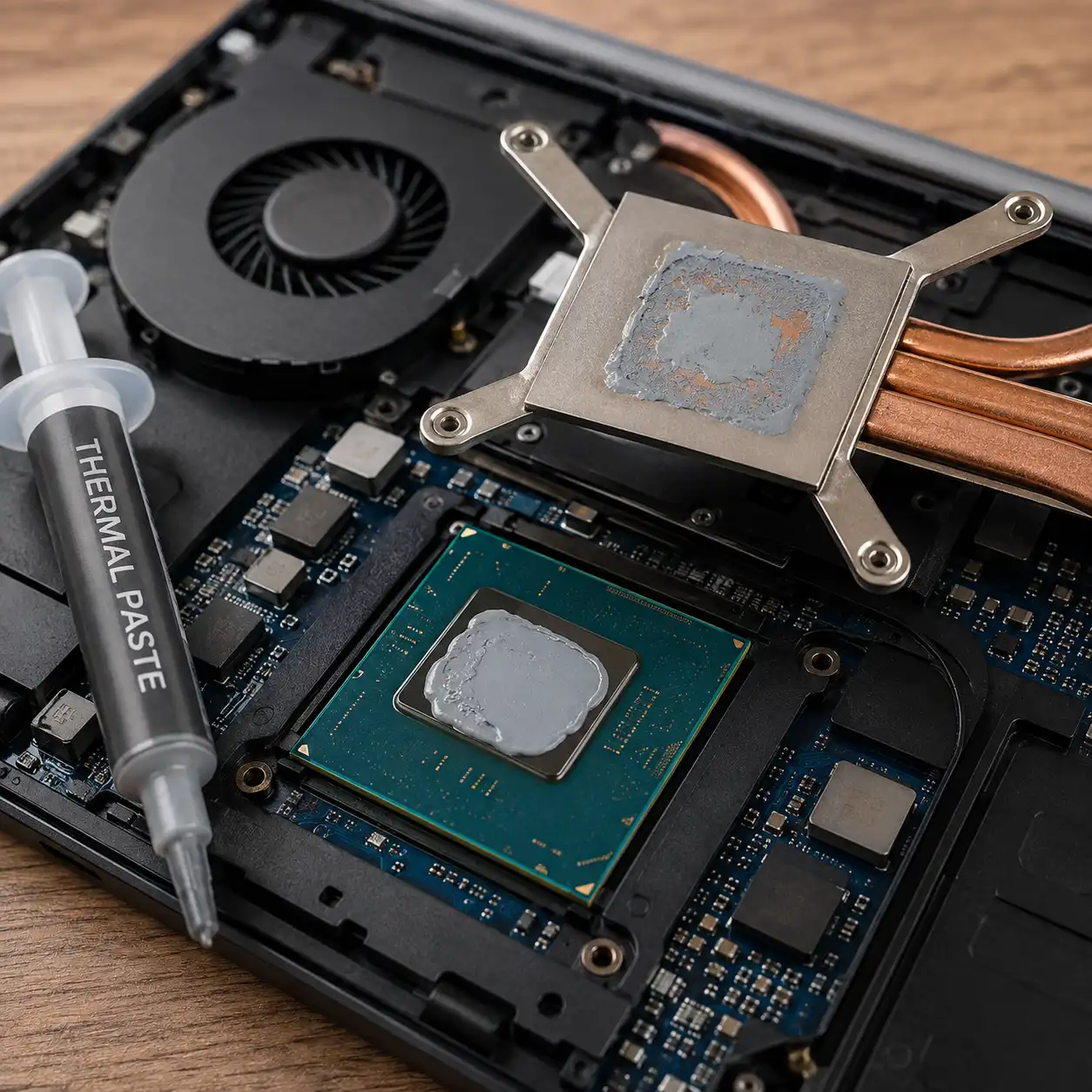
Battery replacement, storage upgrades, memory upgrades, keyboard repairs, and some cooling-system maintenance can potentially extend the useful life of a laptop without requiring replacement of the entire computer.
The decision becomes less straightforward when several components are failing or the laptop no longer provides adequate performance for the software you use.
🔍 Consider the Type of Laptop Repair
Not all laptop repairs involve the same level of difficulty or expense.
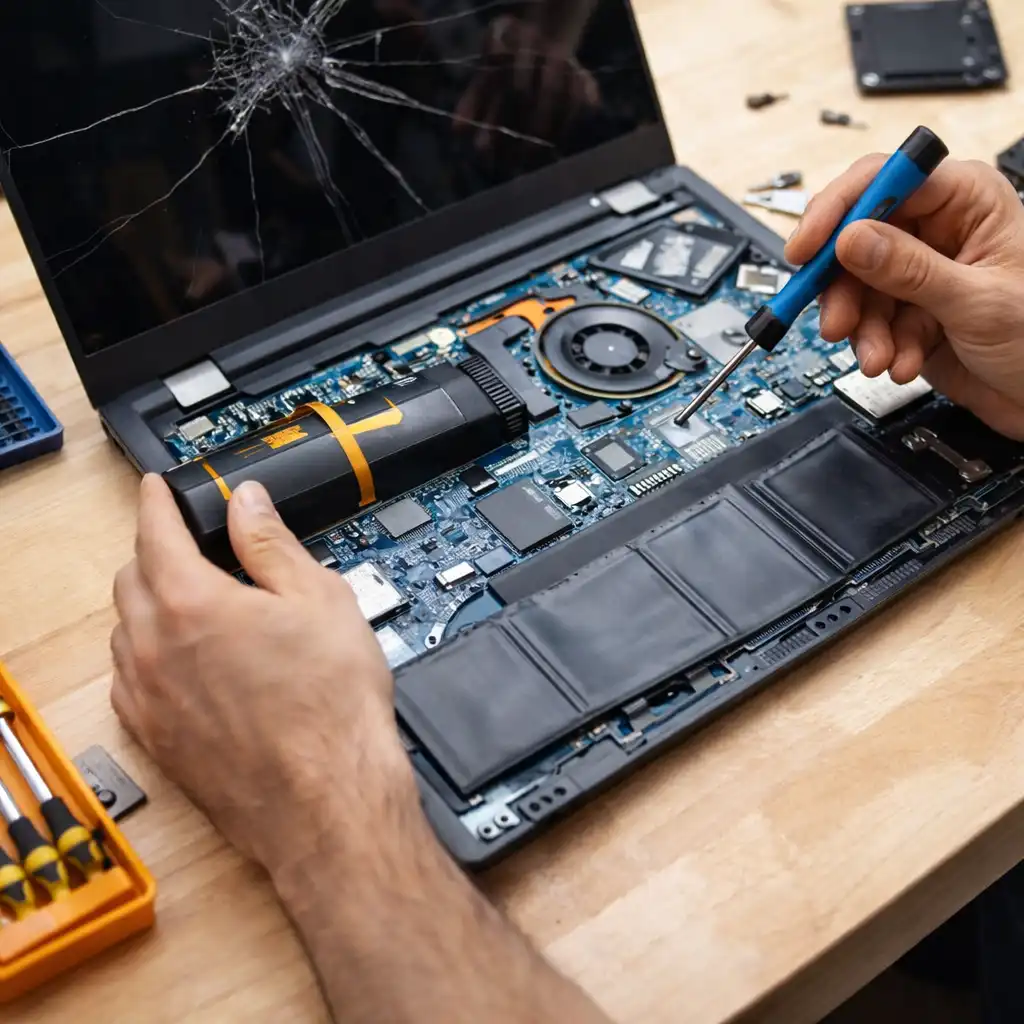
Replacing an accessible battery or storage drive can be very different from repairing a damaged motherboard, replacing a display assembly, or addressing problems involving soldered components.
Before deciding, identify the likely failure and determine which components are affected. Our guide to Common Laptop Repairs and Their Costs provides a broader look at typical repair scenarios and the factors that can influence their cost.
🔍 Can the Laptop Be Upgraded Instead?
Sometimes an older laptop doesn’t need a traditional repair. An upgrade may address the problem more effectively.
For example, additional RAM can help when limited memory is affecting multitasking, while replacing an older hard drive with an SSD can improve storage responsiveness.
Processor upgrades are considerably more restricted. Most modern laptop CPUs are soldered directly to the motherboard rather than installed in a replaceable desktop-style socket.
If processor performance is the main limitation, see Can You Change a Laptop CPU? to understand when CPU replacement is possible and why it usually isn’t practical in modern laptops.
🔍 Consider the Laptop’s Age
Age alone doesn’t determine whether a laptop should be repaired.
A well-equipped older laptop may remain useful for everyday productivity after a relatively minor repair, while an entry-level system may reach its practical limits sooner if its processor, memory, or storage no longer meets current requirements.
Consider whether the laptop still supports the operating system and applications you need. Software compatibility and security-update support can be just as important as the physical condition of the hardware.
🔍 Compare Repair Cost With Replacement Value
One of the most useful ways to evaluate a repair is to compare its total cost with the value of replacing the laptop.
A relatively inexpensive repair can make sense when it restores a system that still performs adequately. A costly repair becomes harder to justify when a replacement laptop would provide substantially newer hardware, better efficiency, longer software support, and a new warranty.
The comparison should also include the possibility of additional repairs as the laptop ages.
For a closer look at this decision, see Laptop Repair vs Replacement Cost Comparison.
🔍 When Does Repairing an Old Laptop Make Sense?
Repairing an older laptop may be reasonable when:
- The problem involves a relatively accessible or replaceable component.
- The laptop still provides enough performance for your workload.
- The battery, display, keyboard, and other major components remain in good condition.
- The operating system and required applications are still supported.
- The repair cost is substantially lower than replacing the laptop.
- A RAM or storage upgrade could extend its useful life.
A business-class or higher-specification laptop may also remain useful longer than a low-end system if its underlying hardware still meets your requirements.
🔍 When Is Replacing the Laptop a Better Option?
Replacement becomes more attractive when the laptop has several hardware problems or requires an expensive major repair.
For example, investing heavily in a laptop with an aging battery, damaged display, limited memory, and outdated processor may simply postpone the need for replacement.
Replacement may also make more sense when:
- The motherboard has failed.
- Several major components need repair.
- The laptop cannot run required software effectively.
- Important components cannot be upgraded.
- Battery life has become inadequate alongside other hardware problems.
- The system no longer receives necessary software or security support.
- A replacement provides substantially better long-term value.
🔍 Don’t Forget the Laptop’s Overall Condition
Repair decisions shouldn’t be based on one failed component alone.
Check the condition of the battery, hinges, keyboard, charging port, display, cooling system, storage, and other frequently used components. A laptop that already has several developing problems may require additional repairs shortly after the first one.
Physical wear can therefore change the economics of an otherwise reasonable repair.
🔍 What Should You Do With a Laptop That Isn’t Worth Repairing?
A laptop that no longer makes sense to repair doesn’t necessarily need to go directly into the trash.
Depending on its condition, you may be able to sell it for parts, reuse it for a less demanding task, donate it, recover usable components, or send it through an appropriate electronics recycling program.
Before giving away, selling, or recycling a computer, protect your personal information by securely handling its storage device and data.
For additional options, see What to Do With Old Laptop Computers.
📌 Simple Repair or Replace Checklist
Consider repairing: The problem is minor and the laptop still meets your needs.
Consider repairing: RAM or storage upgrades can address the main limitation.
Consider repairing: The rest of the hardware remains in good condition.
Consider replacing: Multiple components are beginning to fail.
Consider replacing: A major repair approaches the value of a newer laptop.
Consider replacing: Performance or software compatibility is already inadequate.
Consider replacing: Important components cannot realistically be upgraded.
🟢 FAQs
Q: Is it worth repairing an old laptop?
It can be when the repair is relatively minor and the laptop still provides adequate performance. Major repairs become harder to justify when the computer is already approaching the end of its useful life.
Q: How old is too old to repair a laptop?
There isn’t a universal age limit. Hardware condition, performance, software support, repair requirements, and replacement value are more useful factors than age alone.
Q: Is it worth replacing the battery in an old laptop?
Battery replacement can make sense if poor battery life is the main problem and the rest of the laptop remains suitable for your needs. Battery accessibility and replacement options vary by model.
Q: Should I repair a laptop with a broken motherboard?
Motherboard repairs or replacements can be relatively complex compared with simpler component repairs. Whether the repair makes sense depends on the laptop’s value, age, specifications, and the total repair cost.
Q: Can upgrading an old laptop make it faster?
Potentially. Additional RAM or an SSD can improve some systems when memory or storage is the bottleneck, but upgrades cannot overcome every limitation of an older processor or platform.
Q: Can I upgrade the CPU instead of replacing my laptop?
Usually not on modern laptops. Most current laptop processors are soldered to the motherboard, although some older or specialized systems may use replaceable CPUs.
✅ Conclusion
Repairing an old laptop can make sense when the problem is limited, the rest of the hardware remains in good condition, and the computer still meets your performance and software requirements.
When several components are failing, important hardware cannot be upgraded, or the repair approaches the value of a more capable replacement, putting that money toward another laptop may provide better long-term value.