What to Do With Old Laptop Computers: Smart Ways to Reuse, Sell, or Recycle Them
Disclosure: This post contains affiliate links. LaptopVoyager.com participates in the Amazon Associates Program and may earn commissions on qualifying purchases, at no extra cost to you.
Last Updated: September 2026
An old laptop does not necessarily belong in a drawer or the trash. Even when it is too slow for your main workload, the computer may still have useful hardware, resale value, or components that can be reused.
The best option depends on the laptop’s age, condition, specifications, and whether it still works. This guide explains practical ways to reuse, upgrade, sell, donate, or recycle an old laptop while protecting your personal data.
📌 Key Takeaways
- A working old laptop can often be reused for lighter tasks
- RAM or SSD upgrades may improve the usefulness of some older models
- Working laptops can potentially be sold, traded in, or donated
- Personal data should be backed up and securely removed before giving away a laptop
- Very old or damaged laptops should be taken to an appropriate electronics recycling service
- Batteries and other electronic components should not be placed in ordinary household trash
🔍 First, Decide Whether the Laptop Is Still Useful
Before replacing or recycling an old laptop, check what it can still handle.
A computer that struggles with demanding software may remain perfectly adequate for web browsing, writing, streaming, basic office applications, or file storage. The processor, RAM, storage type, battery condition, and operating-system support all affect how practical continued use will be.
It is also worth considering whether a relatively inexpensive upgrade could extend its useful life. However, upgrades make less sense when several major components are already outdated or failing.
🔍 Upgrade the Laptop Instead of Replacing It
Some older laptops can benefit substantially from hardware upgrades.
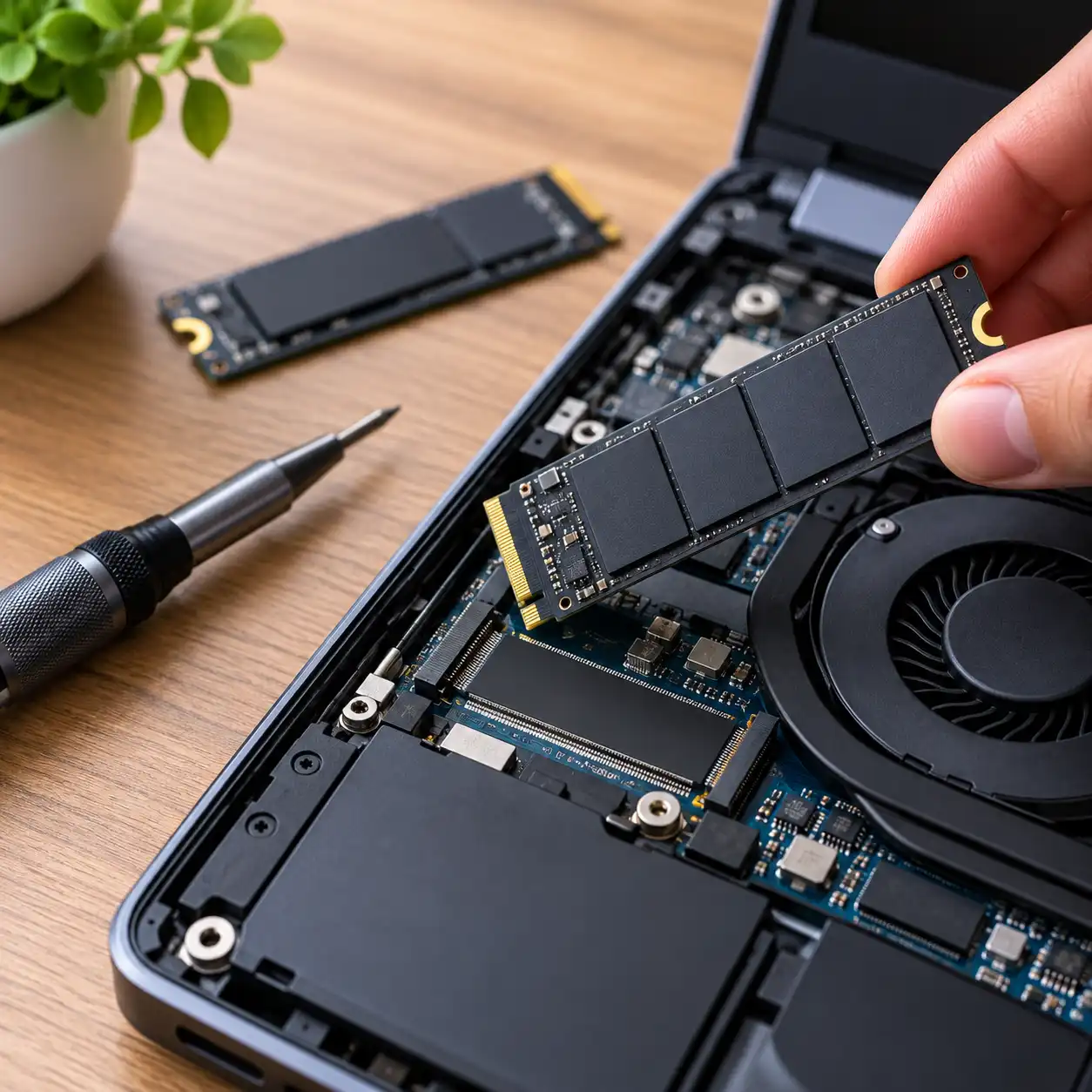
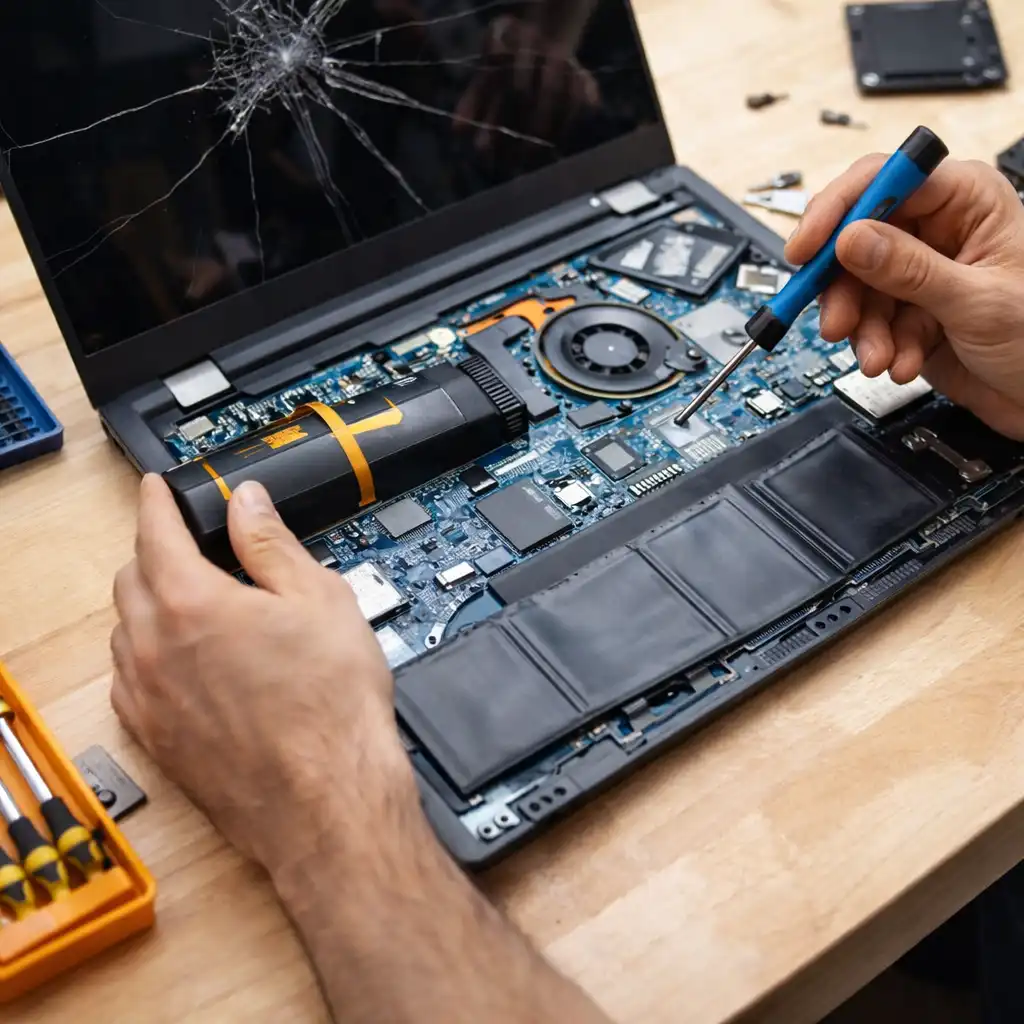
Replacing a mechanical hard drive with an SSD can improve startup times, application loading, and general responsiveness. Additional RAM can also help when limited memory causes slowdowns during multitasking.
Upgrade options depend on the individual laptop. Some modern systems use soldered memory or storage components that cannot easily be replaced, so manufacturer documentation should be checked before purchasing parts.
If storage is the main limitation, our laptop SSD upgrade guide covers the main factors to consider before replacing a drive.
🔍 Turn It Into a Secondary Computer
An older laptop can become a useful secondary machine instead of competing with your primary computer.
For example, it could be kept in another room for browsing, email, video calls, recipes, music, or simple document work. A secondary laptop can also be useful when your primary computer is being repaired or updated.
Because these tasks usually require less processing power, hardware that feels outdated for demanding workloads may still be adequate.
🔍 Use It as a Dedicated Media Laptop
An old laptop can also serve as a dedicated media device.
Connected to a television or external monitor, it can be used for streaming services, locally stored videos, music, and web-based entertainment. An HDMI connection is particularly convenient, although adapters may provide display output on laptops without a full-size HDMI port.
This approach can give an otherwise unused computer a relatively simple job that doesn’t require current high-performance hardware.
🔍 Convert It Into a Basic Home or Study Computer
A laptop that is no longer suitable for demanding professional applications may still work well for basic school or household tasks.
Writing documents, checking email, researching online, managing household files, and accessing web applications generally require much less performance than gaming, video editing, or other intensive workloads.
This can be especially practical when another member of the household needs occasional computer access but does not require a new machine.
🔍 Repurpose It for a Dedicated Project
Older laptops can be useful when assigned one specific task.
Depending on the hardware and software requirements, possibilities include a basic file server, network monitoring computer, smart-home dashboard, digital photo display, or dedicated machine for experimenting with another operating system.
This type of reuse is particularly suitable for technically inclined users because it can require additional configuration and maintenance.
🔍 Use the Laptop for Extra Storage
If the laptop still has a functioning drive, it can provide additional local storage.
However, an aging laptop should not become the only location for important files. Storage devices can fail over time, so valuable documents and photos should always have another backup.
Another possibility is removing a compatible SSD or hard drive and installing it in an appropriate external enclosure. This can turn the old internal drive into portable storage, provided the drive itself remains healthy.
🔍 Sell the Old Laptop
A functioning laptop may still have resale value.
Value generally depends on factors such as the model, processor generation, RAM, storage, battery condition, display condition, cosmetic wear, and whether the original charger is included.
Before listing it, check the exact model and specifications rather than describing it only by the manufacturer. Providing accurate information about condition and known problems can also help potential buyers understand what they are purchasing.
Before selling the computer, back up anything you need and remove your personal data.
🔍 Trade It In
A trade-in program can be simpler than selling a laptop directly.
Manufacturers and electronics retailers sometimes accept eligible computers in exchange for credit or other value. Eligibility and valuation vary considerably depending on the model and condition.
A trade-in may return less than a successful private sale, but it reduces the work involved in finding a buyer and completing the transaction.
🔍 Donate a Laptop That Still Works
A functional older laptop may also be suitable for donation.
Schools, charities, community organizations, refurbishers, and nonprofit programs may accept computers that meet their requirements. Some organizations refurbish donated machines before passing them to new users.
Check the organization’s acceptance requirements before donating. Very old, damaged, unsupported, or incomplete computers may not be useful to every donation program.
As with selling or trading in a computer, remove your personal information before handing it over.
🔍 Protect Your Data Before the Laptop Leaves Your Possession
Data protection should be part of any sale, donation, trade-in, or recycling process.
Start by copying documents, photographs, passwords, browser information, and other files you want to keep. Also make sure cloud-synchronized files are available from your new device before removing anything.
Then sign out of relevant accounts and follow the operating system manufacturer’s current procedure for securely resetting or erasing the computer.
Simply deleting individual files is not the same as properly preparing a computer for a new owner. The appropriate erasure procedure can also differ depending on the operating system and storage technology.
🔍 Recycle a Laptop That Is No Longer Useful
If the computer is broken, obsolete, or uneconomical to repair, responsible electronics recycling is usually the appropriate final option.
Laptops contain batteries, circuit boards, metals, plastics, and other components that require specialized handling. Electronics recycling programs can process these materials more appropriately than ordinary household waste.
Local rules and available recycling programs vary by location, so check municipal electronics collection services, manufacturer programs, or authorized electronics recyclers in your area.
🔍 What About the Laptop Battery?
Laptop batteries deserve particular attention when disposing of an old computer.
Lithium-ion batteries should not be placed in normal household trash. Damaged, swollen, or punctured batteries can present additional safety risks and should be handled according to local battery-disposal guidance.
If a battery is visibly swollen, avoid pressing on or puncturing it. Contact an appropriate electronics or battery recycling service for instructions.
🔍 Should You Repair an Old Laptop?
Repairing an old laptop makes sense when the cost and expected useful life justify it.
A battery replacement, storage upgrade, additional memory, or straightforward component repair can potentially extend the life of an otherwise functional computer. Major repairs become harder to justify when the laptop also has an outdated processor, damaged display, unsupported operating system, or several failing components.
Compare the total repair or upgrade cost with the value and capabilities of a replacement laptop before deciding.
🔍 When Is a Laptop Too Old to Keep Using?
There is no single age at which every laptop becomes obsolete.
A better measure is whether the computer can safely run supported software and perform the tasks you need at an acceptable level. Hardware condition and operating-system support are particularly important.
A well-maintained older laptop used for simple tasks can remain useful longer than a newer computer expected to handle demanding workloads.
📋 Quick-View List: What to Do With an Old Laptop
Still performs well: Keep it as a secondary laptop
Slow but upgradeable: Consider an SSD or RAM upgrade
Working but no longer needed: Sell, trade in, or donate it
Useful for one task: Repurpose it as a dedicated computer
Has usable storage: Consider reusing the drive with an appropriate enclosure
Broken or obsolete: Use an electronics recycling service
Contains personal information: Back up and securely erase your data first
🟢 FAQs
Q: What can I do with an old laptop that still works?
You can reuse it as a secondary computer, dedicate it to media or basic tasks, sell it, trade it in, or donate it.
Q: Is it worth upgrading an old laptop?
It can be when the laptop is otherwise functional and supports useful upgrades such as additional RAM or an SSD. Check compatibility and total upgrade cost first.
Q: Can I throw an old laptop in the trash?
Electronics and lithium-ion batteries require appropriate disposal in many locations. An electronics recycling program is generally the better option for an unusable laptop.
Q: Should I remove the hard drive before recycling a laptop?
The important step is protecting your personal data. Depending on the condition of the laptop, that may involve securely erasing the storage device or physically retaining it before recycling the rest of the computer.
Q: Can an old laptop be used as external storage?
Potentially. A compatible working SSD or hard drive can sometimes be removed and installed in an external enclosure, although important files should still be backed up elsewhere.
✅ Conclusion
An old laptop can have several useful lives after it stops being your primary computer. Depending on its condition, it may be suitable for an upgrade, secondary computer, dedicated project, resale, trade-in, or donation.
When the hardware is no longer practical to use, responsible electronics recycling is the better final step. Whichever route you choose, back up and securely remove your personal data before the laptop leaves your possession.