How Much RAM Do I Need on a Laptop? A Practical Guide for Everyday Use, Work, and Long-Term Performance
Disclosure: This post contains affiliate links. LaptopVoyager.com participates in the Amazon Associates Program and may earn commissions on qualifying purchases, at no extra cost to you.
Last Updated: December 2025
RAM is one of the specs that most directly affects how a laptop feels to use day to day. It determines how smoothly apps run, how well your system handles multitasking, and how future-proof your laptop will be as software becomes more demanding. The right amount isn’t about buying the biggest number—it’s about matching memory to how you actually use your laptop.
👉 If you’re also comparing CPUs, this guide explains how memory and processor performance work together in real-world scenarios: how to choose the right laptop processor
🔍 What RAM Does in Everyday Laptop Use
RAM (Random Access Memory) is your laptop’s short-term working space. It temporarily holds open apps, browser tabs, and background processes so your system doesn’t have to keep pulling data from slower storage.
In practical use, RAM affects:
- How many browser tabs stay open without refreshing
- How quickly apps switch and resume
- How smooth multitasking feels overall
- Performance during heavier tasks like editing or gaming
When RAM runs low, even a fast laptop can feel sluggish because the system starts juggling data instead of working efficiently.
🔍 How Much RAM Do You Really Need?
The right amount of RAM depends on how you actually use your laptop, not just the specs listed online.
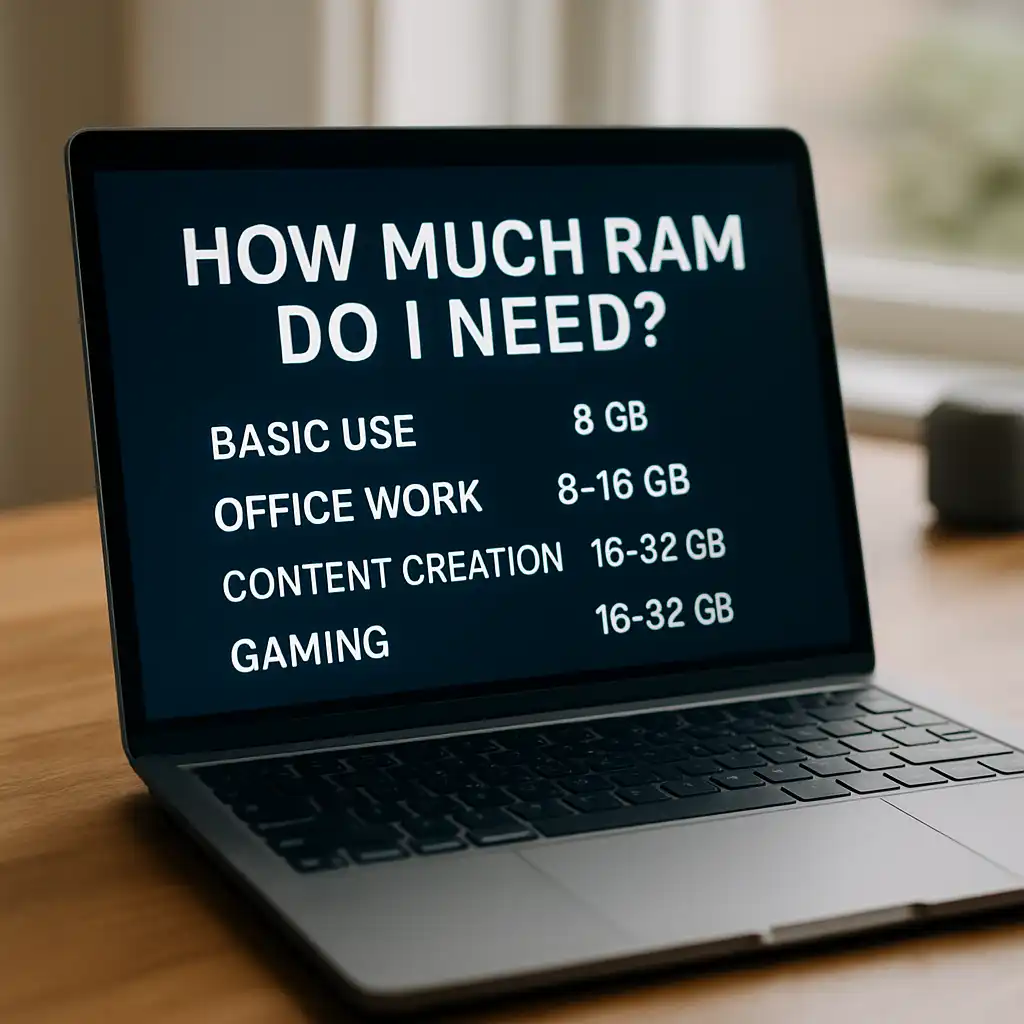
8GB RAM – Light and Basic Use
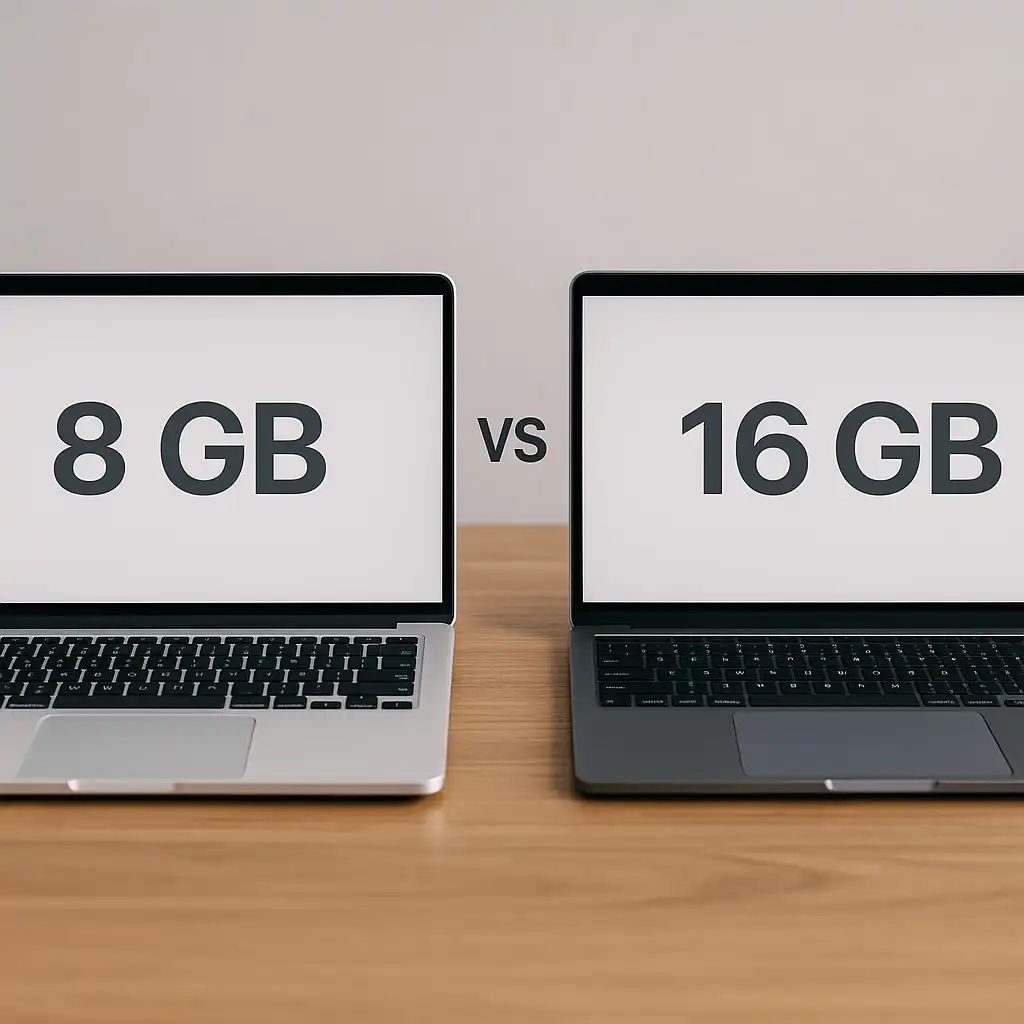
8GB is still usable for browsing, email, streaming, online classes, and basic office work. However, it can feel limiting if you keep many tabs open or regularly switch between apps.
If you’re unsure whether upgrading makes sense, this breakdown explains the real-world difference between 8GB and 16GB of laptop RAM and when extra memory genuinely improves performance: 8GB vs 16GB RAM for laptops
16GB RAM – The Best Choice for Most People
16GB is the sweet spot for modern laptops. It handles multitasking comfortably, keeps heavy browser sessions smooth, and supports light creative work without slowdowns. For most users, this offers the best balance of performance and longevity.
If you regularly juggle multiple apps, browser tabs, or background tasks, choosing AMD laptops with enough memory for multitasking can help keep everything running smoothly without constant slowdowns: AMD laptops with enough memory for multitasking
32GB RAM – Power Users Only
32GB is designed for demanding workloads like video editing, software development, virtual machines, or large creative projects. For everyday tasks, it’s unnecessary—but for professionals, it can prevent bottlenecks under sustained load.
🔍 RAM vs Storage: A Common Misunderstanding
RAM and storage do very different jobs.
- RAM is fast and temporary
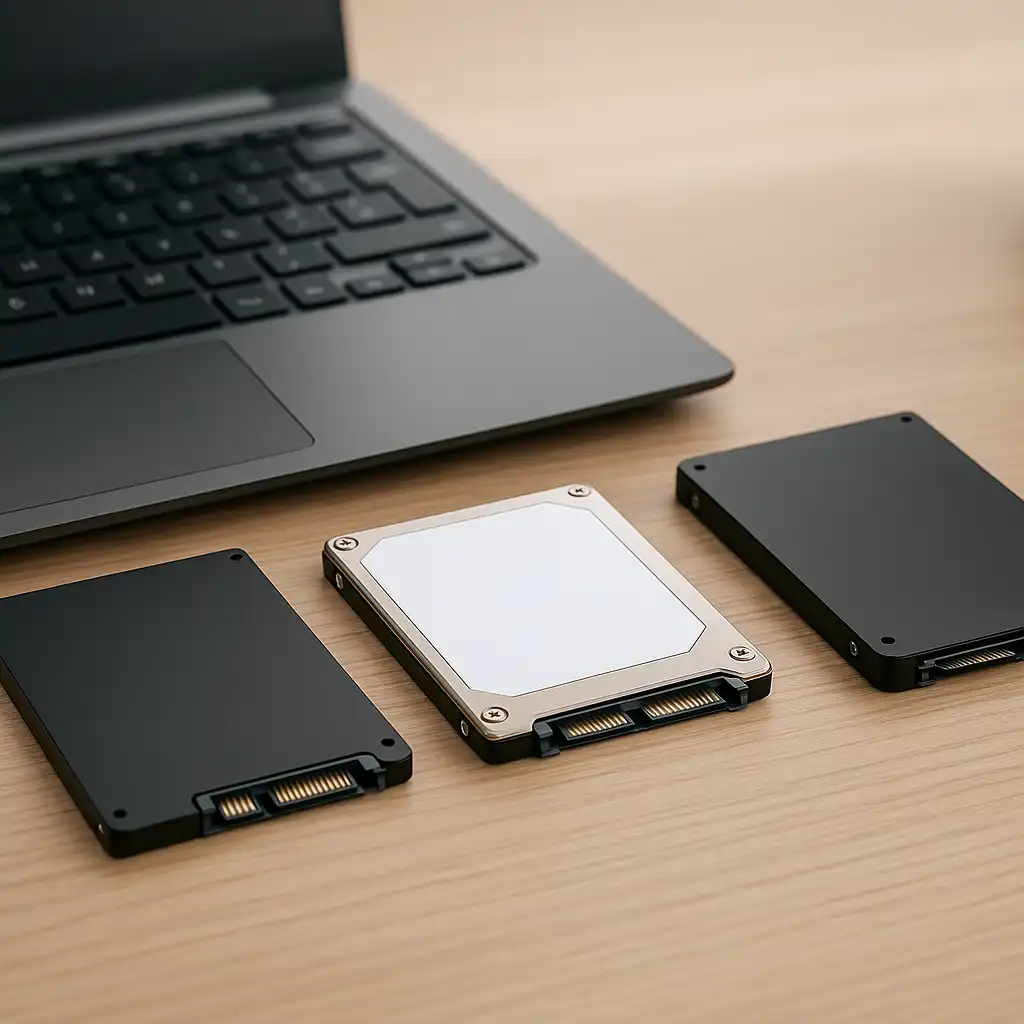
- Storage (SSD) is permanent and slower
Adding more storage won’t fix performance issues caused by low RAM. If your laptop slows down when multitasking or switching apps, memory—not storage—is usually the limiting factor.
🔍 Can You Upgrade RAM Later?
Whether you can upgrade RAM depends entirely on the laptop’s design.
Some Windows laptops still include upgradeable RAM slots, giving you flexibility down the road. Many thin laptops and most modern MacBooks use soldered RAM, which can’t be upgraded after purchase.
If RAM isn’t upgradeable, choosing enough upfront—especially stepping up from 8GB to 16GB—is usually the smarter long-term decision.
🔍 How RAM Affects Gaming and Creative Work
For gaming, RAM helps keep background tasks running smoothly, but the GPU and CPU have a bigger impact on frame rates. Most modern games perform best with at least 16GB.
For creative work like photo editing, video production, or coding, RAM becomes far more important. Running out of memory causes lag, stutters, and longer export or compile times.
📌 Key Takeaways
- 8GB is usable but limited for multitasking
- 16GB offers the best balance for most laptop users
- 32GB is best for demanding professional workloads
- RAM upgrades aren’t always possible—check before buying
- More RAM improves smoothness, not storage capacity
🟢 FAQs
Q: Is 8GB of RAM still enough in 2025?
Yes for basic tasks, but it’s now the minimum. Heavy browsing and multitasking feel noticeably better with 16GB.
Q: Does more RAM make a laptop faster?
It improves responsiveness under load, but it won’t compensate for a weak processor.
Q: Which matters more—RAM or the processor?
They work together. Too little RAM can bottleneck a fast CPU, while lots of RAM won’t fix a slow processor.
Q: Should I choose more RAM or more storage on a budget?
Prioritize enough RAM first. Storage is usually easier to manage later with upgrades or external drives.
✅ Conclusion
For most laptop buyers, 16GB of RAM delivers the best mix of performance, comfort, and future-proofing. It keeps everyday tasks smooth, supports multitasking without frustration, and helps your laptop age more gracefully. Choose less only for very light use, and more only if your work truly demands it.