Snapdragon Processor vs Intel – Performance, Battery Life, and Compatibility Explained
Disclosure: This post contains affiliate links. LaptopVoyager.com participates in the Amazon Associates Program and may earn commissions on qualifying purchases, at no extra cost to you.
Last Updated: April 2026
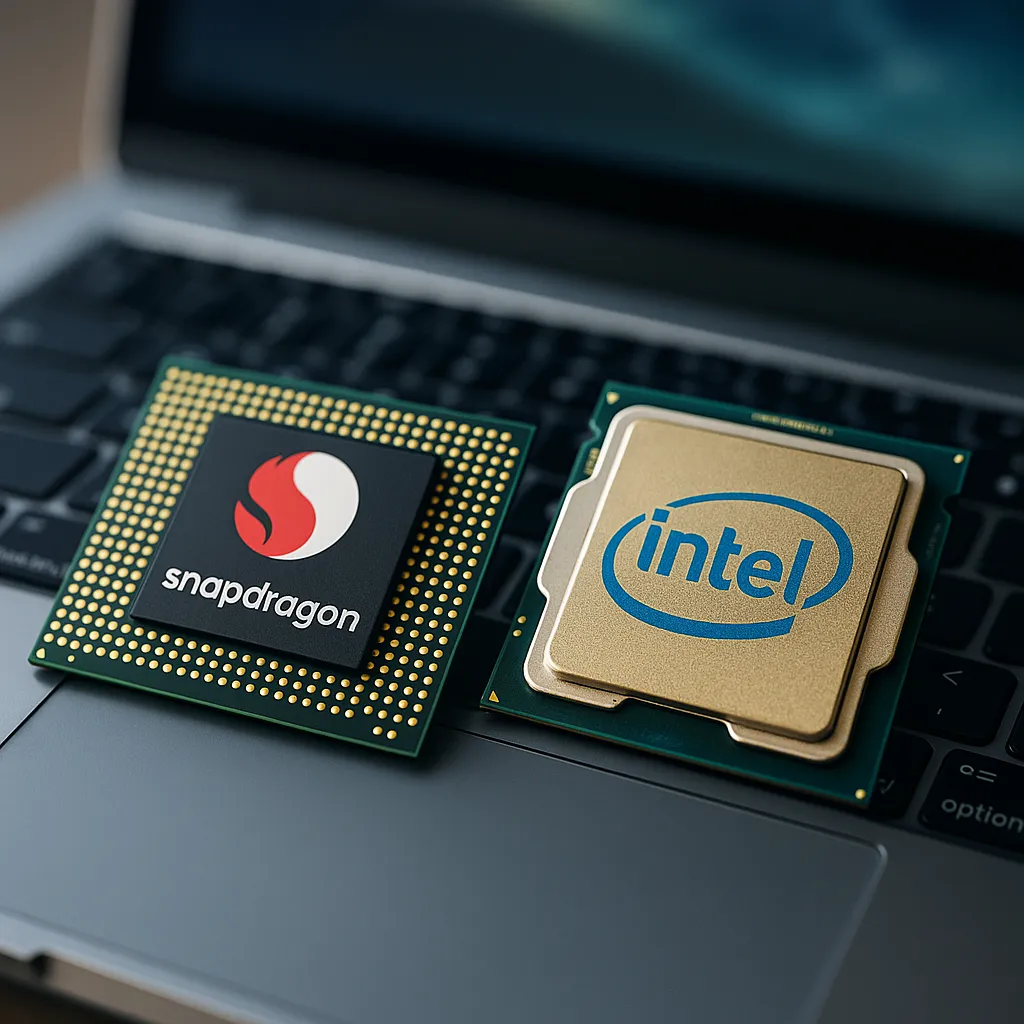
Choosing between a Snapdragon processor and an Intel CPU can significantly affect how your laptop performs in daily use. These two platforms are built on different architectures, which influences speed, efficiency, and software compatibility.
If you’re comparing modern laptops for work, study, or travel, understanding these differences helps you choose the right system for your needs.
👉 For a broader overview, see the snapdragon laptops guide
📌 Key Takeaways
- Snapdragon processors are designed for efficiency and long battery life
- Intel CPUs are built for broader compatibility and high-performance workloads
- ARM vs x86 architecture affects how apps run
- The best choice depends on your software needs and usage style
🔍 Architecture Differences: ARM vs x86
Snapdragon processors use ARM architecture, while Intel uses x86.
ARM-based chips are designed for lower power consumption and mobile-style efficiency. Intel processors, on the other hand, are built for compatibility and high-performance computing across a wide range of applications.
This difference impacts everything from battery life to app support.
🔍 Performance Comparison
Performance varies depending on the type of workload.
Snapdragon processors like the X Elite and X Plus are designed to deliver strong everyday performance, including multitasking, browsing, and office applications.
Intel processors typically handle demanding workloads better, including:
- Video editing
- Gaming
- Complex software
Published benchmarks show that Snapdragon performs efficiently in lightweight tasks, while Intel maintains an advantage in sustained high-performance scenarios.
👉 For a deeper breakdown, see snapdragon laptop performance
🔍 Battery Life and Efficiency
One of the biggest differences is battery efficiency.
According to manufacturer specifications, Snapdragon laptops are often rated for longer battery life due to their low-power design. This makes them suitable for users who need all-day usage without charging.
Intel laptops can still offer strong battery life, but they typically consume more power under load, especially with high-performance CPUs.
🔍 App Compatibility
App compatibility is where Intel has a clear advantage.
Intel processors support almost all Windows applications natively. Snapdragon laptops rely on ARM-native apps or emulation for x86 software.
This means:
- Native apps run efficiently on Snapdragon
- Emulated apps may have reduced performance or compatibility issues
👉 Learn more in snapdragon laptop app compatibility
🔍 Gaming and Graphics Performance
For gaming, Intel-based systems are generally more capable.
This is mainly because:
- Better GPU support
- Wider compatibility with game engines
- Fewer limitations from emulation
Snapdragon laptops can handle casual gaming and cloud gaming, but they are not designed for high-end gaming setups.
🔍 Heat and Power Management
Snapdragon processors are designed to run cooler due to their efficiency.
This can result in:
- Less fan noise
- More consistent performance over time
Intel processors, especially high-performance models, may generate more heat under heavy workloads, depending on the laptop design.
🔍 Which One Should You Choose?
Your choice depends on how you plan to use your laptop.
Snapdragon is suitable if you:
- Prioritize battery life and portability
- Use web apps, office tools, and lightweight software
- Prefer quieter and cooler operation
Intel is more suitable if you:
- Need full app compatibility
- Use professional or specialized software
- Require higher performance for demanding tasks
🟢 FAQs
Q: Is Snapdragon faster than Intel?
It depends on the task. Snapdragon performs well in everyday use, while Intel is stronger in demanding workloads.
Q: Which has better battery life?
Snapdragon processors are designed for better efficiency and longer battery life.
Q: Can Snapdragon run all Windows apps?
No, some apps require emulation or may not be supported.
Q: Is Intel better for gaming?
Yes, Intel systems generally offer better gaming compatibility and performance.
✅ Conclusion
Snapdragon and Intel processors are designed for different priorities. Snapdragon focuses on efficiency, battery life, and portability, while Intel delivers broader compatibility and stronger performance in demanding applications. Choosing between them depends on your workload and software requirements.