What Is a Laptop Processor? CPU Basics and How It Affects Performance
Disclosure: This post contains affiliate links. LaptopVoyager.com participates in the Amazon Associates Program and may earn commissions on qualifying purchases, at no extra cost to you.
Last Updated: September 2026
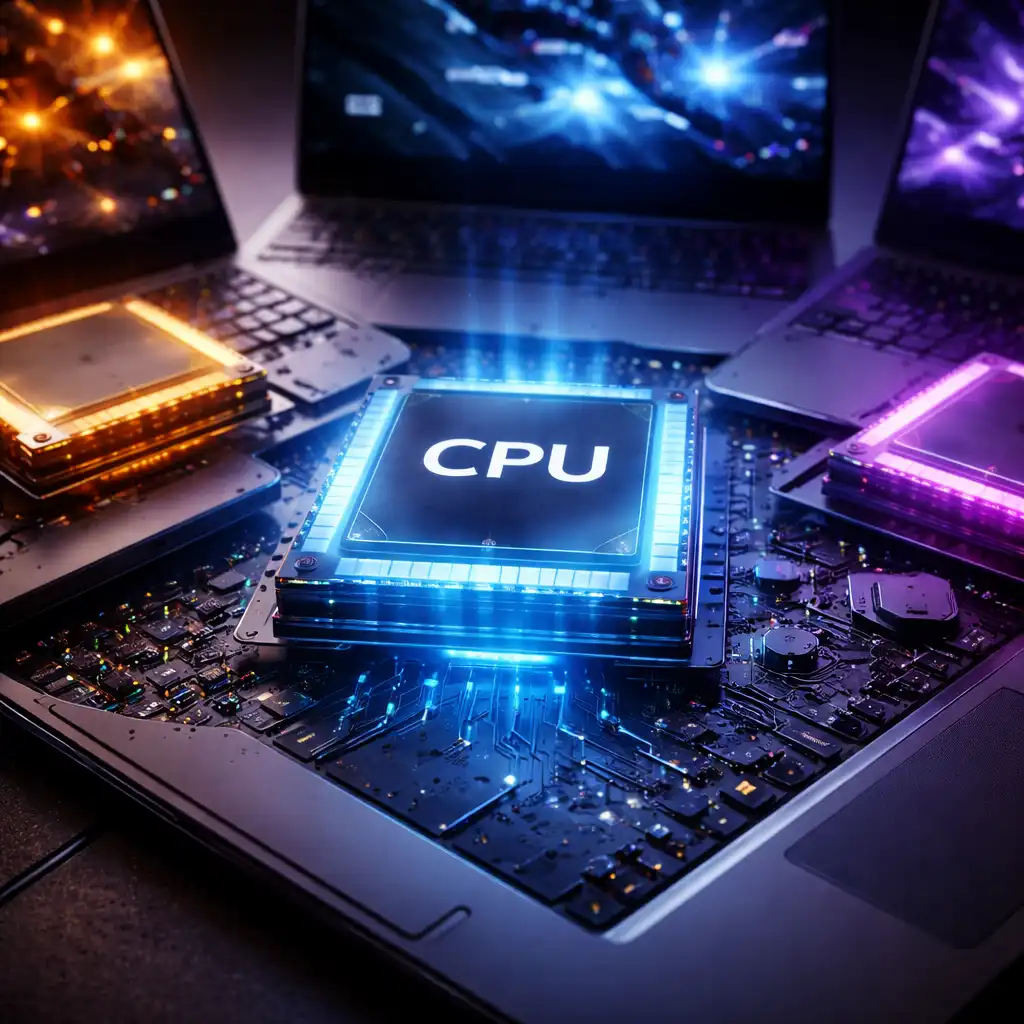
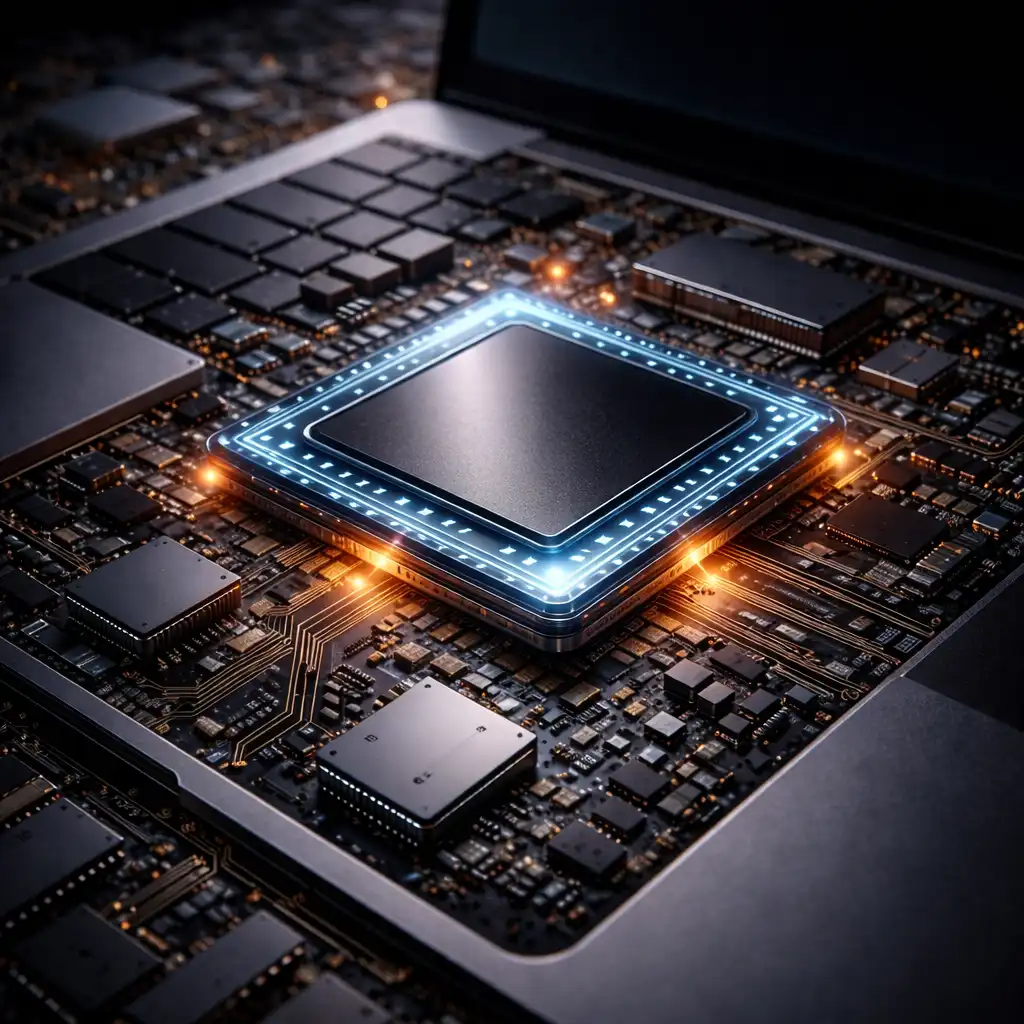
A laptop processor, also called a CPU (Central Processing Unit), is one of the main components responsible for executing instructions and processing data. It plays an important role in how quickly a laptop handles applications, multitasking, calculations, and demanding workloads.
Modern laptop processors differ in core count, clock speed, architecture, power consumption, and integrated features. Understanding these basics can make it easier to compare laptops and choose a processor that fits how you plan to use the computer.
👉 For a complete overview of processor types, performance levels, and buying considerations, see our Best Laptop Processor Guide.
📌 Key Takeaways
- A laptop processor is the CPU responsible for executing instructions and processing data.
- Processor performance depends on more than clock speed alone.
- Core count, architecture, cache, power limits, and workload all influence CPU performance.
- Modern laptop processors may combine different types of CPU cores and integrated components.
- Most modern laptop CPUs are soldered to the motherboard rather than designed for user upgrades.
🔍 What Is a Laptop Processor?
A laptop processor is an integrated chip that executes instructions from the operating system and software. It performs calculations, processes data, and coordinates many of the tasks required for applications to run.
The CPU works alongside components such as RAM, storage, and the GPU. While each component has a different role, the processor has a major influence on overall system performance.
Modern laptop processors are produced by manufacturers including Intel, AMD, Apple, and Qualcomm, with different architectures and designs intended for various performance and efficiency targets.
🔍 What Does a Laptop Processor Do?
The processor handles a wide range of computing instructions.
When you open an application, browse the web, work with a spreadsheet, compress files, edit media, or run a game, the CPU processes instructions required by those tasks.
Different workloads place different demands on the processor. Some applications benefit primarily from strong single-core performance, while others can distribute work across multiple CPU cores.
🔍 What Are CPU Cores?
A CPU core is an individual processing unit within the processor. Modern laptop CPUs typically contain multiple cores so they can process several workloads more efficiently.
More cores can be particularly useful for workloads designed to use them, such as video encoding, 3D rendering, software development, and intensive multitasking.
However, a processor with more cores is not automatically faster in every situation. Architecture, clock speeds, cache, power limits, and software optimization also affect performance.
🔍 What Does GHz Mean on a Laptop Processor?
Processor clock speed is commonly expressed in gigahertz (GHz). It describes the frequency at which a processor operates, but it should not be treated as a direct measurement of overall CPU performance.
For example, two processors operating at similar clock speeds can perform differently because they use different architectures, core configurations, cache designs, or power limits.
For a deeper explanation of this specification, see What Does GHz Mean on a Laptop?.
🔍 What Is CPU Cache?
CPU cache is a small amount of high-speed memory built into or closely integrated with the processor.
It stores frequently needed data and instructions so the CPU can access them more quickly than retrieving the same information from system RAM.
Modern processors typically use multiple cache levels, commonly referred to as L1, L2, and L3 cache. Cache design and capacity vary between processor families and architectures.
🔍 What Is the Difference Between a CPU and GPU?
The CPU is designed to handle general-purpose computing instructions and a broad variety of workloads. The GPU (Graphics Processing Unit) specializes in highly parallel operations, including graphics rendering and certain computational workloads.
Many laptop processors include an integrated GPU within the same processor package. Higher-performance gaming and workstation laptops may also include a separate discrete GPU.
The importance of CPU and GPU performance therefore depends heavily on the software and workload being used.
🔍 What Are Intel, AMD, Apple, and Snapdragon Laptop Processors?
Laptop processors are available from several major chip manufacturers and platform providers.
Intel offers processor families covering thin-and-light laptops, mainstream systems, gaming laptops, and mobile workstations.
AMD produces Ryzen processors for similar laptop categories, with configurations ranging from efficiency-focused mobile chips to higher-performance designs.
Apple silicon processors are designed specifically for Mac computers and integrate CPU, GPU, memory architecture, and other processing components into Apple’s system-on-a-chip designs.
Qualcomm Snapdragon laptop processors use ARM-based architecture and emphasize characteristics such as efficiency, integrated connectivity, and long battery-life designs.
Because these processor families use different architectures and configurations, comparing model names or GHz figures alone does not provide a complete picture of performance.
🔍 Does the Processor Affect Laptop Performance?
Yes. The processor can influence application responsiveness, multitasking, calculations, content creation, gaming performance, and other CPU-dependent workloads.
However, overall laptop performance also depends on RAM capacity, storage speed, graphics hardware, cooling, and software. A powerful processor can still be limited by other components or by the laptop’s thermal and power design.
This is why processor specifications are best considered as part of the laptop’s complete hardware configuration rather than in isolation.
🔍 Can You Upgrade a Laptop Processor?
In most modern laptops, the processor cannot be upgraded individually because it is soldered directly to the motherboard using BGA packaging.
Some older and specialized laptops use socketed processors that may technically be replaceable. Even then, socket compatibility, chipset support, BIOS support, power requirements, and cooling capacity must all be considered.
👉 For a detailed explanation of processor replacement and compatibility, see Can You Change a Laptop CPU?.
🔍 How Do You Compare Laptop Processors?
Avoid comparing processors based on a single specification.
Useful factors include:
- Processor generation and architecture
- Number and type of CPU cores
- Single-core and multi-core performance
- Clock speeds
- Cache configuration
- Power characteristics
- Integrated graphics
- Laptop cooling and power limits
- Performance in the applications you intend to use
Published benchmarks can also help compare processors, particularly when the CPUs use different architectures or generations. Benchmark results should still be considered alongside the specific laptop implementation because power and thermal limits can affect sustained performance.
🔍 What Processor Do You Need in a Laptop?
The appropriate processor depends largely on workload.
For web browsing, office applications, streaming, and general home use, a modern mainstream processor is typically sufficient.
For multitasking, programming, photo editing, and heavier productivity, additional CPU performance and cores may provide advantages depending on the software.
For gaming, video editing, 3D workloads, and other demanding applications, CPU performance becomes more important, although graphics performance, RAM, cooling, and storage also need to be considered.
Rather than choosing a processor purely by model tier, compare the specifications and published performance data for the exact processors and laptops you are considering.
📌 Choosing a Laptop Processor
Processor names can make laptop comparisons confusing, especially when different generations, architectures, and power classes are involved.
Start with the workload you expect to run, then compare processor specifications and published benchmarks within that performance category. Also consider the laptop’s RAM, storage, graphics, cooling system, and battery requirements before making a decision.
🟢 FAQs
Q: What is a processor in a laptop?
A laptop processor, or CPU, is the component responsible for executing instructions, processing data, and handling many of the calculations required by software and the operating system.
Q: Is the CPU the same as the processor?
Yes. In everyday laptop terminology, CPU and processor generally refer to the same component.
Q: Is a higher GHz processor always better?
No. Clock speed is only one factor affecting performance. Architecture, core configuration, cache, power limits, and other design characteristics also matter.
Q: Are more CPU cores better in a laptop?
Additional cores can improve performance in software capable of using them, but more cores do not automatically make every workload faster.
Q: Can you replace a laptop processor?
Most modern laptop processors are soldered to the motherboard and cannot be replaced through a conventional upgrade. Some older laptops use socketed CPUs that may support replacement.
Q: Which laptop processor is best?
There is no single processor that is best for every laptop user. The appropriate choice depends on workload, performance requirements, power efficiency, laptop design, and budget.
✅ Conclusion
A laptop processor is a central part of the system that processes instructions and has a significant influence on overall performance. Core count, architecture, clock speed, cache, power limits, and the laptop’s cooling design all contribute to how a CPU performs.
Understanding these specifications makes it easier to compare processor families without relying solely on model names or GHz figures. The best choice ultimately depends on what you expect the laptop to do.