Snapdragon Laptop App Compatibility – What Works, What Doesn’t, and What to Expect
Disclosure: This post contains affiliate links. LaptopVoyager.com participates in the Amazon Associates Program and may earn commissions on qualifying purchases, at no extra cost to you.
Last Updated: April 2026
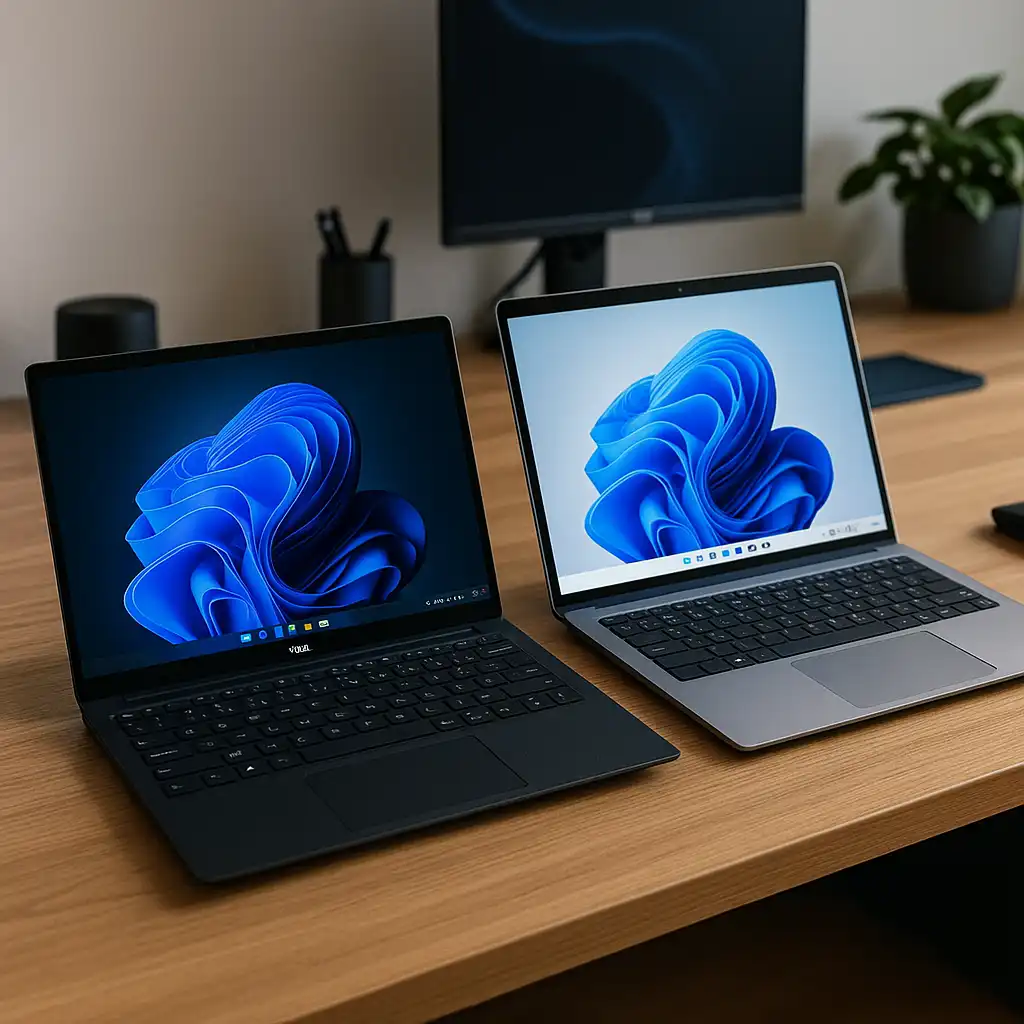
App compatibility is one of the biggest concerns when switching to a Snapdragon laptop. While these devices offer excellent battery life and efficiency, they rely on a different architecture (ARM), which affects how apps run.
Understanding which apps work natively, which rely on emulation, and where limitations exist can help you avoid surprises.
👉 If you want a broader overview, check out the snapdragon laptops guide
📌 Key Takeaways
- Many popular apps now run natively on Snapdragon laptops
- Emulation allows older apps to run, but with some performance trade-offs
- Compatibility is improving, but not all software works perfectly
- Browser-based and cloud apps work reliably across all devices
🔍 What Is App Compatibility on Snapdragon Laptops?
Snapdragon laptops use ARM-based processors, which differ from traditional x86 processors used in most Windows laptops.
This means apps fall into three categories: native ARM apps, emulated apps (x86/x64), and unsupported apps. Each category affects performance and usability differently.
🔍 Native Apps vs Emulated Apps
Understanding this difference is key to knowing what to expect.
Native ARM apps are built specifically for Snapdragon processors. They offer the best performance and battery efficiency and include many modern apps like browsers and Microsoft tools.
Emulated apps are designed for Intel or AMD systems but run through translation. They may have slower performance or minor issues, but many are still usable for everyday tasks.
👉 For a deeper comparison, see snapdragon processor vs intel.
🔍 Which Apps Work Well?
Based on current support, these categories work reliably:
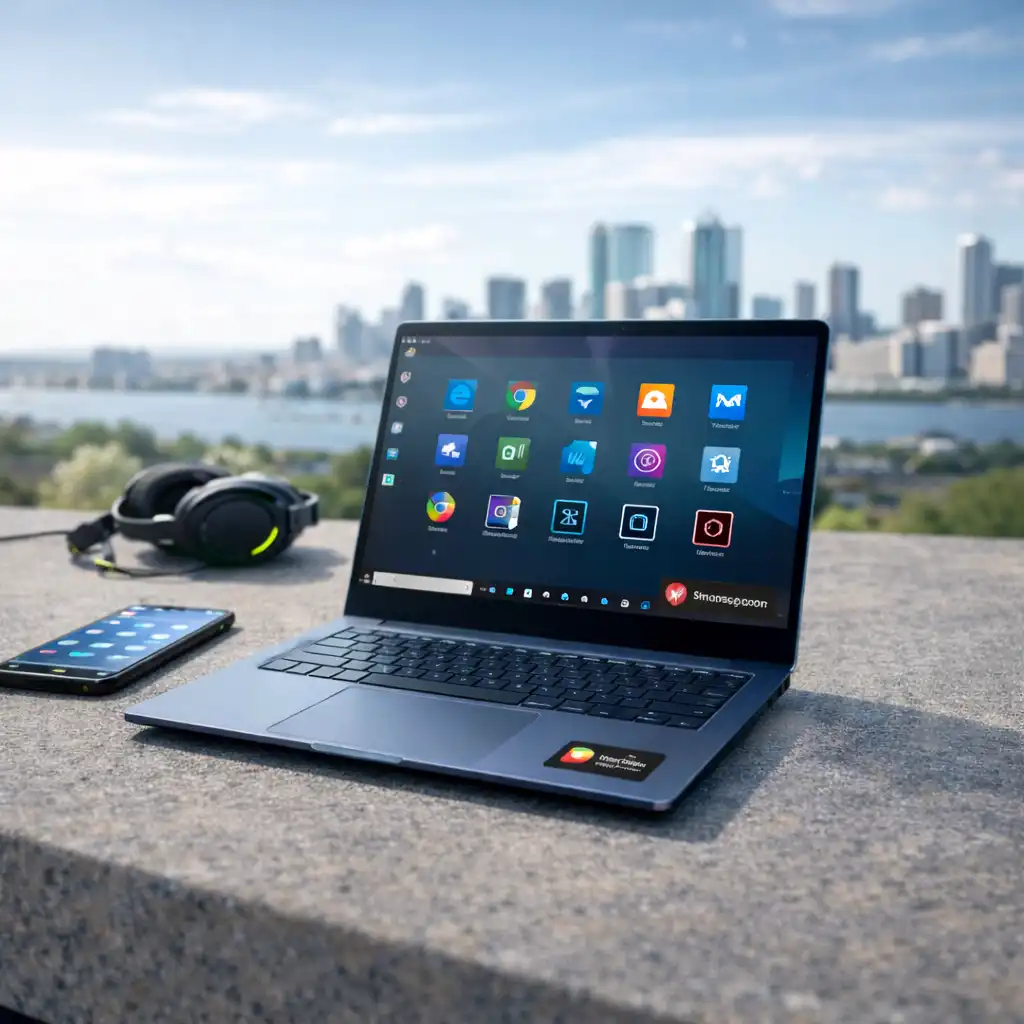
- Web browsers like Chrome, Edge, and Firefox (ARM versions)
- Microsoft Office and productivity tools
- Streaming platforms and media apps
- Cloud-based software like Google Docs and Canva
These apps either run natively or perform well even under emulation.
🔍 What Apps May Have Issues?
Some types of software still face compatibility challenges.
These include:
- Certain professional tools (older Adobe apps, niche software)
- Games with anti-cheat systems
- Apps requiring specific drivers or plugins
- Legacy enterprise software
👉 If you’re planning to use one for school, check out the best snapdragon laptop for students.
🔍 How Emulation Affects Performance
Windows on ARM includes built-in emulation for x86 and x64 apps.
This allows many traditional programs to run, but performance may be lower than native execution, battery efficiency can decrease, and some apps may not run at all.
For everyday use, the difference is often small. For heavy workloads, it becomes more noticeable.
🔍 Is Compatibility Improving?
Yes, app compatibility on Snapdragon laptops is improving rapidly.
Developers are releasing ARM-native versions of popular apps, optimizing existing software, and expanding support for Windows on ARM. This trend makes newer Snapdragon laptops far more usable than earlier generations.
🔍 Who Should Be Concerned About Compatibility?
Snapdragon laptops are a great fit if you use browsers, office apps, and cloud tools, rely on lightweight or modern applications, and prioritize battery life and portability.
You should be more cautious if you depend on specific legacy software, use specialized professional tools, or need guaranteed compatibility for work.
🟢 FAQs
Q: Do all Windows apps work on Snapdragon laptops?
No, most apps work, but some may require emulation or may not be supported.
Q: Is app performance slower on Snapdragon laptops?
Native apps perform well, but emulated apps may run slower.
Q: Can I use Microsoft Office on Snapdragon laptops?
Yes, Microsoft Office runs natively and performs well.
Q: Are Snapdragon laptops good for everyday apps?
Yes, they handle browsing, productivity, and media apps very well.
✅ Conclusion
Snapdragon laptop app compatibility has improved significantly, but it still depends on how you use your device. For everyday tasks and modern apps, the experience is smooth and reliable. For specialized or legacy software, it’s important to check compatibility before making the switch.