Snapdragon Laptop Performance – How Fast Are They and What to Expect in Real Use
Disclosure: This post contains affiliate links. LaptopVoyager.com participates in the Amazon Associates Program and may earn commissions on qualifying purchases, at no extra cost to you.
Last Updated: April 2026
Snapdragon laptop performance has improved significantly with the latest ARM-based chips like the Snapdragon X Elite and X Plus. These processors focus on efficiency, battery life, and consistent everyday speed rather than raw power.
If you’re considering one, it’s important to understand how performance compares in real-world use—not just benchmarks.
👉 If you want a broader overview of this category, see our snapdragon laptops guide
📌 Key Takeaways
- Snapdragon laptops are fast for everyday tasks and multitasking
- Performance is strongest in native ARM apps
- Emulated apps can run slower depending on workload
- They prioritize efficiency over high-end performance
🔍 What Affects Snapdragon Laptop Performance?
Performance on Snapdragon laptops depends on several factors:
- Whether apps run natively or through emulation
- The specific chip (X Elite vs X Plus vs older versions)
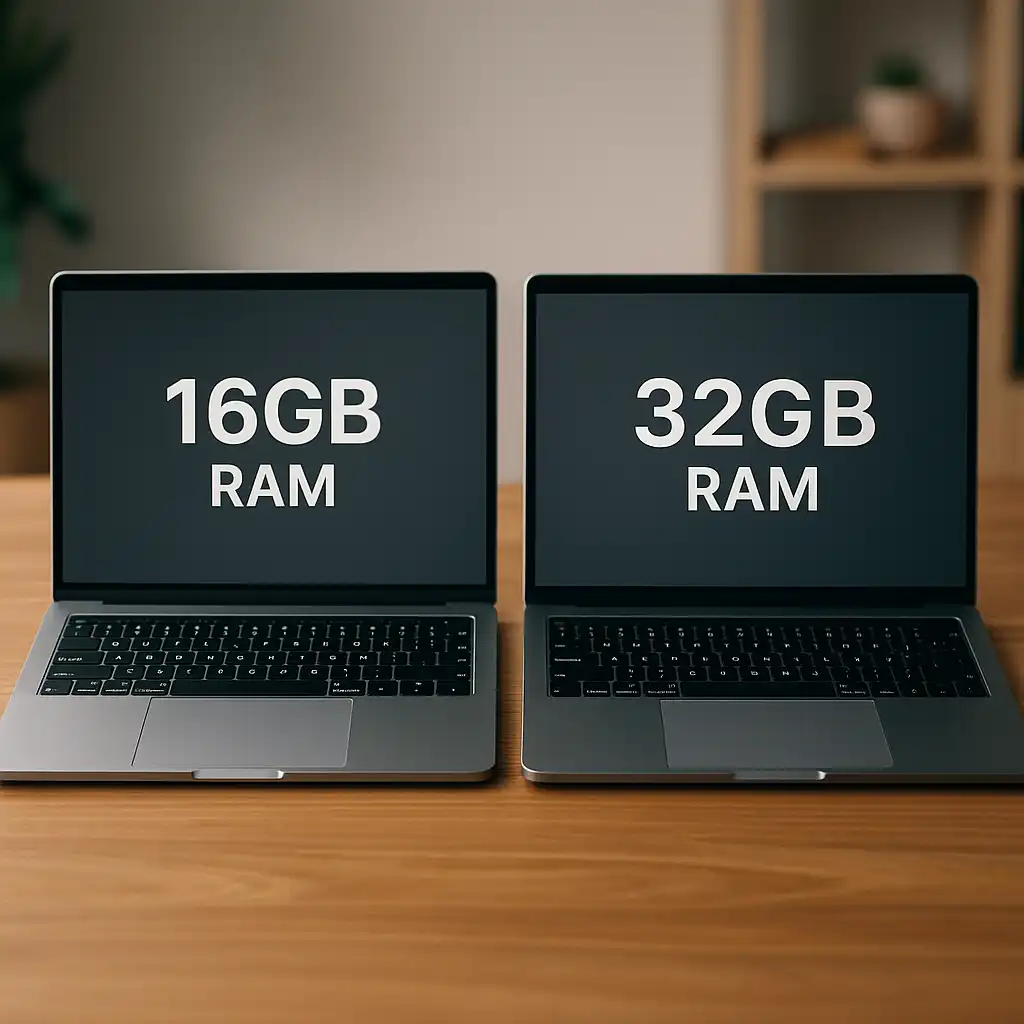
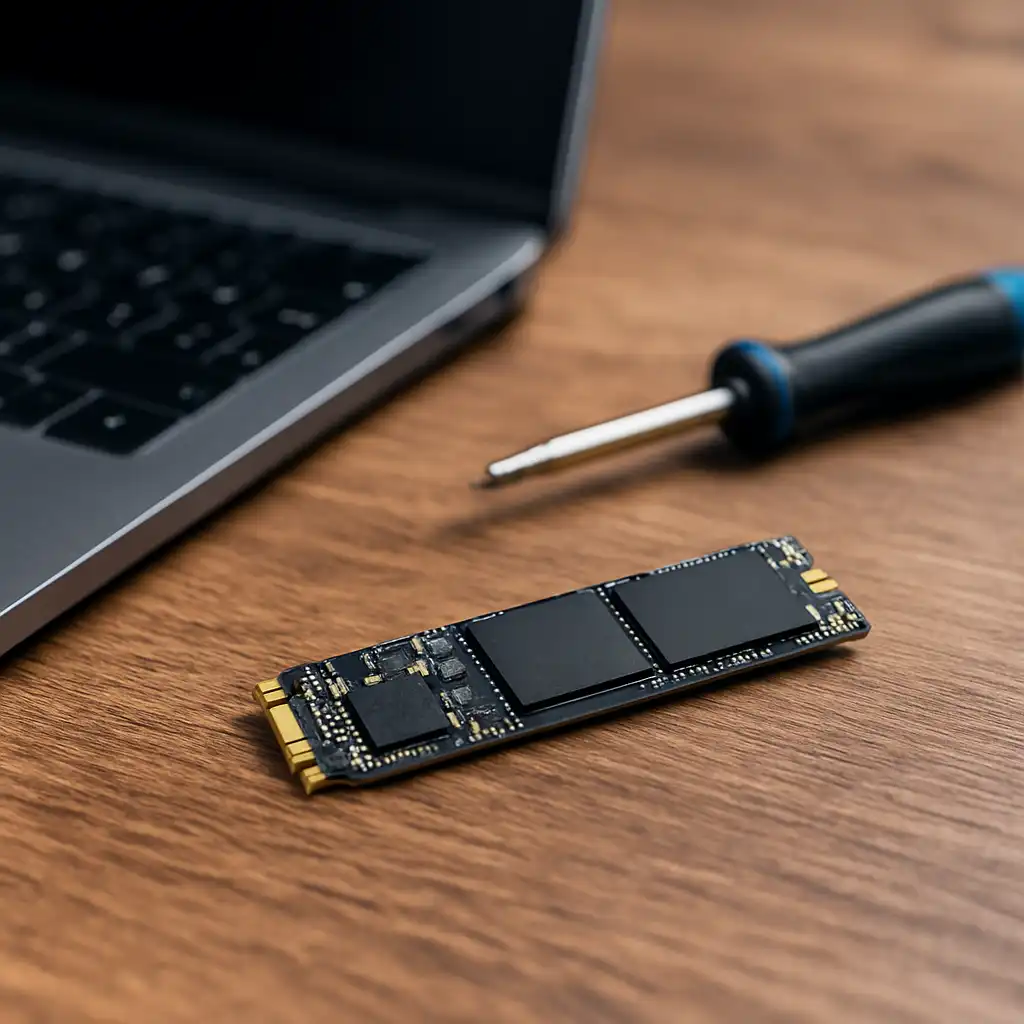
- RAM and storage configuration
- Type of workload (light vs heavy tasks)
These factors determine how smooth the experience feels in daily use.
🔍 Everyday Performance and Multitasking
For typical use like browsing, streaming, and office work, Snapdragon laptops feel fast and responsive.
They handle:
- Multiple browser tabs
- Office apps
- Video calls
- Light content creation
without noticeable slowdowns.
This makes them a strong option for students and general users.
🔍 Performance in Native vs Emulated Apps
This is where performance differences become clear.
Native apps:
- Run directly on ARM
- Deliver the best speed and efficiency
Emulated apps:
- Use translation layers
- May run slower depending on complexity
👉 For a deeper breakdown, see snapdragon laptop app compatibility
For most users, the difference is minor in everyday tasks, but heavier software can highlight the gap.
🔍 Snapdragon vs Intel and AMD Performance
Snapdragon laptops are designed differently from traditional laptops.
Compared to Intel and AMD:
- They use less power
- Run cooler
- Deliver longer battery life
However:
- High-performance workloads (gaming, heavy editing) still favor traditional CPUs with dedicated GPUs
This makes Snapdragon ideal for efficiency-focused users rather than power users.
🔍 Performance for Gaming and Creative Work
Snapdragon laptops are not built for demanding gaming or heavy creative workloads.
They can handle:
- Casual games
- Light editing tasks
- Cloud-based tools
But struggle with:
- AAA gaming
- High-end video editing
- Complex 3D workloads
Performance in these areas depends heavily on app compatibility and optimization.
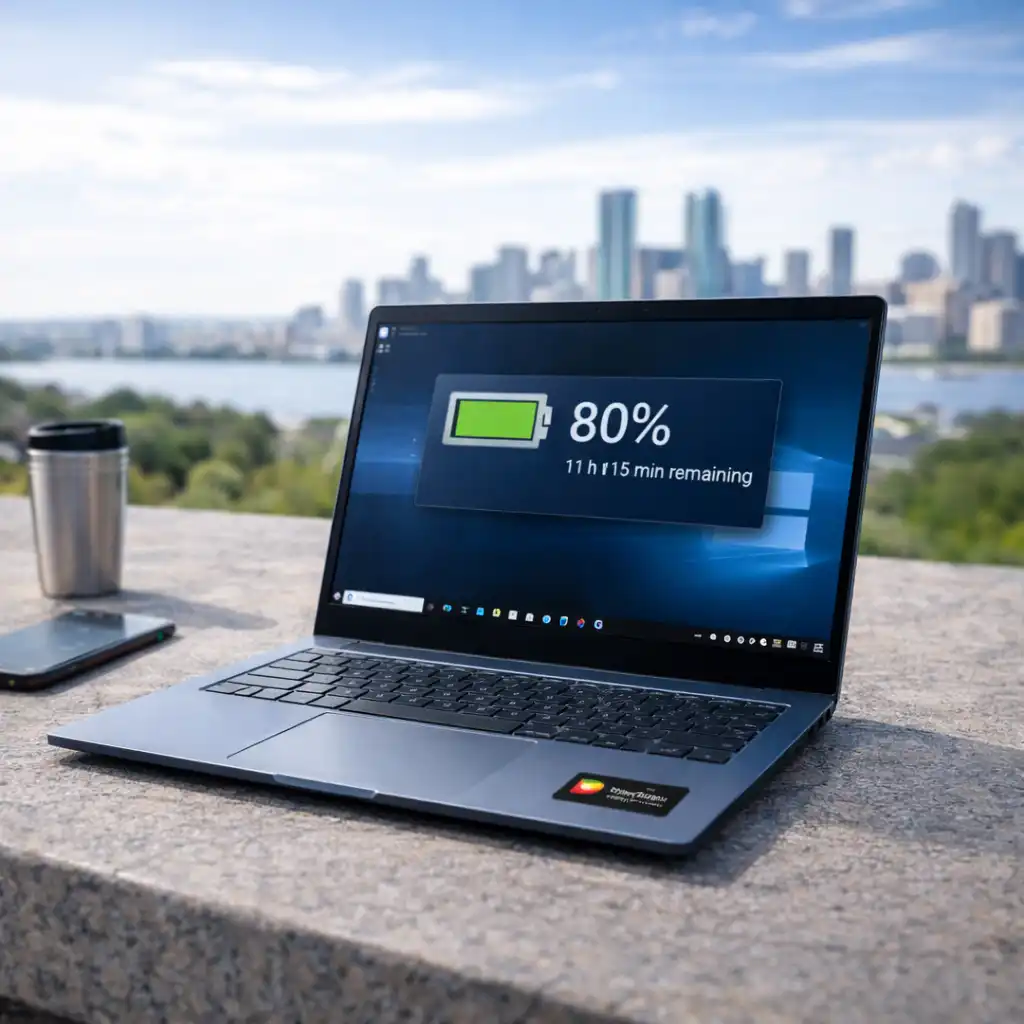
🔍 Battery Life vs Performance Trade-Off
One of the biggest advantages of Snapdragon laptops is efficiency.
You get:
- Longer battery life
- Less heat generation
- Consistent performance over time
The trade-off is reduced peak performance compared to high-end Intel or AMD systems.
🟢 FAQs
Q: Are Snapdragon laptops fast enough for everyday use?
Yes, they are very fast for browsing, office work, and multitasking.
Q: Do Snapdragon laptops run slower than Intel laptops?
They can be slower in demanding tasks, but similar or faster in lightweight workloads.
Q: Is Snapdragon good for gaming performance?
Not for high-end gaming, but suitable for casual and cloud gaming.
Q: Does performance depend on app compatibility?
Yes, native apps perform better than emulated ones.
✅ Conclusion
Snapdragon laptop performance is best described as efficient, smooth, and optimized for everyday use. While they don’t replace high-performance machines, they offer a strong balance of speed, battery life, and portability for most users.