Best Touchscreen Laptops – Complete Hub Guide
Disclosure: This post contains affiliate links. LaptopVoyager.com participates in the Amazon Associates Program and may earn commissions on qualifying purchases, at no extra cost to you.
Last Updated: February 2026
Touchscreen laptops combine traditional typing comfort with the easy, tap-friendly controls we already use on phones and tablets. They’re great for browsing, notes, drawing, studying, and flexible 2-in-1 setups. This hub puts all of our touchscreen laptop guides, reviews, comparisons, and how-tos in one place so you can quickly find the model that fits your everyday routine.
Whether you want a portable 13-inch laptop, a large 17-inch display, a budget-friendly student pick, or a pen-ready device for sketching, you’ll find everything here.
🔍 Top Touchscreen Laptop Reviews
If you want in-depth reviews of individual models, start here:
- Jumper 16-Inch Convertible Laptop Review
- Dell Inspiron 15.6″ Touchscreen Laptop Review
- Dell 15 Laptop Intel Core i5-1135G7 Review
- HP Envy 17.3″ Touchscreen Laptop Review
🔍 Best Touchscreen Laptops by Size
These guides help you choose the screen size that fits how you work:
- Best 13-Inch Laptop With Touch Screen
- Best 15-Inch Laptop With Touch Screen
- Best 17-Inch Laptop With Touch Screen
🔍 Touchscreen Laptops by Budget and Use Case
Whether you’re comparing by price or purpose, these guides highlight great picks:
- Best Cheap Touch Screen Laptop
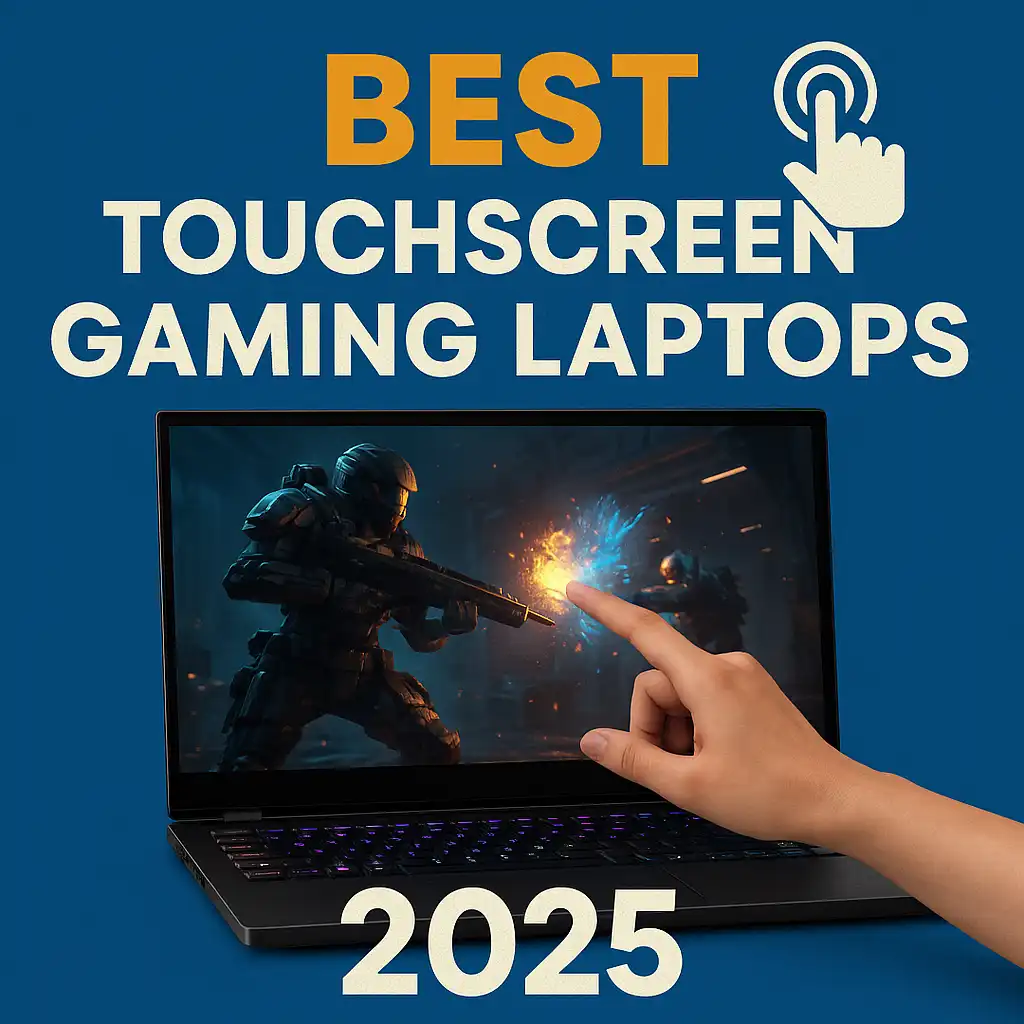
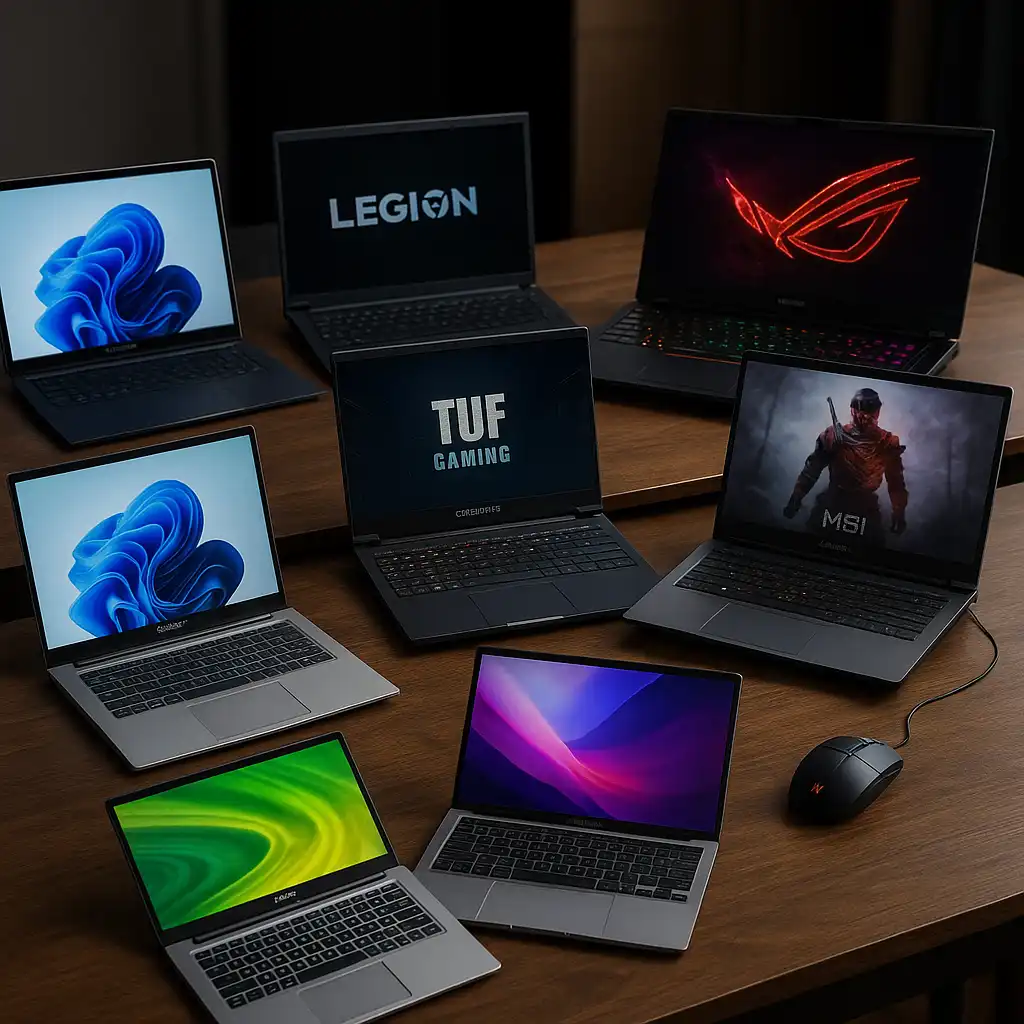
- Best Touchscreen Gaming Laptop
- Best Touchscreen Laptop for Students
- Best Touchscreen Laptop With Pen
🔍 Touchscreen Laptop Buying Advice
If you’re deciding whether a touchscreen laptop is right for you, these guides help make things clearer:
- Is Touchscreen Laptop Worth It
- Are Touchscreen Laptops Durable
- Touchscreen Laptop Pros and Cons
- Touchscreen Laptop vs 2-in-1
- Laptop Touchscreen vs Non Touch Screen
🔍 Touchscreen Features, Care, and Everyday Use
These guides help you get more out of your touchscreen laptop:
- Can You Draw on a Touchscreen Laptop
- Can You Use a Mouse With a Touchscreen Laptop
- How to Clean a Touchscreen Laptop
- How to Disable Touchscreen on Laptop
- How to Enable Touchscreen on Laptop
🔍 Choosing the Best Touchscreen Laptop
A touchscreen laptop is a flexible choice for a lot of users:
- Students benefit from stylus support and lightweight designs
- Creators want bright, accurate touch panels
- Gamers look for strong graphics and fast touch response
- Everyday users enjoy the comfort of tapping and scrolling
- Budget shoppers can find solid touch performance without overpaying
This hub gives you everything you need to compare models and choose the features that matter most.
🟢 FAQs
Q: Are touchscreen laptops good for students?
Yes — especially models that support stylus writing for notes and diagrams.
Q: Do all touchscreen laptops support pens?
No, only certain models work with active pens.
Q: Are touchscreen laptops more delicate than non-touch models?
Not necessarily. They need more cleaning but modern builds are sturdy.
Q: Is a touchscreen useful for everyday tasks?
Definitely. Browsing, reading, and quick navigation all feel smoother.
✅ Conclusion
Touchscreen laptops offer an easy, intuitive way to work, browse, sketch, and study. Whether you want a compact 13-inch model, a bigger 17-inch screen, a student pick, or a pen-friendly 2-in-1, the guides in this hub make it simple to compare your options. Explore the links above to find the touchscreen laptop that fits your style and workflow.