Best Laptop SSD Upgrade: 3 Fast NVMe Drives Worth Considering
Disclosure: This post contains affiliate links. LaptopVoyager.com participates in the Amazon Associates Program and may earn commissions on qualifying purchases, at no extra cost to you.
Last Updated: September 2026
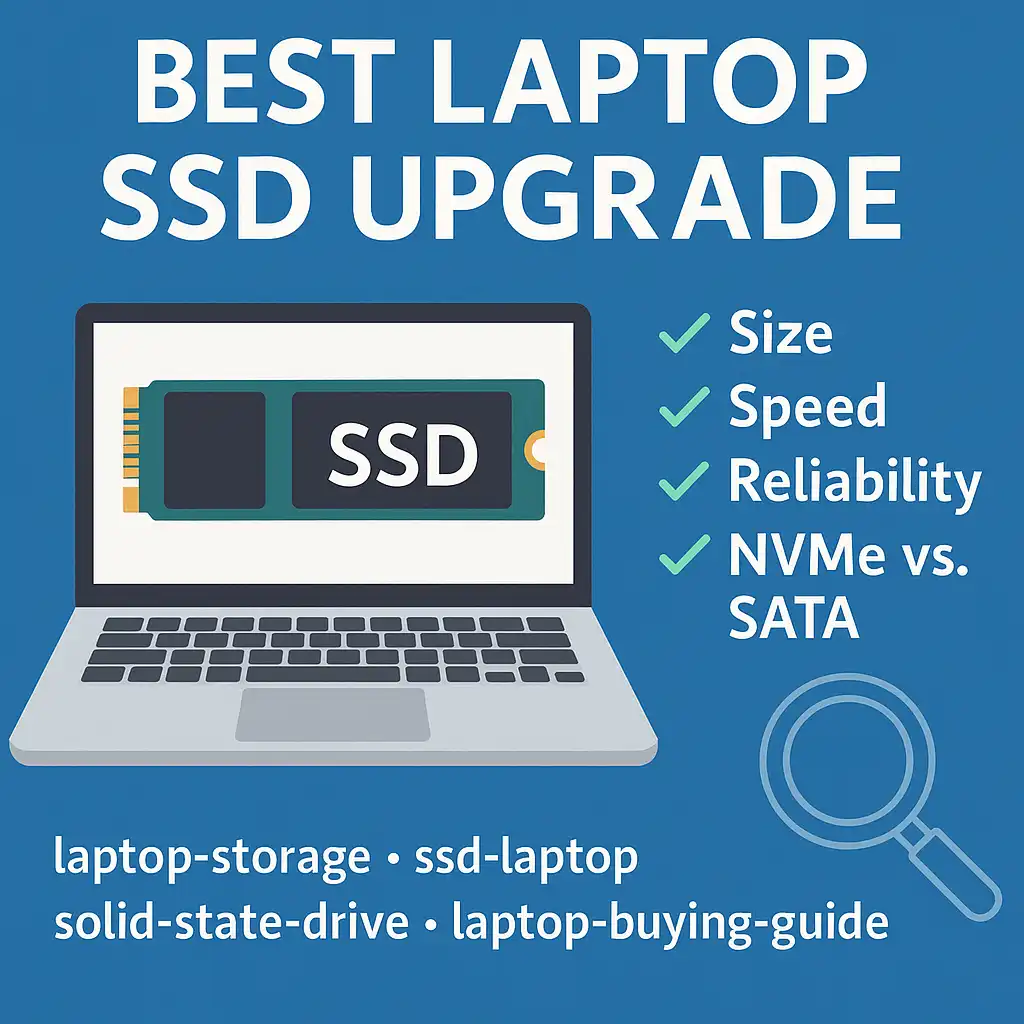
Upgrading your laptop’s SSD can increase storage capacity and improve file transfers, application loading, and other storage-intensive tasks. The right drive depends on your laptop’s M.2 slot, supported PCIe generation, capacity requirements, and workload.
This guide compares three NVMe SSDs based on manufacturer specifications, interface support, advertised sequential performance, and suitability for laptop upgrades.
👉 For a complete overview of laptop SSD compatibility, drive types, performance, and installation, see Laptop SSD Upgrade Guide.
💰 Check Price & Availability
View on Amazon – Samsung 990 EVO Plus (PCIe 4.0, up to 7,150 MB/s read)
View on Amazon – Crucial T500 (PCIe 4.0, up to 7,300 MB/s read)
View on Amazon – WD_BLACK SN8100 (PCIe 5.0, up to 14,900 MB/s read)
📋 Quick-View Comparison List
Best Overall: Samsung 990 EVO Plus
Best for Gamers & Creatives: Crucial T500
Best Future-Proof Pick: WD_BLACK SN8100
🔍 What Makes a Good SSD Upgrade for a Laptop?
The best laptop SSD upgrade isn’t necessarily the drive with the highest advertised speed. Compatibility with your laptop should come first.
Most modern upgradeable laptops use an M.2 NVMe SSD, commonly in the 2280 form factor. However, supported sizes, interfaces, capacities, and PCIe generations vary between laptop models.
A PCIe 5.0 SSD can offer substantially higher sequential speeds than PCIe 4.0 drives, but those speeds require compatible hardware. For many laptops, a quality PCIe 4.0 drive provides a more practical balance between performance and compatibility.
👉 Before purchasing a drive, see Can I Add an SSD to My Laptop? to understand the main compatibility considerations.
📦 Samsung 990 EVO Plus – Best Overall
The Samsung 990 EVO Plus is a strong all-around option for laptop owners looking for fast NVMe storage without immediately moving to a high-performance PCIe 5.0 drive.
According to Samsung specifications, the 990 EVO Plus can reach sequential read speeds of up to 7,150 MB/s, although exact performance varies by capacity and system configuration.
Samsung also provides its Magician software for functions such as drive-health monitoring, firmware updates, performance information, and SSD management.
Its combination of high advertised performance and broad NVMe upgrade appeal makes the 990 EVO Plus a balanced option for productivity, general computing, and storage-intensive workloads.
📦 Crucial T500 – Best for Gamers & Creatives
The Crucial T500 targets users who want high-end PCIe 4.0 performance for gaming, content creation, and demanding applications.
According to Crucial specifications, the T500 can deliver sequential read speeds of up to 7,300 MB/s and sequential write speeds of up to 6,800 MB/s, depending on capacity and configuration.
The drive also supports Microsoft DirectStorage, a technology designed to reduce storage-related bottlenecks in compatible games and systems.
For laptops limited to PCIe 4.0, the T500 provides an alternative for users who want performance near the upper end of what the interface can deliver.
👉 If gaming is your priority, see Best External SSD for Gaming Laptops for another way to expand storage without replacing the internal drive.
📦 WD_BLACK SN8100 – Best Future-Proof Pick
The WD_BLACK SN8100 is designed for systems capable of taking advantage of the much higher bandwidth available through PCIe 5.0.
Based on WD_BLACK specifications, the SN8100 can reach sequential read speeds of up to 14,900 MB/s on supported configurations. That puts its advertised performance substantially above typical PCIe 4.0 NVMe SSDs.
However, compatibility matters especially with a Gen5 drive. A laptop needs the appropriate M.2 NVMe slot and PCIe support to take advantage of its maximum performance.
Thermal design is another consideration. High-performance PCIe 5.0 SSDs can have different cooling requirements, and laptop owners should verify physical clearance and manufacturer specifications before installation.
For newer compatible laptops, the SN8100 is the most performance-focused option among these three drives.
🔍 PCIe Gen4 vs Gen5 for Laptop SSD Upgrades
PCIe 4.0 remains widely relevant for laptop SSD upgrades. Drives such as the Samsung 990 EVO Plus and Crucial T500 already provide advertised sequential read speeds above 7,000 MB/s under appropriate conditions.
PCIe 5.0 increases available interface bandwidth and allows drives such as the WD_BLACK SN8100 to reach substantially higher advertised sequential speeds.
That doesn’t mean every laptop user needs Gen5. Everyday tasks may not benefit proportionally from the higher headline sequential speeds, while compatibility, thermals, capacity, and workload can be more important.
🔍 How Much SSD Storage Do You Need?
Storage capacity should reflect what you actually keep on your laptop.
1TB is a practical capacity for general productivity, applications, documents, and a moderate media or game library. 2TB provides additional room for larger game libraries, photos, videos, and creative projects.
Higher capacities can make sense for users handling large media libraries or professional project files, but available capacities vary by SSD model.
🔍 Check Compatibility Before Upgrading
Before ordering an SSD, confirm the specifications of your exact laptop model.
Check the supported M.2 form factor, NVMe interface, PCIe generation, maximum supported capacity, physical clearance, and whether the existing SSD is replaceable.
Some thin laptops use soldered storage or less common SSD sizes, while others have a second M.2 slot that allows additional storage without removing the original drive.
If your laptop currently uses a hard drive, the upgrade procedure may also differ. See How to Replace a Hard Drive With an SSD for the main considerations.
If your laptop is too old to justify an SSD upgrade, there may be better ways to extend its usefulness or dispose of it responsibly. See What to Do With Old Laptop Computers for options including reuse, resale, donation, and recycling.
📌 Key Takeaways
- Samsung 990 EVO Plus provides a strong balance of speed and suitability for general laptop upgrades.
- Crucial T500 targets performance-oriented PCIe 4.0 workloads such as gaming and content creation.
- WD_BLACK SN8100 offers much higher advertised sequential speeds for compatible PCIe 5.0 laptops.
- PCIe 5.0 isn’t necessary for every laptop or workload.
- Always confirm M.2 form factor, PCIe support, capacity limits, and physical compatibility before purchasing an SSD.
🟢 FAQs
Q: What is the best SSD upgrade for a laptop?
The Samsung 990 EVO Plus is a balanced option based on its advertised performance and PCIe support. The best SSD still depends on your laptop’s compatibility, workload, and storage requirements.
Q: Can I put any M.2 SSD in my laptop?
No. M.2 describes a form factor, while SSDs can differ in physical size, interface, keying, and PCIe support. Check your laptop manufacturer’s specifications before purchasing.
Q: Is PCIe 5.0 worth it for a laptop?
PCIe 5.0 can make sense for compatible laptops and storage-intensive workloads, but many users can get strong performance from a PCIe 4.0 NVMe SSD.
Q: Will a faster SSD make my laptop faster?
An SSD upgrade can improve storage-related performance, particularly when replacing a slower drive. The improvement in everyday use depends on the original SSD and workload.
Q: Is 1TB enough for a laptop?
For many users, 1TB provides a practical balance between capacity and cost. Gaming, video production, and large media libraries may benefit from 2TB or more.
Q: Can I upgrade my laptop SSD without reinstalling Windows?
Potentially. Drive-cloning software can transfer an existing installation to a new SSD, provided the hardware and software setup supports the process.
✅ Conclusion
The best laptop SSD upgrade depends primarily on compatibility and workload. Based on specifications, the Samsung 990 EVO Plus offers a balanced option for many systems, while the Crucial T500 targets high-performance PCIe 4.0 use and the WD_BLACK SN8100 provides a faster Gen5 option for compatible newer laptops.
Before purchasing, verify your laptop’s M.2 slot, supported PCIe generation, physical clearance, and storage capacity limits. Choosing an SSD your laptop can fully support is more useful than simply selecting the drive with the highest advertised speed.