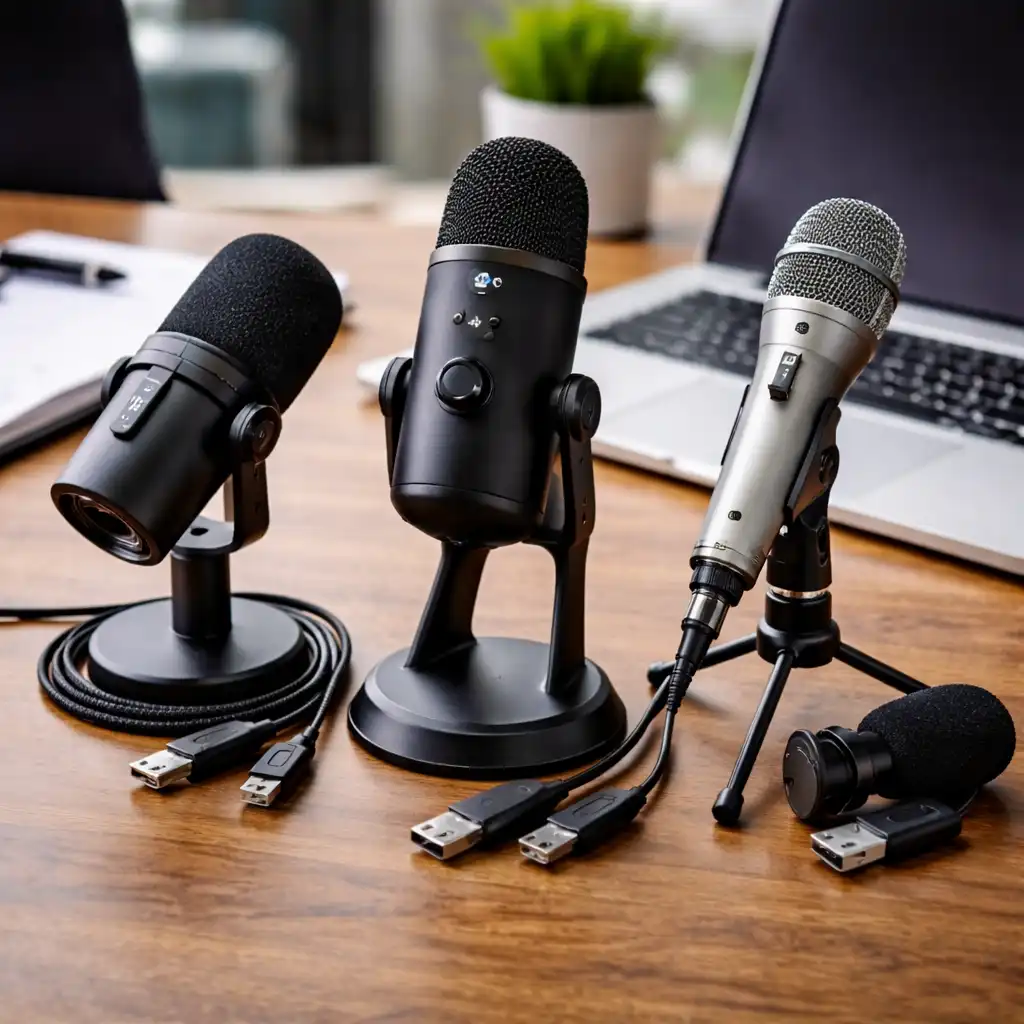
Best USB Microphone for Laptop – Clear Voice Recording for Work, Streaming, and Podcasts
Disclosure: This post contains affiliate links. LaptopVoyager.com participates in the Amazon Associates Program and may earn commissions on qualifying purchases, at no extra cost to you.
Last Updated: February 2026
A USB microphone can dramatically improve voice clarity compared to built-in laptop mics. Whether you’re recording podcasts, streaming, gaming, or joining video meetings, the right mic depends on pickup pattern, connection flexibility, and included features.
This guide compares three of the best USB microphone for laptop options based on specifications, feature sets, and documented user feedback.
👉 For a broader look at compatible audio devices and accessories, see our guide to best laptop audio gear.
💰 Check Price & Availability
View on Amazon – Shure MV6 USB Gaming Microphone
View on Amazon – Blue Yeti USB Microphone
View on Amazon – Samson Q2U USB/XLR Microphone
📋 Quick-View Comparison List
Best for Background Noise Control: Shure MV6
Best for Versatility and Pickup Modes: Blue Yeti
Best Budget + Future Upgrade Option: Samson Q2U
🔍 What Makes a USB Microphone Good for Laptop Use
The best USB microphone for laptop setups should offer plug-and-play compatibility, stable USB connectivity, and onboard monitoring.
Important features include pickup pattern options, mute controls, gain adjustment, and headphone monitoring through a 3.5mm jack. Many models also include software-based enhancements for EQ, compression, or noise reduction.
For creators or remote workers, voice isolation and background noise control are often more important than raw sensitivity.
If you’re deciding between standalone microphones and integrated headsets, you may also want to review what makes a good laptop headset to compare core audio and mic design differences.
📦 Shure MV6 – Dynamic Mic With Voice Isolation
The Shure MV6 is a USB dynamic microphone designed for voice clarity and noise control. According to the manufacturer, it includes voice isolation technology and a real-time denoiser to help reduce background distractions.
Dynamic microphones are generally less sensitive to room noise compared to condenser mics. This makes the MV6 a strong choice for untreated rooms, shared spaces, or gaming environments.
It also features tap-to-mute functionality and 3.5mm headphone monitoring for real-time audio feedback.
📦 Blue Yeti – Multi-Pattern Studio Versatility
The Blue Yeti uses a tri-capsule array and offers four pickup patterns: cardioid, omnidirectional, bidirectional, and stereo. This flexibility makes it suitable for solo recording, interviews, or small group sessions.
According to product documentation, it supports Blue VO!CE software for voice shaping and broadcast-style adjustments. Many professional reviews highlight its versatility and strong overall voice capture for content creation.
It includes onboard gain control, mute functionality, and direct headphone monitoring.
📦 Samson Q2U – Dual USB and XLR Flexibility
The Samson Q2U offers both USB and XLR connectivity. This allows direct laptop use now, with the option to connect to an audio interface later.
It’s a dynamic microphone, which helps reduce room noise pickup compared to many condenser USB models. The included accessory kit typically features a desktop stand, windscreen, cables, and mounting hardware.
This dual-output design makes it a practical option for beginners who may upgrade their recording setup over time.
🔍 How to Choose the Best USB Microphone for Laptop
If you record in noisy environments, a dynamic microphone with voice isolation can be beneficial.
If you want multiple recording styles or shared use, multi-pattern microphones provide flexibility. For long-term setup growth, dual USB/XLR models offer upgrade potential without replacing the mic.
Also consider desk space, included mounting options, and whether you need integrated software control.
For users focused mainly on calls rather than recording, a dedicated best usb headset with mic for laptop may offer a simpler plug-and-play solution.
📌 Key Takeaways
- Dynamic microphones reduce background noise more effectively in untreated rooms
- Multi-pattern microphones offer recording flexibility
- USB connectivity ensures plug-and-play laptop compatibility
- Headphone monitoring improves real-time voice control
- Dual USB/XLR models support future setup upgrades
🟢 FAQs
Q: Is a USB microphone better than a headset mic?
In most cases, yes. USB microphones typically provide clearer and more detailed voice capture than integrated headset microphones.
Q: Do USB microphones need drivers?
Most are plug-and-play with Windows and macOS, though some include optional software for advanced controls.
Q: Is dynamic or condenser better for laptop recording?
Dynamic microphones are often better for noisy rooms, while condenser mics capture more detail in controlled environments.
Q: Can I use these microphones for streaming?
Yes. All three models are designed for voice recording, streaming, and video conferencing.
✅ Conclusion
The best USB microphone for laptop use depends on your recording environment and future plans. Dynamic models like the Shure MV6 and Samson Q2U help manage background noise, while multi-pattern options like the Blue Yeti offer versatility.
Matching microphone type, connectivity, and feature set to your workflow ensures clearer voice recording and long-term usability.