Are 2-in-1 Laptops Good for Students? Pros, Cons, and Real Use Cases
Disclosure: This post contains affiliate links. LaptopVoyager.com participates in the Amazon Associates Program and may earn commissions on qualifying purchases, at no extra cost to you.
Last Updated: February 2026
Students often need a laptop that can handle a wide mix of tasks—note-taking, research, assignments, presentations, and occasional creative work. That’s why 2-in-1 laptops frequently come up as an option. They promise flexibility, touch input, and tablet-style convenience alongside full laptop functionality.
On paper, that sounds ideal. In real-world student use, though, whether a 2-in-1 is actually a good fit depends on how you study, what software you use, and how mobile your day-to-day routine is.
👉 If you’re still comparing device types, this overview of the best 2-in-1 laptops explains how convertibles compare across different sizes and use cases.
Let’s break down where 2-in-1 laptops work well for students—and where they can fall short.
🔍 Why 2-in-1 Laptops Appeal to Students
Flexibility is the main draw.
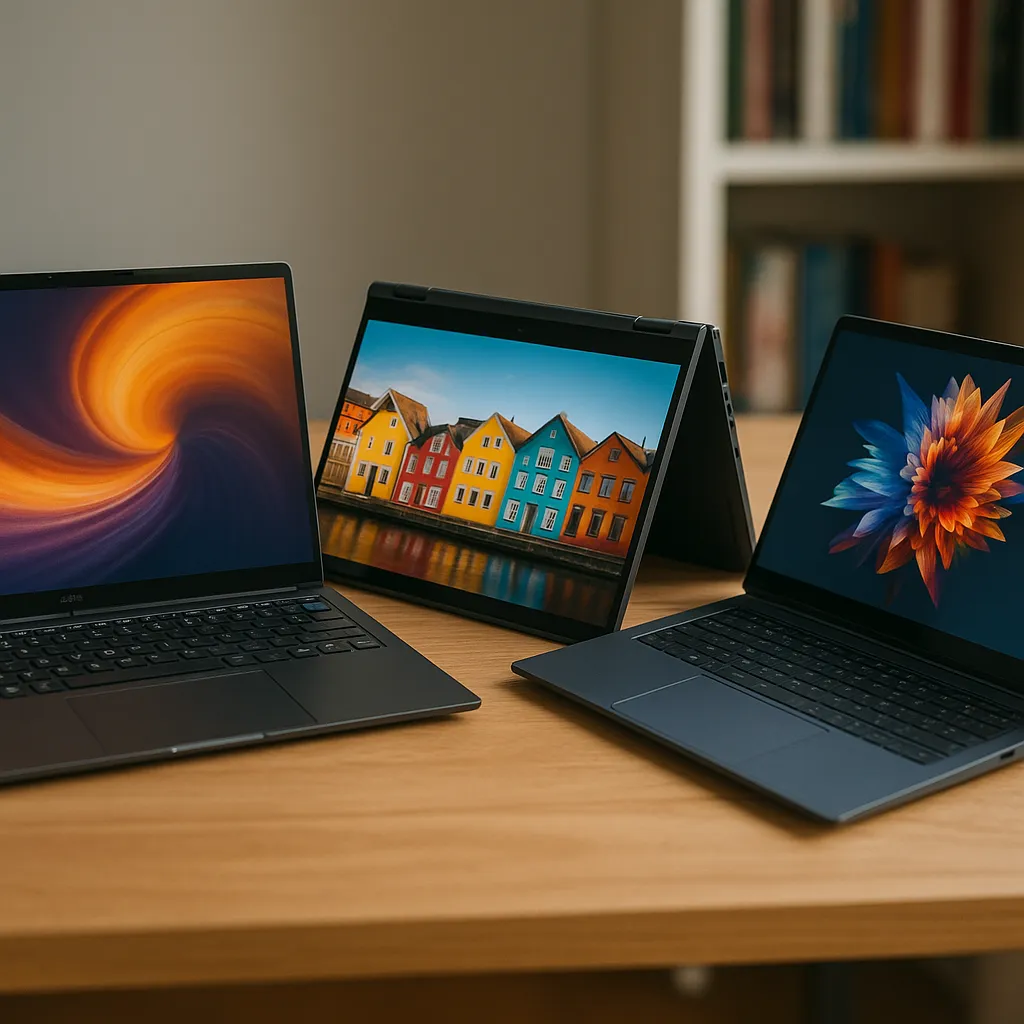
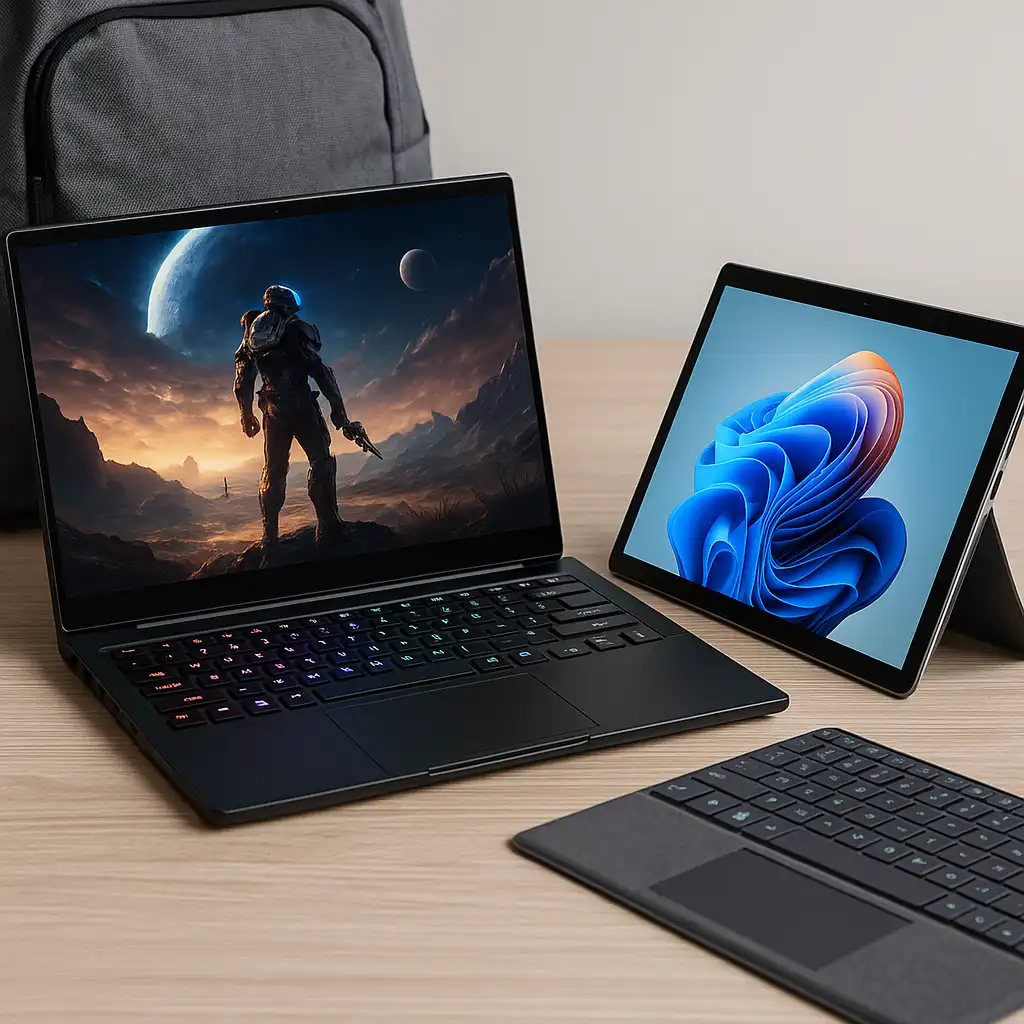
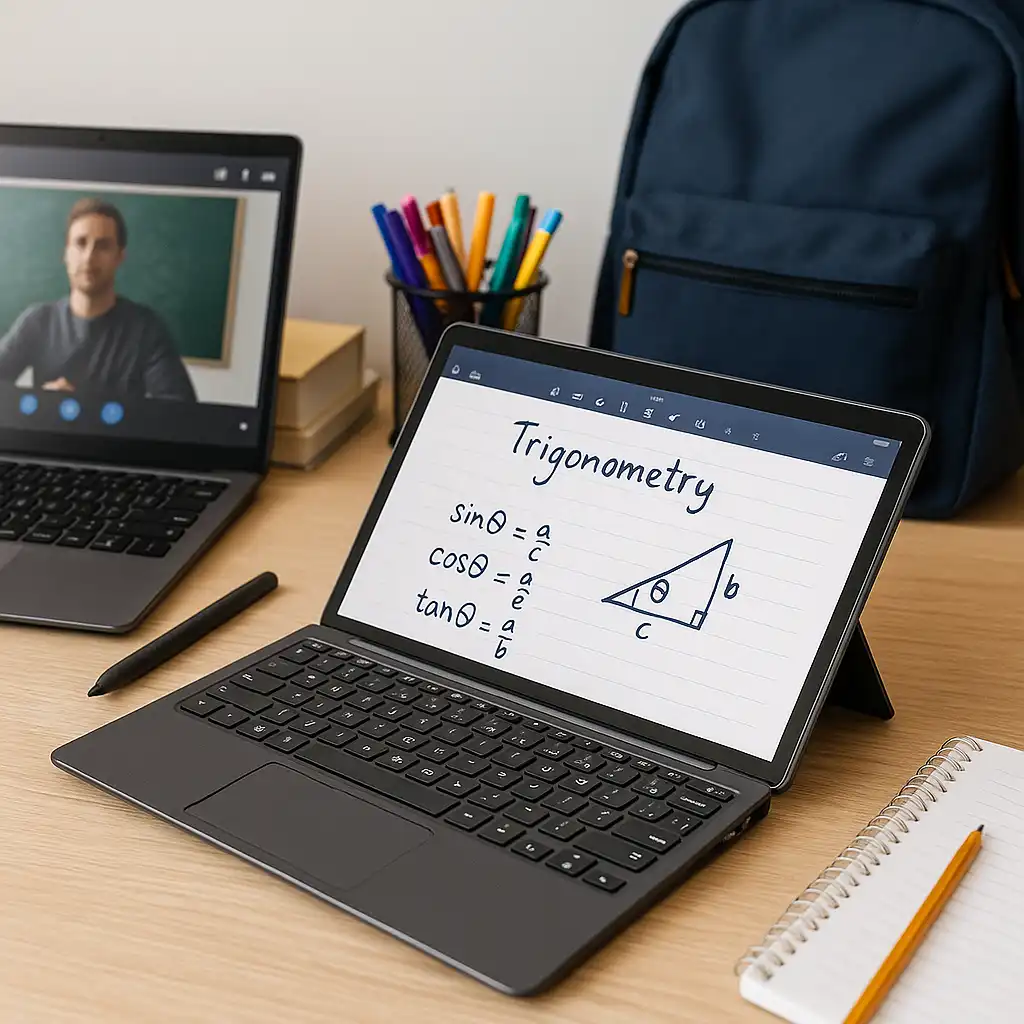
A 2-in-1 laptop can switch between laptop and tablet modes, making it useful for handwritten notes, reading PDFs, and annotating slides. Touchscreens and pen support can feel more natural in lecture halls or when studying away from a desk.
For students who like changing how they interact with their device throughout the day, this flexibility can be genuinely useful.
🔍 Note-Taking and Studying Benefits
This is where many students see the biggest advantage.
Tablet mode allows handwritten notes, sketches, and direct annotation on lecture materials. This can be especially helpful for subjects like math, engineering, or design, where diagrams matter as much as text.
That said, typing long essays or coding assignments is still more comfortable in laptop mode with a proper keyboard.
🔍 Performance and Software Needs
Most 2-in-1 laptops handle typical student workloads well.
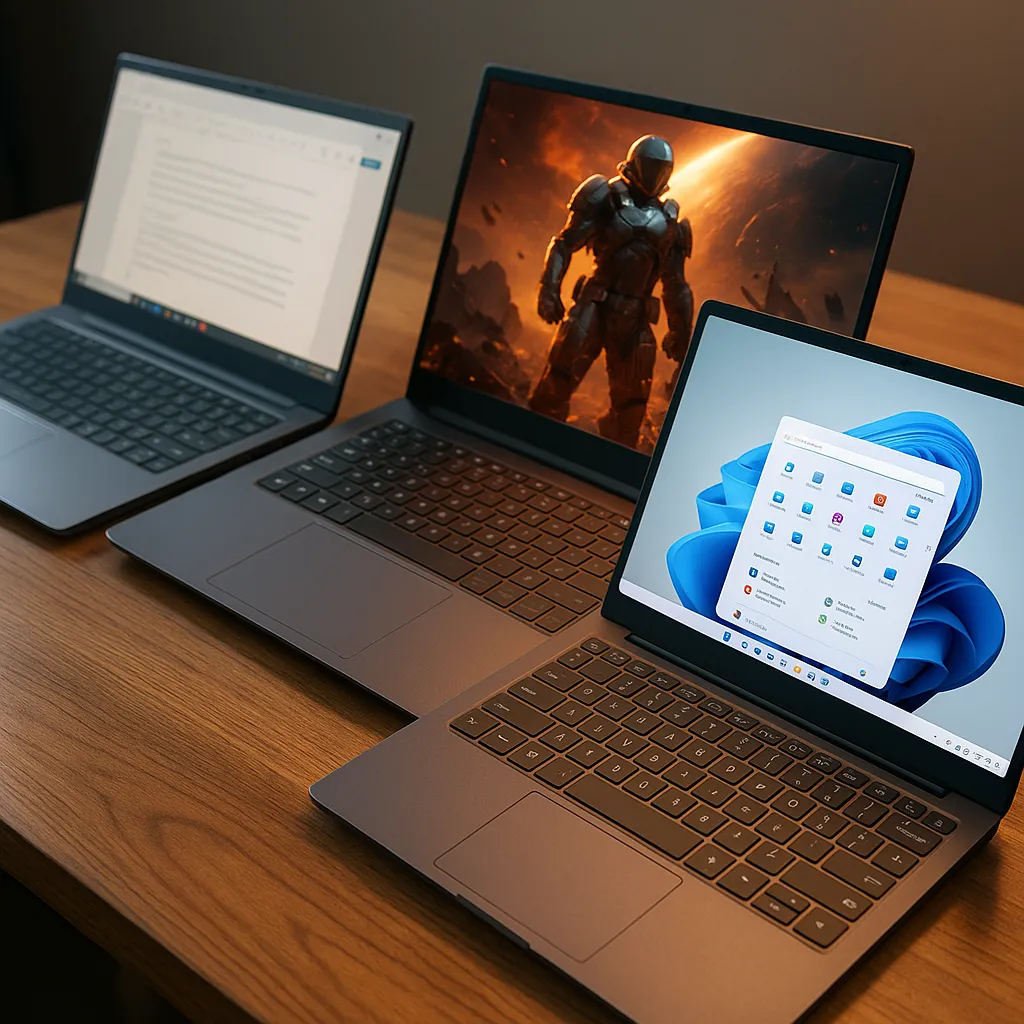
Tasks like writing papers, browsing research databases, video calls, and presentations don’t require extreme performance. Many convertibles are well suited for these needs.
However, students using heavier software—such as 3D modeling, video editing, or advanced simulations—need to pay closer attention to processor performance and cooling, as thinner designs may have limitations.
🔍 Portability and Battery Life on Campus
Portability matters for students moving between classes.
Many 2-in-1 laptops are lighter than traditional laptops of the same screen size, and tablet mode can be convenient for quick reading or studying without opening a full laptop.
Battery life varies widely by model and usage. Touchscreens and high-resolution displays can drain power faster, especially when brightness is high or tablet mode is used frequently.
🔍 Durability and Daily Wear
Students tend to be hard on laptops.
Backpacks, shared desks, frequent opening and closing, and travel all add wear. 2-in-1 laptops include more moving parts, particularly hinges and touchscreens, which makes build quality important.
A well-built 2-in-1 can hold up just fine, but cheaper models may show wear sooner if handled roughly.
🔍 Cost vs Value for Students
Price is often a deciding factor.
2-in-1 laptops can cost more than similarly specced regular laptops due to touchscreens and hinge mechanisms. For students who actively use tablet mode and pen input, the added cost can be justified.
For students who mostly type and rarely touch the screen, a traditional laptop may offer better value.
🔍 When a Regular Laptop Might Be the Better Choice
A regular laptop can still make more sense in many cases.
If your coursework involves long typing sessions, coding, or desk-based work, a traditional laptop often feels more stable and comfortable. It can also offer stronger performance or better value at the same price point.
Choosing a 2-in-1 only makes sense if you’ll actually use its extra features.
📌 Key Takeaways
- 2-in-1 laptops offer flexibility that many students appreciate
- Tablet mode is useful for handwritten notes and reading
- Performance is sufficient for most coursework but varies by model
- Battery life depends heavily on screen and usage patterns
- Build quality matters due to daily campus wear
- A regular laptop may offer better value if touch features go unused
🟢 FAQs
Q: Are 2-in-1 laptops good for college students?
Yes, especially for note-taking and flexible study setups, but it depends on the student’s workload and habits.
Q: Do students need pen support?
Only if handwritten notes or diagrams are part of your study routine.
Q: Are 2-in-1 laptops durable enough for school?
Well-built models are, but cheaper designs may wear faster with heavy daily use.
Q: Is a 2-in-1 better than a regular laptop for studying?
It can be, if you use tablet mode often. Otherwise, a regular laptop may be more practical.
✅ Conclusion
2-in-1 laptops can be a strong choice for students who value flexibility, handwritten notes, and adaptable study setups. They work especially well for classes that involve diagrams, reading, and annotation alongside traditional assignments.
For students who mainly type, code, or work at a desk, a regular laptop may still be the better and more cost-effective option. As with most tech choices, the best device is the one that matches how you actually study—not just what sounds good on paper.