Average Laptop Lifespan by Brand: What to Expect Before Replacing
Disclosure: This post contains affiliate links. LaptopVoyager.com participates in the Amazon Associates Program and may earn commissions on qualifying purchases, at no extra cost to you.
Last Updated: January 2026
Most laptops aren’t replaced because they suddenly stop working. They’re replaced because they feel slow, the battery barely lasts, or small issues start piling up. Understanding the average laptop lifespan by brand helps you set realistic expectations and plan ahead instead of waiting for something to fail.
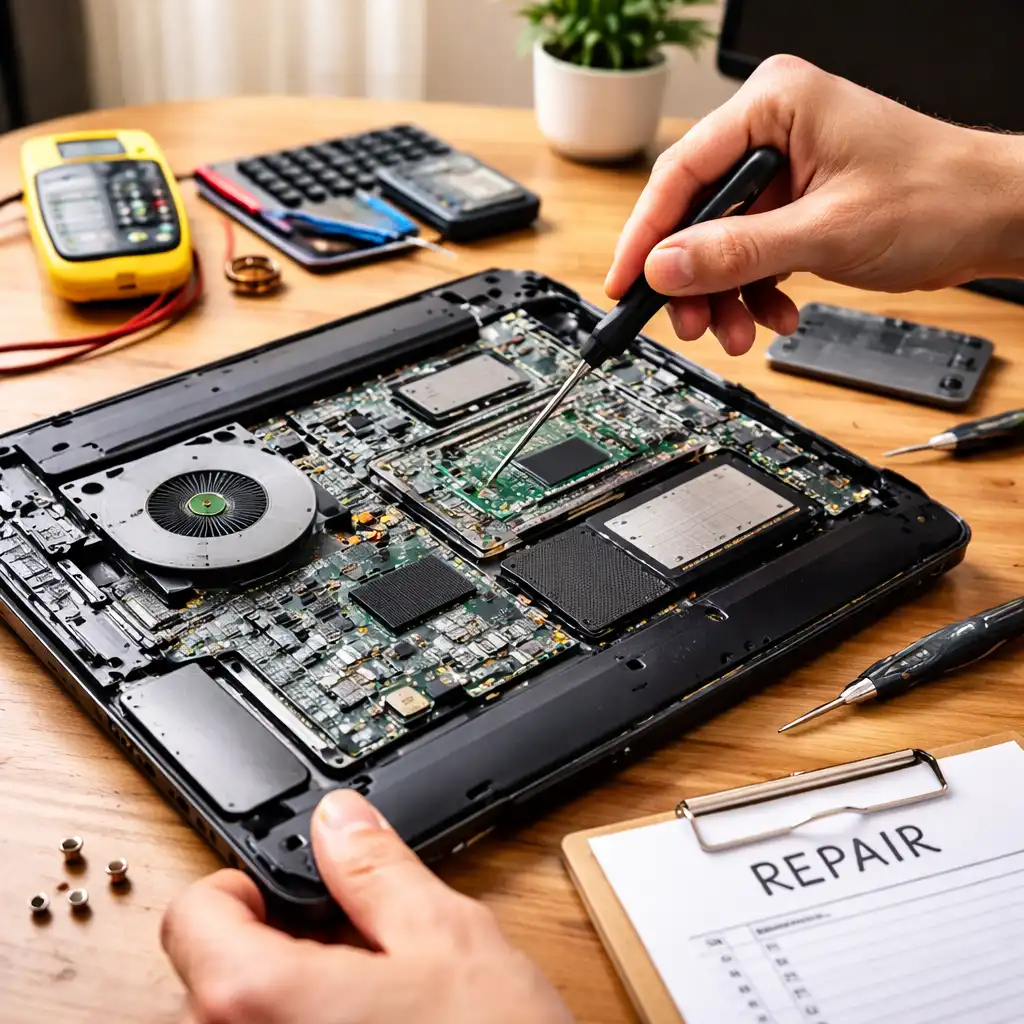
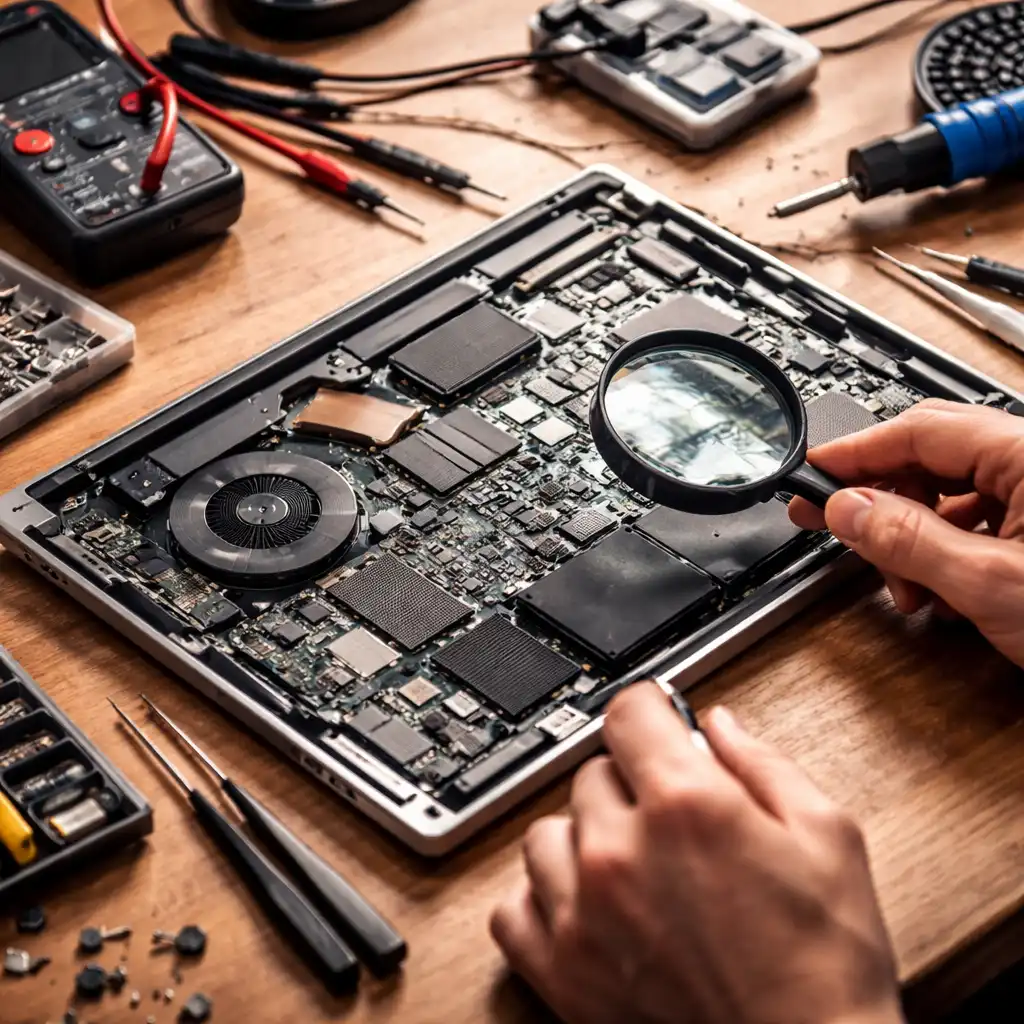
👉 If you’re deciding whether it’s smarter to repair or replace what you have, our laptop repair and maintenance guide explains costs, warning signs, and long-term ownership decisions in one place.
🔍 What Determines a Laptop’s Lifespan?
A laptop’s lifespan isn’t just about the brand name. It’s shaped by how the device is built and how it’s used over time.
Models with stronger hinges, better cooling, and sturdier materials tend to age more gracefully. Heat management matters more than most people expect—laptops that stay cooler usually maintain performance longer and avoid early hardware wear.
Usage habits also make a big difference. Daily work or school use, frequent travel, and constant charging will wear a laptop down faster than occasional home use.
🔍 Average Laptop Lifespan by Brand (General Expectations)
These lifespan ranges reflect real-world ownership patterns and common repair trends—not ideal scenarios or marketing claims.
Apple (MacBook Series)
Most MacBooks last 6–8 years, especially newer MacBook Air and MacBook Pro models. Solid build quality, efficient hardware, and long software support help them stay usable longer than average.
For many users, battery replacement is the first major maintenance step. After that, performance often remains reliable for years.
Dell
Dell laptops typically last 4–6 years. Business-focused models like Latitude and XPS tend to outlast entry-level Inspiron systems.
Build quality and cooling vary widely by lineup, so lifespan often depends more on the specific Dell series than the brand itself.
Lenovo
Lenovo laptops also average 4–6 years, with ThinkPad models frequently reaching the upper end. ThinkPads are known for durable keyboards, sturdy hinges, and strong long-term reliability.
IdeaPad models are lighter and more affordable, but they usually show wear sooner with daily use.
HP
HP laptops generally fall in the 3–5 year range. Premium lines like Spectre and EliteBook age better than Pavilion and budget models.
Very thin designs can struggle with heat over time, which may affect performance as the laptop gets older.
ASUS
ASUS laptops typically last 4–6 years, especially ZenBook and higher-tier VivoBook models. Mid-range build quality is solid across much of the lineup.
Gaming-focused ASUS laptops may need earlier battery or cooling attention due to higher heat and power draw.
Acer
Acer laptops usually last 3–5 years, particularly Aspire and entry-level models. They’re affordable upfront but may need earlier battery or hinge repairs.
Higher-end Acer models generally hold up better than the lowest-cost configurations.
🔍 Why Budget Models Don’t Last as Long
Budget laptops aren’t built to fail early—they’re built to hit a lower price point.
That usually means lighter materials, smaller batteries, and simpler cooling systems. Over time, those trade-offs show up as faster wear or reduced performance.
They can still be a smart buy, but it’s important to expect a shorter usable lifespan, especially with daily workloads.
🔍 Signs Your Laptop Is Near the End of Its Lifespan
Most laptops don’t fail without warning.
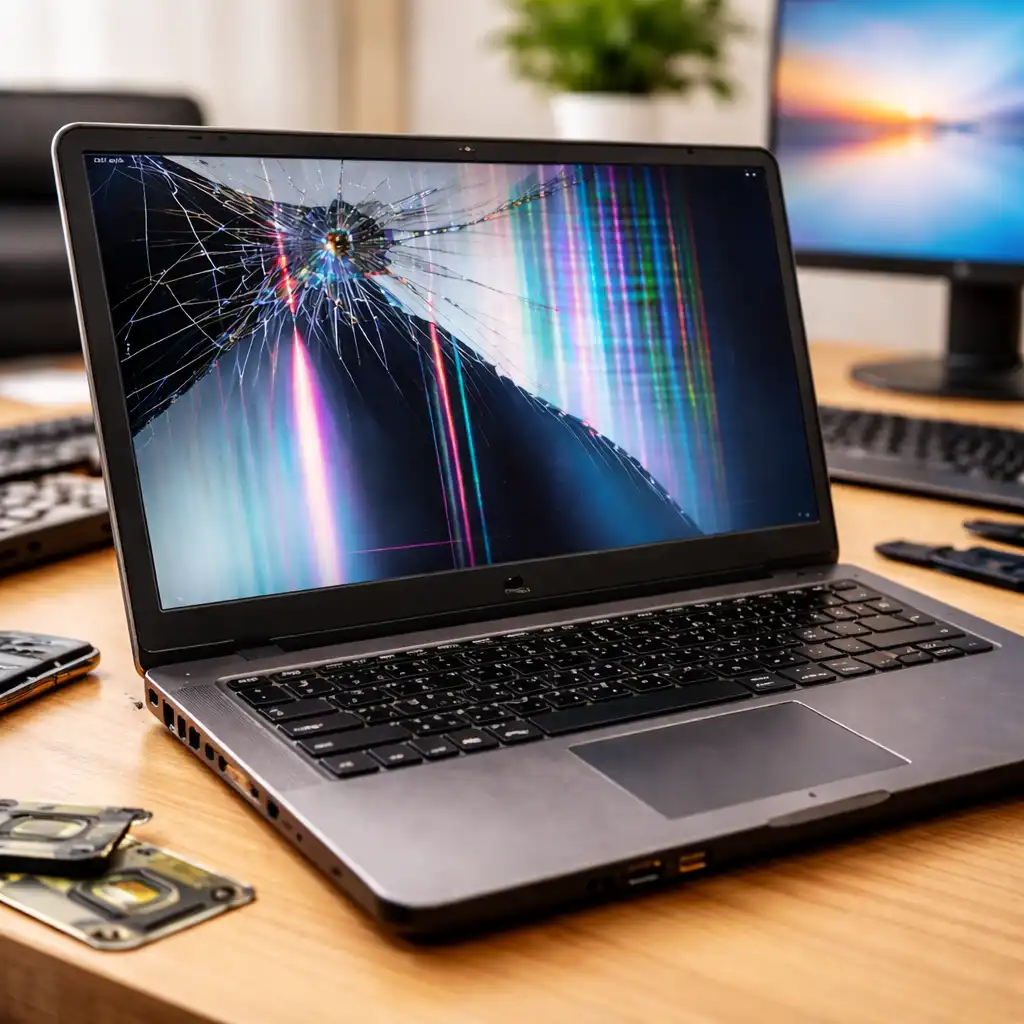
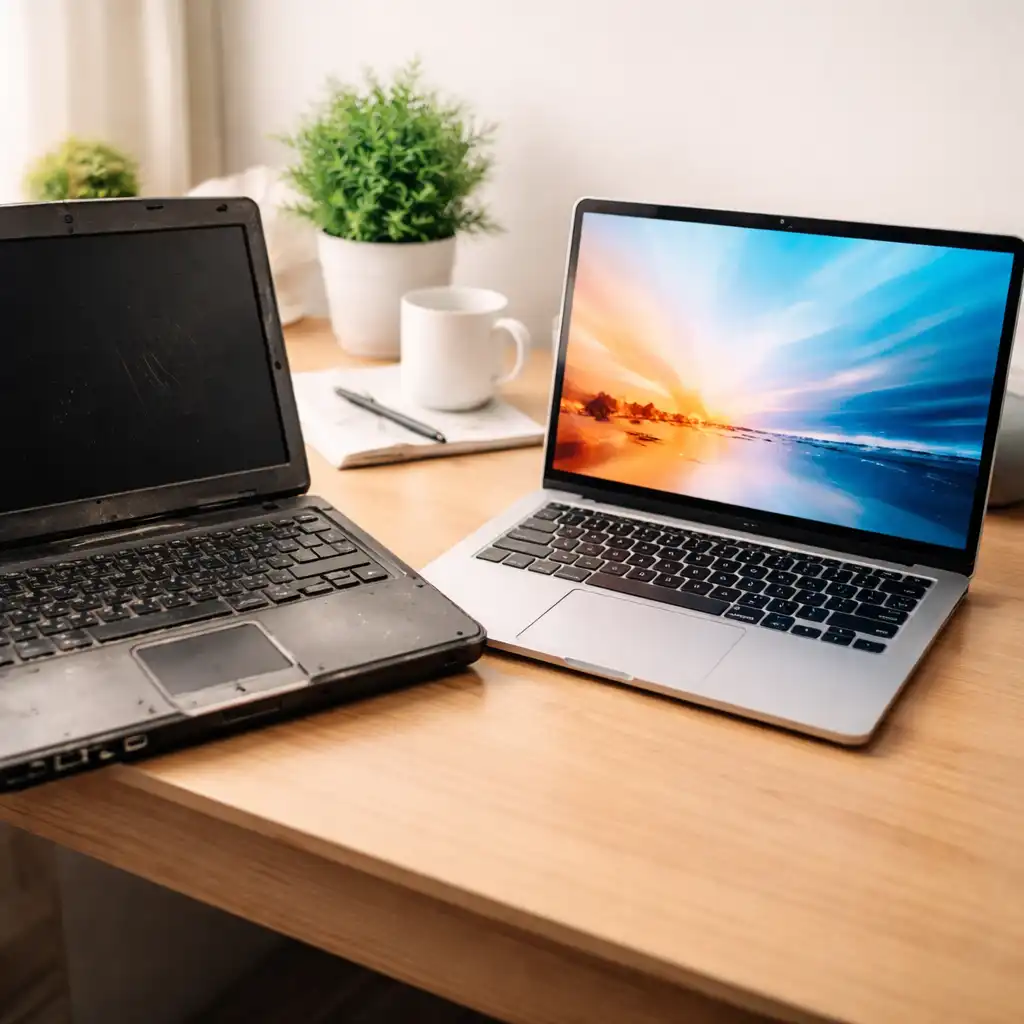
Slow performance that doesn’t improve with basic cleanup, battery life dropping below a couple of hours, frequent overheating, or loud fan noise are all common signs of aging hardware.
👉 If you’re unsure whether your laptop is still worth keeping, signs your laptop is about to fail explains what to watch for.
🔍 Can You Extend a Laptop’s Lifespan?
In many cases, yes—often by one to three extra years.
Replacing the battery is usually the biggest improvement for older laptops. Upgrading to an SSD or adding more RAM can restore everyday responsiveness. Regular cleaning also helps prevent heat-related slowdowns.
👉 For practical steps, see how to make your laptop last longer.
🔍 When Replacement Makes More Sense Than Repair
Even reliable laptops eventually reach a point where repairs stop making sense.
If a major repair costs close to half the price of a comparable replacement laptop, upgrading is usually the smarter move. Laptops that no longer receive operating system updates can also pose security risks.
👉 Our laptop repair vs replacement cost comparison helps put those decisions into perspective.
📌 Key Takeaways
- Most laptops last 3–6 years, depending on brand and build quality
- Premium and business-class models usually outlast budget laptops
- Battery wear is the most common lifespan limiter
- Simple upgrades can extend usability by years
- Replacement makes sense once repair costs climb too high
🟢 FAQs
Q: Which laptop brand lasts the longest?
Apple and Lenovo ThinkPad models often last the longest, especially with proper maintenance.
Q: Is a 5-year-old laptop still usable?
Yes, if performance meets your needs and the battery is still healthy or replaceable.
Q: Do gaming laptops have shorter lifespans?
Often yes. Higher heat and power usage can accelerate battery and cooling wear.
Q: Does usage matter more than brand?
In most cases, yes. Heavy daily use can shorten lifespan even on premium laptops.
✅ Conclusion
Average laptop lifespan by brand provides a helpful baseline, but real-world longevity depends just as much on build quality, usage habits, and maintenance. Premium and business-class laptops usually last longer, while budget models trade lifespan for affordability. Knowing what to expect helps you plan smarter—whether that means upgrading parts, budgeting for repairs, or replacing your laptop before problems become expensive.